I’ve set up books for one-person startups and busy contractors alike. The ones who thrive don’t share a favorite software — they share good habits. Let’s cover the methods, the tools, and the routines that actually make the difference.
What counts as the best bookkeeping for small business?
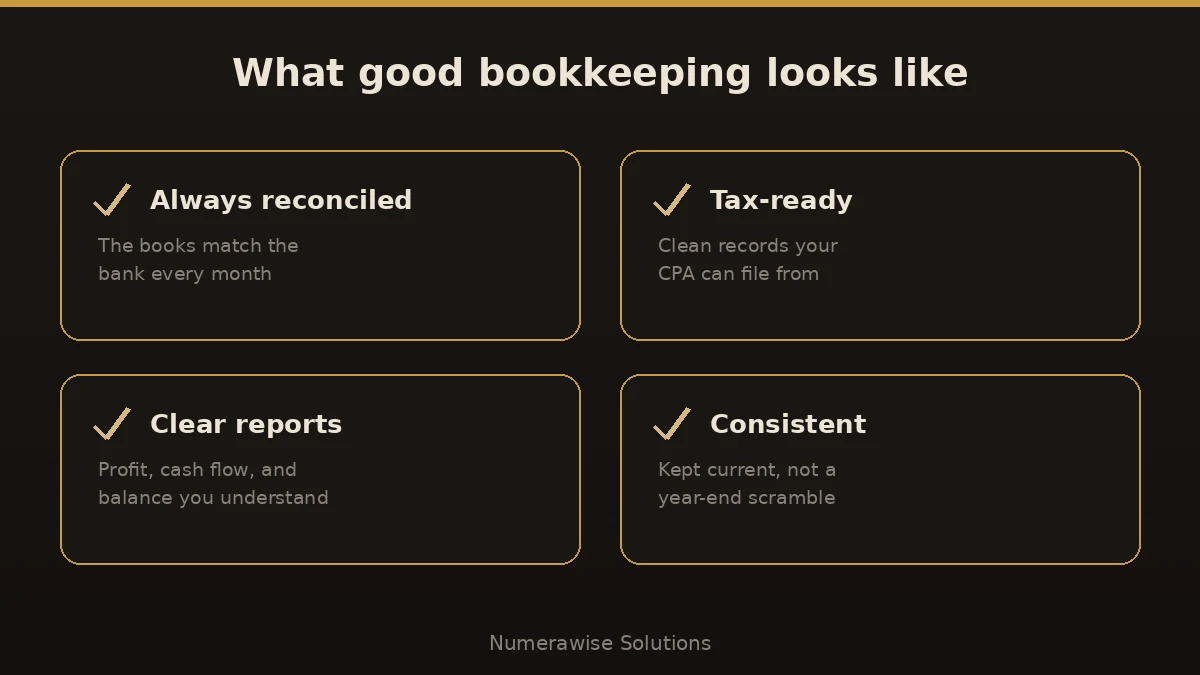
Bookkeeping is the steady recording, categorizing, and reconciling of every dollar your business handles. “Best” isn’t about features you’ll never use — it’s about four things being true every month:
- Accurate — the books match the bank, to the penny.
- Current — kept up weekly, not reconstructed in April.
- Tax-ready — clean records your CPA can file from.
- Understandable — reports you can actually read and act on.
Your four options (and who each suits)
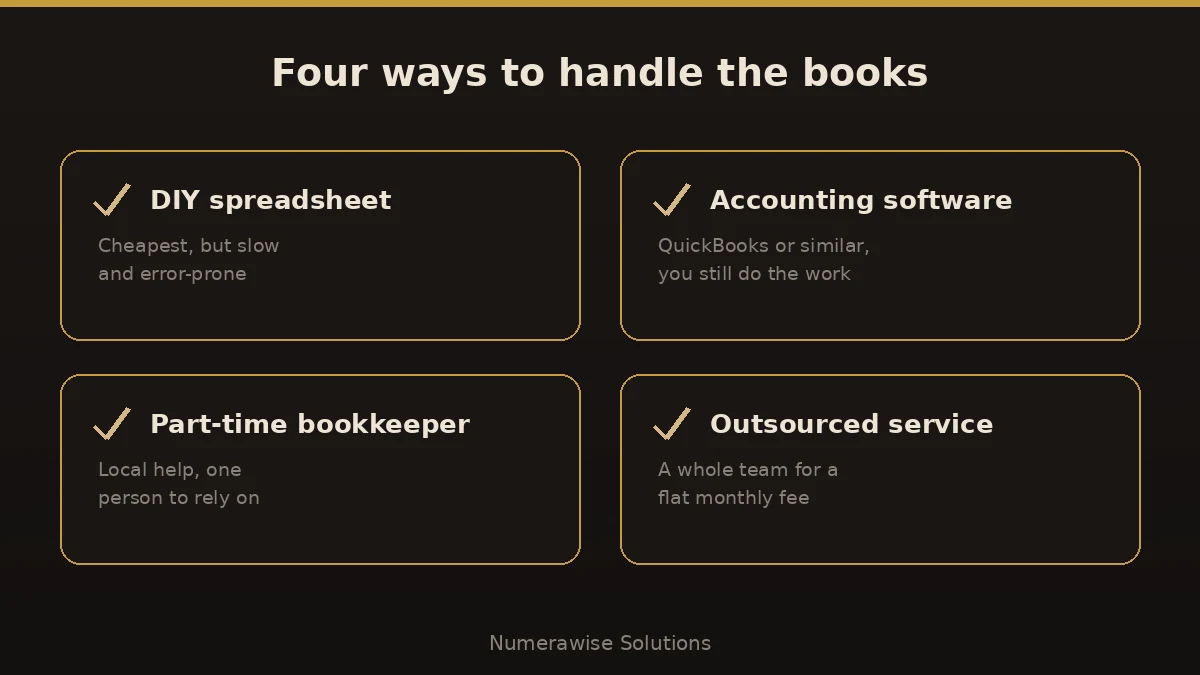
There are really four ways to handle the books. The best one depends on your size, budget, and how much time you can spare.
| Option | Best for | Watch out for |
|---|---|---|
| DIY spreadsheet | Brand-new, very simple | Error-prone, hard to scale |
| Accounting software | Disciplined owners | You still do the work |
| Part-time bookkeeper | Growing businesses | One point of failure |
| Outsourced service | Owners who want it off their plate | Choose one with real controls |
What about the software?
For most small businesses, cloud accounting software is the backbone — QuickBooks Online is the most widely used, with Xero, FreshBooks, and Wave as alternatives depending on your needs. But software is a tool, not a bookkeeper. It records what you tell it, mistakes included. The best results come from good software plus a skilled hand.
How to set up bookkeeping the right way
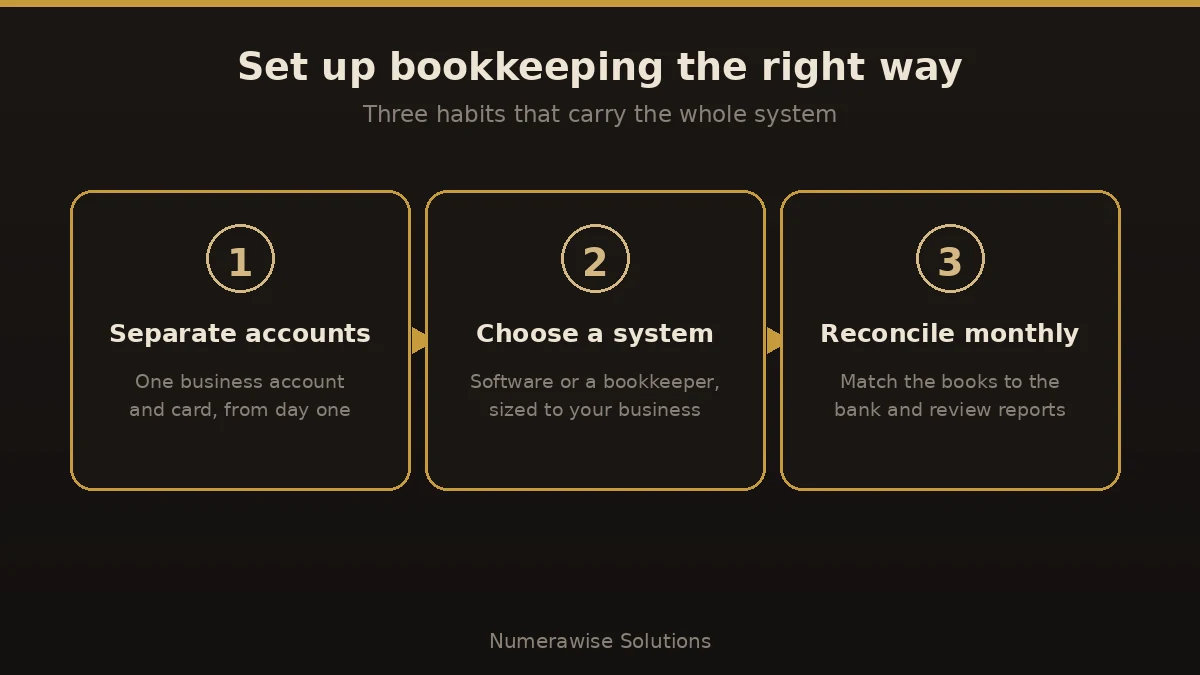
- Separate your accounts. One business checking account and one card. Personal stays personal — from day one.
- Choose your system. Pick software or a bookkeeper sized to your business, and connect your bank feeds.
- Record as you go. Ten minutes a few times a week beats a lost weekend at month-end.
- Reconcile monthly. Match your books to every bank and card statement.
- Review your reports. Read your profit and loss and balance sheet each month.
- Set aside tax money before you spend it, and close each period.
Benefits of getting bookkeeping right
- You always know where you stand — profit, cash, and who owes you.
- Tax season stops being scary — a handoff, not a fire drill.
- Better decisions from numbers you can trust.
- Easier funding — lenders want clean, reconciled books.
- Time back for the work only you can do.
Common mistakes to avoid
- Mixing personal and business money. It muddies every report and weakens your LLC protection.
- Falling behind. A year of catch-up costs far more than staying current.
- Skipping reconciliation. If the books don’t match the bank, they’re fiction.
- Guessing at categories. Wrong category, wrong tax, and buried deductions.
- Booking sales tax as income. That money belongs to the state, not your profit.
- DIY-ing past your capacity. White-knuckling it long after the business outgrew a spreadsheet.
Best practices that keep books clean
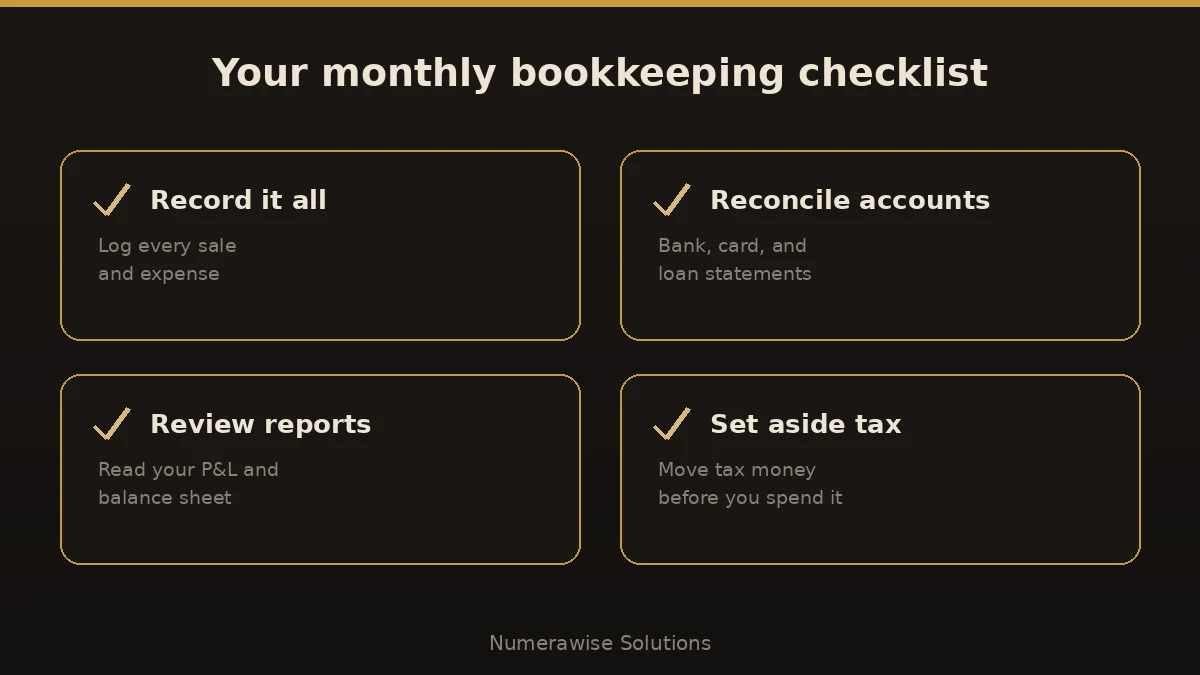
- Reconcile every account monthly — bank, credit card, and loans.
- Use QuickBooks Online with connected bank feeds instead of manual spreadsheets.
- Attach receipts to transactions; the IRS accepts digital copies.
- Review your P&L and balance sheet monthly, not just at tax time.
- Set aside money for taxes every month, and close each period on a checklist.
- Hand off the busywork the day it starts eating hours you owe your customers.
Why work with Numerawise Solutions
When the books start eating your evenings, that’s our cue. At Numerawise Solutions, we deliver the best bookkeeping for small business owners by pairing QuickBooks expertise with a real person who answers your emails. We keep your bookkeeping services accurate and tax-ready, add payroll services and outsourced bookkeeping when you need them, and give you clean monthly reports you can actually use. You get the accuracy of a full team without the cost of hiring one.
The bottom line
The best bookkeeping for small business isn’t a product — it’s a habit backed by the right tools and the right help. Separate your accounts, pick a system that fits, reconcile every month, and hand off the busywork when it outgrows you. Whether you use software, a bookkeeper, or an outsourced team, the goal is the same: books that are accurate, current, and tax-ready, and reports you can trust. Get that right, and your bookkeeping stops being a chore and starts being one of your best business tools.
Key takeaways
- The best bookkeeping for small business is accurate, current, tax-ready, and easy to understand.
- Your four options are DIY, software, a part-time bookkeeper, or an outsourced service — pick by size and time.
- Software like QuickBooks is a tool, not a bookkeeper; results come from good habits.
- Separate accounts, reconcile monthly, and never mix personal and business money.
- Hand off the books when they start costing you more time than they save.
Quick answers.
What is the best bookkeeping method for a small business?
There’s no single best method — it depends on size and time. Very small or new businesses can start with cloud software and good habits; growing businesses often do better with a bookkeeper or an outsourced service. The best method is whichever keeps your books accurate, current, and tax-ready with the least stress.
What is the best bookkeeping software for small business?
QuickBooks Online is the most widely used, which makes it easy to find help and integrations. Xero, FreshBooks, and Wave are solid alternatives depending on your needs and budget. Software is only part of the answer, though — it records what you enter, so you still need consistent habits or a skilled bookkeeper.
Should I do my own bookkeeping or hire someone?
Do it yourself while you’re small, disciplined, and understand the basics. Hire help once bookkeeping competes with running the business, reconciliations fall behind, or you can’t answer basic cash-flow questions. Most owners start on their own and hand off as they grow, which is exactly when a bookkeeper pays for itself.
How much does bookkeeping cost for a small business?
It ranges widely. DIY software costs a small monthly subscription; a bookkeeper or outsourced service is usually a flat monthly fee based on transaction volume and whether payroll and sales tax are included. Most small businesses pay a few hundred dollars a month, with higher volume costing more. Ask for a scope-based quote.
How often should I do my bookkeeping?
Record transactions at least weekly and reconcile every account monthly. Staying current is the single biggest factor in good books — it catches errors while they’re fresh and keeps your reports trustworthy. Waiting until year-end turns routine work into a stressful, error-prone cleanup.
What’s the difference between bookkeeping and accounting?
Bookkeeping is the day-to-day recording and reconciling of transactions and producing monthly reports. Accounting uses those records for tax filing, analysis, and strategy. They work together: clean bookkeeping lowers your accounting bill because your CPA advises instead of fixing your file first.
Do I still need a bookkeeper if I use QuickBooks?
Often, yes. QuickBooks is a tool, not a bookkeeper — it records what you tell it, mistakes included. It still needs someone to categorize transactions, reconcile accounts, and catch errors before they snowball. Great software plus a skilled hand is what produces the best bookkeeping for small business owners.
How do I keep my small business books tax-ready?
Separate business and personal accounts, reconcile monthly, categorize consistently, and attach receipts to transactions. Set aside tax money each month and close each period so filed numbers don’t change. Keep records for at least three to four years; the IRS accepts digital copies, which makes storage easy.
When should I switch from DIY to outsourced bookkeeping?
Switch when the routine competes with running the business, reconciliations slip, or you can’t answer basic questions about cash flow. That’s the point where an outsourced service saves more than it costs — you get a full team, cleaner books, and your time back for a predictable monthly fee.
Get a free scoping call.
Tell us what you’re working on. We respond same business day.

Ram · Founder & Principal
Founder of Numerawise Solutions, established MMXXIV in Atlanta. Intuit ProAdvisor Gold tier. Former Intuit Technical Support engineer. Has personally led two hundred accounting software conversions for US small businesses since founding the practice. Reachable directly at [email protected].
Free: The Clean-Cutover Checklist
The step-by-step checklist we use to migrate businesses to QuickBooks without losing data — bank rec, opening balances, payroll YTD, and the validation tie-out. Get it in your inbox.
No spam — just the checklist and the occasional QuickBooks tip.