Sage Intacct to QuickBooks Conversion
Our Sage Intacct to QuickBooks conversion moves you to QuickBooks Online Advanced or Enterprise — dimensions, custom fields, and entity structure mapped into your agreed QuickBooks configuration — while materially lowering your software costs. For US firms whose Intacct subscription has outgrown their actual usage.
Free 30-minute scoping call · Fixed-price quote in 24 hours · No commitment
Why Intacct gets abandoned
Three reasons firms leave Sage Intacct
Intacct is a strong platform — but most firms we migrate were sold more than they needed. Here’s what we hear most.
Pricing creep
Intacct’s per-user, per-module pricing scales painfully. Most clients we migrate pay well into five or six figures a year for features they don’t use. QuickBooks Online Advanced delivers the same operational outcome for about $4,080/yr (QBO Advanced list price, August 2026).
Dimensions complexity
Intacct dimensions are powerful but need constant maintenance. Teams that never needed that complexity report a happier daily workflow on QuickBooks’ simpler classes-and-locations model.
Implementation hangover
Many Intacct migrations were oversold at implementation. Moving back to QuickBooks isn’t a downgrade — it’s a right-sizing to what your business actually needs.
What you gain
What you gain by switching to QuickBooks
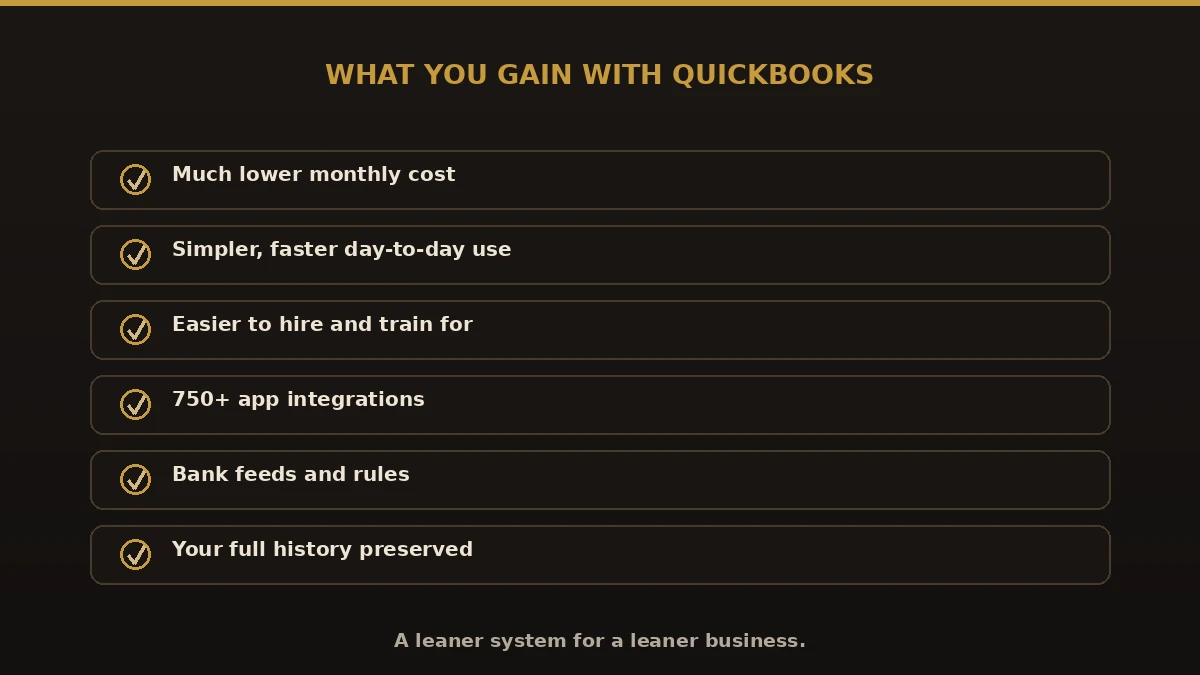
Sage Intacct is powerful, but business needs change. A company that once needed enterprise-level controls can end up paying for functionality it rarely uses. Here is what our clients gain after a QuickBooks conversion.
Lower software costs
Stop paying enterprise subscription fees for features you don’t use.
Easier accounting workflows
Day-to-day tasks take fewer clicks and far less maintenance.
Simpler reporting
Clear, familiar reports your whole team can actually read.
Faster staff training
New hires are productive in days, not weeks.
Better usability
An interface built for bookkeepers and business owners.
Reduced admin workload
Less time managing software — more time on the business.
Improved efficiency
A right-sized system for small and mid-sized firms.
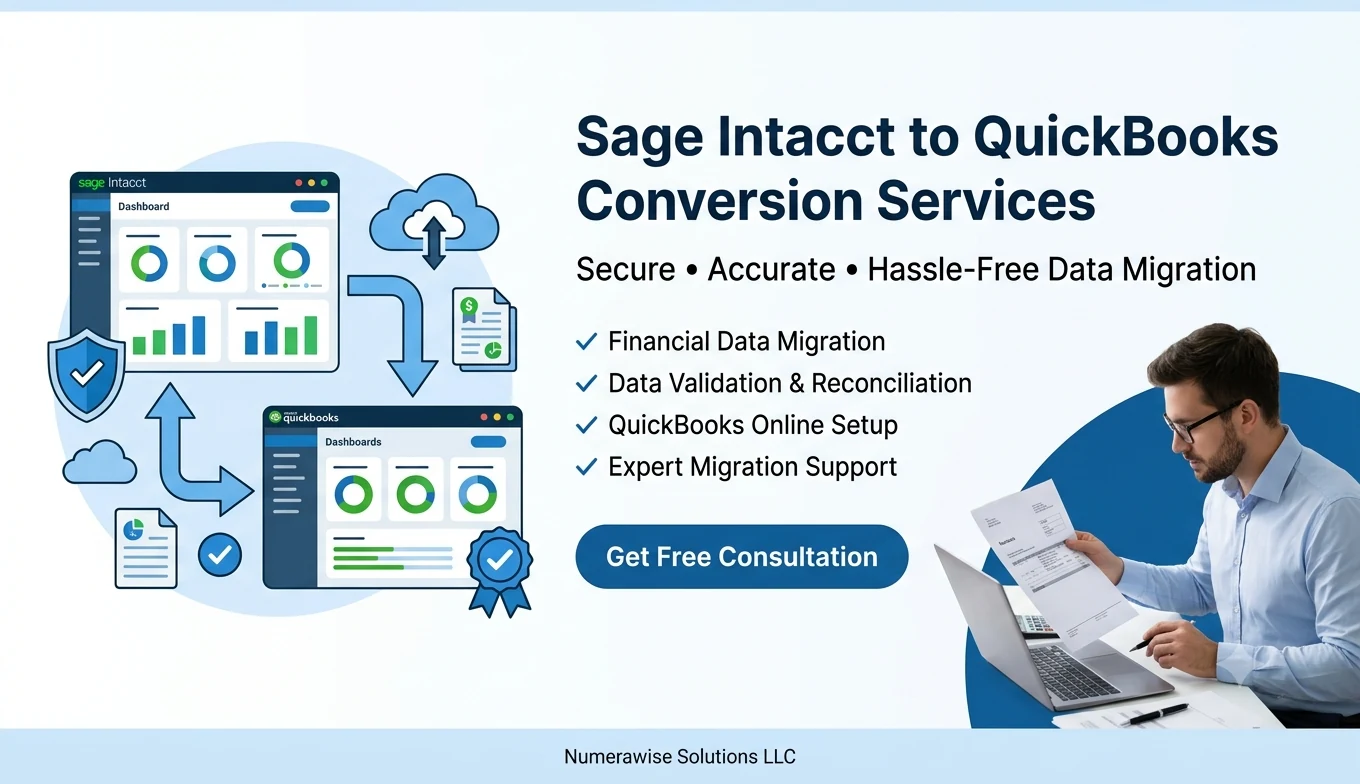
Get a fixed-price quote in 24 hours
Free 30-minute scoping call. No hourly billing. The quote is firm.
Common question
Can you convert Sage Intacct to QuickBooks Online?
Yes. We regularly help businesses convert Sage Intacct to QuickBooks Online while maintaining financial accuracy and reporting integrity. Depending on your requirements, we migrate:
- Customer records
- Vendor records
- Chart of accounts
- Open invoices
- Outstanding bills
- Product & service lists
- Historical transactions
- Bank account balances
- Financial reports
- Opening balances
Every migration is customized to your reporting needs and business goals.
How we do it
The Sage Intacct to QuickBooks conversion process
Four to six weeks, fixed price, full reconciliation — multi-entity adds about two weeks per entity. Every Sage Intacct to QuickBooks migration follows the same structured process.
Scoping call
Review your Intacct entities, dimensions, custom fields, and integrations. Free, 30 minutes, and you get a fixed-price quote within 24 hours.
Data export
Export GL, AR, AP, inventory, and dimensional data from Intacct via the native export utility — your live environment untouched.
Dimensions → classes/locations mapping
We map Intacct dimensions to QuickBooks classes and locations and walk through the mapping with you before anything moves.
Multi-entity setup
Each Intacct entity becomes its own QuickBooks Online or Enterprise file, with intercompany transactions handled separately.
Historical load
GL detail, open AR/AP, inventory, and dimensional history loaded month by month, reconciled at each step.
Validation + handover
Reconciled back to your source trial balance, with documentation and 30 days of post-conversion support included.
Cost comparison
Sage Intacct vs. QuickBooks Online Advanced
Real client numbers. Your figures depend on users, entities, and dimensions actively used. Coming from a different platform? We also handle NetSuite, Sage 100, and Xero conversions. Deciding at renewal time? Use the Sage Intacct renewal worksheet.
| What to compare | Sage Intacct | QuickBooks Online Advanced |
|---|---|---|
| Annual subscription (10 users) | Custom quote (commonly cited in the tens of thousands per year) | $4,080 |
| Implementation cost | $30,000–$80,000 | $3,500 (via Numerawise) |
| Dimensions | Native, 8 dimensions | Classes + Locations (2 dimensions) |
| Multi-entity | Native consolidation | Separate files + consolidation reporting |
| API + integrations | Strong | 600+ apps, simpler integrations |
| Daily user experience | Power-user friendly | Bookkeeper / SMB friendly |
Pricing
What a Sage Intacct to QuickBooks conversion costs
What moves the number:
Number of entities to migrate and consolidate
How many dimensions you actively use
Years of historical detail to bring over
Integrations and custom fields involved
Cleanup required before migration
Every quote is fixed-price — no hourly billing, no scope creep. With material annual savings after switching, payback is typically under three months, and we can keep your books current afterward with ongoing bookkeeping and payroll support. Free scoping call; fixed-price quote within 24 hours.
Real client success stories
Migrations we’ve delivered
A few representative engagements. Details are anonymized to protect client confidentiality.
Removing years of complexity
Their team was spending too much time navigating Intacct for routine tasks. We found dozens of inactive accounts and reporting categories, migrated to QuickBooks, and cut reporting time significantly. The client said it felt like removing years of unnecessary complexity.
Lower costs, same visibility
A distribution business wanted to reduce software expenses without losing inventory and financial visibility. We migrated inventory, customers, vendors, and historical data — and they gained a simpler system at a lower cost.
Faster reporting for managers
Store managers waited on accounting staff for custom reports. We reorganized parts of the chart of accounts and simplified reporting, so managers gained faster access and the team spent less time on manual reports.
Better project visibility
We redesigned reporting structures during migration to align with daily operations. Project managers gained easier access to job-cost information and management gained clearer visibility into project performance.
Ready for growth
A growing service company wanted a simpler platform that could scale. After migrating financial records, customers, and historical data, they reported a smoother month-end and improved daily efficiency.
What to avoid
Common mistakes in a Sage Intacct to QuickBooks migration
Moving down from an ERP has its own traps. When you convert Sage Intacct to QuickBooks, watch for these:
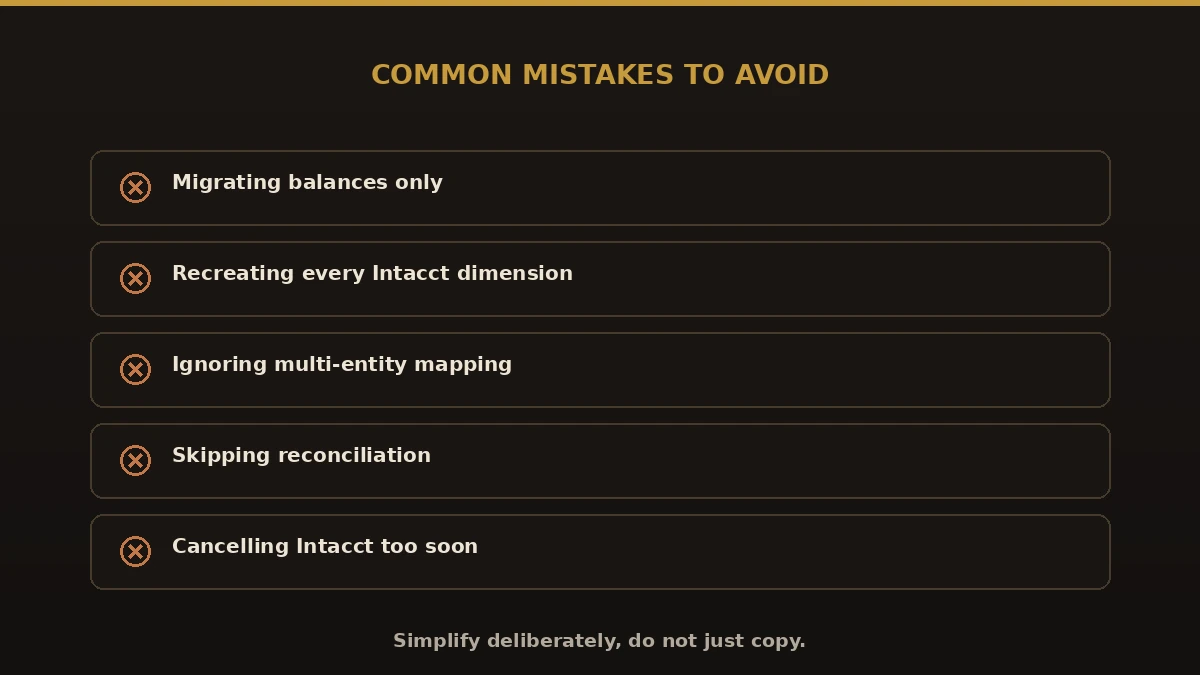
- Migrating balances only. You lose the history you may need at year-end or audit
- Recreating every Intacct dimension. The point of the move is simpler books — map dimensions to classes and locations instead
- Ignoring multi-entity mapping. Decide how entities consolidate before you convert
- Going live before reconciling. Never cut over until QuickBooks ties to Sage Intacct
- Cancelling Intacct too soon. Keep it read-only until the new file is proven
Do it right
Best practices for a clean move
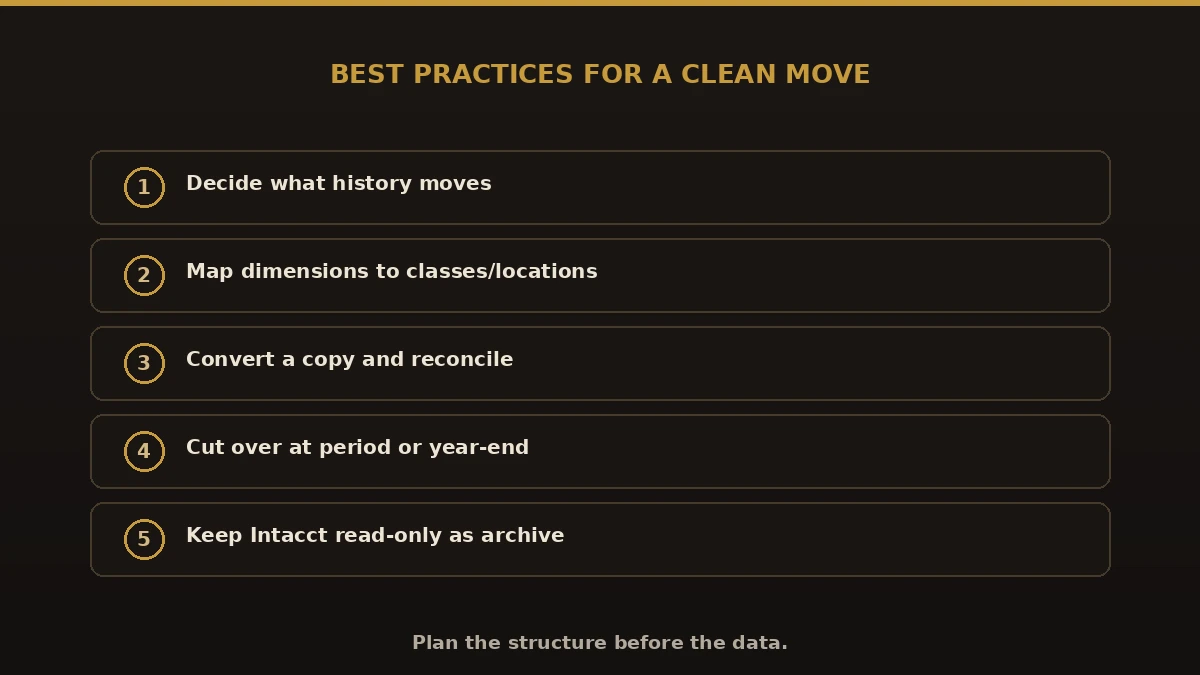
- Decide how much history and detail actually moves.
- Map Sage Intacct dimensions to QuickBooks classes and locations.
- Convert a copy and reconcile every balance.
- Pick a cutover at a clean break, like period or year-end.
- Keep Sage Intacct read-only until QuickBooks reports match.
- Choose QuickBooks Online for most, or Enterprise if you need more depth — and add bookkeeping support to stay clean.
Why Numerawise
Why choose Numerawise Solutions
Complete migration management
We handle the whole project from planning to go-live.
Data cleanup before migration
Duplicates and dead accounts removed before they reach QuickBooks.
Accurate account mapping
Every account and category mapped to the right place.
Validation & reconciliation
Balance Sheet, P&L, AR, AP, and bank balances tied back to source.
Testing before go-live
We migrate to a secure test file first and fix issues there.
Post-migration support
We stay available after go-live until your team is comfortable.
Experienced professionals
Intuit ProAdvisor Gold, with 200+ conversions delivered.
Who does the work
About the lead conversion specialist

Ram — Founder & Principal
Founder of Numerawise Solutions in Atlanta. Intuit ProAdvisor (Gold tier) and a former Intuit Technical Support engineer, Ram has personally led 200+ accounting-software conversions for US firms. We also provide ongoing bookkeeping and payroll support after go-live.
More about Ram Verified on UpworkQuestions, considered
Sage Intacct to QuickBooks migration FAQs
How much can we save by switching from Sage Intacct?
Many clients lower annual software subscription costs materially after the migration. With our $3,500–$10,000 migration cost, payback is typically under three months.
Do we lose multi-entity capability?
No. We split Intacct entities into separate QuickBooks files and set up consolidation reporting. Day-to-day workflows are simpler; consolidated financials still work.
What about our Intacct dimensions?
We map them to QuickBooks classes and locations. If you actively used more than two dimensions, we discuss alternative reporting structures during scoping.
Is QuickBooks really enterprise-grade?
QuickBooks Online Advanced and Enterprise serve US firms up to $50M revenue regularly — a rule of thumb; the real test is entity count, transaction volume and controls. The functional gap with Intacct is narrower than Intacct’s sales team suggests.
How long does the conversion take?
Four to six weeks. Multi-entity adds about two weeks per additional entity. You get a firm timeline at scoping.
Can you handle custom fields?
Yes. Custom fields map to QuickBooks custom fields or, where unsupported, are documented in a transferred-data spec.
What if our team prefers Intacct?
Honest answer: if your team genuinely uses 6+ dimensions or 8+ entities consolidated daily, you may be a fit for Intacct. Most firms aren’t — the scoping call surfaces that quickly.
Will there be downtime during the migration?
No. Our process lets your business keep operating in your current system while the migration is completed.
Will my historical data be preserved?
Yes. We migrate historical financial information based on your reporting and compliance requirements.
Do you provide support after the conversion?
Yes. We provide post-migration support so your team is comfortable in QuickBooks and every report works properly.
Other conversions
Should you be on a different page?
Conversion or migration?
Sage Intacct to QuickBooks migration, done right
“Conversion” and “migration” mean the same thing here. Whether you searched for a sage intacct to quickbooks conversion or a sage intacct to quickbooks migration, we move your full history — not just opening balances — and reconcile it to the cent. Same fixed-price service, either word.
Begin
Ready to leave Sage Intacct behind?
Send a few details and we’ll email a fixed-price quote within one business day. No call required — though we’re happy to talk it through.
Moving the other way? We also migrate QuickBooks to Sage Intacct — full history, fixed quote, same one-business-day turnaround on pricing.