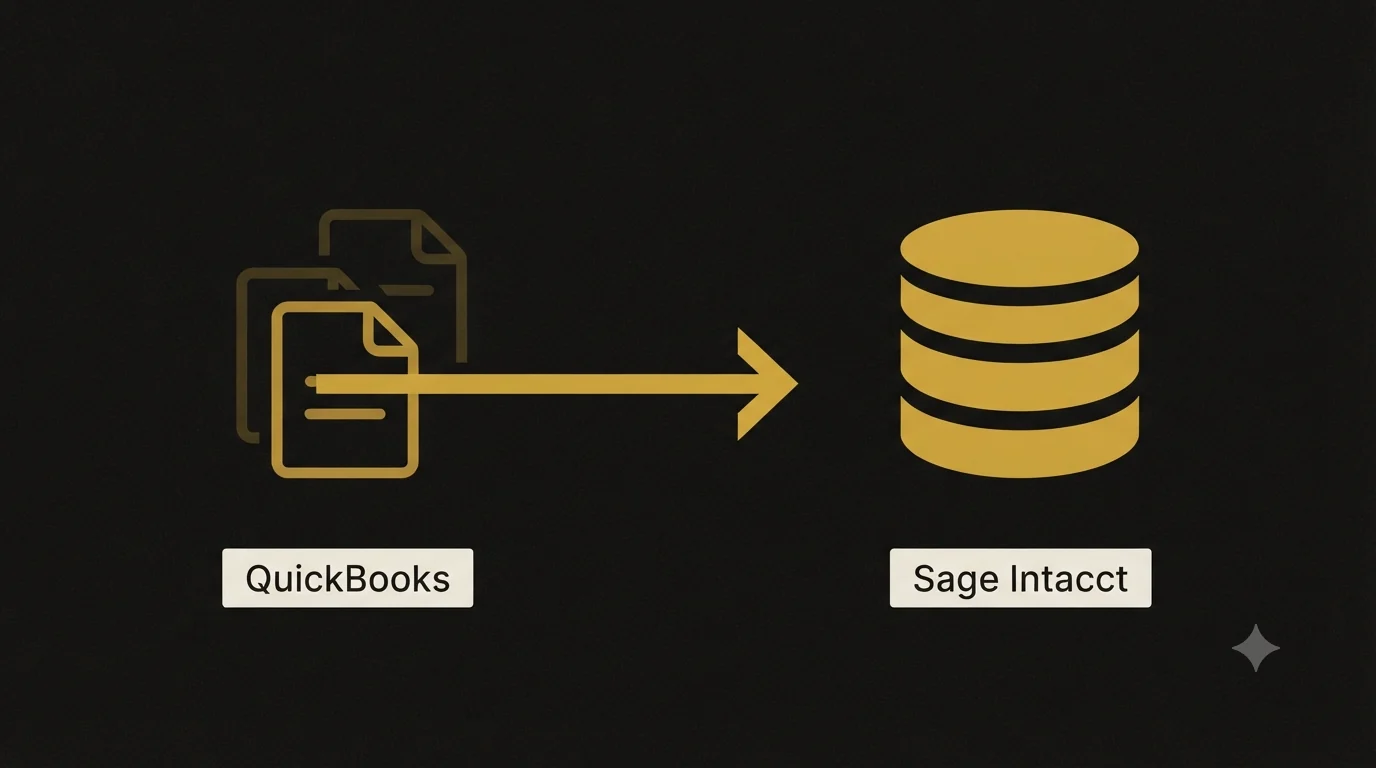
That’s usually when a QuickBooks to Sage Intacct migration enters the conversation. Sage Intacct is built for multi-entity businesses, dimensional reporting, and automated consolidations — the exact things QuickBooks struggles with at scale. This guide walks through what actually happens during the migration, what to prepare, and the mistakes we see companies make when they rush it.
When does it make sense to leave QuickBooks?
QuickBooks is genuinely good software for what it’s designed to do: single-entity accounting for small businesses. The problems start when your operations outgrow that design. Here are the signals we see most often:
- Multiple entities. You’re maintaining separate QuickBooks files for each company and manually consolidating in spreadsheets every month.
- Dimensional reporting needs. You want to slice results by location, department, project, and customer — and QuickBooks classes can’t handle more than one or two dimensions cleanly.
- Slow closes. Your month-end close takes two weeks or more because of manual journal entries, intercompany eliminations, and spreadsheet reconciliations.
- Transaction volume limits. QuickBooks files get sluggish past certain list and transaction thresholds, and performance degrades noticeably.
- Audit and compliance pressure. Investors, lenders, or auditors are asking for controls, approval workflows, and audit trails that QuickBooks can’t provide.
If two or more of these sound familiar, the migration question is really a “when,” not an “if.”
QuickBooks vs. Sage Intacct: what actually changes
Before planning the move, it helps to understand what you’re moving to. These are two fundamentally different systems.
| Feature | QuickBooks (Online/Desktop) | Sage Intacct |
|---|---|---|
| Target business size | Small business | Mid-market and growing companies |
| Multi-entity | Separate files or limited support | Native, with automated consolidation |
| Reporting structure | Chart of accounts + classes | Dimensions (department, location, project) |
| Approval workflows | Basic or none | Configurable multi-level approvals |
| Revenue recognition | Manual | Automated (ASC 606 compliant) |
| Intercompany transactions | Manual journal entries | Automated with eliminations |
| Audit trail | Limited | Full, immutable audit trail |
| Pricing model | Flat subscription | Modular, per-user and per-module |
The biggest conceptual shift is dimensions. In QuickBooks, if you want to report by department you build department names into your account numbers or lean on classes. In Sage Intacct, your chart of accounts stays lean — often 100 to 200 accounts instead of 500+ — and dimensions handle the slicing. This one change is why the migration is never a straight copy-paste of your existing setup.
How a QuickBooks to Sage Intacct migration works
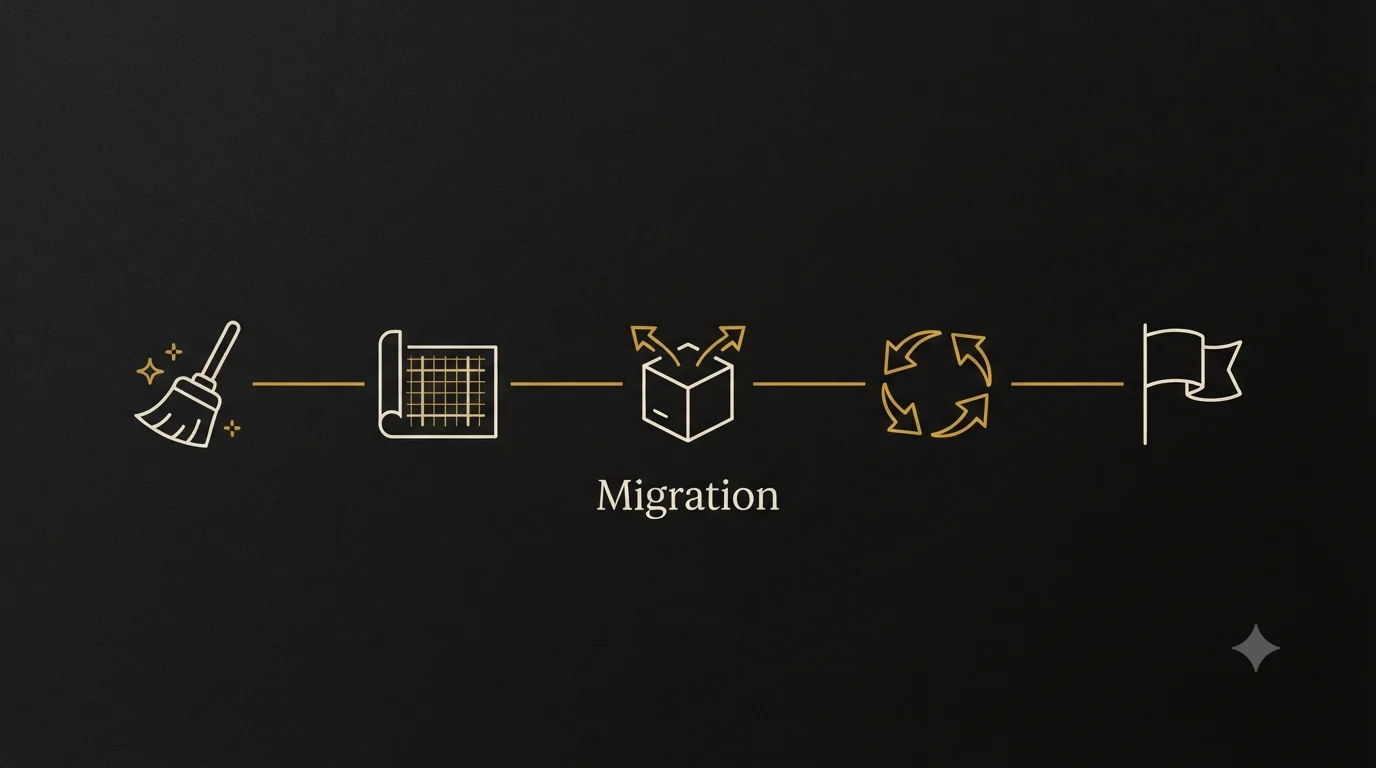
Every migration is a little different, but a well-run project follows the same general sequence.
Step 1: Audit your QuickBooks data
Start by cleaning house before anything moves. Reconcile all bank and credit card accounts, review AR and AP aging for stale items, write off uncollectible balances, and confirm your trial balance actually balances. Migrating messy data just relocates your problems into more expensive software.
We’ve audited general ledgers where more than half the journal entries didn’t balance debits to credits. Issues like that must be resolved in QuickBooks first — Sage Intacct will reject unbalanced entries, and you don’t want to discover that mid-migration.
Step 2: Redesign the chart of accounts
This is where dimensions earn their keep. Map your existing QuickBooks accounts to a leaner Intacct structure. Accounts that existed only to split results by location or department (think “Rent – Atlanta Office” and “Rent – Nashville Office”) collapse into a single “Rent” account tagged with a Location dimension. Build the dimension framework at the same time: which departments, locations, projects, and classes you’ll track, and how they map to your old structure.
Step 3: Decide how much history to bring
You have three realistic options:
- Opening balances only. Bring the trial balance as of your cutover date, plus open AR and AP detail. Fastest and cheapest.
- Summary history. Opening balances plus monthly trial-balance summaries for one or two prior years, so you can run comparative reports inside Intacct.
- Full transactional history. Every transaction, re-imported line by line. Expensive, slow, and rarely worth it — your QuickBooks file remains available as a read-only archive.
Most mid-market companies land on option two. It preserves comparative reporting without the cost of rebuilding years of detail.
Step 4: Migrate master data
Customers, vendors, employees, items, and account lists move over via Intacct’s CSV import templates. Field mapping matters here: QuickBooks and Intacct use different required fields, naming conventions, and record structures, so expect to reformat exports rather than upload them raw.
Step 5: Load balances and open transactions
Post opening balances as of the cutover date, then load open invoices, unpaid bills, and outstanding checks as individual records so AR and AP subledgers tie to the GL. This step is where reconciliation discipline pays off — every subledger must match its control account before you go live.
Step 6: Parallel test, then cut over
Run both systems for at least one closing cycle. Process the same transactions in each, close the month, and compare the results line by line. Only cut over once the parallel period reconciles cleanly. A quarter-end or year-end cutover date makes the transition cleanest for tax and audit purposes.
Benefits of moving to Sage Intacct
Done right, the payoff shows up quickly:
- Faster closes. Companies routinely cut close time from two weeks to under five days thanks to automated consolidations and recurring entries.
- Real-time consolidated reporting. Multi-entity results roll up automatically, with currency translation and intercompany eliminations handled by the system.
- Cleaner audits. A complete audit trail, enforced approval workflows, and role-based permissions make auditor requests dramatically easier to satisfy.
- Scalability. Adding an entity takes hours, not a new company file and a new set of spreadsheets.
- Better decisions. Dimensional reporting means leadership sees profitability by location, project, or product line without waiting on an analyst to rebuild it in Excel.
Common mistakes to avoid
We’ve cleaned up enough troubled migrations to know where they go wrong:
- Migrating dirty data. Unreconciled accounts, duplicate vendors, and stale AR balances carried into Intacct create day-one credibility problems with the new system.
- Recreating the QuickBooks chart of accounts. Copying 500 accounts into Intacct defeats the purpose of dimensions and locks in your old limitations.
- Skipping the parallel run. Going live without testing a full close cycle means your first real month-end is also your first test — with live data at stake.
- No cutover reconciliation package. Document the trial balance, AR aging, AP aging, and bank reconciliations as of the cutover date. Your auditors will ask for it.
- Underestimating training. Intacct works differently from QuickBooks. Budget real time for your team to learn dimension tagging, approval routing, and new report writers before go-live, not after.
- Timing the cutover mid-period. Cutting over on an arbitrary date instead of a clean month, quarter, or year-end complicates every reconciliation that follows.
Best practices for a smooth migration
- Assign a single internal owner. Someone on your team needs to own decisions about the chart of accounts, dimensions, and data scope — committees stall migrations.
- Freeze QuickBooks changes near cutover. Lock the old system once final balances are extracted so nothing shifts underneath you.
- Reconcile at every stage. After each data load, tie the imported totals back to QuickBooks reports before moving to the next step.
- Keep QuickBooks accessible as an archive. Maintain read-only access for at least the statutory record-retention period so historical detail is never lost.
- Document your dimension rules. Write down how transactions should be tagged, and build validation rules in Intacct to enforce them. Consistent tagging is what makes dimensional reporting trustworthy.
- Involve your accountant or bookkeeping partner early. The people who know your data best should be mapping it — not learning about the project after decisions are made.
The AICPA publishes useful guidance on internal controls during system conversions, and Sage’s official Intacct documentation covers module-specific import specifications worth reviewing before you build your data files.
Why choose Numerawise Solutions
Accounting software migrations are what we do. Numerawise Solutions has handled full-scale conversions between QuickBooks, Sage, Foundation, and other platforms — including multi-million-dollar general-ledger audits, subledger reconciliations, and opening-balance builds with hundreds of line items that had to tie to the penny.
We don’t just move your data; we clean it first. Our team audits your existing file, fixes unbalanced entries and duplicate records, designs your new chart of accounts and dimension structure, and reconciles every load against your source reports. If you also need ongoing support after go-live, our outsourced bookkeeping services and catch-up bookkeeping keep your new system accurate from day one. And if your migration path runs in a different direction, we handle Sage 50 to QuickBooks conversions and QuickBooks data migration services too.
Final thoughts
A QuickBooks to Sage Intacct migration is less about the software and more about the data discipline behind it. The companies that succeed treat the project as a chance to clean their books, rethink their chart of accounts, and build a dimension structure that matches how they actually run the business. The ones that struggle try to copy their old setup into a new system and wonder why nothing improved.
Give yourself a realistic timeline — typically 8 to 16 weeks depending on entity count and history scope — reconcile at every stage, and don’t skip the parallel run. If your team doesn’t have the bandwidth or the migration experience in-house, bring in a partner who has done it before. The cost of doing it right once is always lower than the cost of fixing it later.
Key takeaways
- Sage Intacct suits multi-entity businesses that have outgrown QuickBooks’ single-file, class-based structure.
- Dimensions replace bloated charts of accounts — plan for a full COA redesign, not a copy.
- Clean and reconcile your QuickBooks data before migrating; bad data transfers badly.
- Most companies migrate opening balances plus summary history, keeping QuickBooks as a read-only archive.
- Run at least one parallel close cycle before cutting over, ideally at a quarter- or year-end.
- Budget 8–16 weeks and assign a single internal decision-maker to keep the project moving.
Quick answers.
How long does a QuickBooks to Sage Intacct migration take?
Most migrations take 8 to 16 weeks from kickoff to go-live. Timeline depends on the number of entities, how much historical data you’re bringing over, data cleanliness, and how quickly your team makes decisions on chart of accounts and dimension design. Single-entity migrations with opening balances only can finish faster; multi-entity projects with summary history take longer.
Can I transfer all my QuickBooks history to Sage Intacct?
Technically yes, but it’s rarely worth the cost. Full transactional history must be re-imported line by line and validated against source reports. Most companies bring opening balances plus one to two years of monthly summary balances for comparative reporting, then keep QuickBooks as a read-only archive for detailed lookups.
Does Sage Intacct import QuickBooks files directly?
No. There’s no one-click conversion. Data is exported from QuickBooks, cleaned and reformatted, then loaded into Sage Intacct using its CSV import templates. Master records, opening balances, and open transactions each follow their own import format, which is why field mapping and reconciliation are central to the project.
What happens to my QuickBooks classes during the migration?
Classes typically map to Sage Intacct dimensions — usually Department, Location, or a custom dimension depending on how you used them. This is an upgrade: Intacct lets you tag transactions with multiple dimensions at once, while QuickBooks effectively limits you to one class per line.
How much does a QuickBooks to Sage Intacct migration cost?
Costs vary widely based on entity count, data scope, and whether you use a partner. Expect Sage Intacct subscription fees (modular, per-user pricing) plus one-time implementation and data-conversion costs. Migrating opening balances only is the most economical path; full history reconstruction is the most expensive.
Should I clean up my QuickBooks data before or after migrating?
Always before. Unreconciled accounts, duplicate vendors, unbalanced journal entries, and stale AR/AP items should be fixed in QuickBooks while corrections are cheap and familiar. Migrating dirty data means troubleshooting problems in a system your team is still learning, at consultant billing rates.
Can we keep using QuickBooks after moving to Sage Intacct?
Yes, and you should — as a read-only archive. Maintain access to your old file for at least your record-retention period (commonly seven years for tax purposes) so you can pull historical transaction detail that wasn’t migrated. Just make sure no one posts new transactions there after cutover.
What's the best time of year to cut over to Sage Intacct?
A fiscal year-end is ideal because it gives you a clean break for tax filings and comparative reporting. Quarter-ends are the next best option. Avoid mid-month cutovers entirely — they complicate bank reconciliations, payroll accruals, and every comparative report you run afterward.
Do I need a migration partner, or can my team do it internally?
It depends on your team’s bandwidth and experience. The mechanics — exports, imports, reconciliations — are learnable, but chart of accounts design, dimension strategy, and cutover reconciliation benefit heavily from someone who has done it before. Many companies handle master data internally and bring in a partner for balance loads and validation.
Will my QuickBooks integrations work with Sage Intacct?
Not automatically. Each connected app — payroll, expense management, bill pay, CRM — needs to be reviewed. Many popular tools offer native Sage Intacct integrations, but connection setup, field mapping, and historical sync are separate workstreams. Inventory your integrations early so nothing breaks on go-live day.
Get a free scoping call.
Tell us what you’re working on. We respond same business day.

Ram · Founder & Principal
Founder of Numerawise Solutions, established MMXXIV in Atlanta. Intuit ProAdvisor Gold tier. Former Intuit Technical Support engineer. Has personally led two hundred accounting software conversions for US small businesses since founding the practice. Reachable directly at [email protected].
Free: The Clean-Cutover Checklist
The step-by-step checklist we use to migrate businesses to QuickBooks without losing data — bank rec, opening balances, payroll YTD, and the validation tie-out. Get it in your inbox.
No spam — just the checklist and the occasional QuickBooks tip.