MYOB to Xero Conversion Services
Numerawise Solutions migrates your accounts, balances, and complete transaction history from MYOB into Xero through our MYOB to Xero conversion service. Every figure is reconciled against the original file and verified before go-live, and the work is performed by qualified accountants.
Complimentary file review · Fixed-price quote within 24 hours · Atlanta-based ProAdvisors
MYOB → Xero
MYOB to Xero Conversion Services: a managed move
Ready for MYOB to Xero conversion services that just work? We manage the whole move — your chart of accounts, contacts, open invoices and bills, balances, and history — and reconcile everything so nothing is lost when you go live. It’s a managed conversion, not a raw export you’re left to clean up.
Plenty of businesses move from MYOB’s desktop roots to Xero’s cloud for anywhere-access, easier day-to-day use, and a huge app ecosystem. Done properly, a MYOB to Xero migration is smooth — and our Xero conversion services make it that way.
Reasons to switch
Why move from MYOB to Xero
MYOB is a capable, long-established platform, especially in its desktop and AccountRight forms. Businesses usually move to Xero for how modern accounting actually gets done today.
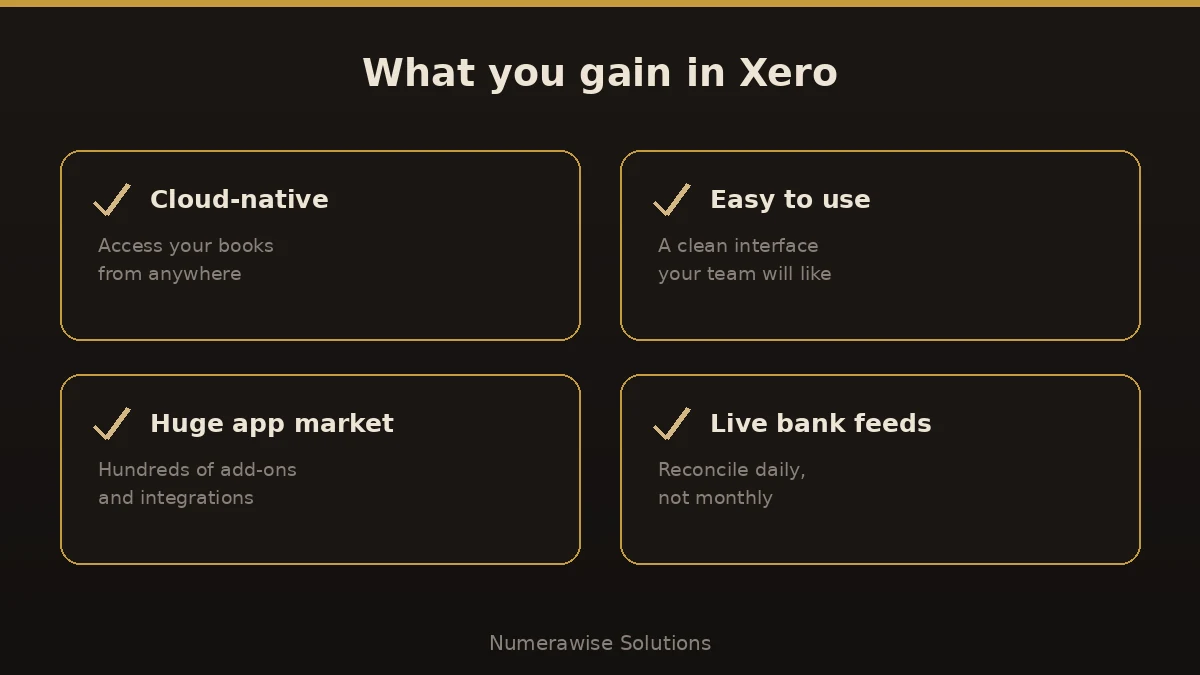
Cloud-native access. Xero was built for the cloud, so you and your bookkeeper see the same live numbers from anywhere — no files to email around.
Ease of use. Xero’s clean interface is famously approachable, which shortens training and keeps your team out of the weeds.
Ecosystem and bank feeds. Hundreds of app integrations and reliable daily bank feeds mean less manual work and faster reconciliation.
An honest note: some deep MYOB features — certain inventory, job costing, or payroll setups — need careful mapping, and MYOB Advanced (ERP) is a different conversation. We assess your file first and tell you plainly what will carry across.
Side by side
MYOB vs. Xero
Here’s how the two compare for a business weighing the switch:
| Factor | MYOB | Xero |
|---|---|---|
| Deployment | Desktop and hybrid (AccountRight) | Cloud-native |
| Access | Tied to installed software | Anywhere, any device |
| Ease of use | Powerful, steeper in places | Clean and approachable |
| App ecosystem | Growing | Very large marketplace |
| Bank feeds | Supported | Fast, reliable, daily |
| Collaboration | File-based | Real-time with your advisor |
If you want anywhere-access, easy collaboration, and a big app marketplace, Xero is built for it.
Scope of the migration
What we migrate from MYOB
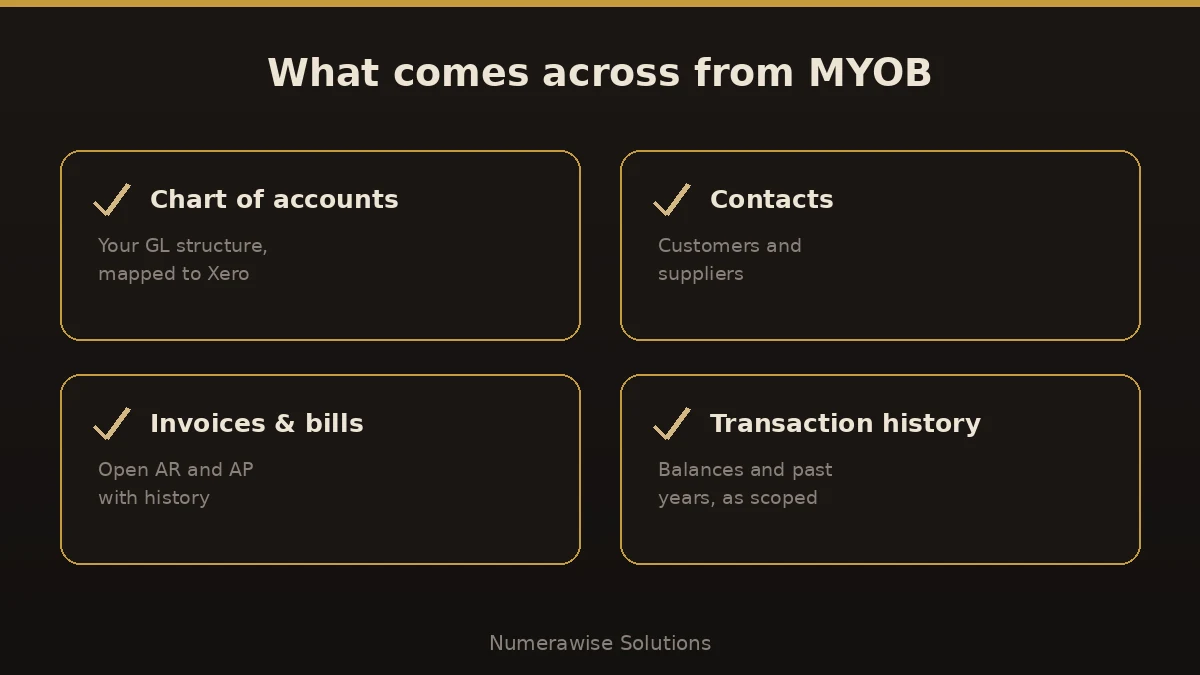
A conversion is only as good as what survives it. On a standard MYOB to Xero migration, we move:
- Chart of accounts (mapped to Xero)
- Customer and supplier contacts
- Open invoices and bills (AR and AP)
- GST and tax codes mapped to Xero
- Trial balance and opening balances
- Historical transactions (as scoped)
- Bank and cash balances
- Reconciled positions ready to go live
Before anything moves, we agree the scope with you — how much history you need and how your GST codes should map. Tidy bookkeeping services make this step faster and cheaper.
Our process
How we convert MYOB to Xero, step by step
We run every migration the same disciplined way, so there are no surprises on go-live day:
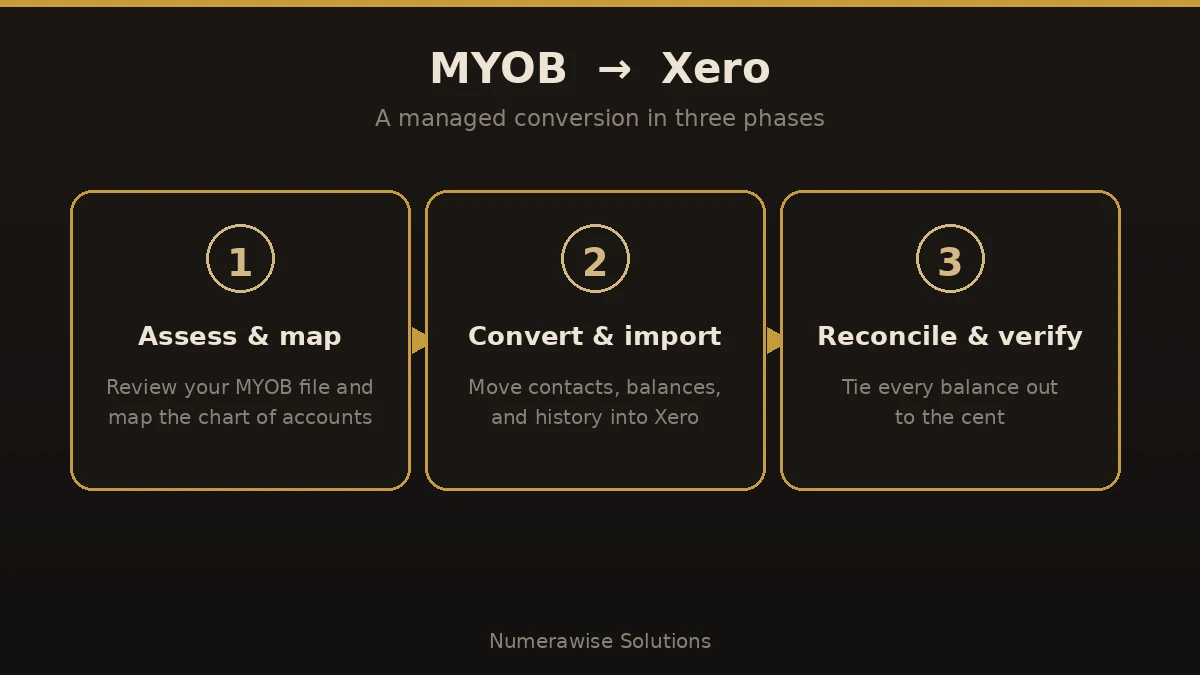
- Assess and map. We review your MYOB file, agree the scope, and map your accounts and GST codes to a clean Xero structure.
- Convert and import. We move contacts, balances, open items, and scoped history into Xero — carefully, not with a blind bulk import.
- Reconcile and verify. We tie balances, AR, AP, and key reports back to your original MYOB numbers, to the cent.
- Go live and support. We set up bank feeds and users, walk your team through Xero, and stay available afterward.
The payoff
What you gain by switching
Once the switch is done cleanly, the benefits show up fast:
- Cloud access from any device
- A clean interface your team will actually like
- Hundreds of app integrations
- Fast, daily bank feeds for easy reconciliation
- Real-time collaboration with your advisor
- Automatic updates — no version upgrades
Pitfalls
Where MYOB to Xero conversions go wrong
Most migration problems trace back to a few avoidable errors. Here’s where MYOB to Xero conversions go sideways:
- Blind bulk imports. Dumping data without mapping the chart of accounts creates a mess that takes longer to fix than the move saved.
- Mishandling GST codes. MYOB and Xero tax codes don’t match one-to-one; map them deliberately or your BAS won’t reconcile.
- Skipping reconciliation. If the new balances aren’t verified against MYOB, you’re building on numbers you can’t trust.
- Forgetting payroll. Payroll history and settings need special care — plan them, don’t assume.
- Going live mid-period. A clean cut at a BAS quarter or year-end avoids split reporting.
Best practices
How to keep the migration smooth
A smooth migration isn’t luck — it’s a checklist:
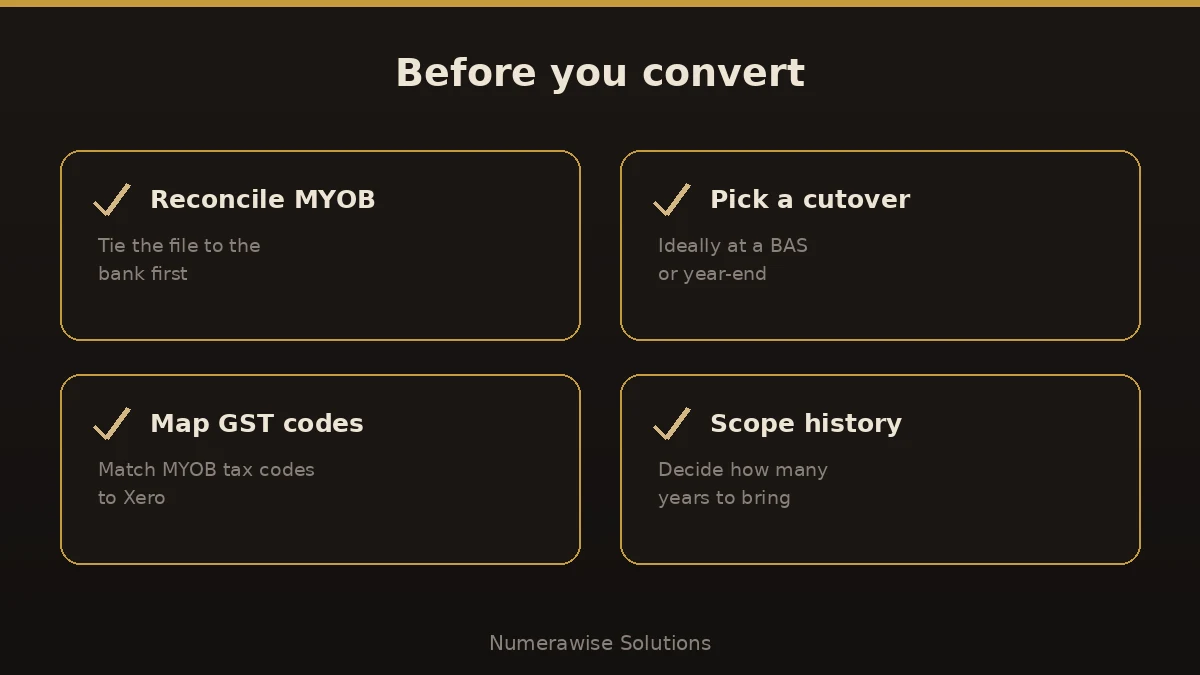
- Reconcile your MYOB file to the cent before you export.
- Pick a clean cutover date, ideally at a BAS quarter or year-end.
- Map your chart of accounts and GST codes deliberately.
- Decide how much history you truly need up front.
- Verify AR, AP, and the trial balance in Xero against MYOB.
- Set up bank feeds and confirm the first reconciliation before you rely on Xero.
Why Numerawise
Why organizations choose us for their MYOB migration
Qualified accountants
Your records are handled by Intuit ProAdvisors (Gold tier) and experienced bookkeepers who understand the accounting behind the migration, not only the software.
Verified against your MYOB file
A conversion is not considered complete until the trial balance and the primary reports agree with your original records.
Fixed, agreed pricing
The fee is confirmed before the engagement begins. There is no hourly billing.
Confidential throughout
Your information is handled securely and accessed only by the personnel assigned to your conversion. Ongoing bookkeeping is also available.
Who performs the work
Led by an Intuit ProAdvisor

Ram — Founder & Principal
Ram is the founder of Numerawise Solutions in Atlanta. An Intuit ProAdvisor (Gold tier) and a former Intuit Technical Support engineer, he has personally led more than 200 accounting-software conversions, including MYOB, Xero, and QuickBooks engagements, for small and mid-market firms across the United States.
More about Ram Verified on UpworkCommon questions
MYOB to Xero conversion FAQs
How long do MYOB to Xero conversion services take?
Most conversions finish within a few business days to about two weeks. The timeline depends on your file size, how much history you keep, and how clean the data is. After we review your MYOB file, you get a firm timeline before any work begins.
Will I lose data moving from MYOB to Xero?
No. We migrate your chart of accounts, contacts, open invoices and bills, balances, and scoped history, then reconcile them against your original MYOB file. Your MYOB data is also archived, so nothing is deleted and you keep a full reference copy.
How much history can you bring across?
As much as you need and your records support. Many businesses bring one to two years of detail plus opening balances for older periods. Deciding this up front keeps the project efficient. We scope it with you before we start so the timeline and cost are clear.
Do MYOB and Xero GST codes match?
Not exactly. MYOB and Xero handle tax codes differently, so they need deliberate mapping. We translate your MYOB GST codes to their Xero equivalents and reconcile the results, so your BAS and tax reporting stay accurate after the move.
Can you migrate my MYOB payroll to Xero?
Payroll needs special care. Employee records and balances can move, but payroll history and settings have to be mapped carefully and verified. We plan payroll as its own step rather than assuming it will carry across cleanly, so your first pay run in Xero is right.
Do you reconcile the converted data?
Always. Reconciliation is the difference between a real conversion and a data dump. We tie your balances, accounts receivable, accounts payable, and key reports back to your original MYOB numbers, to the cent, before we call the migration done.
Is Xero better than MYOB?
Neither is simply better — they suit different preferences. MYOB has deep desktop heritage; Xero is cloud-native with a large app marketplace and easy collaboration. For businesses that want anywhere-access and modern integrations, Xero is usually the better fit, which is why so many make the move.
When is the best time to switch from MYOB to Xero?
A clean cutover at a BAS quarter or financial year-end is ideal, because it avoids split reporting across two systems. We convert files any time of year, but if timing is tricky we plan the cutover around your reporting so nothing falls between MYOB and Xero.
Who performs the MYOB to Xero conversion?
Your migration is handled by experienced conversion specialists and bookkeepers who understand the accounting behind the data, not just the software. That combination keeps balances, GST codes, and reports accurate through the switch.
Explore
Related conversions
Begin
Ready to move from MYOB to Xero?
Provide a few details and we will email a fixed-price quote within one business day, with your MYOB history reconciled into a clean Xero file.