QuickBooks to Xero Migration Services
Switching accounting systems? We move your data from QuickBooks to Xero securely and accurately — assessed, cleaned, migrated, and reconciled to the penny, with minimal downtime.
QuickBooks-to-Xero specifics
The consistent parts of a QuickBooks-to-Xero move
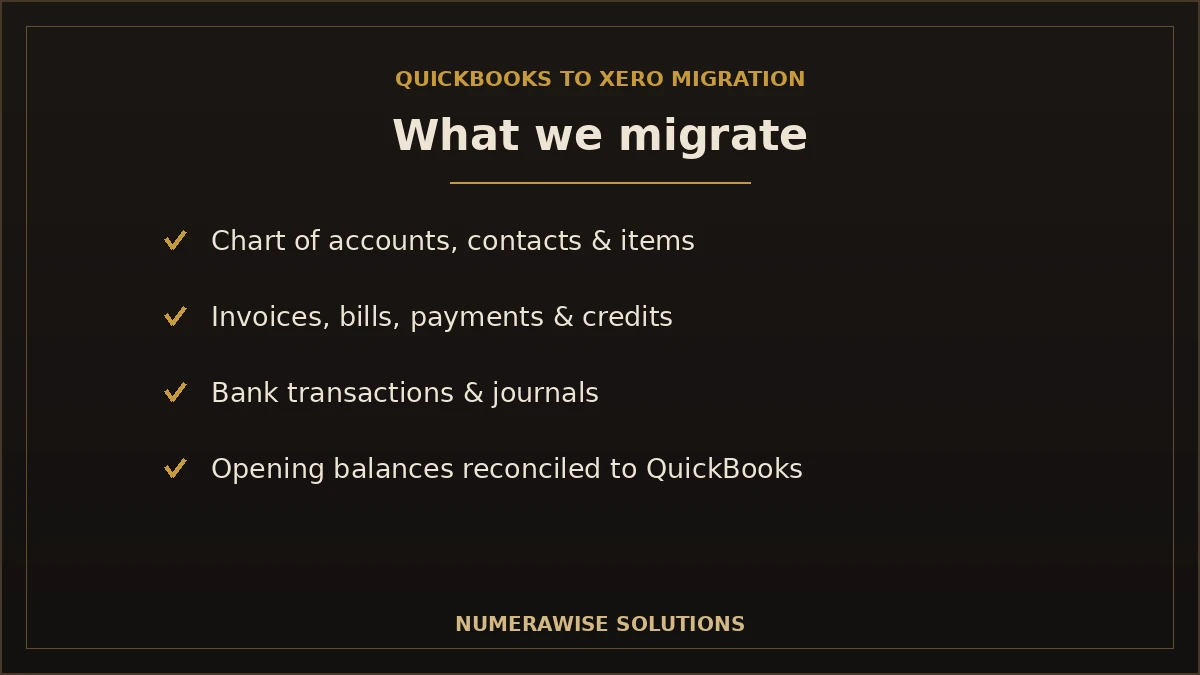
Moving QuickBooks to Xero brings your chart of accounts, contacts, open AR and AP and a defined window of transaction history. The parts that need planning are consistent: bank reconciliations are re-done in Xero, QuickBooks classes and locations become Xero tracking categories, recurring/memorized transactions and payroll are rebuilt, and some transaction types are simplified to journals.
We map accounts and tracking, convert the agreed history, and reconcile balances, AR and AP to your QuickBooks reports before go-live.
Other QuickBooks migration paths
Leaving or moving within QuickBooks?
Every QuickBooks edition change has its own rules about what converts and what has to be rebuilt. These pages cover the other routes:
Switching accounting systems is one of the highest-stakes moves a business makes with its financial data. Get a QuickBooks to Xero migration wrong and you inherit duplicate records, balances that do not match, and months of cleanup. Get it right and you land in Xero with clean books, full history, and no disruption. That difference almost always comes down to whether the migration was done by a specialist — which is exactly what we do.
Your financial data is not something to experiment on. Every invoice, payment, and balance has to arrive in Xero intact and reconciled, because your taxes, decisions, and compliance all depend on it. Numerawise Solutions migrates your QuickBooks data with a proven, verified process, so you get the benefits of moving without the risk. This page explains what we move, how we do it, and why businesses trust us with the switch.
Ready to Move from QuickBooks to Xero?
Our migration specialists ensure a secure, accurate, hassle-free transition with minimal downtime. Contact Numerawise Solutions today.
Get a Free Migration ConsultationWhy businesses move from QuickBooks to Xero
QuickBooks is capable software, and moving is a fit decision, not a verdict. Businesses choose to migrate for practical reasons that matter to how they work:
- Cloud-first accounting. Xero was built for the cloud, so teams work from anywhere in the same file.
- User access model. Xero includes generous user access without charging per seat the way some plans do, which suits growing teams.
- Collaboration. Owners, staff, and accountants working live in one place, with easy accountant access.
- App integrations. A large ecosystem of connected apps for the tools a business already uses.
- Reporting capabilities. Flexible, customizable reporting that some businesses prefer.
- Workflow improvements. Bank reconciliation and everyday tasks that fit certain teams’ habits better.
Whether Xero is the right fit depends on your business — there is no universal winner. What matters is that if you have decided to move, the migration is done properly. If you are still comparing platforms, our team will give you a straight assessment before you commit.
What data can we migrate?
A well-run migration brings across the records you need to keep operating and reporting accurately. Here is what we move from QuickBooks to Xero:
| Data | Migrates? | Notes |
|---|---|---|
| Chart of accounts | Yes | Mapped to a clean Xero structure |
| Customers | Yes | Contact details and balances |
| Vendors | Yes | Contact details and balances |
| Invoices | Yes | Open and, as needed, historical |
| Bills | Yes | Open and historical as required |
| Payments | Yes | Applied to the right invoices and bills |
| Credit notes | Yes | Customer and vendor credits |
| Bank transactions | Yes | With reconciliation status handled carefully |
| Journal entries | Yes | Manual and adjusting entries |
| General ledger | Yes | So your reporting foundation is intact |
| Sales tax | Yes | Mapped to Xero’s tax structure |
| Products & services | Yes | Items and tracked inventory where applicable |
| Opening balances | Yes | Reconciled to match QuickBooks at cutover |
| Attachments | Where supported | Depends on file types and volume |
| Historical transactions | Yes | Depth chosen to fit your needs |
| Recurring transactions | Often recreated | Recurring templates may need manual setup in Xero |
How much of this moves — and how far back — depends on your QuickBooks file and goals. Migration methods vary with the complexity of the file and your business requirements, which is why every project starts with an assessment rather than a one-size-fits-all import.
Expert tip
Do not migrate years of clutter just because you can. We help you decide how much history you truly need for reporting, tax, and audit — enough to be complete, without importing old errors into a fresh system.
What doesn’t transfer automatically?
An honest migration partner tells you what will not come across cleanly. Some data needs special handling or manual recreation:
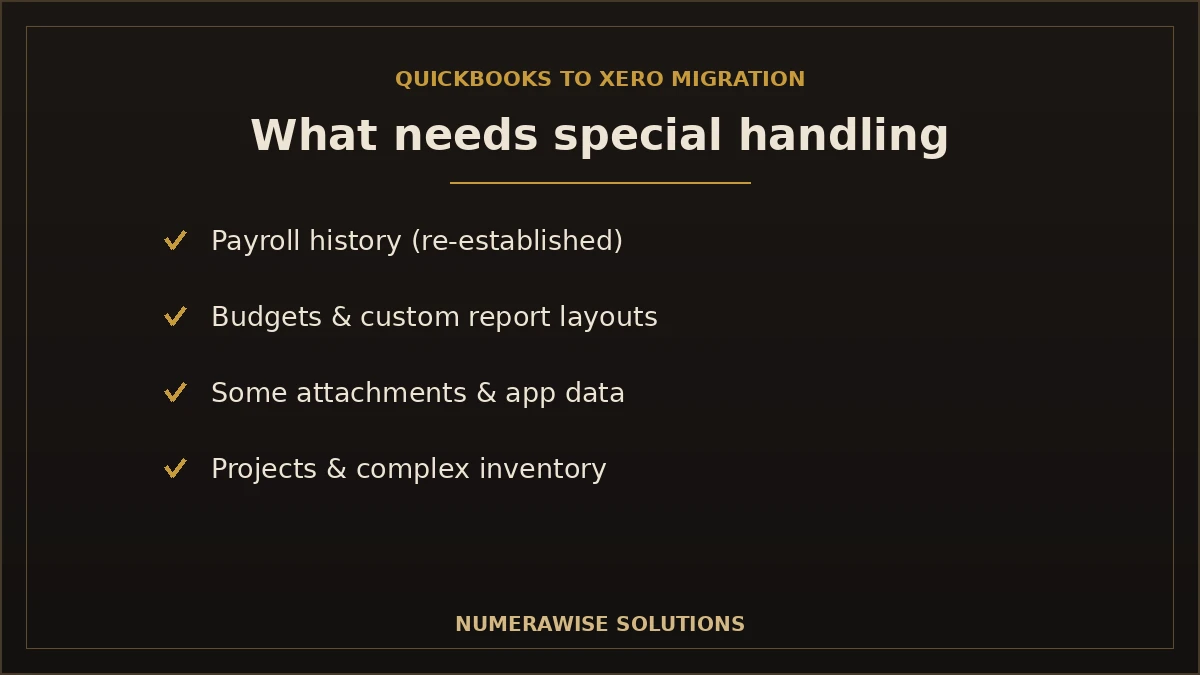
- Payroll history. Payroll data rarely migrates cleanly; it is usually re-established in Xero going forward, with year-to-date figures reconciled.
- Some third-party app data. Data living in connected apps may need to be reconnected or re-imported separately.
- Advanced inventory features. Complex inventory setups may not map one-to-one and need review.
- Custom reports. Report layouts are rebuilt in Xero’s format; the underlying data comes across.
- Budgets. Budget figures are often re-entered in Xero.
- Certain attachments. Depending on type and volume, some attachments may need manual handling.
- Projects. Project or job-tracking structures may need to be set up fresh.
- Multi-currency details. Where applicable, currency handling needs careful mapping.
None of these are dealbreakers — they are simply parts of the move that need a specialist’s attention. We identify them in the assessment, plan for each, and either recreate them in Xero or advise you on the best approach, so nothing important is lost or overlooked. This is precisely where a professional migration outperforms a DIY attempt.
Our QuickBooks to Xero migration process
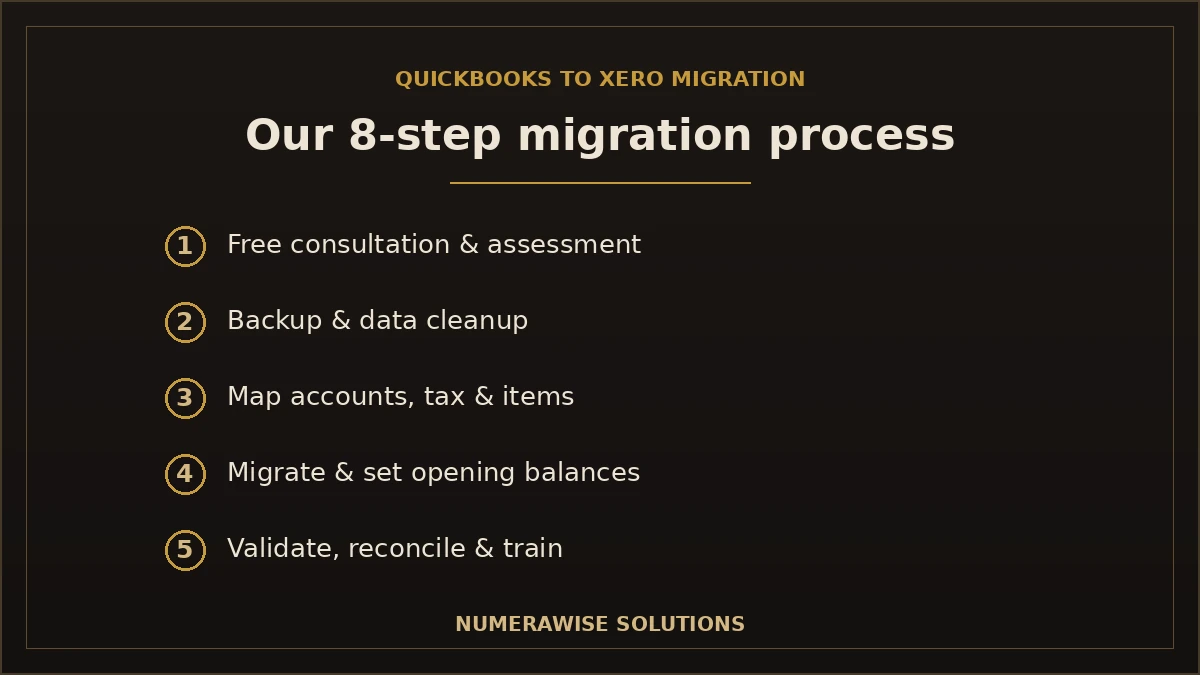
We run every migration as a controlled, eight-step project. You stay informed at each stage, and nothing goes live until the numbers are verified.
Step 1: Free consultation
We learn your business, your QuickBooks setup, and your goals — and answer your questions at no cost.
Step 2: Migration assessment
We review your QuickBooks file, its size, complexity, and data quality, and scope exactly what will move.
Step 3: Data backup
We take a full backup of your QuickBooks data before anything changes, so your original is always safe.
Step 4: Data cleanup
We fix errors, duplicates, and messy accounts first — it is far easier before the move than after.
Step 5: Data mapping
We map your chart of accounts, tax codes, customers, and items to their correct Xero equivalents.
Step 6: Migration
We move the data into Xero and set opening balances as of your chosen cutover date.
Step 7: Validation & reconciliation
We verify every balance — trial balance, A/R, A/P, and bank — against QuickBooks until they tie out exactly.
Step 8: Training & post-migration support
We help your team get comfortable in Xero and stay available through your first close.
Why the order matters
Backup before cleanup, cleanup before mapping, mapping before migration, and validation before go-live. Skipping or reordering these steps is exactly how DIY migrations end up with balances that do not match. The sequence is the safeguard.
Talk to a Migration Specialist
From assessment to reconciliation, we manage the whole move so your books land in Xero clean and verified. Reach out today.
Get a Free Migration ConsultationQuickBooks Online to Xero migration
Moving from QuickBooks Online to Xero is a cloud-to-cloud migration, and it is the most common path we handle.
Supported data: chart of accounts, contacts, invoices, bills, payments, bank transactions, journals, tax, and opening balances all move across, with historical depth chosen to fit your needs.
Timeline: a clean, standard QuickBooks Online file can often move within a week; larger or more complex files take longer because of cleanup and verification.
Benefits: because both systems are cloud-based, we can work efficiently and you keep operating with minimal downtime.
Common challenges: tax mapping, reconciliation status, and recurring transactions need care — all things we handle as standard. For the focused version of this path, see our QuickBooks Online to Xero conversion.
QuickBooks Desktop to Xero migration
Moving from QuickBooks Desktop to Xero adds a few steps, because Desktop data lives in a local file rather than the cloud.
- Desktop assessment. We review your company file, its version, and the modules you use.
- Data extraction. We extract your data cleanly from the Desktop file for migration.
- Version compatibility. We confirm your QuickBooks Desktop version and handle any conversion the data needs.
- Cleanup. We correct errors and tidy the file before moving.
- Migration. We move the data into Xero and set accurate opening balances.
- Verification. We reconcile every balance against Desktop before you go live.
If you are weighing Desktop-to-cloud options more broadly, our QuickBooks Desktop to QuickBooks Online migration covers the QuickBooks-to-QuickBooks path too — and we will help you choose the destination that actually fits your business.
How long does a QuickBooks to Xero migration take?
Timelines depend on your file size, how much history you keep, and data quality. A rough guide:
| Situation | Typical timeline | What drives it |
|---|---|---|
| Small, clean file | A few days to a week | Low volume, little history |
| Growing business | One to two weeks | More history, inventory, cleanup |
| Complex / multi-entity / Desktop | Two to four weeks+ | Extraction, heavy data, rebuilds |
Most of the timeline is not the data transfer itself — it is the cleanup going in and the reconciliation coming out. That careful bracketing is what protects your books, and it is time well spent. We give you a clear timeline with your quote so you can plan around it.
How much does a QuickBooks to Xero migration cost?
There is no flat rate, because no two QuickBooks files are the same. Cost tracks the size and complexity of your file, how much history you migrate, whether payroll and inventory are involved, and how much cleanup the data needs. A small, tidy file is a defined project; a large or messy file with years of history takes more work. We assess your file first and quote based on what we actually find — never a guess sight unseen. Whatever the figure, it is almost always less than the cost of fixing a migration that did not reconcile, or of running your business on books you cannot trust.
Keeping your data secure during the migration
Your financial data is sensitive, and a migration is exactly when to handle it carefully. We use secure, encrypted transfer, take a full backup of your QuickBooks data before anything changes, and never work on your only copy. Access is restricted to the specialists on your project, and your original QuickBooks file stays intact as a fallback until your Xero books are verified and complete. You keep ownership of both systems throughout, and nothing is deleted or decommissioned until you confirm the migration is done. Security is not an afterthought in our process — it is built into every step.
After the move: getting the most from Xero
A migration is the beginning, not the end. Once your data is safely in Xero and reconciled, the goal shifts to keeping it accurate and putting the platform to work — connecting bank feeds, setting up the apps you rely on, and establishing a clean monthly close. Many businesses pair the migration with ongoing Xero bookkeeping services so their new Xero file stays reconciled every month and never drifts. Others add payroll services to keep wages recorded correctly from the first pay run in Xero. Whatever you need, the same team that moved your books can keep them clean, so the switch delivers lasting value rather than a one-time project.
Why choose Numerawise Solutions
- Experienced migration specialists. We have moved businesses off QuickBooks many times — this is not our first attempt on your books.
- Secure handling of financial data. Encrypted transfer, restricted access, and careful treatment at every step.
- CPA-friendly process. We work the way accountants expect, with clean documentation and reconciled results.
- Affordable pricing. Clear quotes based on your actual file, with no surprises.
- Fast turnaround. Most migrations are completed promptly, so you are not left waiting.
- Post-migration support. We stay with you through your first close in Xero.
- Data verification. Every balance is checked against QuickBooks before go-live.
- Dedicated support. A real person who knows your migration, start to finish.
Beyond the migration itself, our bookkeeping services and outsourced accounting services can keep your Xero file accurate once you are live, so the switch is the start of clean books, not a one-time event.
Migration challenges we solve
Most migrations that go wrong hit the same problems. We handle each as part of the job:
| Challenge | How we solve it |
|---|---|
| Duplicate records | We find and remove duplicates before migrating so nothing is doubled |
| Broken chart of accounts | We clean and restructure the chart of accounts, then map it to Xero |
| Unreconciled bank accounts | We reconcile accounts so balances are accurate before the move |
| Inventory issues | We review and map inventory carefully, flagging anything that needs attention |
| Sales tax mapping | We map QuickBooks tax codes to Xero’s tax structure correctly |
| Opening balance errors | We reconcile opening balances so they tie out to QuickBooks exactly |
| Corrupted QuickBooks files | We work through file issues to extract your data safely |
| Payroll transition planning | We plan the payroll switch so year-to-date figures and filings stay accurate |
If your QuickBooks file is already messy, our QuickBooks cleanup straightens it out before we migrate — because moving a clean file is the difference between a smooth switch and importing problems into Xero.
Industries we serve
We migrate businesses of every type from QuickBooks to Xero, tuning the setup to each:
- Retail — inventory and sales-channel data mapped carefully.
- Restaurants — high-volume transactions and daily sales handled cleanly.
- Construction — job costing and project structures preserved where possible.
- Healthcare — accurate, compliant books through the transition.
- Manufacturing — inventory and cost data reviewed and mapped.
- Professional services — clean receivables and simple project tracking.
- Real estate — multiple properties and accounts kept straight.
- Nonprofits — fund and grant tracking handled with care.
- Law firms — trust and client accounting migrated accurately.
- Ecommerce — high transaction volume across accounts moved without manual entry.
DIY migration vs. professional migration
QuickBooks and Xero both offer tools that make migration sound simple. For anything beyond the smallest, cleanest file, the reality is different. Here is the honest comparison:
| Factor | DIY migration | Numerawise Solutions |
|---|---|---|
| Accuracy | Depends on your experience | Verified balance by balance |
| Time | Many hours of yours | Handled for you |
| Support | You are on your own | Dedicated specialist throughout |
| Historical data | Easy to lose or mismap | Migrated to the depth you need |
| Error handling | You fix what breaks | We prevent and resolve issues |
| Data validation | Often skipped | Full trial balance and account checks |
| Reconciliation | Frequently incomplete | Reconciled to QuickBooks exactly |
| Training | None | Post-migration training and support |
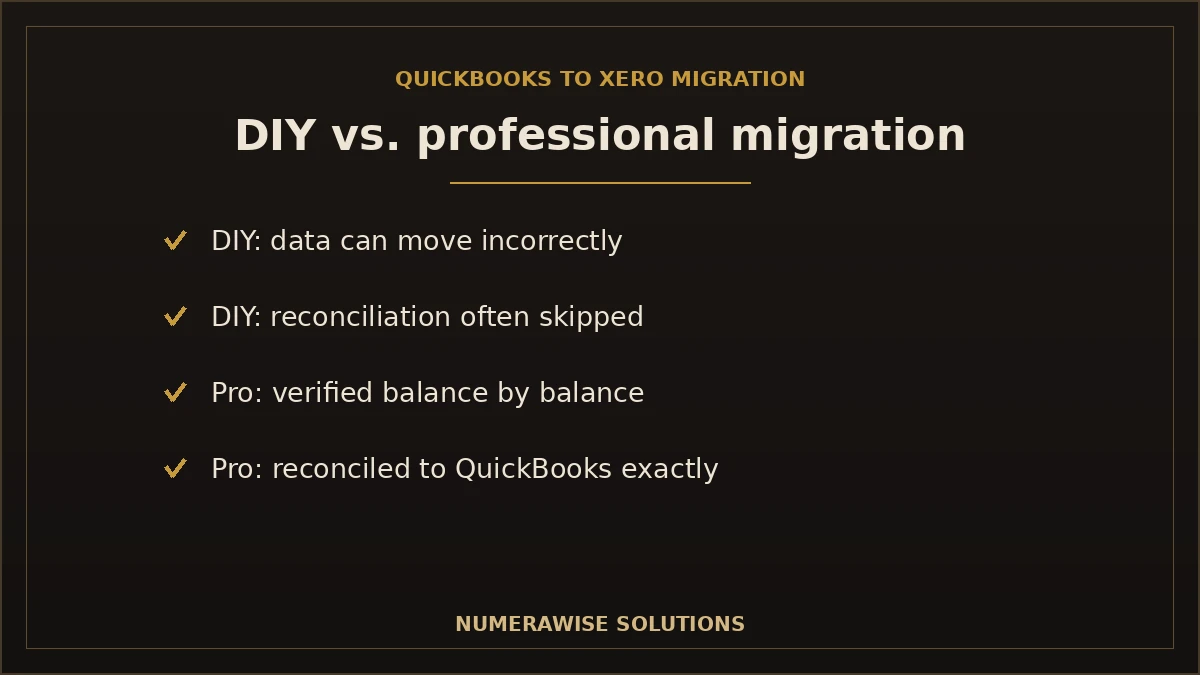
The risk with DIY is not that the data will not move — it is that it will move incorrectly, and you will not know until a balance is wrong at tax time. A professional migration removes that risk, and the cost is almost always less than fixing a botched move.
Preparing for your migration: expert recommendations
A smooth switch starts before the data moves. Our specialists recommend a few things for every QuickBooks to Xero project:
- Reconcile your QuickBooks accounts up to the cutover date, so you are moving accurate balances.
- Decide how much history you need for reporting, tax, and audit before the move.
- Choose a clean cutover date — the start of a month, quarter, or year is ideal.
- Save your key QuickBooks reports — trial balance, A/R, A/P, and balance sheet — as your validation benchmark.
- Plan payroll separately so year-to-date figures and filings stay intact.
After the migration, validation is what proves it worked: your Xero trial balance, receivables, payables, and bank balances should match QuickBooks as of the cutover date, and every account should reconcile. We complete this reconciliation as standard — a migration is not finished until the numbers tie out.
Move from QuickBooks to Xero with confidence
Switching from QuickBooks to Xero is a significant move, but it does not have to be risky. The key is a proper process: assess the file, back it up, clean it, map it carefully, migrate, and verify every balance before you rely on the new books. Done that way, you land in Xero with clean, complete, reconciled data and no disruption to your business. Done poorly, you inherit errors that surface at the worst possible time. For businesses that value their financial data — which is every business — professional migration is the safe choice. Numerawise Solutions manages the entire transition, from free consultation to post-migration support, so you can switch from QuickBooks to Xero securely, accurately, and with confidence.
Ready to Switch from QuickBooks to Xero?
Get a secure, accurate, hassle-free migration with minimal downtime. Contact Numerawise Solutions for your free migration consultation today.
Get a Free Migration ConsultationKey takeaways
- A QuickBooks to Xero migration moves your accounts, contacts, transactions, and balances into Xero, accurately and securely.
- Most data migrates; payroll history, budgets, and custom reports need special handling or recreation.
- Our eight-step process — from backup to reconciliation — verifies every balance before go-live.
- Professional migration removes the real risk: data moving incorrectly and surfacing as errors later.
- We handle QuickBooks Online and Desktop to Xero, for businesses of every type.
Quick answers.
How long does a QuickBooks to Xero migration take?
It depends on your file. A small, clean QuickBooks file can often move in a few days to a week; a growing business takes one to two weeks; and complex, multi-entity, or Desktop files can take two to four weeks or more. Most of the time goes to cleanup going in and reconciliation coming out, not the transfer itself. We give you a clear timeline with your quote.
Can all historical data be migrated from QuickBooks to Xero?
Most historical data can migrate — chart of accounts, contacts, invoices, bills, payments, journals, and balances — but you rarely need all of it. We help you decide how much history to bring for reporting, tax, and audit, rather than importing years of clutter. Some items, like payroll history and budgets, need special handling or recreation, which we plan for in the assessment.
Can QuickBooks Desktop migrate to Xero?
Yes. We migrate both QuickBooks Online and QuickBooks Desktop to Xero. Desktop adds a few steps because the data lives in a local file: we assess the company file, confirm the version, extract the data cleanly, clean it up, migrate, and reconcile every balance before go-live. Desktop migrations often take a little longer, but the result is the same — clean, verified books in Xero.
Will my payroll migrate from QuickBooks to Xero?
Payroll history rarely migrates cleanly between systems, so it is usually re-established in Xero going forward, with year-to-date figures reconciled so taxes and filings stay accurate. We plan the payroll transition separately as part of the project, ideally around a payroll quarter, so nothing is disrupted. This careful handling is one reason professional migration matters for businesses that run payroll.
What happens to my bank feeds when I migrate?
Bank feeds are connections between your bank and your accounting software, so they are set up fresh in Xero rather than transferred. Your historical bank transactions migrate with reconciliation status handled carefully, and we reconnect your live bank feeds in Xero so new transactions flow in automatically. You end up with full history plus working feeds going forward.
Can attachments be transferred to Xero?
Where supported, yes — but it depends on the file types and volume of attachments in your QuickBooks file. Some attachments migrate with their transactions; others may need manual handling. We identify what will and will not transfer during the assessment and advise you on the best approach, so important documents are not lost in the move.
Can you migrate multiple companies from QuickBooks to Xero?
Yes. We regularly migrate multiple QuickBooks companies to Xero for businesses with several entities and for CPA firms and bookkeepers handling many clients. Each company is migrated as its own project with its own reconciliation, so nothing gets mixed between entities. We can scope a multi-company migration together and sequence it to minimize disruption.
Will my reports match after migrating to Xero?
Your financial position will match; the report layouts may look different. Income, expenses, receivables, payables, and equity carry across, so a profit and loss or balance sheet as of the cutover date reflects what QuickBooks showed. Xero simply formats reports its own way, and custom report layouts are rebuilt. If a core total does not match, that signals the reconciliation is unfinished — which we resolve before go-live.
Is my data secure during the migration?
Yes. We use secure, encrypted transfer, take a full backup of your QuickBooks data before anything changes, and restrict access to the specialists on your project. Your original QuickBooks file stays intact as a fallback until your Xero books are verified and complete, and you keep ownership of both systems throughout. Security is built into every step of our process.
Do you provide post-migration support?
Yes. Our process includes training and post-migration support, and we stay available through your first close in Xero. Many clients also continue with ongoing bookkeeping so their new Xero file stays reconciled every month. The migration is not a hand-off-and-vanish project — we make sure you are comfortable and your books are working before we step back.
How do I know the migration was successful?
We validate it. After migrating, we compare your Xero trial balance, accounts receivable, accounts payable, and bank balances against QuickBooks as of the cutover date — they must match exactly. Every account is reconciled. If a balance is off, the migration is not finished. This verification step is what proves your new Xero books are accurate and safe to rely on.
Should I clean up my QuickBooks file before migrating?
Yes, and we handle it as part of the process. Fixing duplicates, wrong balances, and a messy chart of accounts before the move is far easier than after, and it stops you importing old errors into Xero. If your file is significantly messy, we run a cleanup first. Moving a clean file is the difference between a smooth switch and inheriting problems.
When is the best time to migrate from QuickBooks to Xero?
The cleanest cutover is the start of a new month, quarter, or financial year, so you carry over closing balances and start fresh in Xero with less history to reconcile. Avoid migrating during tax season or a very busy stretch, so there is time to validate balances and learn Xero without pressure. We help you choose a cutover date that fits your business.
What does not transfer automatically to Xero?
Payroll history, budgets, custom report layouts, some third-party app data, certain attachments, projects, and complex inventory or multi-currency setups often need special handling or manual recreation. None are dealbreakers — we identify each in the assessment and either recreate it in Xero or advise the best approach. Knowing this up front is part of what separates a professional migration from a DIY attempt.
Can you fix a QuickBooks file that is too messy to migrate?
Yes. Duplicates, broken charts of accounts, unreconciled accounts, and even corrupted files are common, and we resolve them as part of the job. If needed, we run a full cleanup first so we are migrating accurate data. A messy file is a reason to use a professional, not a reason to delay — we straighten it out and then move it cleanly.
Will I lose access to QuickBooks during the migration?
No. You keep using QuickBooks until the migration is complete and verified. We work from a backup and copies, and your live QuickBooks file stays available throughout. Only once your Xero books are reconciled and you have confirmed everything is correct do you switch over. This keeps your business running with no gap in your bookkeeping.
Do accountants and CPA firms use your migration service?
Yes. CPA firms and bookkeepers are among our core clients. Our process is CPA-friendly — clean documentation, verified balances, and clear reconciliation — so accountants can rely on the result. We work behind the scenes as your migration partner, moving client files from QuickBooks to Xero accurately so your team can focus on advisory work rather than data conversion.
How much does a QuickBooks to Xero migration cost?
There is no flat rate. Cost depends on your file's size and complexity, how much history you migrate, whether payroll and inventory are involved, and how much cleanup is needed. We assess your file first and quote based on what we find, never a guess. Whatever the figure, it is almost always less than fixing a botched migration or running your business on books that do not reconcile.
Can you migrate inventory from QuickBooks to Xero?
Yes, though inventory needs care because the two systems track it differently. Standard items and quantities migrate, but advanced or complex inventory setups may not map one-to-one and are reviewed carefully. We flag anything that needs attention during the assessment and map inventory so your item data and values are accurate in Xero after the move.
What if I decide Xero is not right for my business?
We will tell you honestly during the free consultation and assessment. Migration is a fit decision, and if QuickBooks — or a different path like QuickBooks Online — suits you better, we will say so rather than push a move you do not need. Our goal is the right outcome for your business, which is why an unbiased assessment comes before any migration work.
How do I get started with a QuickBooks to Xero migration?
Start with a free consultation. We learn your business and QuickBooks setup, then assess your file to scope exactly what will move and quote the work. From there we back up, clean, map, migrate, and reconcile your data, and support you through your first close in Xero. The first step is simply a short conversation about your books and your goals.
QBO-to-Xero specifics
Core history converts; reconciliations and classes need planning
Moving QuickBooks Online to Xero brings your chart of accounts, contacts and typically around two years of transactions plus open AR and AP. What needs planning: bank reconciliations do not carry over and are re-done from the statement, QuickBooks classes and locations become Xero tracking categories, recurring/memorized transactions and any payroll are rebuilt in Xero, and some transaction types are simplified to journals.
We map the accounts and tracking, convert the agreed history, and reconcile balances, AR and AP to your QuickBooks reports before go-live.
Your data
What we move over
We go through your data before we start and again once it’s in Xero — that double-check is how we catch issues before they become a problem. A full migration brings across:
- Customers and vendors
- Full chart of accounts
- Account balances
- Open invoices and bills
- Bank transactions
- Products and services
- Financial reports
- Historical data
- Payroll info, where it applies
Why Xero
Why people pick Xero
Most owners who switch tell us they wanted a cleaner, more flexible cloud platform. Here’s what they gain.
Easy to learn
Accounting software you can actually figure out on your own.
Real-time cash view
A live look at where your money sits right now.
Unlimited users
No extra charge for adding users on most plans.
Smooth bank reconciliation
Reconciliation that doesn’t fight back.
Big app ecosystem
A large library of apps that connect straight in.
Flexible reports
Build the reports you want, the way you want them.
Work anywhere
Access from your phone, the office, or the couch.
How we do it
How the migration works
Every QuickBooks Online to Xero migration follows the same careful, checked process.
We take a look first
We open your QuickBooks Online file and talk through what you actually need — every business is a little different.
We tidy things up
Before anything moves, we clean and sort the data. Messy data in means messy data out, so we deal with it early.
We make the move
Your financials go from QuickBooks Online into Xero — safely and in order.
We check our work
Balances, transactions, and reports lined up side by side and confirmed against what you had.
We stick around
After the move we’re still here — questions get answered and anything that looks off gets fixed.
Why Numerawise
Why work with us
Experienced with migrations
We’ve done plenty of these and we know where they go wrong.
Secure data handling
Your data stays secure the whole way through.
Minimal disruption
We keep the disruption to your day as small as possible.
One real person, start to finish
You always have someone to talk to.
Fair, upfront pricing
We look first, then quote a fair price — no surprises later.
We treat your books like our own
Every project gets our full attention.
Get a free scoping call.
Tell us what you’re working on. We respond same business day.

Ram · Founder & Principal
Founder of Numerawise Solutions, established MMXXIV in Atlanta. Intuit ProAdvisor Gold tier. Former Intuit Technical Support engineer. Has personally led two hundred accounting software conversions for US small businesses since founding the practice. Reachable directly at [email protected].
Free: The Clean-Cutover Checklist
The step-by-step checklist we use to migrate businesses to QuickBooks without losing data — bank rec, opening balances, payroll YTD, and the validation tie-out. Get it in your inbox.
No spam — just the checklist and the occasional QuickBooks tip.