QuickBooks Cleanup Services
Comparing us against a $15/hour marketplace hire? Fair question — here’s our honest take: Upwork bookkeeper vs a firm, including when the freelancer is the right call.
Books you no longer trust? QuickBooks cleanup services reconcile your accounts, clear Undeposited Funds, remove duplicates, and rebuild your balances — so your file ties out and you can rely on it again.
Almost every QuickBooks file drifts over time. A missed reconciliation here, a miscoded transaction there, a bank feed that double-imported — and within a year the reports no longer match reality. QuickBooks cleanup services exist to fix exactly that: they take a file you no longer trust and rebuild it into one that ties out. If your balance sheet looks wrong or your accountant keeps asking questions, a cleanup is usually the answer.
This guide covers the signs your file needs help, exactly what a cleanup fixes, the step-by-step process, how long it takes and what it costs, and how to keep the file clean afterward — so you know what you are getting into before you start.
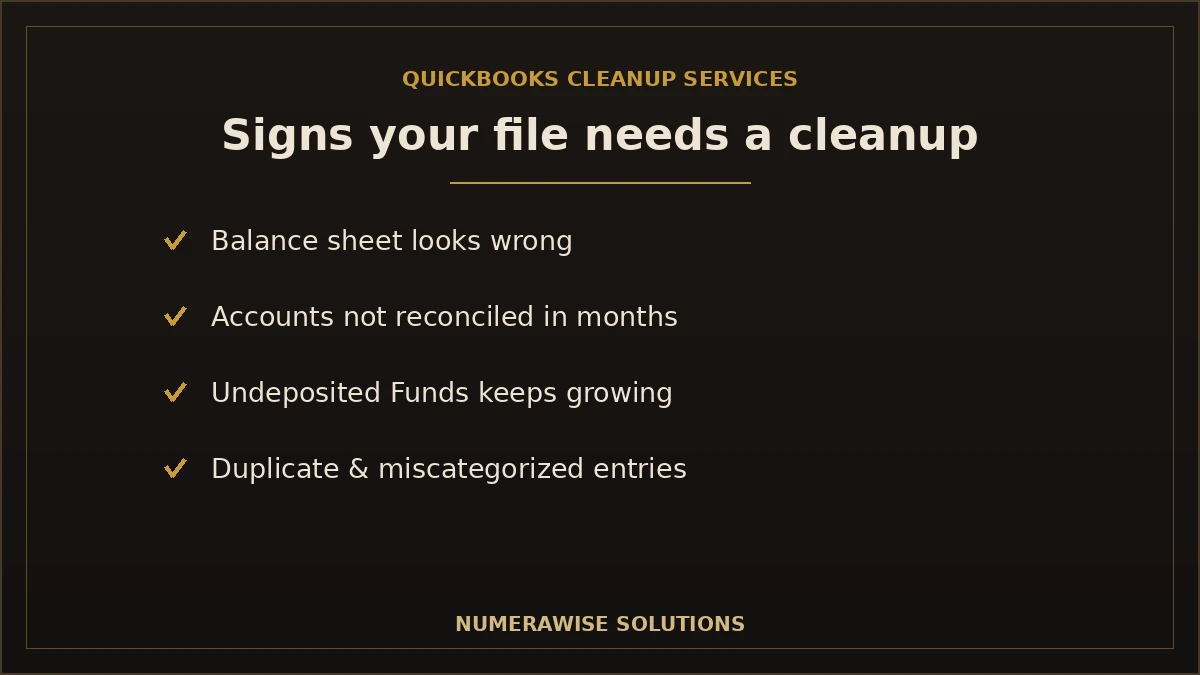
Signs your QuickBooks file needs a cleanup
You rarely wake up knowing your books are broken — the symptoms build quietly. Here are the clearest signs:
- Your balance sheet looks wrong. Negative balances, odd numbers, or accounts that make no sense.
- Accounts have not been reconciled in months, or ever.
- Undeposited Funds keeps growing with money that never clears.
- Your accountant keeps asking questions or charges extra to untangle the file at tax time.
- Duplicate or miscategorized transactions are everywhere.
- The books do not match the bank when you compare them.
If two or three of these sound familiar, your file needs attention before you rely on it again. Ignoring it does not make it cheaper — it makes the eventual catch-up bookkeeping bigger.
What QuickBooks cleanup services actually fix
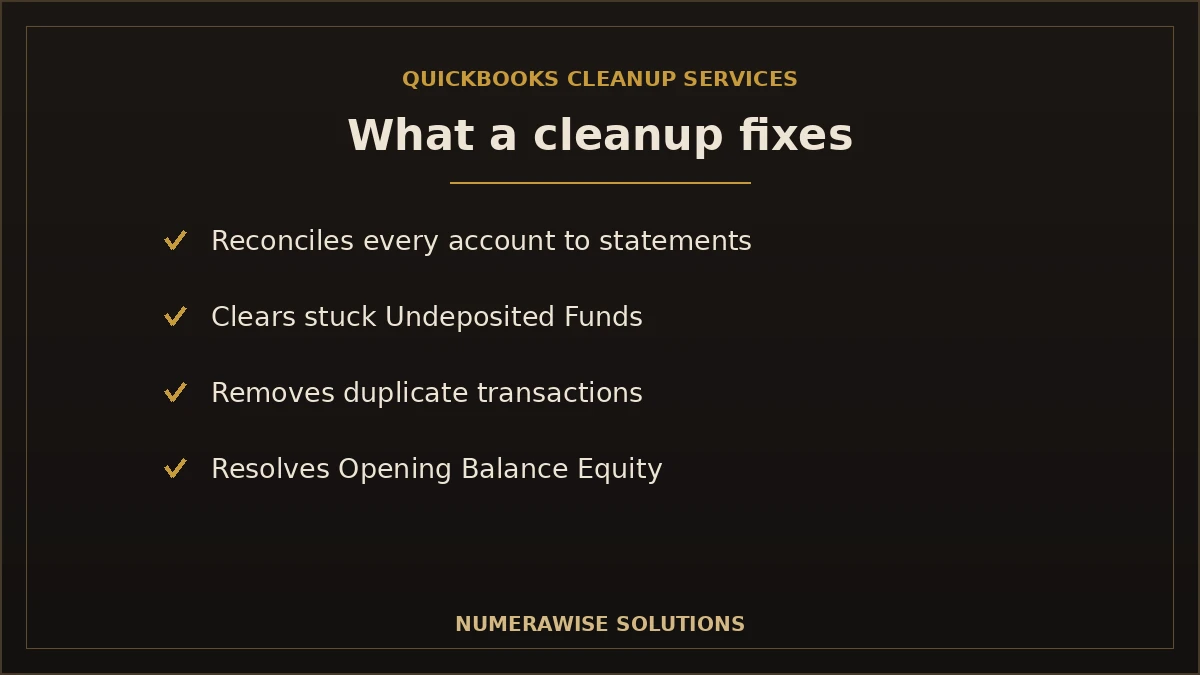
A proper cleanup is not just tidying — it rebuilds accuracy account by account. The common problems it resolves:
One recurring find sits underneath the ledger rather than in it: a business operating on two EINs, or filing payroll under the owner’s personal number. We check the identifier before we reconcile anything, because every downstream figure depends on it — see the EIN rules that most often cause it.
| Problem | What a cleanup does |
|---|---|
| Unreconciled accounts | Reconciles bank, card, and loan accounts to statements |
| Undeposited Funds pile-up | Clears stuck payments into the correct deposits |
| Duplicate transactions | Finds and removes double-imported entries |
| Miscategorized expenses | Recodes transactions to the right accounts |
| Opening Balance Equity | Clears out this catch-all so equity is correct |
| Messy chart of accounts | Merges duplicates and fixes the structure |
| Stale A/R and A/P | Cleans out invoices and bills that were never resolved |
The goal is a file where the balance sheet is correct, every account ties to its statement, and the reports reflect what actually happened in the business.
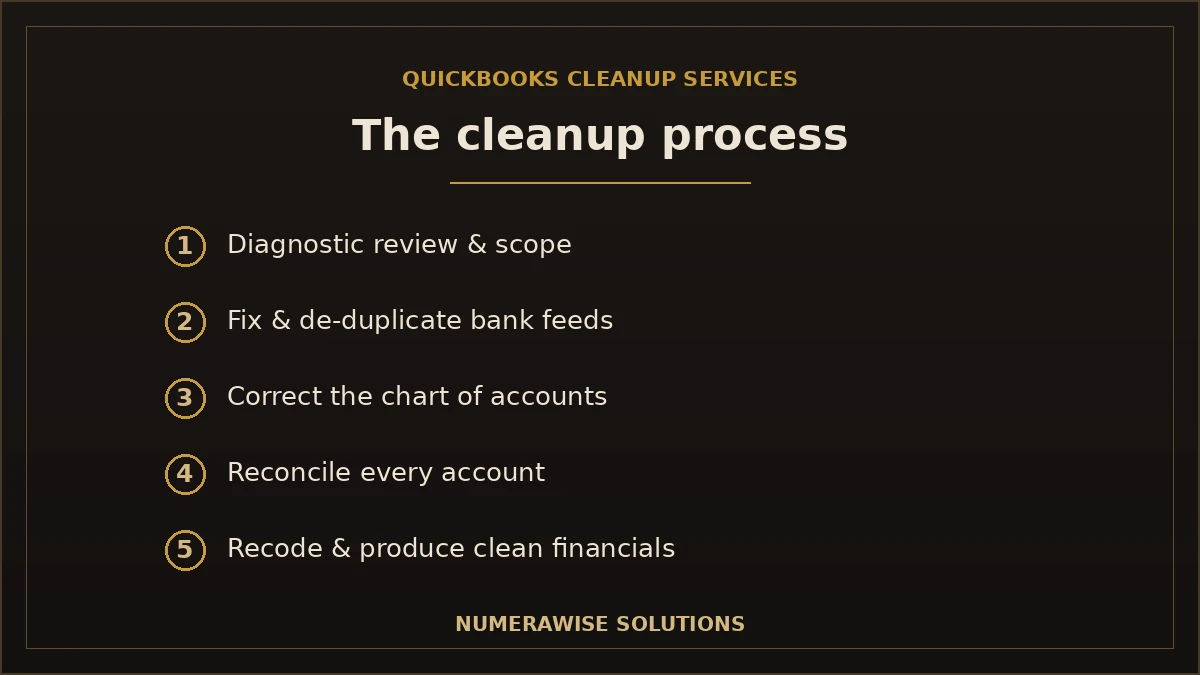
The QuickBooks cleanup process, step by step
A cleanup follows a deliberate order — fixing things out of sequence just creates new errors. Here is how it runs:
- Diagnostic review. Assess the file, find the problems, and scope the work.
- Fix the bank feeds. Reconnect, de-duplicate, and stop new errors flowing in.
- Correct the chart of accounts. Merge duplicates and fix the structure.
- Clear Undeposited Funds and payroll or merchant clearing accounts.
- Reconcile every account backward until balances tie to statements.
- Recode transactions that were categorized wrong.
- Resolve Opening Balance Equity and clean up stale A/R and A/P.
- Produce accurate financials and confirm the file is trustworthy.
The order matters: you cannot recode meaningfully until the feeds are clean, and you cannot reconcile until duplicates are gone. Doing it in sequence is what separates a real cleanup from a cosmetic one.
A cleanup assumes a file exists. If the previous system was shut down by its vendor and there is no file at all, start with how to rebuild the books from bank statements and IRS transcripts, then bring the rebuilt file here.
How far back should a cleanup go?
It depends on why you need it. If you are cleaning up for this year’s taxes, the current year (and often the prior year) usually needs to be accurate. If you are seeking a loan or preparing for a sale, lenders and buyers may want two or three years of clean books. And if the file has never been reconciled, you may need to rebuild from the last known-good point forward. A good provider tells you honestly how far back is worth going — enough to serve your goal without paying to clean history no one will ever use.
How long does a QuickBooks cleanup take?
Timelines vary with how messy the file is and how much history you need. A rough guide:
| Situation | Typical timeline | What drives it |
|---|---|---|
| A few months behind, minor issues | A few days to a week | Low volume, quick reconciliations |
| A year behind or moderately messy | One to two weeks | Duplicates, recoding, multiple accounts |
| Multiple years or severely messy | Several weeks | Rebuilds, heavy reconciliation, cleanup depth |
The biggest variable is transaction volume and how long the file has gone unreconciled. The longer you wait, the more there is to untangle — which is why starting sooner is always cheaper.
What QuickBooks cleanup services cost
Cleanups are almost always quoted per project, not at a flat rate, because no two messy files are alike. Cost tracks the number of months or years behind, transaction volume, how many accounts are involved, and the severity of the problems. A file that is a few months behind is a modest project; a multi-year file that was never reconciled is a larger one. Most providers start with a diagnostic review so they can quote accurately — be wary of anyone who quotes a cleanup sight unseen. Whatever the figure, it is almost always less than the cost of filing taxes on wrong numbers or making decisions on books you cannot trust.
DIY cleanup vs. hiring a professional
For a file that is only slightly off, a careful owner can sometimes clean it up with time and patience. The calculation changes fast with severity.
| Factor | DIY cleanup | Professional service |
|---|---|---|
| Best for | Minor, recent issues | Behind, messy, or multi-year files |
| Time | Many hours of yours | Handled for you |
| Risk | Easy to create new errors | Done in the right order |
| Result | Hit or miss | A file that ties out |
| Tax readiness | Uncertain | Ready to file |
The danger with DIY is fixing things out of order and making the file worse — deleting transactions that were actually correct, or forcing a reconciliation to balance. If the file is genuinely messy, professional QuickBooks cleanup services pay for themselves in avoided damage.
When businesses need a QuickBooks cleanup
Certain moments almost always trigger a cleanup:
- Before tax season, so your CPA files from accurate books.
- After falling behind — months of unrecorded or unreconciled activity.
- When switching bookkeepers and inheriting a questionable file.
- Before applying for a loan or line of credit that requires clean financials.
- Before selling the business, when buyers scrutinize the books.
- After a software migration that did not tie out.
Benefits of a professional QuickBooks cleanup
- Books you can trust. Reports finally match reality.
- A stress-free tax season. Clean books hand straight to your CPA.
- Better decisions. Accurate numbers show what is really happening.
- Loan and sale readiness. Lenders and buyers want reconciled financials.
- Caught problems. Cleanups often surface fraud, double payments, or bank errors.
- A fresh start. A clean file is far easier to keep clean going forward.
Common mistakes during a cleanup
- Fixing out of order. Recoding before feeds are clean just creates more mess.
- Forcing reconciliations to balance. This hides the real problem instead of solving it.
- Deleting transactions blindly. Some “duplicates” are legitimate — check first.
- Ignoring Opening Balance Equity. Left unresolved, it quietly distorts equity.
- Cleaning up, then not staying current. Without ongoing bookkeeping, the file drifts again.
Best practices to keep QuickBooks clean afterward
- Reconcile every account monthly — the single best habit.
- Review bank feed rules so transactions are coded correctly.
- Clear Undeposited Funds each month instead of letting it build.
- Keep business and personal spending fully separate.
- Review your profit and loss and balance sheet monthly.
- Consider ongoing bookkeeping so the file never falls behind again.
The Undeposited Funds problem explained
If one account causes more QuickBooks messes than any other, it is Undeposited Funds. It is meant to be a temporary holding spot: when you receive a payment, QuickBooks parks it in Undeposited Funds until you group payments into a deposit that matches your bank. The problem is that many users receive payments but never record the matching deposit, so the account swells with money that already hit the bank — effectively double-counting income. A cleanup goes through Undeposited Funds payment by payment, matches each to a real bank deposit, and clears the ones that were already deposited. Left alone, this single account can overstate your income by thousands and throw off both your profit and loss and your balance sheet.
Opening Balance Equity: the mystery account
Open a neglected QuickBooks file and you will often find a large, unexplained balance in Opening Balance Equity. QuickBooks creates this account automatically when you set up accounts or enter opening balances, and it is meant to be temporary — zeroed out once everything is properly categorized. In messy files it never gets cleared, so it sits there hiding misclassified transactions and distorting your real equity. A proper cleanup investigates what landed there and moves each amount to the correct account, then confirms Opening Balance Equity is back to zero. A non-zero balance in this account is one of the fastest tells that a file has never been cleaned up.
Cleanup in QuickBooks Online vs. Desktop
The problems are similar in both, but the tools differ. In QuickBooks Online, cleanups happen entirely in the cloud — your bookkeeper logs into the same file, and connected bank feeds make de-duplication and reconciliation straightforward. In QuickBooks Desktop, the file has to be shared or hosted, and some tasks are more manual. Either way the sequence is the same: clean the feeds, fix the chart of accounts, clear the holding accounts, reconcile, and recode. If you are also considering a move to the cloud, a cleanup is the ideal moment to do it — you fix the file once and land on a clean cloud version.
What you receive when the cleanup is done
A finished cleanup is not just a tidier screen — it is a set of deliverables you can act on:
- Every account reconciled to its statement through the cleanup period
- A corrected balance sheet with Opening Balance Equity resolved
- A profit and loss that reflects what actually happened
- A short summary of what was wrong and what we fixed
- Books that are ready for your CPA, a lender, or a buyer
Getting started with your QuickBooks cleanup
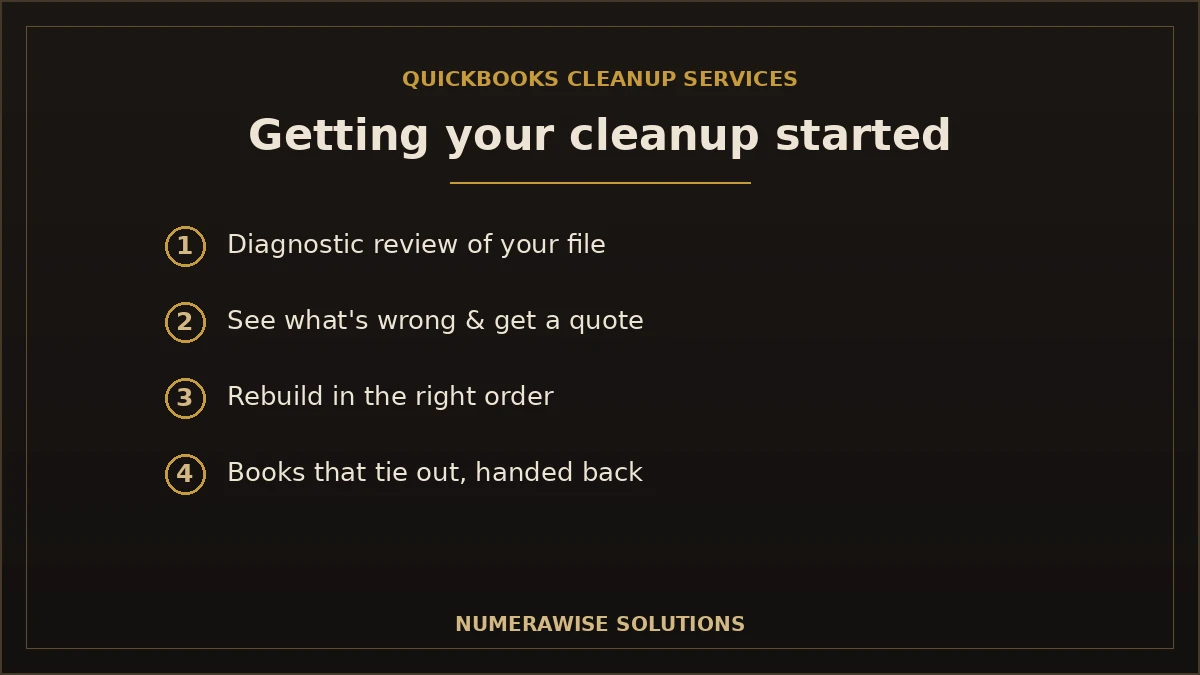
Getting started is simple. We begin with a diagnostic review of your file, show you exactly what is wrong, and quote the cleanup based on what we find — no guessing sight unseen. From there we rebuild the file in the right order and confirm every balance ties out before we hand it back. Whether you are a few months behind or staring at years of tangled history, the first step is the same: a quick look at your QuickBooks file and an honest assessment of what it needs.
Can a cleanup uncover fraud or costly errors?
Often, yes — and it is one of the underrated benefits. When a file has gone unreconciled for months, real problems hide in the noise: a vendor paid twice, a subscription that quietly kept charging after cancellation, a bank fee that should have been refunded, or in worse cases, money moving somewhere it should not. Reconciliation is the check that surfaces these, because it forces every transaction in the books to match a real transaction at the bank. During cleanups we regularly find duplicate payments and forgotten charges that more than cover the cost of the work. A messy file does not just misstate your numbers — it hides the leaks that are costing you money right now. Cleaning it up is how you find them.
Why choose Numerawise for QuickBooks cleanup services
At Numerawise Solutions, cleanups are core work. We start with a diagnostic review, tell you honestly how far back is worth going and what it will cost, then rebuild the file in the right order — feeds, chart of accounts, Undeposited Funds, reconciliations, recoding, and Opening Balance Equity — until your books tie out. We work in your own QuickBooks file, which you always own.
We work remotely through secure cloud tools, so you get a specialist who has cleaned up hundreds of files, not a first attempt on your live books. Once the cleanup is done, we can keep the file accurate with ongoing bookkeeping services so it never drifts again. Whether you are behind, inherited a mess, or need clean books for taxes or a loan, the outcome is the same: a QuickBooks file you can finally trust. For related help, see our overdue bookkeeping cleanup and catch-up bookkeeping pages.
The bottom line on QuickBooks cleanup services
A messy QuickBooks file is not a reason for shame — it is normal, and it is fixable. The key is to fix it properly: diagnose the problems, clean the feeds, reconcile every account, correct the miscodings, and resolve the balances that never tied out, all in the right order. Do that and your reports become trustworthy again, tax season stops being a scramble, and you can make decisions on real numbers. For most businesses, the smart move is to let a specialist handle the cleanup and then keep the file current. Done right, QuickBooks cleanup services turn a file you dread opening into one you actually rely on.
Key takeaways
- A drifting QuickBooks file is normal — and a cleanup rebuilds its accuracy.
- Cleanups fix unreconciled accounts, Undeposited Funds, duplicates, miscodings, and Opening Balance Equity.
- Order matters: clean feeds first, then reconcile, then recode.
- Cost is quoted per project after a diagnostic — and it beats filing on wrong numbers.
- Stay current afterward with monthly reconciliation so the file never drifts again.
Quick answers.
What are QuickBooks cleanup services?
QuickBooks cleanup services fix a messy or inaccurate QuickBooks file. A specialist reconciles your accounts, clears Undeposited Funds, removes duplicate transactions, corrects miscategorized entries, resolves Opening Balance Equity, and tidies the chart of accounts. The result is a file whose balance sheet is correct and whose reports match reality — trustworthy books for taxes, loans, and decisions.
How do I know if my QuickBooks file needs a cleanup?
Common signs include a balance sheet that looks wrong, accounts that have not been reconciled in months, a growing Undeposited Funds balance, duplicate or miscategorized transactions, and an accountant who keeps asking questions or charges extra at tax time. If your books do not match your bank when you compare them, the file needs a cleanup before you rely on it.
How much do QuickBooks cleanup services cost?
Cleanups are almost always quoted per project, not at a flat rate, because no two messy files are alike. Cost depends on how many months or years you are behind, transaction volume, number of accounts, and the severity of the problems. Most providers start with a diagnostic review to quote accurately. Whatever the figure, it beats filing taxes on wrong numbers or deciding on books you cannot trust.
How long does a QuickBooks cleanup take?
A file a few months behind with minor issues can be cleaned in a few days to a week. A year behind or moderately messy usually takes one to two weeks, and multi-year or severely messy files can take several weeks. The biggest factors are transaction volume and how long the file has gone unreconciled. Starting sooner is always faster and cheaper.
What is the Undeposited Funds problem?
Undeposited Funds is a temporary holding account for payments received before they are grouped into a bank deposit. Many users receive payments but never record the matching deposit, so the account swells with money that already hit the bank — double-counting income. A cleanup matches each payment to a real deposit and clears the rest, correcting both your profit and loss and balance sheet.
What is Opening Balance Equity and why does it matter?
Opening Balance Equity is an account QuickBooks creates automatically when you set up accounts or enter opening balances. It is meant to be temporary and zeroed out once everything is categorized. In messy files it never gets cleared, hiding misclassified transactions and distorting your real equity. A cleanup investigates the balance, moves amounts to the right accounts, and confirms it returns to zero.
Can I clean up QuickBooks myself?
For a file that is only slightly off, a careful owner sometimes can. But the risk with DIY is fixing things out of order — recoding before feeds are clean, deleting legitimate transactions, or forcing reconciliations to balance — which makes the file worse. If your file is genuinely messy or multiple years behind, professional QuickBooks cleanup services usually pay for themselves in avoided damage and time.
How far back should a QuickBooks cleanup go?
It depends on your goal. For this year's taxes, the current and often prior year need to be accurate. For a loan or a business sale, lenders and buyers may want two or three years of clean books. If the file was never reconciled, you may rebuild from the last known-good point forward. A good provider advises how far back is worth going for your situation.
Will a cleanup help me at tax time?
Yes — it is one of the most common reasons to do one. Clean, reconciled books hand straight to your CPA, so they file from accurate numbers instead of untangling a messy file (often at extra cost). A cleanup before tax season means claiming every legitimate deduction, avoiding errors, and turning a stressful scramble into a smooth handoff.
Do you keep the books clean after the cleanup?
We can. A cleanup fixes the past, but without ongoing bookkeeping a file drifts again. Many clients pair the cleanup with monthly bookkeeping so every account is reconciled each month and the file never falls behind. Whether you continue with us or keep it current yourself, staying on top of monthly reconciliation is the single best habit for keeping QuickBooks clean.
Get a free scoping call.
Tell us what you’re working on. We respond same business day.

Ram · Founder & Principal
Founder of Numerawise Solutions, established MMXXIV in Atlanta. Intuit ProAdvisor Gold tier. Former Intuit Technical Support engineer. Has personally led two hundred accounting software conversions for US small businesses since founding the practice. Reachable directly at [email protected].
Free: The Clean-Cutover Checklist
The step-by-step checklist we use to migrate businesses to QuickBooks without losing data — bank rec, opening balances, payroll YTD, and the validation tie-out. Get it in your inbox.
No spam — just the checklist and the occasional QuickBooks tip.