Sage Intacct to QuickBooks Enterprise Conversion Services
Numerawise Solutions migrates your accounts, balances, and complete transaction history from Sage Intacct into QuickBooks Enterprise through our Sage Intacct to QuickBooks Enterprise conversion service. Every figure is reconciled against the original file and verified before go-live, and the work is performed by Intuit ProAdvisors.
Complimentary file review · Fixed-price quote within 24 hours · Intuit ProAdvisor Gold
Sage Intacct specifics
The dimensional GL is the whole job
Sage Intacct is a dimensional cloud GL — every transaction is tagged with dimensions (department, location, project, class, customer, vendor, item). QuickBooks Enterprise supports far fewer dimensions, so the core of the migration is deciding how each Intacct dimension maps: department and location typically become QuickBooks Enterprise classes and locations, projects map to projects/jobs, and dimensions QuickBooks Enterprise cannot hold are archived or rebuilt through reporting. Intacct’s dimensions, custom fields and entity structure are mapped into the agreed QuickBooks Enterprise configuration — not preserved one-for-one, because the two models are different.
We walk the dimension mapping with you first, separate multi-entity structures into the right files, bring customers, vendors, open AR/AP and the agreed history, and reconcile the result to your Intacct trial balance before go-live.
Other Sage Intacct migration paths
Moving Sage Intacct to a different system?
We run this conversion to all three destinations. If Sage Intacct is heading somewhere other than QuickBooks Enterprise, these pages cover what changes in the mapping and what carries across:
Sage Intacct → QuickBooks Enterprise
A managed conversion from Sage Intacct to QuickBooks Enterprise
Thinking about moving from Sage Intacct to QuickBooks Enterprise? We manage the whole switch — your chart of accounts, balances, open invoices and bills, and history — and reconcile every figure against your Intacct reports, so nothing goes missing on go-live day. It’s a managed conversion, not a raw export you’re left to clean up.
Sage Intacct is a strong cloud ERP. Businesses usually move the other way — so if you’re heading to QuickBooks Enterprise, it’s almost always to simplify or cut cost. A careful Sage Intacct to QuickBooks Enterprise migration, run by our QuickBooks conversion services, makes that step clean and safe.
Reasons to switch
Why move from Sage Intacct to QuickBooks Enterprise
Sage Intacct is a capable, AICPA-recognized cloud financial platform. So why leave it? The reasons are almost always about cost, complexity, or a change in the business — not a flaw in the software.
Cost. Intacct’s subscription, modules, and implementation add up quickly. Companies that don’t use its full depth often find QuickBooks Enterprise covers what they actually need for far less.
Right-sizing. After a divestiture, spin-off, or downsizing, a business may no longer need multi-entity ERP power. Simpler books beat paying for capability you’ve stopped using.
Staffing and familiarity. Most US bookkeepers know QuickBooks. Hiring, covering a leave, or onboarding is easier on a platform the whole profession already uses.
An honest word of caution: Intacct is more powerful than QuickBooks Enterprise for multi-entity consolidation, dimensions, and automation. If you’re growing into that complexity, moving down may not serve you — we’ll tell you plainly if that’s the case before we start.
Side by side
Sage Intacct vs. QuickBooks Enterprise
Here’s how the two compare for a business weighing the switch:
| Factor | Sage Intacct | QuickBooks Enterprise |
|---|---|---|
| Deployment | Cloud-native SaaS | Desktop, and can be cloud-hosted |
| Best fit | Multi-entity, high-automation finance teams | Small-to-mid firms wanting robust, familiar accounting |
| Multi-entity | Advanced consolidation | Per-company; assess if many entities |
| Dimensions / reporting | Dimensional, very flexible | Classes, customers, and jobs |
| Users | Subscription-based | Up to 40 simultaneous users (Diamond tier) |
| Staffing pool | Smaller, specialized | Large pool of QuickBooks-trained pros |
| Cost | Higher subscription | Predictable annual subscription |
If your needs sit squarely in day-to-day accounting — AR, AP, payroll, inventory, and clean reporting — QuickBooks Enterprise usually wins on cost and staffing.
Scope of the migration
What we migrate from Sage Intacct
Because Intacct is cloud-based, a conversion starts with structured exports — reports, lists, and API or CSV data. On a standard Sage Intacct to QuickBooks Enterprise migration, we move:
- Chart of accounts
- Customer and vendor lists
- Item and inventory lists
- Open accounts receivable and payable
- Trial balance and account balances
- Dimension data mapped to classes and jobs
- Historical transactions (as scoped)
- Reconciled bank and card balances
Before anything moves, we agree on scope with you — how much history you need, how your dimensions should map, and what to leave behind. Tidy bookkeeping services make this step faster.
Our process
How we convert Sage Intacct to QuickBooks Enterprise, step by step
We run every migration the same disciplined way, so there are no surprises on go-live day:
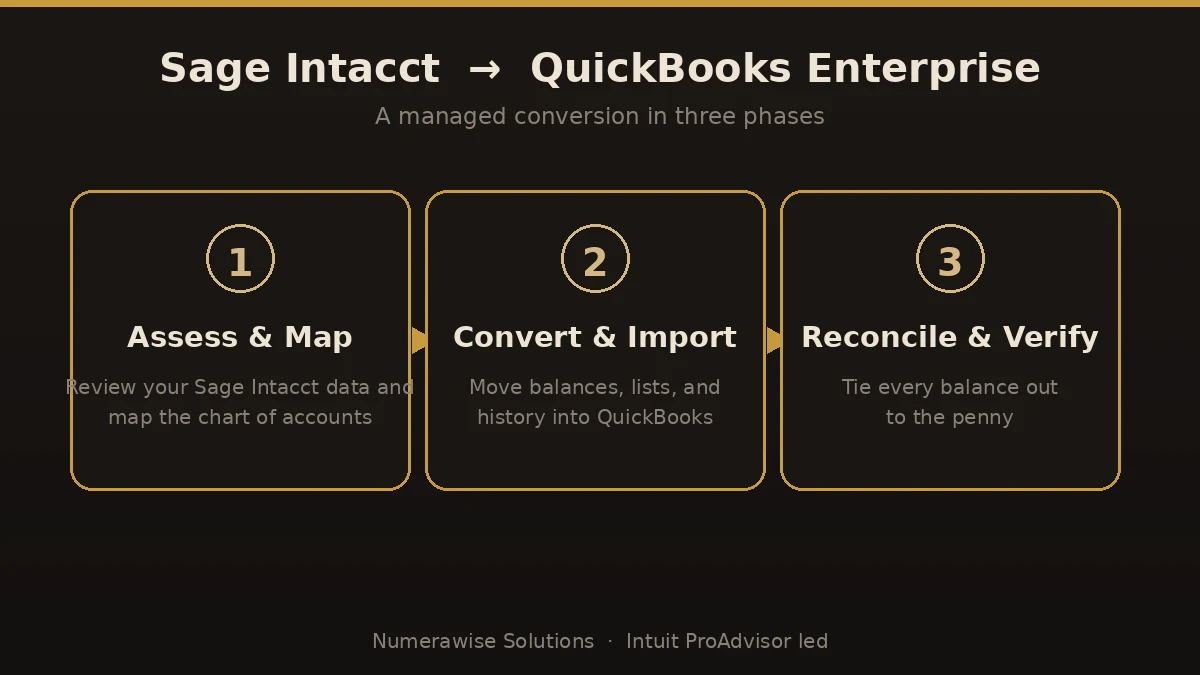
- Assess and map. We review your Intacct setup, agree on scope, and map your accounts and dimensions to a clean QuickBooks structure.
- Convert and import. We move lists, balances, open items, and scoped history into QuickBooks Enterprise — carefully, not with a blind bulk import.
- Reconcile and verify. We tie balances, AR, AP, and key reports back to your original Sage Intacct numbers, to the penny.
- Go live and support. We set users and permissions, walk your team through the new file, and stay available afterward.
The payoff
What you gain by switching
When the move fits your business, the payoff shows up fast:
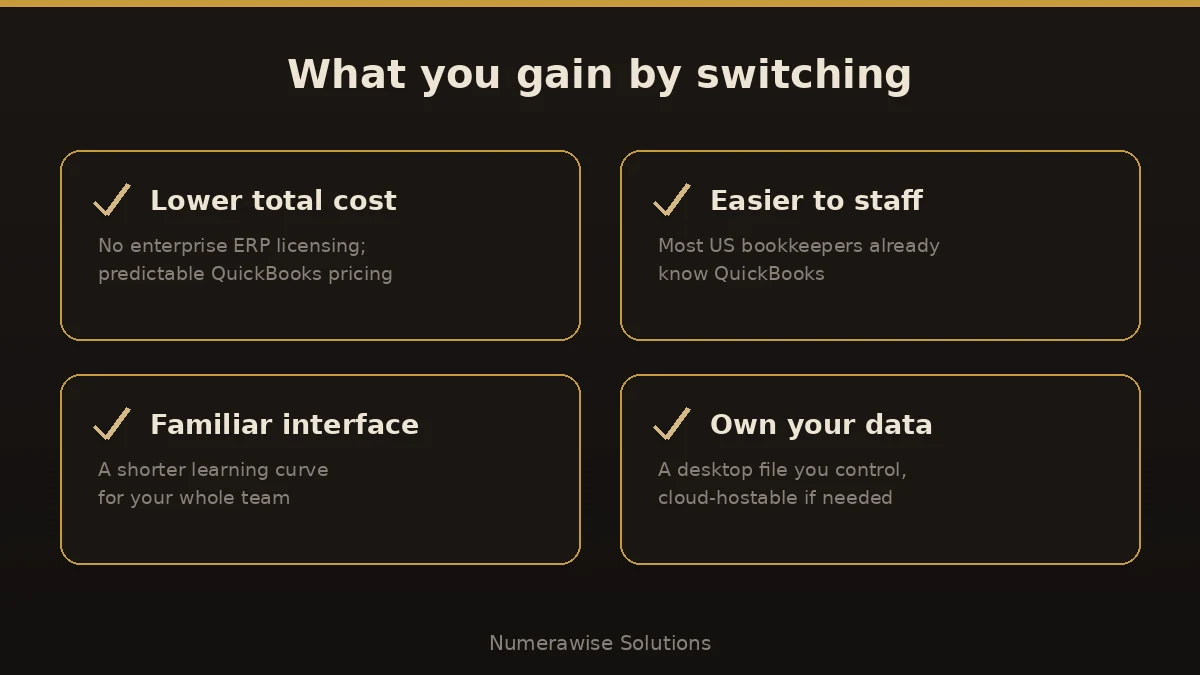
- Lower total cost of ownership
- A team that’s far easier to hire for
- A familiar interface with a short learning curve
- A desktop file you own and control
- Strong day-to-day reporting without ERP overhead
- Room to grow to 40 users on the Diamond tier
Pitfalls
Where Sage Intacct conversions go wrong
Most migration problems trace back to a few avoidable errors. Here’s where Sage Intacct to QuickBooks Enterprise conversions go sideways:
- Assuming dimensions map one-to-one. Intacct dimensions don’t translate directly to QuickBooks classes and jobs. Plan the mapping deliberately.
- Skipping reconciliation. If the new balances aren’t verified against Intacct, you’re building on numbers you can’t trust.
- Exporting carelessly. A cloud export done without a plan loses detail. Pull the right reports and data before you close the Intacct subscription.
- Migrating without a clear reason. If you’re still scaling into multi-entity complexity, moving down can cost more than it saves.
- Going live mid-period. A clean cut at period- or year-end avoids split reporting and confusion.
Best practices
How to keep the migration smooth
A smooth migration isn’t luck — it’s a checklist:
- Confirm the move actually fits before you start — simplification, not a step backward.
- Pick a clean cutover date, ideally at period- or year-end.
- Export the full data set from Intacct before the subscription lapses.
- Decide how history and dimensions should map up front.
- Verify AR, AP, and the trial balance in QuickBooks against the originals.
- Archive your Intacct reports and data for reference and compliance.
Why Numerawise
Why organizations choose us for their Sage Intacct migration
Intuit ProAdvisors
Your records are handled by Intuit ProAdvisors (Gold tier) and experienced bookkeepers who understand the accounting behind the migration, not only the software.
Verified against your Sage Intacct file
A conversion is not considered complete until the trial balance and the primary reports agree with your original records.
Fixed, agreed pricing
The fee is confirmed before the engagement begins. There is no hourly billing.
Confidential throughout
Your information is handled securely and accessed only by the personnel assigned to your conversion. Ongoing bookkeeping is also available.
Who performs the work
Led by an Intuit ProAdvisor

Ram — Founder & Principal
Ram is the founder of Numerawise Solutions in Atlanta. An Intuit ProAdvisor (Gold tier) and a former Intuit Technical Support engineer, he has personally led more than 200 accounting-software conversions, including Sage Intacct and QuickBooks Enterprise engagements, for small and mid-market firms across the United States.
More about Ram Verified on UpworkCommon questions
Sage Intacct to QuickBooks Enterprise conversion FAQs
How long does a Sage Intacct to QuickBooks Enterprise conversion take?
Most conversions finish within a few business days to about two weeks. The timeline depends on how much history and dimension data you keep and how your Intacct data is structured. After we review your setup, you get a firm timeline before any work begins.
Why would a business move from Sage Intacct to QuickBooks Enterprise?
Usually to simplify or cut cost. Intacct is a powerful cloud ERP, and companies that don’t use its full depth — or that have downsized, spun off, or right-sized — often find QuickBooks Enterprise covers their needs for far less, with an easier-to-staff platform.
Will I lose data moving from Sage Intacct to QuickBooks Enterprise?
No. We export your accounts, lists, open AR and AP, balances, and scoped history, then reconcile them against your original Intacct reports. We also archive your Intacct data before the subscription lapses, so you keep a full reference copy and nothing is lost.
How do Intacct dimensions map to QuickBooks Enterprise?
They don’t translate one-to-one. QuickBooks uses classes, customers, and jobs instead of Intacct’s dimensions. We plan the mapping with you so your most important reporting still works after the move, and we flag anything that can’t carry across before we start.
Is QuickBooks Enterprise a downgrade from Sage Intacct?
For multi-entity consolidation, dimensions, and automation, Intacct is more powerful. But for a business that doesn’t need that depth, QuickBooks Enterprise is simpler, cheaper, and easier to staff — the right fit, not a downgrade. If you’re scaling up, we’ll say so honestly.
Do you reconcile the converted data?
Always. Reconciliation is the difference between a real conversion and a data dump. We tie your balances, accounts receivable, accounts payable, and key reports back to your original Sage Intacct numbers, to the penny, before we call the migration done.
What happens to my Intacct data after we switch?
We export and archive everything you need before your Intacct subscription ends, including key reports and detail. You keep those records for reference and compliance. Because Intacct is cloud-based, it’s important to pull the full data set while your access is still active.
When is the best time to switch?
A clean cutover at the end of a period or fiscal year is ideal, because it avoids split reporting mid-period. We convert files any time of year, but if timing is tricky we plan the cutover around your reporting so nothing falls between the two systems.
Who performs the Sage Intacct to QuickBooks Enterprise conversion?
Your migration is handled by Intuit ProAdvisors (Gold tier) and experienced bookkeepers who understand the accounting behind the data, not just the software. That combination keeps balances and reporting accurate through the switch.
Begin
Ready to move from Sage Intacct to QuickBooks Enterprise?
Provide a few details and we will email a fixed-price quote within one business day, with your Sage Intacct history reconciled into a clean QuickBooks Enterprise file.