I’ve helped businesses pull their books off systems most people forgot existed — green-screen apps on an AS/400, custom software a retired programmer built in the 90s. The data almost always lives in an IBM Db2 database. Getting it into QuickBooks is very doable; it just has to be done in the right order.
What does it mean to convert DB2 to QuickBooks?
Db2 is IBM’s relational database. It stores data — it doesn’t “do” accounting on its own. When a business says they’re on “DB2,” they usually mean a custom or legacy accounting application whose numbers are stored in Db2 tables, often on an IBM i (AS/400) or mainframe.
So converting DB2 to QuickBooks isn’t swapping one accounting package for another. It’s a data migration: extracting the financial records out of the Db2 database and importing them into QuickBooks in a clean, reconciled form. That takes someone who understands both the source data and the accounting on the other side.
What data comes across
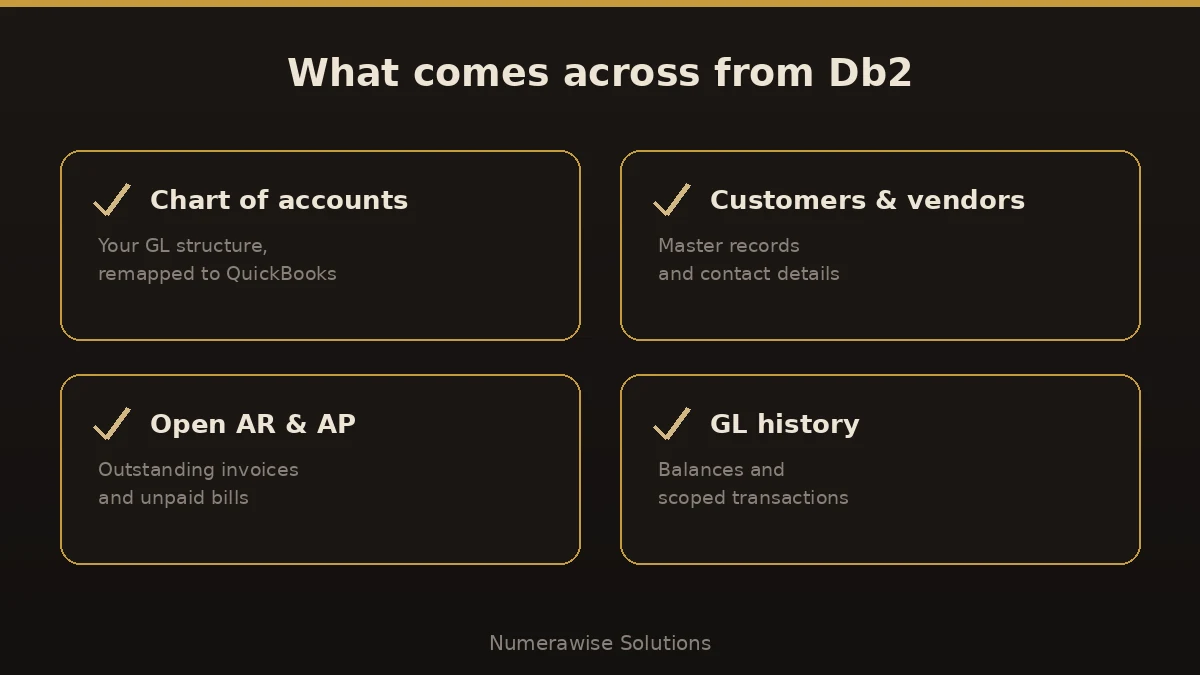
You don’t move the database — you move the financial records inside it. On a typical migration, that means:
- Chart of accounts — your general-ledger structure, remapped to QuickBooks.
- Customer and vendor master records and their contact details.
- Open accounts receivable and payable — unpaid invoices and bills.
- General-ledger balances and the transaction history you choose to keep.
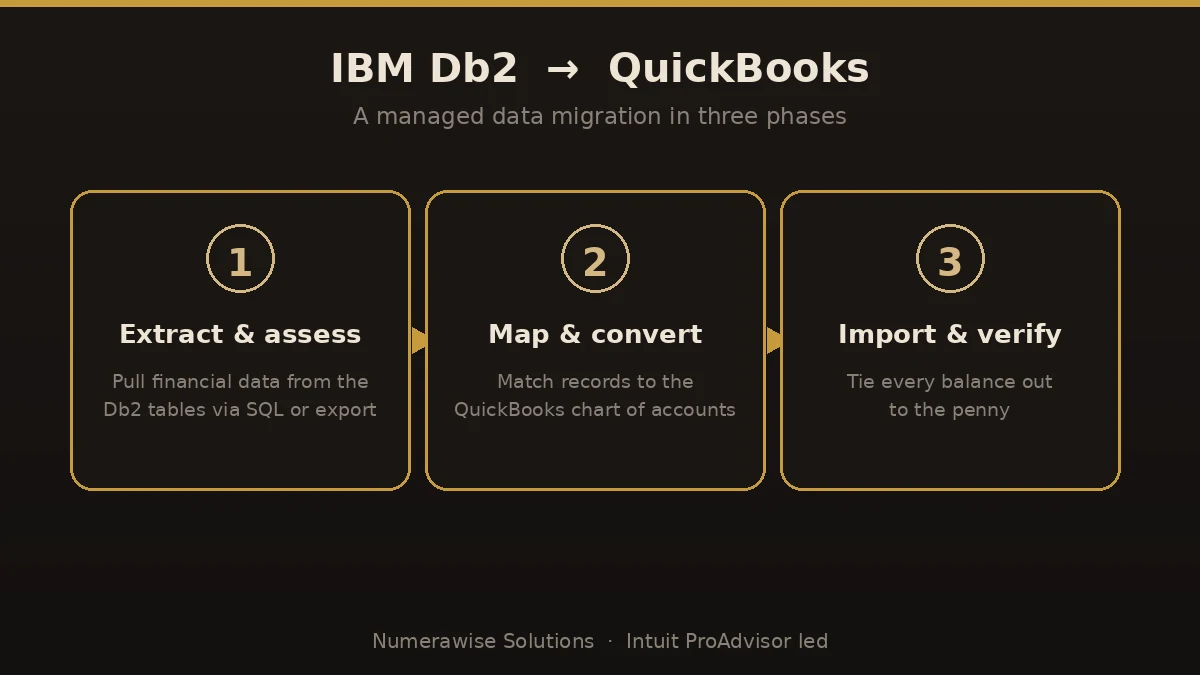
The data is pulled from the Db2 tables using SQL queries or exports, then mapped to QuickBooks. Because a custom schema rarely matches QuickBooks one-to-one, this is careful mapping work, not a copy-paste.
How to convert DB2 to QuickBooks, step by step
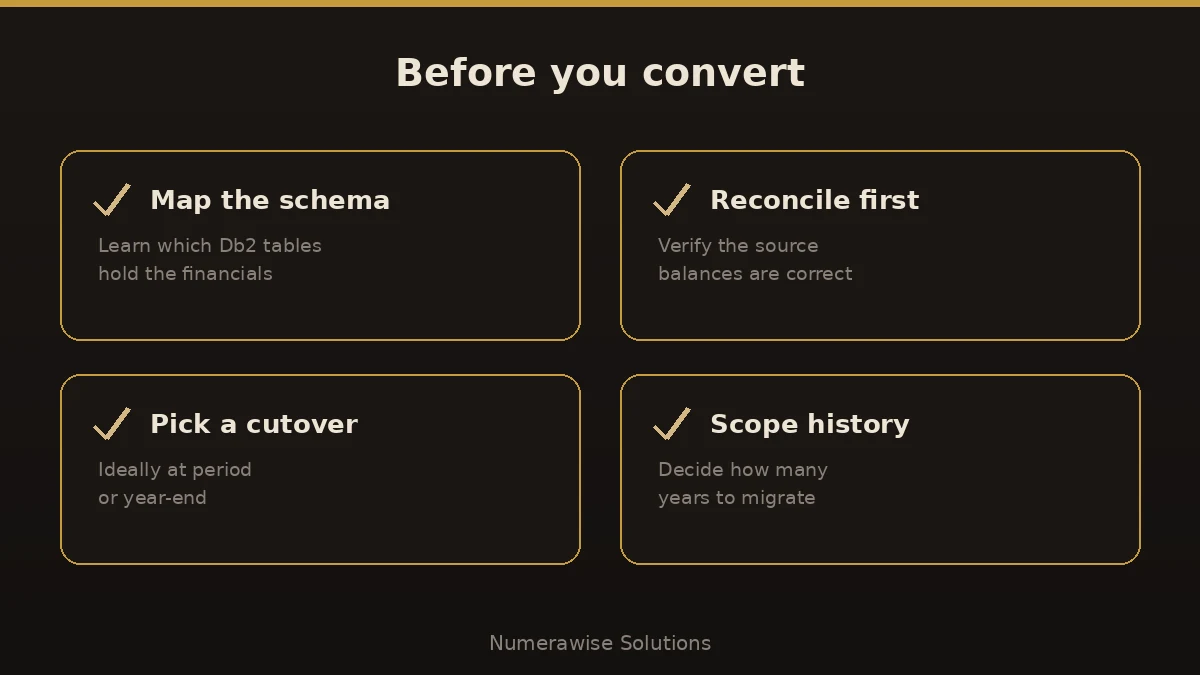
- Map the schema. Work out which Db2 tables and fields hold your accounts, customers, invoices, and balances. This is the make-or-break step.
- Reconcile the source. Confirm the numbers in the legacy system are actually right before you move them. Garbage in, garbage out.
- Extract the data. Pull the records with SQL queries or exports (CSV/IIF), keeping structure and relationships intact.
- Map and import. Translate the data into QuickBooks’ format — chart of accounts, lists, open items, and balances — and import in the right order.
- Reconcile and verify. Tie the trial balance, AR, and AP in QuickBooks back to the legacy figures, to the penny.
Most projects pair a technical resource who knows the Db2 side with an accounting pro who owns the QuickBooks side. Our QuickBooks conversion services cover the accounting half end to end.
Which QuickBooks should you land on?
Not every business needs the same edition. Match the tool to your size:
| Your situation | Best QuickBooks fit |
|---|---|
| Small, simple, cloud-first | QuickBooks Online |
| Higher volume, inventory, up to 40 users | QuickBooks Enterprise |
| Lots of history and custom reporting | QuickBooks Enterprise |
If you’re coming off a heavy legacy system, QuickBooks Enterprise usually has the headroom you need; smaller shops may be happier on QuickBooks Online. We’ll recommend the right one during scoping.
Benefits of moving off Db2 to QuickBooks
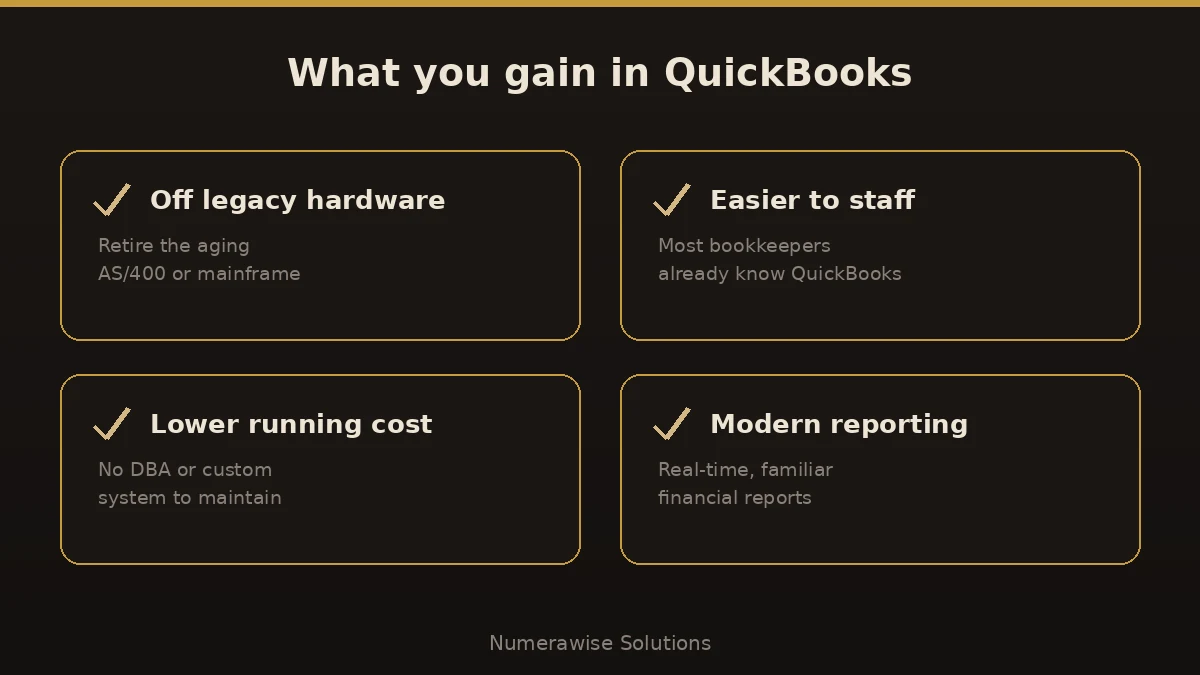
- Retire aging hardware. No more nursing an AS/400 or mainframe nobody wants to touch.
- Easier to staff. Most bookkeepers know QuickBooks; almost none know your custom Db2 app.
- Lower running cost. No DBA, no niche consultant, no custom-code maintenance.
- Modern, real-time reporting instead of overnight batch jobs.
- A supported, connected ecosystem of apps and integrations.
Common mistakes to avoid
- Guessing at the schema. Custom Db2 apps are undocumented more often than not. Confirm which tables hold what before extracting.
- Skipping source reconciliation. If the legacy numbers are wrong, migrating them just makes the error official.
- Dumping raw exports. Data must be mapped to QuickBooks’ structure, not force-fed. The two don’t match one-to-one.
- Over-scoping history. Bringing every transaction since 1998 is expensive and rarely needed. Scope it.
- Going live mid-period. Cut over at period- or year-end to avoid split reporting.
Best practices for a clean migration
- Document the Db2 tables and fields before you touch anything.
- Reconcile the legacy trial balance to the penny first.
- Decide how many years of history you actually need.
- Import in order: chart of accounts, lists, opening balances, then transactions.
- Verify AR, AP, and the trial balance in QuickBooks against the source.
- Keep a read-only archive of the Db2 data for compliance.
Why work with Numerawise Solutions
Migrating DB2 to QuickBooks lives at the seam between IT and accounting, and that’s exactly where projects fail. At Numerawise Solutions, we own the accounting side: we map your general ledger, translate customers, vendors, and open items into QuickBooks, and reconcile every balance back to your source, coordinating with your technical resource on the raw Db2 extraction. We’re QuickBooks specialists and Intuit ProAdvisors, so your new file is set up right — and our bookkeeping services keep it accurate long after go-live.
The bottom line
To convert DB2 to QuickBooks, remember what you’re really doing: lifting your financial data out of a legacy database and rebuilding it cleanly in modern accounting software. Map the schema, reconcile the source first, extract carefully, and verify every balance on the other side. Done right, you retire aging hardware, make your books far easier to run and staff, and gain reporting your old system could never touch — reconciled to the penny of history.
Key takeaways
- DB2 is IBM’s database, not accounting software — converting it to QuickBooks is a data migration.
- The financial records are extracted from Db2 tables via SQL or exports, then mapped to QuickBooks.
- Map the schema and reconcile the source before you move anything.
- Pick the right QuickBooks edition for your size and scope your history.
- Verify the trial balance, AR, and AP in QuickBooks against the legacy figures.
Quick answers.
What does it mean to convert DB2 to QuickBooks?
DB2 is IBM’s database, not an accounting program. Converting DB2 to QuickBooks means extracting the financial records stored in a Db2 database — usually behind a legacy or custom accounting app — and importing them into QuickBooks. It’s a data migration: chart of accounts, customers, vendors, open items, and balances, mapped and reconciled.
Is DB2 an accounting system?
No. Db2 is IBM’s relational database. It stores data for other applications, including custom or legacy accounting systems often running on an IBM i (AS/400) or mainframe. When people say they’re “on DB2,” they mean their accounting data lives in Db2 tables, not that Db2 itself keeps the books.
How do you get financial data out of Db2?
You query the Db2 tables with SQL or run exports to CSV or IIF files, keeping the records and their relationships intact. The tricky part is knowing which tables and fields hold your accounts, invoices, and balances, especially with an undocumented custom schema. That mapping work comes before any extraction.
What data can I move from DB2 to QuickBooks?
Typically your chart of accounts, customer and vendor master records, open accounts receivable and payable, general-ledger balances, and the transaction history you choose to keep. Because a custom database rarely matches QuickBooks one-to-one, the data is mapped deliberately rather than copied straight across.
How long does a DB2 to QuickBooks conversion take?
It depends on how well the Db2 schema is documented, how much history you keep, and how clean the source data is. A focused migration can take a couple of weeks; a messy, undocumented legacy system takes longer. Mapping the schema and reconciling the source up front keeps the timeline predictable.
Will I lose my history when I convert DB2 to QuickBooks?
No, if it’s planned well. You decide how much history to bring across, and the original Db2 data is kept as a read-only archive for reference and compliance. Reconciling QuickBooks against the source before go-live confirms nothing was lost or changed.
Do I need a programmer to convert DB2 to QuickBooks?
Usually a technical resource handles the raw Db2 extraction, while an accounting professional owns the mapping, import, and reconciliation in QuickBooks. We cover the accounting side end to end and coordinate with your IT resource or DBA for the database pull, so the two halves fit together.
Which QuickBooks is best after a DB2 migration?
It depends on size. QuickBooks Enterprise suits higher volume, inventory, and up to 40 users, which fits many businesses coming off a heavy legacy system. Smaller, simpler operations may prefer QuickBooks Online. We recommend the right edition during scoping so you don’t overpay.
Can you reconcile the data after converting DB2 to QuickBooks?
Yes, and it’s essential. We tie the trial balance, accounts receivable, and accounts payable in QuickBooks back to your legacy figures, to the penny, before we call the migration complete. Reconciliation is what separates a real conversion from an unreliable data dump.
Get a free scoping call.
Tell us what you’re working on. We respond same business day.

Ram · Founder & Principal
Founder of Numerawise Solutions, established MMXXIV in Atlanta. Intuit ProAdvisor Gold tier. Former Intuit Technical Support engineer. Has personally led two hundred accounting software conversions for US small businesses since founding the practice. Reachable directly at [email protected].
Free: The Clean-Cutover Checklist
The step-by-step checklist we use to migrate businesses to QuickBooks without losing data — bank rec, opening balances, payroll YTD, and the validation tie-out. Get it in your inbox.
No spam — just the checklist and the occasional QuickBooks tip.