Exact to QuickBooks Enterprise Conversion Services
Numerawise Solutions migrates your accounts, balances, and complete transaction history from Exact into QuickBooks Enterprise through our Exact to QuickBooks Enterprise conversion service. Every figure is reconciled against the original file and verified before go-live, and the work is performed by Intuit ProAdvisors.
Complimentary file review · Fixed-price quote within 24 hours · Intuit ProAdvisor Gold
Exact → QuickBooks Enterprise
A managed conversion from Exact to QuickBooks Enterprise
Exact is a business and accounting software suite used by SMBs. In practice, migrating those records to QuickBooks Enterprise is a complete rebuild of the accounting file rather than a simple export. Low-cost import utilities frequently consolidate historical transactions into summary totals, lose the reconciliation status of bank accounts, and post entries to the wrong ledgers, and these issues commonly remain hidden until a month-end close or an audit. Numerawise Solutions manages the entire Exact to QuickBooks Enterprise conversion and reconciles every balance against your original Exact file before you begin operating in the new system.
Numerawise Solutions is an Atlanta-based practice of Intuit ProAdvisors (Gold tier) and experienced bookkeepers, with more than 200 completed conversions. The fee is fixed and agreed before the engagement begins, and your information remains confidential throughout.
Reasons to switch
Why move from Exact to QuickBooks Enterprise
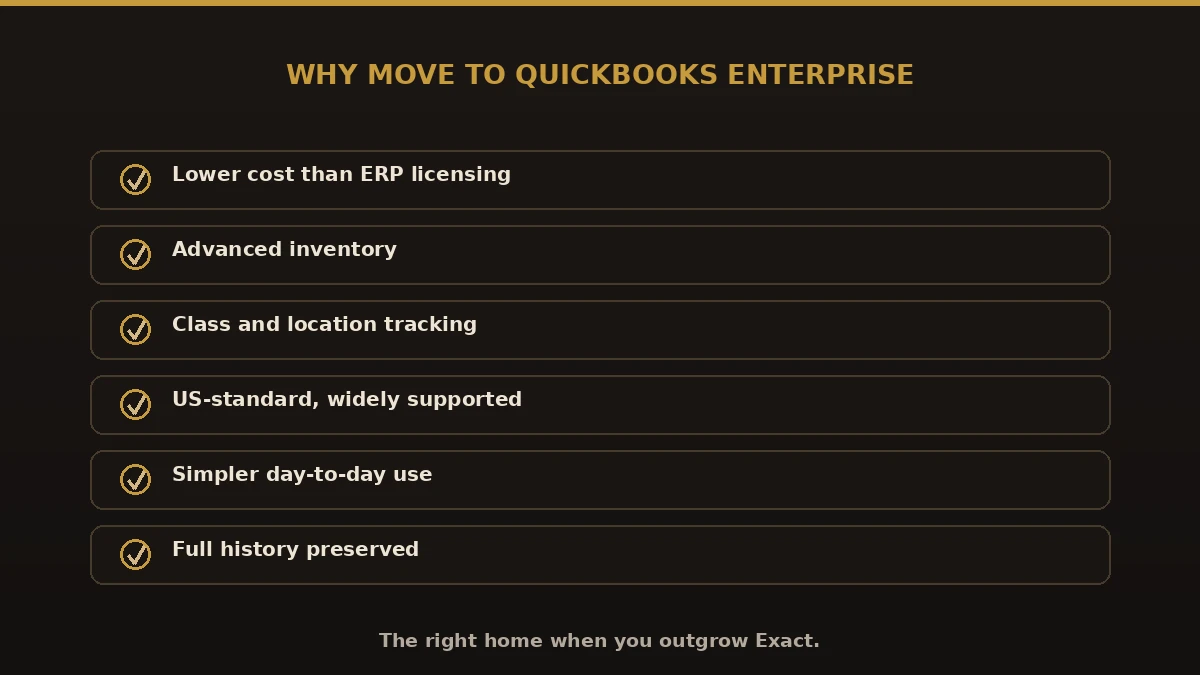
Most businesses move away from ERP systems such as Exact because you want a simpler, cloud-first accounting platform with strong app integrations. A migration to QuickBooks Enterprise provides the following advantages:
- Substantially lower cost and complexity than an ERP system
- A faster and more straightforward month-end close
- Accounts that non-specialist staff can operate confidently
- One of the largest application marketplaces in small-business accounting
- Strong US sales-tax handling and native payroll options
Scope of the migration
What we migrate from Exact
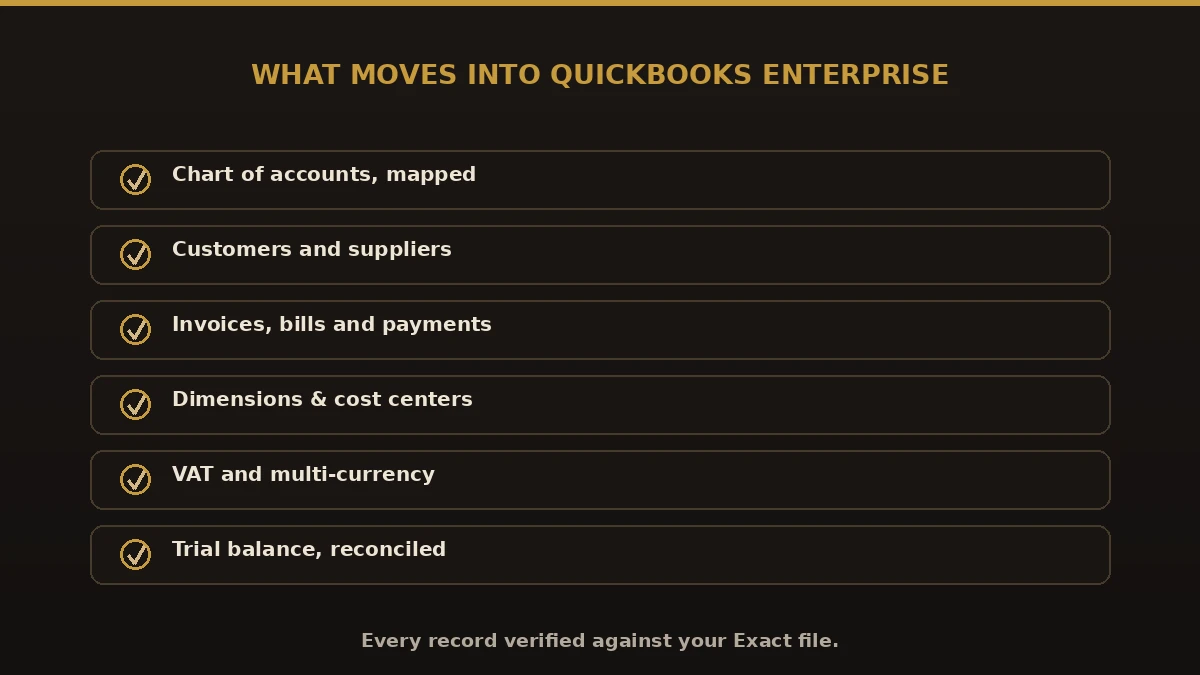
A conversion is complete only when the entire file has transferred accurately. Our Exact to QuickBooks Enterprise migration therefore covers the following:
- The chart of accounts, mapped to QuickBooks Enterprise
- Historical transactions, including invoices, bills, payments, and journals
- Opening balances and the trial balance
- Bank and credit-card accounts, with reconciliation status preserved
- Customer and vendor records
- Inventory and service items
- Sales tax codes and rates
- Open receivables and payables, with aged balances retained
- Supporting attachments, where both systems permit
- Payroll history, with the appropriate treatment agreed during scoping
Our process
How we convert Exact to QuickBooks Enterprise
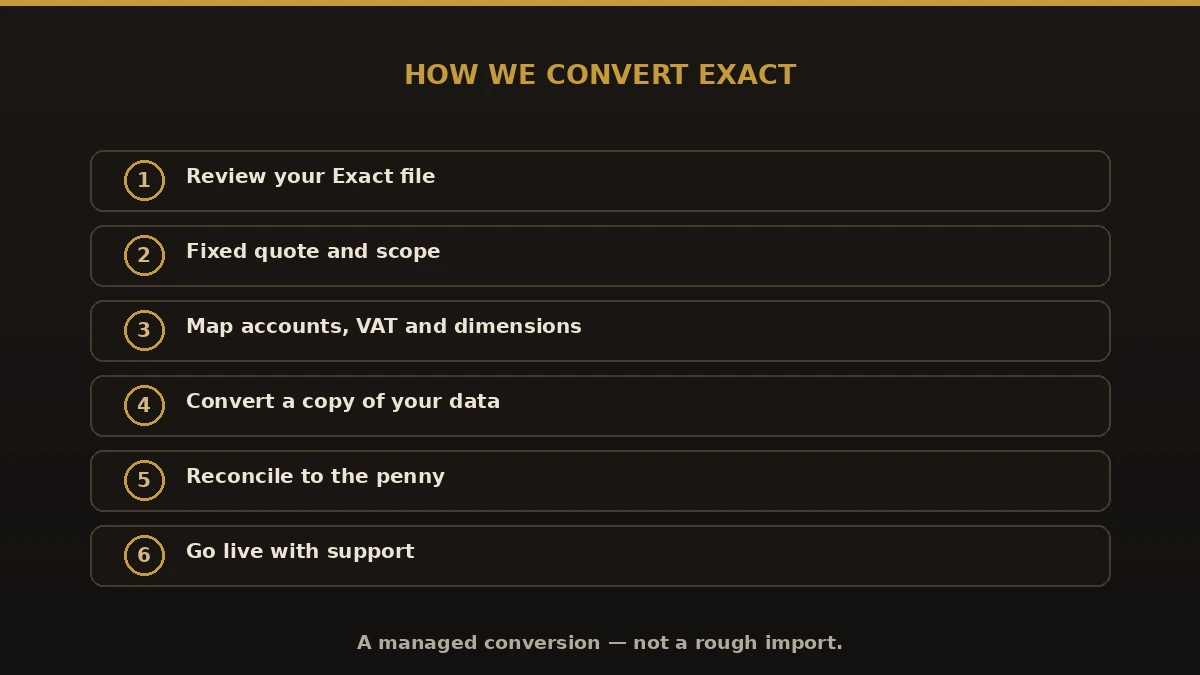
Assessment
We review the existing Exact file, evaluate the condition of the data, and establish your requirements and timeline.
Mapping
The chart of accounts, tax codes, and master records are aligned with the structure of QuickBooks Enterprise.
Migration
The data is transferred through a controlled process and verified at each stage.
Reconciliation
We reconcile the trial balance, receivables, payables, and bank balances against the original Exact file.
Review
You review the converted QuickBooks Enterprise file and confirm its accuracy, and any discrepancies are corrected.
Completion & support
We support your team through the transition and remain available for questions afterward.
Every Exact edition
Exact Online, Exact Globe, or Exact ERP — we convert them all
Exact is a Dutch business-software company whose products run across Europe and beyond. Whichever edition you use, the move to QuickBooks Enterprise follows the same careful method.
- An Exact Online to QuickBooks Enterprise move brings your cloud accounting, CRM, and inventory data across.
- An Exact Globe to QuickBooks Enterprise move handles the on-premise ERP used in manufacturing and distribution.
- An Exact ERP to QuickBooks Enterprise project maps modules, sub-ledgers, and history in one pass.
- An Exact Accounting to QuickBooks Enterprise conversion keeps your ledgers reconciled to the penny.
The upside
Benefits of an Exact to QuickBooks Enterprise migration
A proper Exact Data Migration to QuickBooks Enterprise is far more than a quick spreadsheet import. Handled well, it keeps every balance intact and moves your history without gaps.
- Lower cost than enterprise ERP licensing
- Advanced inventory for wholesale and manufacturing
- Class and location tracking for cleaner books
- Your full history preserved, reconciled to the penny
- A US-standard system your accountant already knows
- Room to add payroll and bookkeeping support
Exact vs. QuickBooks Enterprise
| Area | Exact | QuickBooks Enterprise |
|---|---|---|
| Best for | European SMEs & ERP users | US small & mid-market |
| Cost | Higher, ERP-tier | Lower, predictable |
| Ease of use | Feature-heavy | Familiar, simpler |
| Accountant pool | Europe-focused | Widely supported in the US |
| Hosting | Cloud (Online) or on-prem (Globe) | Desktop or hosted |
What to avoid
Common mistakes when you convert Exact to QuickBooks Enterprise
Most failed moves share the same errors. When you Convert Exact to QuickBooks Enterprise, watch for these:
- Migrating balances only. You lose the transaction history you will need later.
- Skipping the mapping step. Exact sub-ledgers must map cleanly to the QuickBooks chart of accounts.
- Ignoring VAT or multi-currency. European VAT and currency settings need careful handling.
- Losing dimension or cost-center detail. Map Exact dimensions to QuickBooks classes and locations.
- Going live before reconciling. Never cut over until the new file ties out to the old one.
Do it right
Best practices for your Exact to QuickBooks Enterprise migration
- Start with a file review so you know what is moving and what needs cleanup.
- Agree the chart of accounts, VAT, and currency setup before any data moves.
- Map Exact dimensions and cost centers to QuickBooks classes.
- Convert a copy, never your live system, and reconcile to the penny.
- Pick a cutover date at a clean break, like month-end or year-end.
- Keep Exact as an archive until reports match in QuickBooks.
Moving from a larger ERP? Compare related paths like NetSuite to QuickBooks and Sage Intacct to QuickBooks, weigh QuickBooks Online, or see every option on our conversion hub.
Why Numerawise
Why organizations choose us for their Exact migration
Intuit ProAdvisors
Your records are handled by Intuit ProAdvisors (Gold tier) and experienced bookkeepers who understand the accounting behind the migration, not only the software.
Verified against your Exact file
A conversion is not considered complete until the trial balance and the primary reports agree with your original records.
Fixed, agreed pricing
The fee is confirmed before the engagement begins. There is no hourly billing.
Confidential throughout
Your information is handled securely and accessed only by the personnel assigned to your conversion. Ongoing bookkeeping is also available.
Who performs the work
Led by an Intuit ProAdvisor

Ram — Founder & Principal
Ram is the founder of Numerawise Solutions in Atlanta. An Intuit ProAdvisor (Gold tier) and a former Intuit Technical Support engineer, he has personally led more than 200 accounting-software conversions, including Exact and QuickBooks Enterprise engagements, for small and mid-market firms across the United States.
More about Ram Verified on UpworkCommon questions
Exact to QuickBooks Enterprise conversion FAQs
How long does a Exact to QuickBooks Enterprise conversion take?
Most Exact to QuickBooks Enterprise conversions are completed within a few business days to two weeks, depending on the size of the file, the volume of historical data, and the condition of the records. A timeline is provided once we have reviewed your Exact file.
Can you convert both Exact Online and Exact Globe to QuickBooks Enterprise?
Yes. We handle an Exact Online to QuickBooks Enterprise move from the cloud product and an Exact Globe to QuickBooks Enterprise move from the on-premise ERP. The method is the same: export, map every account and dimension, convert, and reconcile the result against your original Exact file before go-live.
What data moves in an Exact Data Migration to QuickBooks Enterprise?
A full Exact Data Migration to QuickBooks Enterprise moves your chart of accounts, customers, suppliers, invoices, bills, payments, journals, opening balances, and historical transactions. Exact dimensions and cost centers map to QuickBooks classes and locations, and we reconcile the trial balance before you go live.
Is this just an Exact to QuickBooks Enterprise import?
No. A raw import through spreadsheets usually drops history and links. Our conversion is managed end to end — we map the data, handle VAT and currency settings, reconcile every balance, and hand you a finished QuickBooks Enterprise file rather than a rough import to clean up yourself.
Can you handle European VAT and multi-currency from Exact?
Yes. Exact is widely used across Europe, so VAT codes and multi-currency balances are common. We map them carefully during the Exact to QuickBooks Enterprise conversion and test the results, so your tax and currency reporting stays correct after the move.
How long does it take to convert Exact to QuickBooks Enterprise?
Most conversions finish within one to three weeks, depending on file size, the number of modules, and the condition of the data. Larger Exact Globe ERP projects can take longer. You receive a firm timeline and a fixed price after we review your file, with no open-ended hourly billing.
Will any history be lost when moving from Exact to QuickBooks Enterprise?
No. Preserving the complete transaction history is the central purpose of a managed conversion. Where an item must be brought across as a balance rather than in full detail, we identify and explain it in advance.
Is there an automated tool to move Exact into QuickBooks Enterprise?
Automated tools can transfer raw data, but they cannot confirm whether the result is correct. We use professional migration tools where they are appropriate and then reconcile the QuickBooks Enterprise file against your Exact reports manually.
Can the switch from Exact be made partway through a tax year?
Yes. A mid-year transition is straightforward, provided the balances are reconciled and the cut-over date is selected carefully, so that the figures before and after the change reconcile and the year-end remains intact.
Is my data secure during the migration?
Yes. Files are handled under strict confidentiality and appropriate data-handling practices from transfer through to completion, and access is limited to the personnel assigned to your conversion.
Begin
Ready to move from Exact to QuickBooks Enterprise?
Provide a few details and we will email a fixed-price quote within one business day, with your Exact history reconciled into a clean QuickBooks Enterprise file.