Best NetSuite Version for Startups That Outgrew QuickBooks
Hit the limits of QuickBooks? There is no single “best” NetSuite edition — this guide helps you find the NetSuite setup that fits a startup that outgrew QuickBooks, and what the move involves.
QuickBooks is excellent software — until it is not enough. As a startup grows, the same platform that got it off the ground starts to strain: reports take too long, inventory does not keep up, and multi-entity accounting becomes a spreadsheet nightmare. That is usually the moment founders and CFOs start researching the best NetSuite version for startups that outgrew QuickBooks. This guide answers that question honestly — not by naming one edition, but by helping you match NetSuite to your business.
Moving from accounting software to an ERP is a major step, and NetSuite is one of the most established cloud ERPs for growing companies. But there is no universally "best" version, and anyone who tells you otherwise is selling, not advising. The right NetSuite edition and modules depend on your specifics. By the end of this guide, you will know the signs you have outgrown QuickBooks, how NetSuite is structured, which setup tends to fit different business types, and what a migration involves — so you can make an informed decision.
Ready to Upgrade from QuickBooks to NetSuite?
Numerawise Solutions helps growing businesses evaluate, migrate, implement, and optimize NetSuite with minimal disruption. Schedule a free consultation.
Schedule a Free ERP ConsultationHave you outgrown QuickBooks?
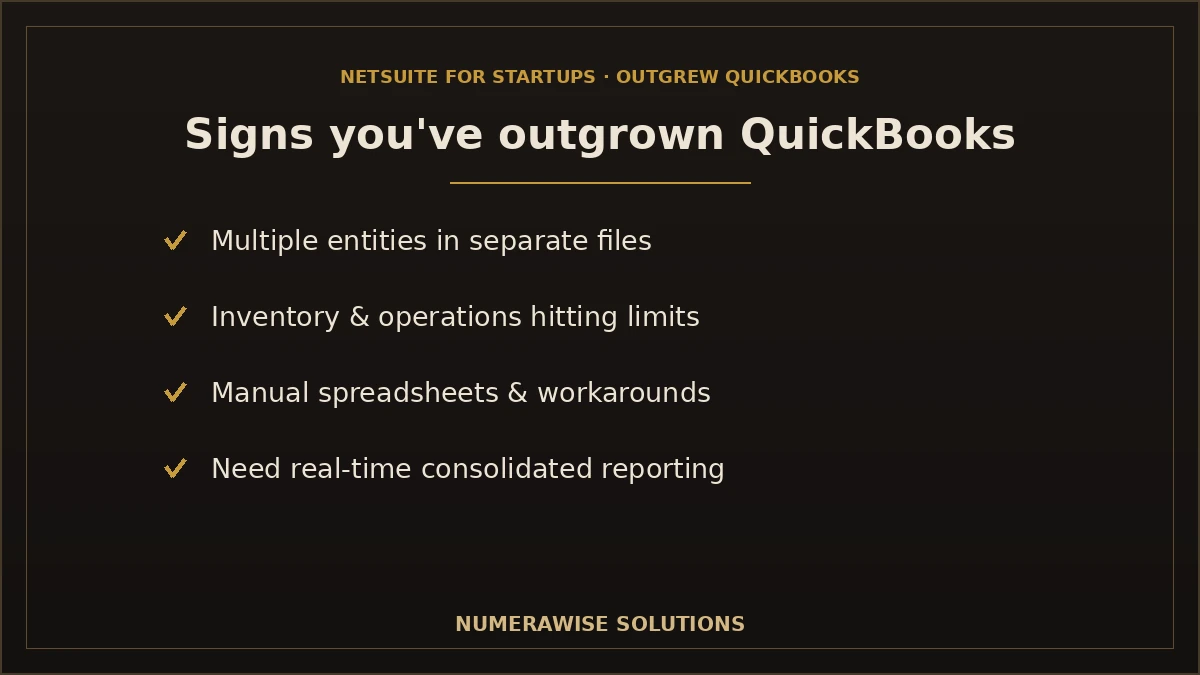
Before considering NetSuite, confirm you actually need it. QuickBooks serves most small businesses well, so the question is whether you have hit its limits. The common indicators:
- Revenue growth. As revenue climbs, reporting, controls, and complexity outpace what QuickBooks handles comfortably.
- Increasing transaction volume. High volumes slow QuickBooks and make reconciliation harder.
- Multi-entity accounting. Running several companies or subsidiaries in separate QuickBooks files is a red flag.
- Inventory complexity. Multi-location stock, assemblies, or demand planning exceed QuickBooks’ basic inventory.
- Advanced reporting needs. Leadership wants real-time, multi-dimensional reporting QuickBooks cannot deliver.
- Approval workflows. You need structured approvals and controls for purchasing and payments.
- Department accounting. Reporting by department, location, or class becomes essential and cumbersome.
- Project accounting. You need to track profitability by project with revenue and cost detail.
- International expansion. Multiple currencies, tax regimes, and entities push beyond QuickBooks.
- Growing finance teams. More users, roles, and permissions than QuickBooks manages gracefully.
If several of these describe your business, you may genuinely have outgrown QuickBooks. If only one or two do, a higher QuickBooks tier or an add-on app might solve it more cheaply than an ERP. Matching the solution to the real problem is the first honest step.
What is NetSuite?
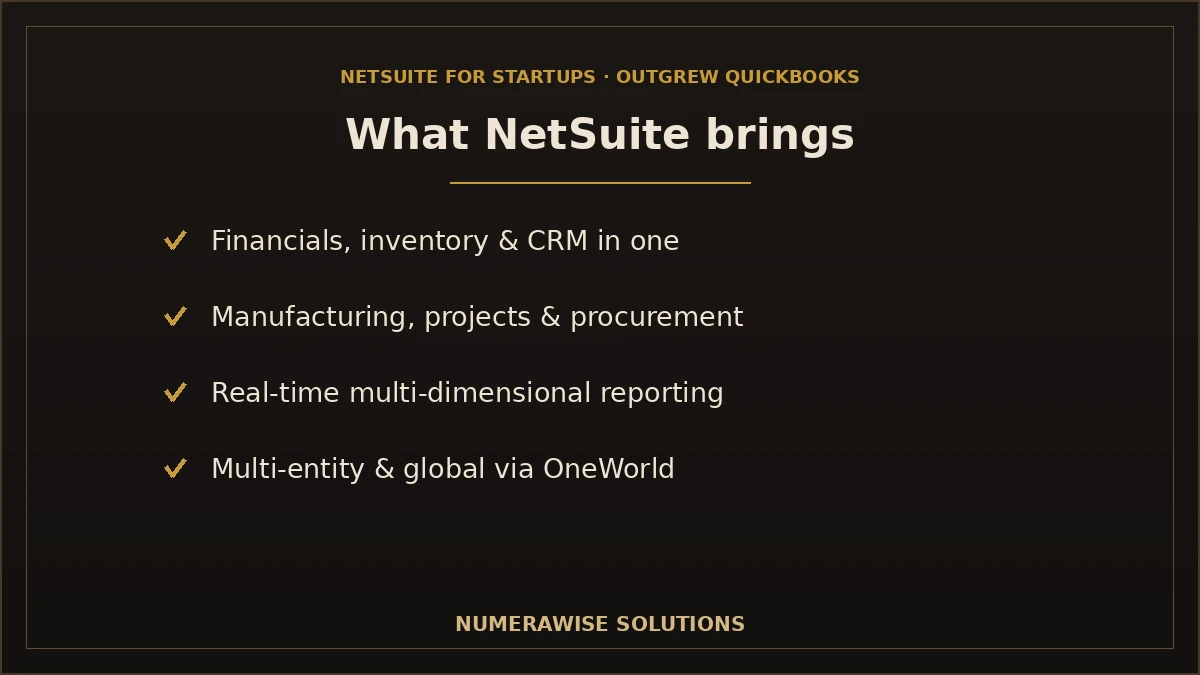
NetSuite is a cloud-based enterprise resource planning (ERP) system from Oracle, built to run an entire business on one platform. Unlike accounting software, which focuses on the books, an ERP connects finance with operations, sales, and more. NetSuite’s core capabilities include:
- Financial management — general ledger, receivables, payables, and advanced financials.
- Inventory — multi-location stock, valuation, and demand planning.
- CRM — sales, customer data, and marketing connected to the back office.
- Manufacturing — production, bills of materials, and work orders.
- Procurement — purchasing with approvals and vendor management.
- Project management — project accounting and professional services automation.
- Reporting — real-time, multi-dimensional dashboards and analytics.
- Global business support — multi-entity, multi-currency, and multi-subsidiary operations through OneWorld.
Because everything shares one database, a sale updates inventory, revenue, and reporting in real time. That unification is why growing companies choose NetSuite — and why implementation must be done carefully, since the modules connect. For the move itself, our NetSuite migration services handle the transition.
Understanding NetSuite editions
NetSuite is not sold as a shelf product with fixed "versions" you pick like a QuickBooks tier. It is a configurable platform, licensed by edition and modules based on your needs. In general terms, NetSuite scales across:
- Edition by size. NetSuite offers editions aligned to company size and user count — commonly described as limited, mid-market, and enterprise tiers — which set the baseline scale of the system.
- Industry editions. Preconfigured, industry-specific setups accelerate implementation for common business types.
- Modules. You add capabilities — advanced inventory, manufacturing, projects, revenue recognition, and more — as your operations require.
- OneWorld. For multi-entity, multi-currency, and global operations, OneWorld extends NetSuite across subsidiaries.
There is no single "best" version
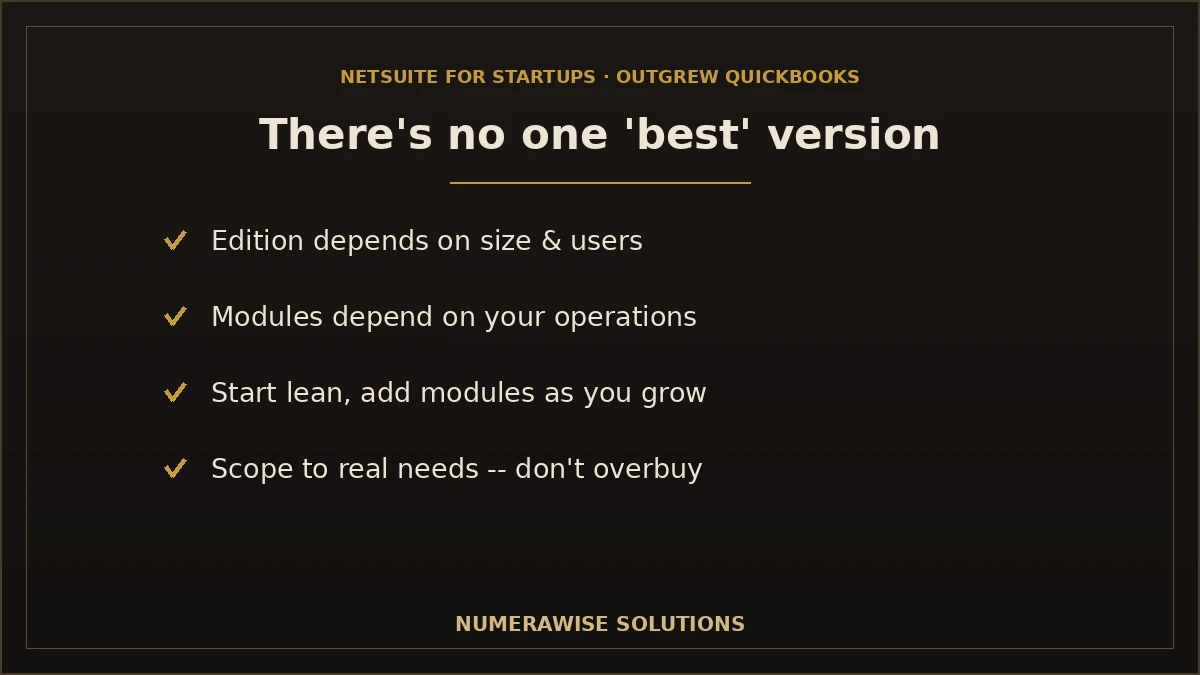
This is the most important point in this guide: there is no universally best NetSuite edition for every startup. The right edition and modules depend on your company size, industry, number of users, compliance requirements, and future growth. A lean SaaS startup and a multi-location manufacturer need very different configurations. The correct approach is to scope NetSuite to your actual needs — not to buy the biggest edition or the cheapest, but the right one. That scoping is exactly what a good implementation partner does first.
Because NetSuite pricing is quote-based and configured to each business, we do not publish fixed prices here — and neither should anyone, since the number depends entirely on your edition, users, and modules. We help you scope the setup that fits and get an accurate quote.
Which NetSuite setup fits your business?
The right configuration varies by business type. This decision matrix shows how different companies typically approach NetSuite — as a starting point for a proper assessment, not a prescription:
| Business type | Typical profile | Key operational needs | Modules often considered |
|---|---|---|---|
| Early-stage startup | Lean team, growing fast | Solid financials, room to scale | Core financials; add modules later |
| SaaS startup | Subscription revenue | Revenue recognition, billing, metrics | Financials + revenue management |
| Ecommerce | Online sales, inventory | Order and inventory management, channels | Financials + inventory + order management |
| Wholesale | Distribution, purchasing | Multi-location inventory, procurement | Financials + inventory + procurement |
| Manufacturing | Production, assemblies | BOMs, work orders, planning | Financials + manufacturing + inventory |
| Professional services | Project-based | Project accounting, resource management | Financials + projects (PSA) |
| Construction | Job-based | Job costing, project profitability | Financials + projects + procurement |
| Nonprofit | Fund/grant driven | Fund accounting, grant tracking | Financials configured for nonprofit |
When an upgrade or added module is appropriate generally comes down to a new operational need the current setup cannot meet — adding a second entity, needing revenue recognition, or introducing manufacturing. A key advantage of NetSuite is that you can start with core financials and add modules as you grow, rather than buying everything up front.
Not Sure Which NetSuite Setup Fits?
Our consultants assess your business and recommend the right NetSuite edition and modules — no overselling. Schedule a free consultation.
Schedule a Free ERP ConsultationQuickBooks vs. NetSuite
Here is an objective comparison of the two platforms across the areas that matter when you are deciding to move up:
| Feature | QuickBooks | NetSuite |
|---|---|---|
| Accounting | Strong for SMB | Comprehensive, enterprise-grade |
| Inventory | Basic to moderate | Advanced, multi-location |
| CRM | Limited / via apps | Built-in, integrated |
| Payroll integration | Built-in payroll | Via SuitePeople or integrations |
| Reporting | Solid, easy | Real-time, multi-dimensional |
| Automation | Growing, plan-dependent | Extensive workflow automation |
| Multi-company | Limited | Native via OneWorld |
| Revenue recognition | Basic | Advanced (ASC 606 support) |
| Approval workflows | Limited | Robust, configurable |
| Fixed assets | Basic tracking | Full fixed asset management |
| Budgeting | Higher plans | Advanced planning |
| Scalability | Good for SMB | Scales to enterprise |
| Customization | Limited | Extensive (SuiteCloud) |
| Integrations | Hundreds of SMB apps | Broad, plus custom via APIs |
| Security | Strong for SMB | Enterprise-grade |
The pattern is clear: QuickBooks is simpler and cheaper; NetSuite is deeper and more scalable. The decision is not which is better in the abstract — it is which matches your complexity. A business that does not need multi-entity, revenue recognition, or advanced inventory may be perfectly served by QuickBooks; a business that does will keep hitting walls until it moves up.
When should you migrate from QuickBooks?
Timing matters. Migrate too early and you pay for capability you do not use; too late and you struggle on a system that no longer fits. The clearest migration triggers:
- You are managing multiple entities in separate QuickBooks files.
- Your inventory or operations have outgrown QuickBooks’ capabilities.
- You need revenue recognition or compliance features QuickBooks lacks.
- Leadership needs real-time, consolidated reporting across the business.
- You are spending too much time on manual workarounds and spreadsheets.
- You are expanding internationally or across states with complex tax needs.
- Your finance team is growing and needs roles, controls, and workflows.
A useful rule: migrate when the cost of staying on QuickBooks — in time, errors, and missed insight — exceeds the cost of moving. Our team helps you assess that honestly, even if the answer is "not yet."
Our QuickBooks to NetSuite migration process
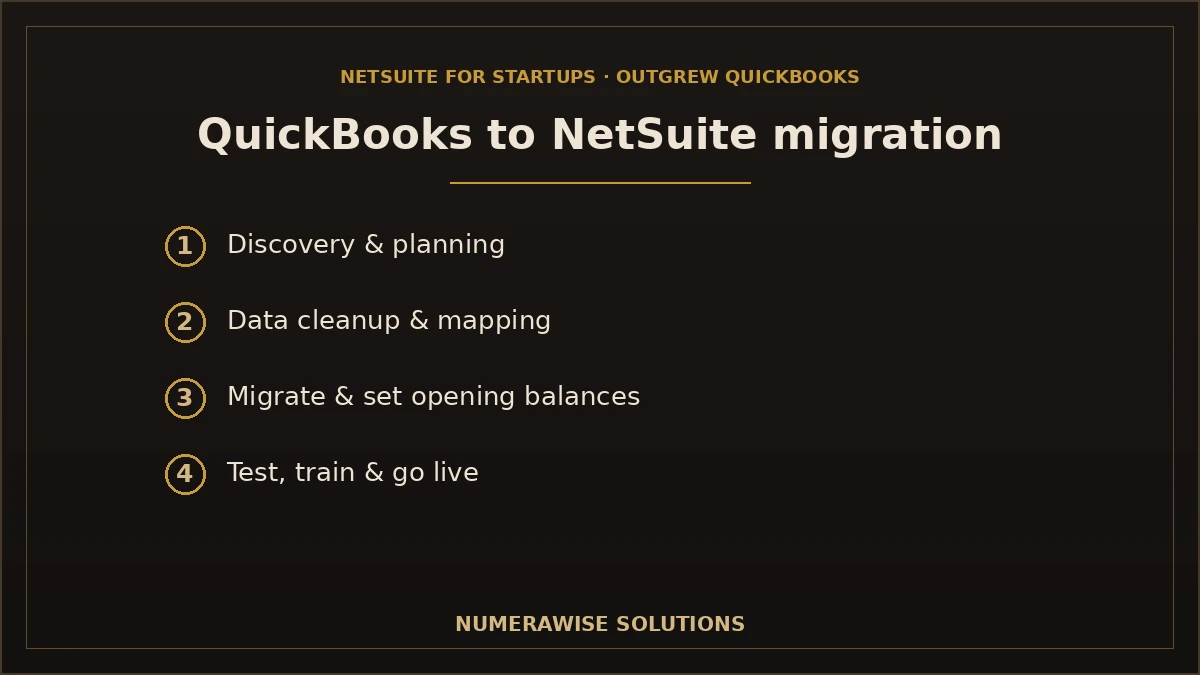
We run every migration as a structured, eight-step project centered on data integrity. Each stage has clear deliverables, and nothing goes live until the numbers are validated.
Step 1: Discovery
We learn your business, current QuickBooks setup, and requirements, and scope the right NetSuite configuration.
Step 2: Planning
We build a detailed migration and implementation plan: modules, timeline, milestones, and responsibilities.
Step 3: Data cleanup
We cleanse your QuickBooks data — duplicates, errors, inconsistencies — before it moves.
Step 4: Data mapping
We map every field to its NetSuite equivalent, including a redesigned chart of accounts where needed.
Step 5: Migration
We migrate your data into NetSuite, set opening balances, and configure the modules.
Step 6: Testing
We test the system and run user acceptance testing against real scenarios before go-live.
Step 7: Training
We train your team on the modules they use, so adoption is smooth.
Step 8: Go-live support
We launch, support the first weeks intensively, and stay available as you settle in.
Migration checklist essentials
Reconcile QuickBooks first, decide how much history to bring, redesign the chart of accounts for NetSuite, cleanse the data, run a test migration, reconcile every balance, and train before go-live. Skipping any of these is where QuickBooks-to-NetSuite projects go wrong.
What data can be migrated?
A well-scoped migration brings across the records you need. What transfers, and how, depends on your source system, project scope, and required customizations — so we assess and confirm this up front rather than promising everything moves in full. The typical picture:
| Data | Typically migrates? | Notes |
|---|---|---|
| Chart of accounts | Yes | Often redesigned for NetSuite’s structure |
| Customers | Yes | With balances and details |
| Vendors | Yes | With balances and details |
| Invoices | Yes | Open and historical, by scope |
| Bills | Yes | Open and historical, by scope |
| Payments | Yes | Applied to the correct documents |
| Inventory | Yes | Items, quantities, and valuations, reconciled |
| Products | Yes | Catalog and item records |
| Sales history | Often | Depth depends on scope |
| Purchase history | Often | Depth depends on scope |
| Journal entries | Yes | Manual and adjusting entries |
| Opening balances | Yes | Reconciled to QuickBooks, to the penny |
| Tax codes | Yes | Mapped to NetSuite tax configuration |
| Historical financial data | Depends | By scope; may be summarized or archived |
An honest note on history
Not every year of granular history has to — or should — move into NetSuite. We help you decide how much to migrate for reporting, tax, and audit, and where full detail is not migrated, we preserve it through reconciled balances or archives. You do not lose your history; you decide how it is retained.
Common migration challenges
| Challenge | How we handle it |
|---|---|
| Duplicate records | Identified and removed during cleanup |
| Chart of accounts redesign | Restructured to use NetSuite’s dimensions effectively |
| Inventory valuation | Reconciled across systems so values match |
| Historical data | Scoped deliberately; reconciled or archived as needed |
| Custom fields | Mapped or recreated where feasible |
| Third-party integrations | Reconnected or rebuilt so workflows continue |
Each of these is far cheaper to solve before go-live than after. Our assessment surfaces them early, and our cleanup, mapping, and testing steps resolve them — so they do not become a live-system problem.
How much does NetSuite cost?
NetSuite pricing is quote-based and configured to each business, so there is no fixed sticker price — and we deliberately do not publish one, because the number depends entirely on your edition, user count, and modules. In general, NetSuite is an annual subscription that combines a base license, a per-user fee, and fees for the modules you add, with implementation as a separate investment. It costs considerably more than QuickBooks, because it does considerably more. The right way to evaluate it is total cost of ownership against the value of what an ERP delivers — consolidated reporting, automation, and the ability to scale — not the license price in isolation. We help you scope a right-sized configuration and get an accurate quote, so you pay for what you need rather than the biggest package.
How long does NetSuite implementation take?
Timelines vary with scope, modules, and data complexity. A rough guide:
| Scenario | Typical timeline | What drives it |
|---|---|---|
| Core financials, lean startup | Two to three months | Fewer modules, cleaner data |
| Multi-module (inventory, projects, etc.) | Three to six months | More modules, integrations, history |
| Complex / multi-entity | Six months or more | OneWorld, customizations, multiple subsidiaries |
Most of the timeline goes to discovery, configuration, data migration, and testing — the work that makes go-live safe. NetSuite is a bigger commitment than switching accounting software, and rushing it is a common cause of failed implementations. We build a realistic timeline in planning so you can schedule around your business.
Do you need all NetSuite modules?
No — and buying modules you do not use is one of the most common and expensive mistakes. NetSuite is designed so you can start with core financials and add modules as your operations require. A SaaS startup might begin with financials and revenue management and add nothing else for a year; a manufacturer would add inventory and manufacturing from the start. The discipline is to scope for what you need now plus what you will clearly need soon — not to buy the whole suite because it is available. A good implementation partner steers you away from overbuying, which is part of why an unbiased assessment matters so much.
NetSuite vs. other ERPs for startups
NetSuite is not the only ERP option for a company outgrowing QuickBooks, and part of an honest evaluation is knowing that. Other cloud ERPs — and mid-market platforms like Sage Intacct, Microsoft Dynamics 365 Business Central, and others — also serve growing businesses, each with different strengths. NetSuite is a strong, established, broad platform that scales well and suits companies wanting a single unified system. But the best ERP for your startup depends on your industry, budget, and requirements, just as the best NetSuite configuration does. We assess the landscape objectively, so if a different platform genuinely fits you better, we will say so rather than push NetSuite by default.
Preparing your finance team for NetSuite
An ERP only delivers value if your team adopts it, so preparing people is as important as configuring the software. Involve your finance team early in the project, so the system reflects how they work and they feel ownership of it. Plan for structured, role-based training rather than expecting staff to learn a powerful new system on their own. And set expectations honestly: NetSuite is more capable than QuickBooks, which means a real learning curve in the first weeks, followed by significant efficiency gains once the team is fluent. Change management is one of the biggest factors in ERP success, and it is a core part of how we run implementations.
Real-world startup scenarios
Examples often clarify the decision better than feature lists:
- A SaaS startup at $8M ARR struggling with revenue recognition and investor reporting: a strong NetSuite candidate, starting with financials and revenue management.
- An ecommerce brand with multiple sales channels and a warehouse outgrowing QuickBooks inventory: NetSuite with inventory and order management.
- A services firm that needs true project profitability across dozens of engagements: NetSuite with the projects module.
- A two-entity holding company consolidating in spreadsheets: NetSuite OneWorld for native multi-entity consolidation.
- A profitable small business with simple, single-entity accounting: often still best served by QuickBooks — an ERP would be overkill.
The through-line is operational complexity and specific needs, not revenue alone. A smaller but complex business may need NetSuite; a larger but simple one may not.
After go-live: getting value from NetSuite
Go-live is the start of the return on your investment, not the end of the project. In the first weeks, we reconcile the initial period-end close to confirm everything carried across correctly, keep training available as your team hits new scenarios, and monitor the system to tune reports and workflows. Over the following months, the value compounds: consolidated real-time reporting replaces manual spreadsheets, automation reduces repetitive work, and adding modules as you grow is far easier than a fresh implementation. We stay engaged after launch so your team gets the full benefit, and many clients pair NetSuite with ongoing accounting support so their new system stays accurate and well-run.
Why choose Numerawise Solutions
- NetSuite implementation scoped to your real needs, not oversold.
- QuickBooks migration expertise — we know the source system deeply.
- ERP consulting to help you decide whether and when to move.
- Financial data migration reconciled balance by balance.
- Bookkeeping expertise — we understand the numbers, so your books tie out.
- Training so your team adopts NetSuite confidently.
- Post-go-live support through the transition and beyond.
As QuickBooks specialists with ERP migration experience, we give you an unbiased assessment first — including whether NetSuite is the right move at all. Our QuickBooks conversion services, ERP migration services, and bookkeeping services cover whatever path fits your business.
The bottom line: choosing NetSuite after QuickBooks
There is no single best NetSuite version for startups that outgrew QuickBooks — and that is the honest, useful answer. The right edition and modules depend on your size, industry, users, compliance needs, and growth plans. What matters is confirming you have genuinely outgrown QuickBooks, scoping NetSuite to your actual operations rather than overbuying, and migrating carefully so your financial data arrives intact and reconciled. NetSuite’s real strength for a growing company is that you can start lean and add capability as you scale. For founders and finance leaders weighing the move, the smartest first step is an honest assessment — which is exactly what Numerawise Solutions provides, along with the migration and implementation expertise to make the transition smooth if you decide to go.
Ready to Evaluate NetSuite for Your Startup?
Get an honest assessment, the right-sized configuration, and a smooth migration. Schedule your free ERP consultation with Numerawise Solutions today.
Schedule a Free ERP ConsultationKey takeaways
- There is no universally best NetSuite edition — the right fit depends on size, industry, users, compliance, and growth.
- Confirm you have outgrown QuickBooks before moving; one or two limits may not justify an ERP.
- NetSuite scales from core financials to a full multi-entity ERP — start lean and add modules.
- Migration depends on scope; what transfers varies by source, customizations, and history retained.
- An honest assessment first is the smartest step — including whether to move at all.
Quick answers.
Have I outgrown QuickBooks?
You may have outgrown QuickBooks if you are managing multiple entities in separate files, your inventory or operations exceed its capabilities, you need advanced reporting or revenue recognition, or you rely on spreadsheets to work around its limits. If several of these apply, an ERP like NetSuite is worth evaluating. If only one or two do, a higher QuickBooks tier or an add-on app may solve it more affordably.
What is the best NetSuite version for startups that outgrew QuickBooks?
There is no single best version. NetSuite is a configurable platform licensed by edition and modules, and the right fit depends on your company size, industry, user count, compliance needs, and growth plans. A lean SaaS startup and a multi-location manufacturer need very different setups. The correct approach is to scope NetSuite to your actual needs rather than buying the biggest or cheapest edition.
Is NetSuite suitable for startups?
Yes, for the right startups. NetSuite scales from a lean core-financials configuration to a full multi-entity ERP, so a growing startup can start small and add modules as it scales. It suits startups that have genuinely outgrown QuickBooks — multi-entity, complex inventory, revenue recognition, or heavy reporting needs. For a simple, single-entity startup, QuickBooks is often still the better, cheaper fit.
Which NetSuite edition should I choose?
It depends on your size, users, industry, and requirements — there is no one-size-fits-all answer. NetSuite offers editions aligned to company size, industry-specific configurations, add-on modules, and OneWorld for multi-entity operations. The right combination is scoped to your business during an assessment. We help you choose a right-sized configuration so you pay for what you need, not the largest package.
How much does NetSuite cost?
NetSuite pricing is quote-based and configured to each business, so there is no fixed price. In general it is an annual subscription combining a base license, per-user fees, and module fees, with implementation as a separate investment. It costs considerably more than QuickBooks because it does considerably more. Evaluate it on total cost of ownership against the value an ERP delivers, and get a scoped quote for your needs.
Can historical QuickBooks data be migrated to NetSuite?
Much of it can, but not always every year of granular detail, and what transfers depends on your source data, project scope, and customizations. We migrate your chart of accounts, contacts, transactions, inventory, and balances, reconcile opening balances to QuickBooks, and help you decide how much history to bring. Where full detail is not migrated, we preserve it through reconciled balances or archives so it is never simply lost.
How long does NetSuite implementation take?
It varies with scope. A lean startup implementing core financials can take two to three months; a multi-module project takes three to six months; and complex or multi-entity implementations can take six months or more. Most of the time goes to discovery, configuration, migration, and testing. NetSuite is a bigger commitment than switching accounting software, and rushing it is a common cause of failed projects.
Do I need all NetSuite modules?
No. Buying modules you do not use is a common and expensive mistake. NetSuite is designed so you start with core financials and add modules as your operations require. Scope for what you need now plus what you will clearly need soon, not the whole suite. A good implementation partner steers you away from overbuying, which is part of why an unbiased assessment matters.
Can I add NetSuite modules later?
Yes, and that is one of NetSuite's advantages. You can start lean — often core financials — and add modules like inventory, manufacturing, projects, or revenue management as your business grows. Adding a module later is far easier than a fresh implementation. This lets a startup adopt NetSuite without buying everything up front, then scale the system alongside the company.
When should I migrate from QuickBooks to NetSuite?
Migrate when the cost of staying on QuickBooks — in time, errors, and missed insight — exceeds the cost of moving. Clear triggers include managing multiple entities, outgrowing inventory or operations, needing revenue recognition, requiring real-time consolidated reporting, or expanding internationally. Too early wastes money on unused capability; too late means struggling on a system that no longer fits. An honest assessment finds the right timing.
Is NetSuite better than QuickBooks?
Neither is universally better — they serve different needs. QuickBooks is simpler and cheaper, ideal for small and mid-sized businesses. NetSuite is deeper and more scalable, built for growing and complex businesses that need multi-entity, advanced inventory, revenue recognition, or real-time consolidated reporting. The right choice depends on your complexity. A business that does not need ERP features is better served by QuickBooks; one that does will keep hitting walls without it.
What data can be migrated to NetSuite?
Your chart of accounts, customers, vendors, invoices, bills, payments, inventory, products, journal entries, opening balances, and tax codes typically migrate, along with sales and purchase history to a chosen depth. Exactly what transfers depends on your source system, project scope, and customizations. We assess and confirm this up front rather than promising everything moves in full, and reconcile every balance to QuickBooks.
How is the chart of accounts handled in a NetSuite migration?
The chart of accounts is often redesigned rather than copied, because NetSuite uses dimensions — departments, locations, classes, subsidiaries — that let you report flexibly without a bloated account list. We map your QuickBooks accounts to a cleaner NetSuite structure that uses these dimensions effectively. Getting this design right is one of the highest-value parts of the migration, because it shapes all your future reporting.
Will my reports work the same in NetSuite?
Your financial data carries across, but reporting in NetSuite is more powerful and structured differently — real-time, multi-dimensional dashboards rather than QuickBooks's standard reports. Report layouts are rebuilt in NetSuite, and you gain capabilities you did not have before. We confirm key figures reconcile as part of validation, so your numbers are accurate from day one, presented through NetSuite's more capable reporting tools.
Can NetSuite handle multiple entities and currencies?
Yes, through NetSuite OneWorld, which supports multi-entity, multi-currency, and multi-subsidiary operations with native consolidation. This is one of the most common reasons startups move from QuickBooks, where multiple entities mean separate files and spreadsheet consolidation. OneWorld handles inter-company transactions, currency, and consolidated reporting in one system, which is a major advantage for growing or international businesses.
Do you provide NetSuite implementation and training?
Yes. We handle QuickBooks-to-NetSuite migration and implementation end to end — discovery, configuration, data migration, testing, and go-live — plus role-based training so your team adopts the system confidently. Change management is a core part of our approach, because an ERP only delivers value if people use it. We also provide post-go-live support through the transition and beyond.
What are the biggest risks in a QuickBooks to NetSuite migration?
The main risks are overbuying modules, a rushed timeline, poor data migration, a badly designed chart of accounts, and weak user adoption. Each is preventable: scope to real needs, plan realistically, cleanse and reconcile data, design the account structure well, and invest in training. Our process is built to mitigate these, and our honest assessment up front prevents the most common one &mdash overbuying an ERP you do not need.
Should every growing startup move to NetSuite?
No. NetSuite suits startups that have genuinely outgrown QuickBooks — multi-entity, complex operations, revenue recognition, or heavy reporting needs. A profitable but simple, single-entity startup is often still best served by QuickBooks, and moving to an ERP would add cost and complexity without proportional benefit. The right decision depends on operational complexity, not revenue alone, which is why an objective assessment matters.
Is NetSuite the only ERP option after QuickBooks?
No. Other cloud and mid-market ERPs — such as Sage Intacct and Microsoft Dynamics 365 Business Central — also serve businesses outgrowing QuickBooks, each with different strengths. NetSuite is a strong, established, broad platform that scales well, but the best fit depends on your industry, budget, and requirements. We assess the options objectively and recommend what genuinely fits, rather than pushing one platform by default.
Can Numerawise Solutions help me decide and migrate?
Yes. We provide an unbiased assessment of whether and when to move to NetSuite, the right-sized configuration for your business, and end-to-end migration and implementation if you go ahead. As QuickBooks specialists with ERP migration experience, we understand both the source system and the numbers, so your books reconcile and your team is set up for success. We will even tell you if staying on QuickBooks is the better call.
Get a free scoping call.
Tell us what you’re working on. We respond same business day.

Ram · Founder & Principal
Founder of Numerawise Solutions, based in Atlanta. Intuit ProAdvisor Gold tier. Former Intuit Technical Support engineer. Has personally led two hundred accounting software conversions for US small businesses since founding the practice. Reachable directly at [email protected].
Free: The Clean-Cutover Checklist
The step-by-step checklist we use to migrate businesses to QuickBooks without losing data — bank rec, opening balances, payroll YTD, and the validation tie-out. Get it in your inbox.
No spam — just the checklist and the occasional QuickBooks tip.