Established MMXXIV1445 Woodmont Ln NW, #768, Atlanta, GA 30318Intuit ProAdvisor Gold
(877) 290-4522 · [email protected]
(877) 290-4522Begin an Enquiry
Food-service · Commercial Kitchen Bookkeeping

Bookkeeping for Commercial Kitchens

Bookkeeping for commercial kitchens is its own animal — food costs move daily, revenue comes from several channels, and margins are thin. Here is how to keep the books clean, plus the software that makes it easier.

By Ram Singh · Founder, Numerawise·Published 2026-07-25·10 min read
Bookkeeping for commercial kitchens means tracking the money behind a food operation where costs shift by the day and revenue arrives from many directions. That includes ghost kitchens, commissary and shared kitchens, catering companies, food trucks, and meal-prep businesses. The books have to handle food cost, inventory, tips, sales tax, and often rental or membership income — all on margins that leave little room for error.

I have kept books for food businesses long enough to know the numbers can turn fast. A great sales week can still lose money if food cost creeps up two points. Clean, timely books are how you catch that before it hurts.

Why bookkeeping for commercial kitchens is different
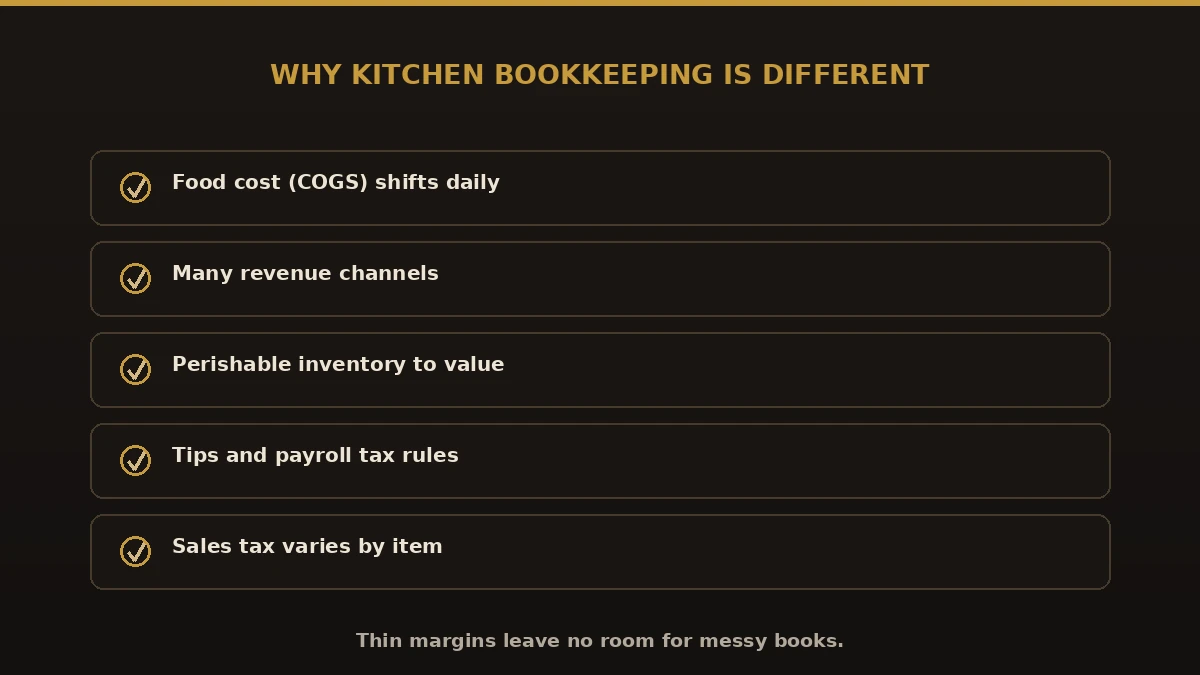
Why bookkeeping for commercial kitchens is different: daily food cost, many revenue channels, perishable inventory, tips and payroll, variable sales tax
What makes commercial kitchen bookkeeping different.

A commercial kitchen is not a normal retail shop. A few things make the accounting harder:

Key numbers to watch

Accounting software for commercial kitchens
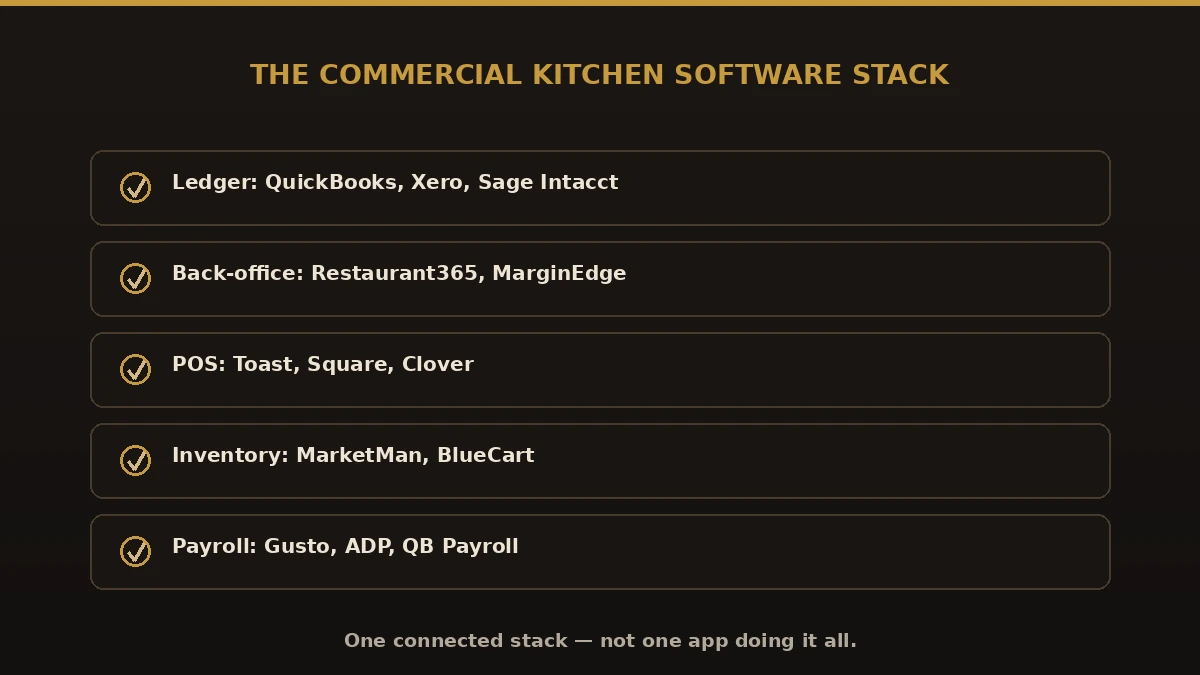
Accounting software stack for commercial kitchens: QuickBooks, Xero, Sage Intacct ledger, Restaurant365 or MarginEdge back-office, Toast or Square POS, inventory and payroll tools
The commercial kitchen software stack.

The right stack usually pairs a core accounting system with a restaurant-specific tool and your POS. Here is the full landscape you will run into:

CategorySoftwareBest for
Core accountingQuickBooks Online, QuickBooks Enterprise, Xero, Sage Intacct, FreshBooks, Wave, Zoho BooksThe general ledger and financials
Restaurant back-officeRestaurant365, MarginEdge, xtraCHEF, CompeatInvoices, food cost, recipe costing
POS & salesToast, Square, Clover, Lightspeed, RevelRinging sales and daily totals
InventoryMarketMan, BlueCart, CraftableStock counts and ordering
PayrollGusto, ADP, QuickBooks Payroll, Toast PayrollWages, tips, and filings

For most commercial kitchens, QuickBooks Online or QuickBooks Enterprise as the ledger, a tool like Restaurant365 or MarginEdge for food cost, and Toast or Square for the POS is a strong, common setup. Bigger multi-unit operators sometimes move up to Sage Intacct. We help you choose and connect them so data flows without double entry.

Benefits of proper commercial kitchen bookkeeping

Common bookkeeping mistakes in commercial kitchens
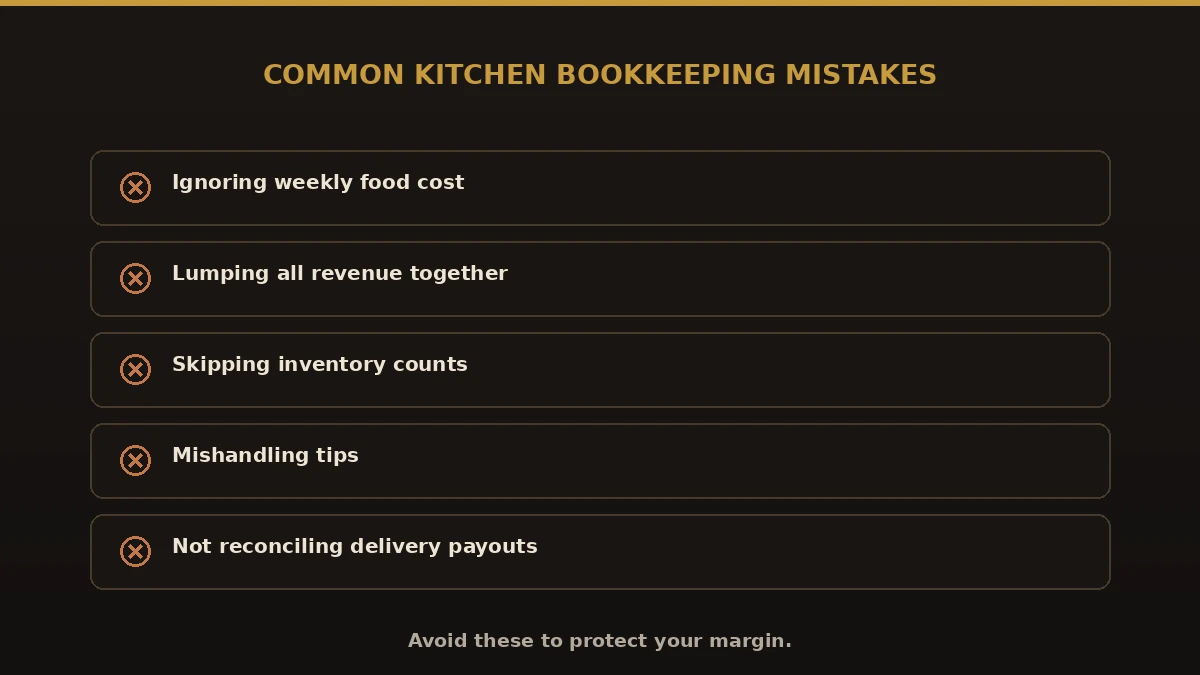
Common commercial kitchen bookkeeping mistakes: ignoring food cost, lumping revenue, skipping inventory, mishandling tips, not reconciling delivery payouts
Kitchen bookkeeping mistakes to avoid.

Best practices for commercial kitchen books
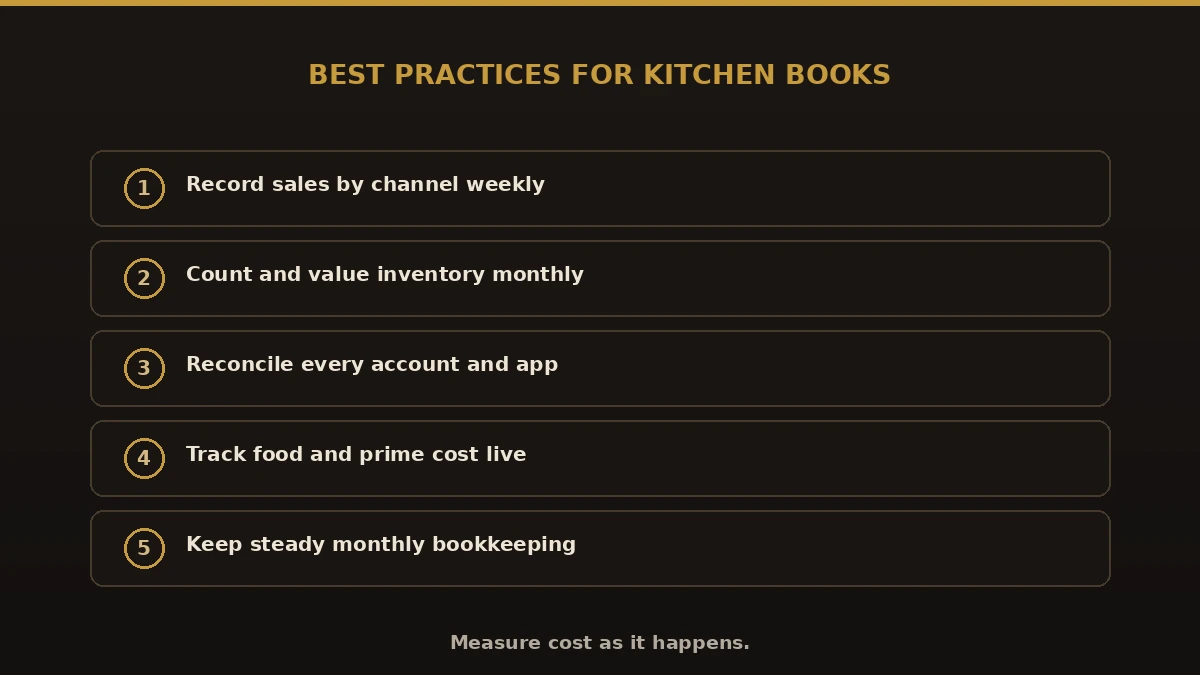
Best practices for commercial kitchen books: record sales by channel weekly, count inventory monthly, reconcile every account, track food and prime cost, steady monthly bookkeeping
Habits that keep kitchen books tight.
  1. Record and categorize sales by channel every week.
  2. Count key inventory at least monthly and value it.
  3. Reconcile every account, including delivery-app deposits.
  4. Track food cost and prime cost as live numbers, not year-end surprises.
  5. Keep clean books with steady monthly bookkeeping so reports stay reliable.

Why choose Numerawise for commercial kitchen bookkeeping

We are an Intuit QuickBooks ProAdvisor firm that works with food businesses, from single ghost kitchens to food halls and catering companies. We set up the right software stack, track food and labor cost, reconcile every channel, and hand you reports you can act on. If you want the deeper picture of restaurant accounting, see our guide to restaurant bookkeeping.

Keeping your commercial kitchen books tight

Strong bookkeeping for commercial kitchens comes down to two things: measuring cost the moment it happens and knowing which revenue stream earns. Pick a software stack that fits, count your inventory, reconcile every channel, and watch food and prime cost every week. Do that, and the numbers stop being a mystery you face at tax time — they become the daily tool that keeps your kitchen profitable, whichever accounting software you run.

Questions, considered

Quick answers.

What is bookkeeping for commercial kitchens?

Bookkeeping for commercial kitchens is the work of tracking income, food cost, inventory, payroll, tips, and sales tax for food-service operations like ghost kitchens, commissary kitchens, catering companies, and food trucks. Because costs shift daily and revenue comes from several channels, these books need more attention than a typical retail business to protect thin margins.

What accounting software is best for a commercial kitchen?

Most commercial kitchens pair a core ledger like QuickBooks Online, QuickBooks Enterprise, Xero, or Sage Intacct with a restaurant tool such as Restaurant365 or MarginEdge and a POS like Toast or Square. The right mix depends on your size and channels. We help you pick and connect the software so data flows without double entry.

What food cost percentage should a commercial kitchen aim for?

Many kitchens target a food cost of about 28 to 35 percent of sales, though it varies by concept. What matters more is watching it weekly, not just at year-end. If food cost creeps up even two points, margin erodes fast, so tracking COGS in your bookkeeping is one of the most valuable habits you can build.

How do I handle delivery-app revenue in my books?

Delivery apps like DoorDash and Uber Eats deposit net of their fees, often on a delay. In your bookkeeping, record gross sales, then the app fees as an expense, so your true net sales and margins are clear. Reconcile each payout against the app statements, or fees quietly distort your numbers.

Do ghost kitchens and commissary kitchens need different bookkeeping?

The core is the same, but each has quirks. Ghost kitchens often run several delivery-only brands from one space, so revenue must be split by brand. Commissary and shared kitchens also bill members for rent or hours, adding rental income. Good bookkeeping for commercial kitchens accounts for each stream separately.

How are tips handled in commercial kitchen payroll?

Tips are wages for tax purposes and must be reported and taxed correctly. Payroll needs to capture credit-card tips, cash tips, and any tip pooling, then handle withholding and reporting. The rules are strict, so most kitchens use payroll software and a bookkeeper to stay compliant with the IRS and state agencies.

Can one accounting software do everything for a commercial kitchen?

Rarely. A general ledger like QuickBooks handles the financials well but is not built for recipe costing or daily food cost. That is why kitchens add a restaurant tool such as Restaurant365 or MarginEdge and connect the POS. The goal is an integrated stack, not one app trying to do it all.

How often should commercial kitchen books be updated?

Weekly is ideal for food-service. Sales, food cost, and delivery payouts move too fast for monthly-only bookkeeping. Weekly updates let you catch a rising food cost or a losing channel early. A full reconciliation and financial reports each month then give you the complete picture for decisions and taxes.

Do you work with commercial kitchens outside your area?

Yes. We work remotely with food businesses across the US using QuickBooks and secure file sharing. Whether you run a single ghost kitchen or a multi-unit catering operation, we set up your software, track cost and revenue by channel, and keep your books clean and current no matter where you are located.

Begin

Get a free scoping call.

Tell us what you’re working on. We respond same business day.

Ram Singh, Founder of Numerawise Solutions LLC
Of the Author

Ram · Founder & Principal

Founder of Numerawise Solutions, established MMXXIV in Atlanta. Intuit ProAdvisor Gold tier. Former Intuit Technical Support engineer. Has personally led two hundred accounting software conversions for US small businesses since founding the practice. Reachable directly at [email protected].

Free: The Clean-Cutover Checklist

The step-by-step checklist we use to migrate businesses to QuickBooks without losing data — bank rec, opening balances, payroll YTD, and the validation tie-out. Get it in your inbox.

No spam — just the checklist and the occasional QuickBooks tip.