Dynamics 365 vs QuickBooks: Which Is Better for Your Business?
Looking at a smaller open-source suite instead? See Odoo vs QuickBooks.
Choosing between an ERP and accounting software? This objective Dynamics 365 vs QuickBooks comparison weighs features, pricing, and fit — so you can pick the platform that matches your business.
If you are weighing Dynamics 365 vs QuickBooks, you are really deciding between two different categories of software. QuickBooks is a focused, easy-to-use accounting platform. Dynamics 365 — specifically Dynamics 365 Business Central for most growing businesses — is an enterprise resource planning system that connects accounting with inventory, sales, purchasing, manufacturing, and more. That difference shapes everything: cost, complexity, capability, and who each one fits.
This guide compares them objectively, feature by feature, so you can make an informed decision. We will be clear about where each one leads, who it is designed for, and what a move between them involves — without claiming one is best for everyone, because the honest answer is that it depends on your business. By the end, you will know which platform fits your needs, and what a migration would take if you decide to switch.
Need Help Choosing Between Dynamics 365 and QuickBooks?
Our accounting software specialists help businesses evaluate, migrate, implement, and optimize accounting and ERP systems. Schedule a free consultation.
Schedule a Free ConsultationQuick overview
Here is the high-level comparison before we dig into details:
| Factor | Microsoft Dynamics 365 | QuickBooks |
|---|---|---|
| Best for | Growing and mid-market businesses needing full ERP | Small and mid-sized businesses needing strong accounting |
| Type | ERP (finance + operations) | Accounting software |
| Deployment | Cloud (and other options) | Cloud (Online) and Desktop |
| Pricing model | Per user, by app/module | Subscription tiers + per-employee payroll |
| Ease of use | Steeper learning curve | Very easy, widely known |
| Accounting | Comprehensive | Strong for its market |
| Inventory | Advanced | Basic to moderate |
| CRM | Integrated across Dynamics 365 | Limited / via apps |
| Manufacturing | Yes (Business Central / F&O) | No native manufacturing |
| Payroll | Via add-ons/partners | Built-in (QuickBooks Payroll) |
| Reporting | Deep, customizable | Solid, easy |
| Automation | Extensive workflow automation | Growing, plan-dependent |
| Scalability | High — scales to enterprise | Good for SMB; limits at scale |
| Integrations | Broad, plus Microsoft ecosystem | Hundreds of small-business apps |
| Mobile access | Yes | Yes |
| Customization | Extensive | Limited |
| Support | Partner-led, enterprise-grade | Broad self-serve + partners |
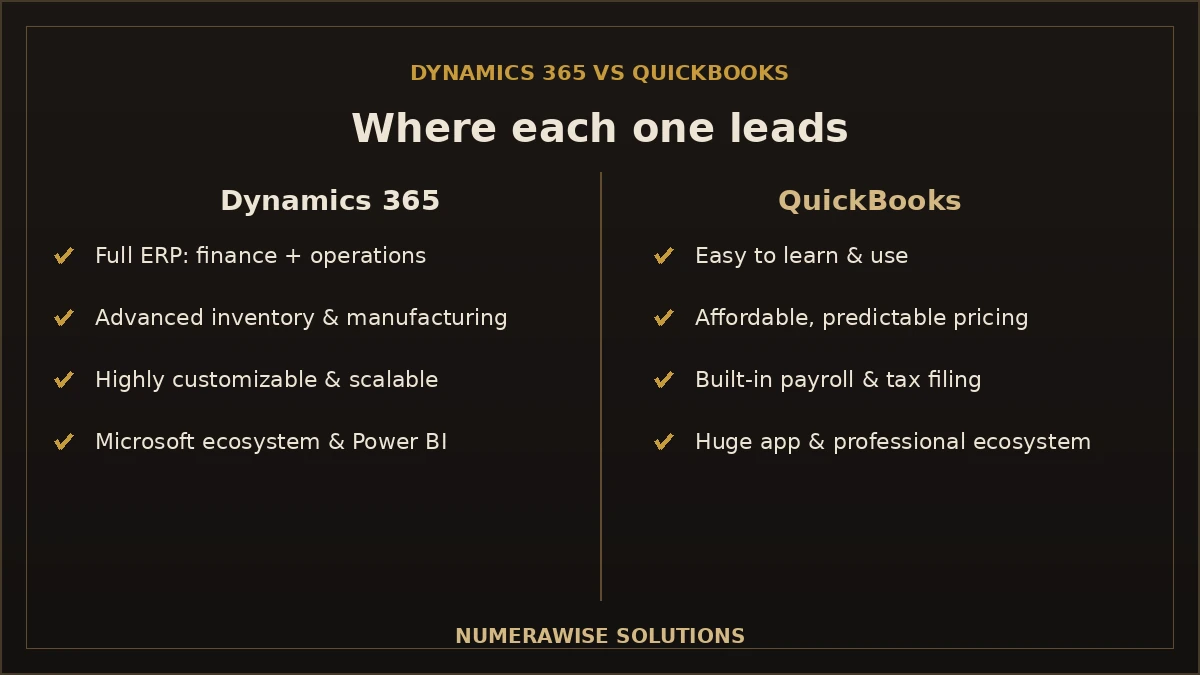
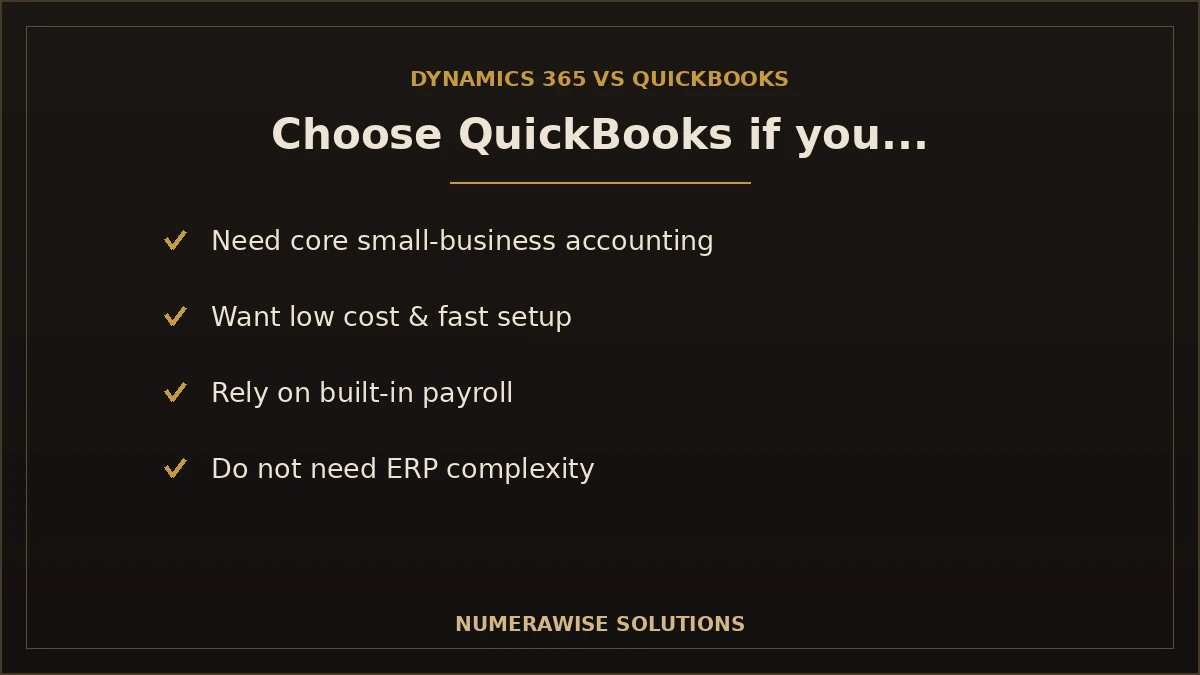
Rather than assign arbitrary scores, the summary is this: Dynamics 365 wins on breadth, depth, and scalability; QuickBooks wins on simplicity, cost, and ease of adoption. Which advantage matters more is exactly the decision you are making.
What is Microsoft Dynamics 365?
Microsoft Dynamics 365 is a family of cloud-based business applications that combine ERP and CRM. It is not a single product but a suite, and the piece most relevant to growing businesses is Dynamics 365 Business Central — a complete ERP for small and mid-sized companies. Larger enterprises may use Dynamics 365 Finance and Supply Chain Management for more advanced needs.
Business Central brings together:
- Finance modules — general ledger, receivables, payables, cash management, and fixed assets.
- Operations — sales, purchasing, and order management in one flow.
- Supply chain — inventory, warehousing, and demand planning.
- Manufacturing — bills of materials, production orders, and capacity planning.
- CRM integration — connection to sales and customer data across Dynamics 365.
- The Microsoft ecosystem — deep integration with Microsoft 365, Power BI, and the Power Platform.
Dynamics 365 is designed for businesses whose needs have outgrown standalone accounting — typically growing, mid-market, or multi-location companies that need finance and operations connected in one system. That power comes with more complexity and a higher cost, which is the trade-off at the heart of the comparison.
What is QuickBooks?
QuickBooks is Intuit’s accounting software and one of the most widely used financial platforms for small and mid-sized businesses in the United States. It comes in two main forms:
- QuickBooks Online — the cloud version, available in tiers (from basic to advanced), and where Intuit focuses its development.
- QuickBooks Desktop — the installed version, which Intuit is phasing out in favor of the cloud, though Enterprise remains available for some users.
QuickBooks focuses on doing core accounting extremely well:
- Core accounting — general ledger, receivables, payables, and reconciliation.
- Payroll — built-in QuickBooks Payroll with automatic tax filing.
- Invoicing — professional invoices with online payment.
- Expense tracking — connected bank feeds and receipt capture.
- Reporting — solid, easy financial reports.
QuickBooks is built for small businesses, startups, freelancers, and service businesses that need reliable accounting without ERP complexity. It is easy to learn, affordable, and supported by a huge ecosystem of apps and professionals — which is why it dominates the small-business market.
Feature-by-feature comparison
Here is a detailed look at how the two compare across the areas that matter most.
Accounting and finance
| Feature | Dynamics 365 | QuickBooks |
|---|---|---|
| Accounts payable | Advanced, with approvals | Solid for SMB |
| Accounts receivable | Advanced | Solid for SMB |
| General ledger | Deep, multi-dimensional | Strong for its market |
| Bank reconciliation | Yes | Yes, very easy |
| Budgeting | Advanced | Available on higher plans |
| Fixed assets | Full module | Basic tracking |
| Project accounting | Yes | Limited (projects on higher plans) |
Operations and inventory
| Feature | Dynamics 365 | QuickBooks |
|---|---|---|
| Inventory | Advanced, multi-location | Basic to moderate |
| Sales orders | Full order management | Basic |
| Purchasing | Full purchasing workflows | Basic |
| Manufacturing | Yes (BOMs, production) | No native manufacturing |
| Warehousing | Advanced | No |
CRM, automation, and reporting
| Feature | Dynamics 365 | QuickBooks |
|---|---|---|
| CRM | Integrated across Dynamics 365 | Limited / via apps |
| Automation | Extensive workflows | Growing, plan-dependent |
| Reporting | Deep, with Power BI | Solid, easy |
| Dashboards | Highly customizable | Standard dashboards |
Technology, security, and access
| Feature | Dynamics 365 | QuickBooks |
|---|---|---|
| Third-party integrations | Broad + Microsoft ecosystem | Hundreds of SMB apps |
| API availability | Robust APIs | APIs available |
| Security | Enterprise-grade | Strong for SMB |
| Permissions | Granular, role-based | Role-based, simpler |
| Audit trail | Comprehensive | Audit log (higher plans) |
| Cloud access | Yes | Yes (Online) |
| Mobile app | Yes | Yes |
The pattern is consistent: Dynamics 365 offers more depth and breadth across nearly every category, while QuickBooks offers a simpler, more accessible version of the accounting essentials. If you need the advanced features, Dynamics 365 has them; if you do not, QuickBooks delivers what most small businesses actually use, with far less overhead.
Talk to an Accounting Software Specialist
Not sure which platform fits your business? We will assess your needs and give you a straight recommendation. Schedule a free consultation.
Schedule a Free ConsultationPricing comparison
Pricing is one of the clearest differences, though exact figures change and depend on your configuration — so we describe the models rather than quote numbers that expire.
QuickBooks uses straightforward subscription tiers billed monthly, with payroll priced separately as a base fee plus a per-employee charge. Costs are predictable and modest, which is a major reason small businesses choose it.
Dynamics 365 is priced per user, by application or module, under Microsoft’s licensing model. Because it is an ERP, the total cost is higher — you are paying for far more capability — and implementation is a significant additional investment beyond the software licenses.
Verify current pricing
Both vendors update pricing over time, and Dynamics 365 pricing in particular varies with editions, users, modules, and licensing. Treat any figure you see as a snapshot, and confirm current pricing directly with the vendor or a partner before deciding. The right comparison is total cost of ownership — software plus implementation plus support — not the license price alone.
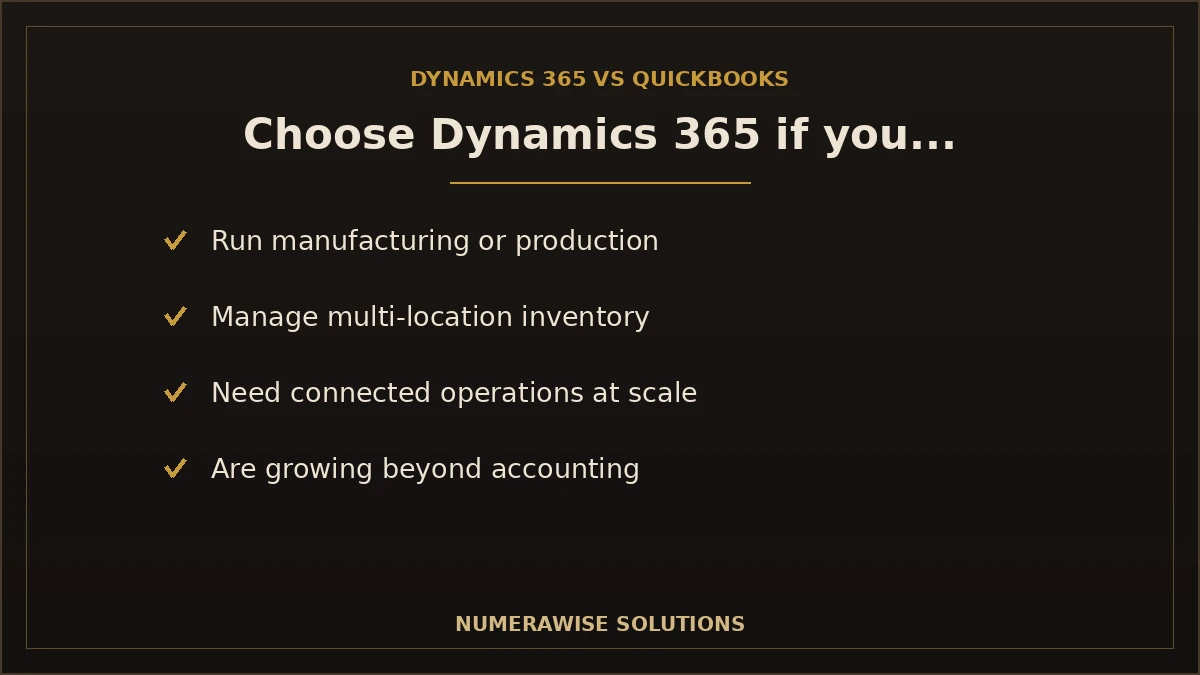
The honest summary: QuickBooks is far cheaper and simpler to buy; Dynamics 365 costs more but delivers enterprise capability. If your business does not need ERP features, paying for them makes little sense — and if it does, QuickBooks may not be enough at any price.
Pros and cons
Dynamics 365 pros
- Full ERP — finance plus operations in one system
- Advanced inventory, manufacturing, and supply chain
- Deep integration with the Microsoft ecosystem
- Highly customizable and automatable
- Scales to enterprise and multi-location needs
- Powerful reporting with Power BI
Dynamics 365 cons
- Higher cost and licensing complexity
- Steeper learning curve
- Requires implementation and often a partner
- More than many small businesses need
QuickBooks pros
- Easy to learn and use
- Affordable, predictable pricing
- Built-in payroll with automatic tax filing
- Huge ecosystem of apps and professionals
- Fast to set up and adopt
- Ideal for core small-business accounting
QuickBooks cons
- Limited inventory and no native manufacturing
- Less depth in operations and CRM
- Can be outgrown by larger or complex businesses
- Advanced features require higher tiers or add-ons
Which businesses should choose Dynamics 365?
Dynamics 365 is the stronger fit when your operations are complex or growing beyond what accounting software can handle. It suits:
- Manufacturing companies needing bills of materials and production management.
- Wholesale businesses with complex pricing and purchasing.
- Distribution companies managing multi-warehouse inventory.
- Multi-location companies needing consolidated operations and reporting.
- Enterprise businesses requiring depth, customization, and scale.
- Growing organizations that have outgrown standalone accounting and want room to expand.
Which businesses should choose QuickBooks?
QuickBooks is the stronger fit when you need reliable accounting without ERP complexity or cost. It suits:
- Small businesses that need solid, affordable accounting.
- Startups wanting to get up and running quickly and cheaply.
- Professional services firms with straightforward finances.
- Freelancers and sole proprietors.
- Retail businesses with basic inventory needs.
- Restaurants managing everyday accounting and payroll.
- Service businesses that do not need manufacturing or advanced operations.
A simple decision rule
If your business is primarily about accounting — recording income and expenses, invoicing, payroll, and reporting — QuickBooks is very likely enough. If you need to run inventory, manufacturing, or complex operations alongside finance in one connected system, that is where Dynamics 365 earns its cost. Match the tool to your real operational complexity, not to how big you hope to be someday.
Migration scenarios
Once you decide, the practical question is how to move — and both directions are common.
QuickBooks to Dynamics 365
Growing businesses often outgrow QuickBooks and move up to Dynamics 365 for its ERP capabilities. This is a step up in complexity: your accounting data moves into a broader system, and you gain operations modules you did not have before. It is an implementation project, not just a data transfer.
Dynamics 365 to QuickBooks
Some businesses find Dynamics 365 heavier or costlier than they need, and move down to QuickBooks for simpler, cheaper accounting. This is common for smaller companies that adopted an ERP they do not fully use. Our Microsoft Dynamics migration services handle this path.
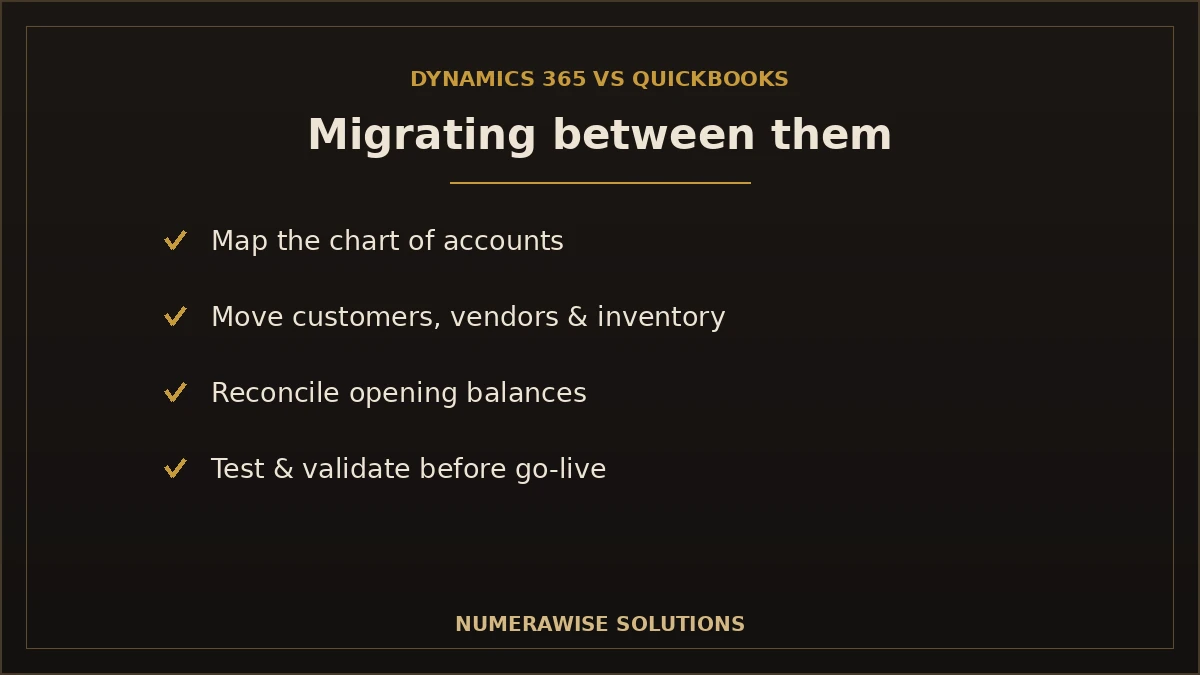
Whichever direction you go, the key considerations are the same:
- Data migration: extracting and moving your records accurately.
- Chart of accounts mapping: aligning your accounts to the new system’s structure.
- Customer and vendor migration: moving contacts and balances intact.
- Inventory migration: transferring items, quantities, and valuations.
- Historical transactions: deciding how much history to bring and moving it.
- Testing and validation: reconciling every balance before go-live.
Common migration challenges
Migrations between these platforms hit predictable problems. We plan for each:
| Challenge | Why it matters |
|---|---|
| Data cleanup | Messy source data carries errors into the new system if not cleaned first |
| Duplicate records | Duplicates inflate numbers and must be removed before migrating |
| Opening balances | Must reconcile exactly to the source, or the new books will not tie out |
| Inventory valuation | The two systems value inventory differently; it must be reconciled |
| Tax mapping | Tax codes must map correctly to the new system’s structure |
| Custom fields | Custom data needs mapping or recreation in the target system |
| Integrations | Connected apps must be reconnected or rebuilt |
| Reporting differences | Report layouts differ; the underlying data migrates, reports are rebuilt |
None of these are dealbreakers — they are simply the work a professional migration handles. Getting them right is what makes the difference between a clean switch and months of cleanup, which is why the migration partner you choose matters as much as the software.
Ease of use and learning curve
For many businesses, adoption matters as much as features. QuickBooks is designed to be usable by non-accountants, with guided setup and a familiar interface most bookkeepers and CPAs already know — teams are often productive within days. Dynamics 365 is far more capable, and that capability comes with complexity: it typically requires training, configuration, and often a partner-led implementation before a team is comfortable. This is not a knock on Dynamics 365; it is the natural trade-off of an ERP versus focused accounting software. When you compare the two, weigh not just what each can do, but how quickly your team can actually use it — because an advanced system no one adopts delivers less than a simple one everyone uses.
Support and ecosystem
The ecosystem around each platform shapes the experience. QuickBooks has an enormous base of users, bookkeepers, accountants, and third-party apps, so finding help, hiring a professional, or connecting a tool is easy and affordable. Dynamics 365 is supported through Microsoft’s partner network and enterprise support channels, which suits larger deployments but is a different, more formal model. If ready access to independent help and a large talent pool matters to you — and for most small businesses it does — QuickBooks has the edge; if you want enterprise-grade, partner-led support for a complex system, Dynamics 365 provides it.
Total cost of ownership: beyond the license
Comparing sticker prices alone is misleading. The real number is total cost of ownership over several years, which includes the software subscription, implementation, training, integrations, customization, and ongoing support. QuickBooks keeps most of these low: setup is quick, training is minimal, and support is inexpensive. Dynamics 365 carries a higher total cost across every category — but for a business that genuinely needs ERP capabilities, that cost replaces the hidden expense of running operations on spreadsheets and disconnected tools. The right way to compare is to estimate three-year total cost for each, matched to what your business actually needs, rather than reacting to the monthly license price.
How long does a migration take?
If you decide to switch, timelines depend on direction and complexity:
| Scenario | Typical timeline | What drives it |
|---|---|---|
| Dynamics 365 to QuickBooks | A few weeks | Simplifying to accounting; data mapping & reconciliation |
| QuickBooks to Dynamics 365 (Business Central) | Two to four months+ | Full ERP implementation, not just data transfer |
| Complex / multi-entity either way | Several months | Custom modules, integrations, multiple entities |
Moving down to QuickBooks is generally faster because you are simplifying; moving up to Dynamics 365 is an implementation project with configuration, testing, and training. Either way, the data migration itself is only part of the work — reconciliation and validation are what make it safe.
Real-world scenarios: which would fit?
Sometimes examples make the choice clearer than feature lists:
- A 6-person marketing agency tracking income, expenses, and payroll: QuickBooks. Their needs are pure accounting; an ERP would be expensive overkill.
- A growing manufacturer with a warehouse, production, and 60 staff: Dynamics 365. They need inventory, manufacturing, and finance connected — QuickBooks cannot cover it.
- A regional distributor with three locations and complex purchasing: Dynamics 365, for multi-location inventory and operations.
- A local restaurant group of a few sites: often QuickBooks, unless operations complexity pushes them toward ERP.
- A professional services firm of 20 with simple projects: QuickBooks, possibly with project features on a higher plan.
The through-line is operational complexity, not just headcount. A small but operationally complex business may need Dynamics 365; a larger but simple one may be perfectly served by QuickBooks.
Can Dynamics 365 and QuickBooks work together?
Occasionally businesses run both — for example, using Dynamics 365 for operations while keeping QuickBooks for accounting during a transition, or integrating the two through connectors. This is possible, but running two financial systems long term adds cost and reconciliation work, so it is usually a temporary state rather than a destination. In most cases, the goal is to consolidate onto the single platform that fits, and use the other only during a planned migration window. We help businesses decide whether a bridge period makes sense or whether a clean cutover is the better path.
How Numerawise Solutions can help
Whether you are choosing, switching, or optimizing, we help businesses get the most from their accounting and ERP systems:
- QuickBooks migration to or from other platforms, done accurately.
- Dynamics 365 migration for businesses moving in either direction.
- ERP implementation support for a smooth deployment.
- Accounting data conversion with full reconciliation.
- Bookkeeping to keep your books accurate on whichever platform you choose.
- Data cleanup so you migrate clean records, not old errors.
- User training so your team adopts the new system confidently.
- Post-migration support through go-live and beyond.
As QuickBooks specialists with ERP migration experience, we give you an unbiased assessment first — even if the answer is to stay where you are. Our QuickBooks conversion services, ERP migration services, and QuickBooks cleanup cover whatever path fits your business.
A framework for deciding
Cut through the noise with a few honest questions:
- Is your need mostly accounting? If yes, QuickBooks is likely enough.
- Do you run inventory, manufacturing, or complex operations? If yes, Dynamics 365 is worth serious consideration.
- What is your budget — total cost, not just license? QuickBooks is far cheaper; Dynamics 365 is a larger investment.
- How fast are you growing? Rapid growth toward multi-location or enterprise scale favors Dynamics 365.
- What can your team adopt? QuickBooks is easy; Dynamics 365 needs training and change management.
Answer these honestly and the right platform usually becomes clear. The most expensive mistake is buying more system than you need — or less than your operations require.
The bottom line: Dynamics 365 vs QuickBooks
The Dynamics 365 vs QuickBooks decision is not about which software is better — it is about which fits your business. QuickBooks is the right choice for small and mid-sized businesses that need excellent, affordable, easy-to-use accounting without ERP complexity. Dynamics 365 is the right choice for growing and complex businesses that need finance and operations connected in one scalable, customizable system, and can invest in the cost and implementation that comes with it. Weigh your operational complexity, budget, growth plans, and team readiness, and the answer usually reveals itself. And whichever way you lean, the migration or implementation is where the decision becomes real — which is exactly where an experienced partner like Numerawise Solutions makes the difference between a smooth transition and a costly one.
Ready to Make the Right Choice?
Our specialists help you evaluate, migrate, implement, and optimize accounting and ERP systems. Schedule a free consultation with Numerawise Solutions today.
Schedule a Free ConsultationKey takeaways
- QuickBooks is accounting software; Dynamics 365 is a full ERP — that is the core difference.
- QuickBooks wins on simplicity and cost; Dynamics 365 wins on depth and scale.
- Choose QuickBooks for core small-business accounting; choose Dynamics 365 for complex operations and growth.
- Neither is universally better — it depends on size, complexity, budget, and growth plans.
- Migration either way requires careful data mapping, reconciliation, and testing.
Quick answers.
Is Dynamics 365 better than QuickBooks?
Neither is universally better — they serve different needs. Dynamics 365 is a full ERP with advanced inventory, manufacturing, and operations, best for growing or complex businesses. QuickBooks is focused accounting software that is easier and far cheaper, best for small and mid-sized businesses. The better choice depends on your size, operational complexity, budget, and growth plans, not on which is objectively superior.
What is the main difference between Dynamics 365 and QuickBooks?
The core difference is category: QuickBooks is accounting software, while Dynamics 365 is a full ERP that connects finance with inventory, sales, purchasing, and manufacturing. QuickBooks does accounting extremely well for smaller businesses; Dynamics 365 runs an entire operation in one system. That difference drives everything else — cost, complexity, capability, and who each one fits.
Can QuickBooks migrate to Dynamics 365?
Yes. Growing businesses commonly move from QuickBooks up to Dynamics 365 (usually Business Central) for ERP capabilities. It is more than a data transfer — it is an implementation project where your accounting data moves into a broader system and you gain operations modules. Data mapping, reconciliation, configuration, and testing all matter, which is why professional migration support is recommended.
Can Dynamics 365 replace QuickBooks?
Yes. Dynamics 365 can fully handle accounting and much more, so it can replace QuickBooks for businesses that need ERP capabilities. The question is whether you need that much system. For a business whose needs are primarily accounting, replacing QuickBooks with Dynamics 365 adds cost and complexity without proportional benefit. For a complex or growing operation, Dynamics 365 is a capable replacement.
Which software is easier to use?
QuickBooks is significantly easier to use. It is designed for non-accountants, with guided setup and a familiar interface most professionals already know, so teams are productive quickly. Dynamics 365 is far more capable but more complex, typically requiring training, configuration, and often a partner-led implementation. If ease of adoption is a priority, QuickBooks has a clear edge.
Which is better for manufacturers?
Dynamics 365 is generally the better fit for manufacturers. It includes bills of materials, production orders, capacity planning, and multi-location inventory that QuickBooks does not offer natively. QuickBooks can handle a manufacturer's accounting but not the production side. Manufacturers that need finance and operations connected in one system usually find Dynamics 365 worth the added cost and complexity.
Which is better for small businesses?
QuickBooks is usually the better fit for small businesses. It delivers reliable, affordable, easy-to-use accounting without ERP complexity, and it is supported by a huge ecosystem of apps and professionals. Most small businesses do not need the advanced operations features of Dynamics 365, so paying for them makes little sense. QuickBooks covers what the majority of small businesses actually use.
Can historical data be migrated between the two?
Yes. Historical transactions can migrate in either direction, along with your chart of accounts, customers, vendors, inventory, and balances. That said, you rarely need all of it — a good migration decides how much history to bring for reporting, tax, and audit. Whatever depth you choose, the data must be reconciled to the source so the new system's balances tie out.
How long does a migration take?
It depends on direction and complexity. Moving down from Dynamics 365 to QuickBooks can take a few weeks because you are simplifying. Moving up from QuickBooks to Dynamics 365 is an implementation project that typically takes two to four months or more, since it includes configuration, testing, and training. Complex or multi-entity migrations either way can take several months.
Do you provide migration support between Dynamics 365 and QuickBooks?
Yes. Numerawise Solutions handles migrations in both directions, plus ERP implementation, data conversion, cleanup, training, and post-migration support. We map your chart of accounts, migrate customers, vendors, inventory, and history, and reconcile every balance before go-live. As QuickBooks specialists with ERP migration experience, we also give you an unbiased assessment of which platform actually fits your business.
Which is more affordable, Dynamics 365 or QuickBooks?
QuickBooks is far more affordable. It uses modest monthly subscription tiers with payroll priced separately, and setup and support are inexpensive. Dynamics 365 is priced per user by module under Microsoft's licensing, and as an ERP it carries higher software and implementation costs. Compare total cost of ownership over a few years, not just the license price, and QuickBooks is the budget choice by a wide margin.
Does Dynamics 365 include payroll?
Payroll in Dynamics 365 is typically handled through add-ons or partner solutions rather than built in the way QuickBooks Payroll is. QuickBooks includes integrated payroll with automatic tax filing across its plans. If built-in, easy payroll is important to you, that is a point in QuickBooks's favor; Dynamics 365 users generally add a payroll solution to the ERP.
Which has better inventory management?
Dynamics 365 has considerably stronger inventory management, including multi-location stock, warehousing, and advanced valuation and planning. QuickBooks offers basic to moderate inventory suited to simpler needs. Businesses with complex inventory, multiple warehouses, or manufacturing usually find QuickBooks limiting and Dynamics 365 a much better fit for that part of the operation.
Is QuickBooks Desktop still an option?
QuickBooks Desktop still exists, but Intuit is phasing it out in favor of QuickBooks Online, and Desktop 2023 including its services is being discontinued after May 31, 2026. For most new users, QuickBooks Online is the practical choice. If you are comparing platforms today, weigh Dynamics 365 against QuickBooks Online rather than Desktop, since that is where QuickBooks is headed.
Which is better for reporting and dashboards?
Both offer solid reporting, but Dynamics 365 goes deeper, with highly customizable reports and tight integration with Power BI for advanced analytics. QuickBooks provides strong, easy standard reports that meet most small-business needs. If you require sophisticated, cross-functional reporting across operations and finance, Dynamics 365 leads; if you need clear financial reports without complexity, QuickBooks is more than adequate.
Can the two systems integrate with each other?
They can be integrated or run in parallel, for example during a transition or through connectors, but running two financial systems long term adds cost and reconciliation work. It is usually a temporary bridge rather than a permanent setup. In most cases the goal is to consolidate onto the single platform that fits, using the other only during a planned migration window.
Which is more scalable?
Dynamics 365 is more scalable, designed to grow from mid-market to enterprise with additional modules, users, and locations. QuickBooks scales well within the small and mid-sized business range but can be outgrown by larger or more complex operations. If you expect rapid growth toward multi-location or enterprise scale, that favors Dynamics 365; if you will stay in the SMB range, QuickBooks scales fine.
What happens to my integrations if I switch?
Connected apps — ecommerce, payments, CRM, reporting — are reconnected or rebuilt as part of the migration, since the two platforms have different ecosystems. Broken integrations are a common pain point, so we identify every connection during planning and set up the equivalent in the new system. Where a native module replaces an old integration, we configure that so your workflows keep running.
How do I decide between Dynamics 365 and QuickBooks?
Ask a few honest questions: Is your need mostly accounting, or do you run inventory, manufacturing, and complex operations? What is your total budget, not just the license? How fast are you growing, and what can your team realistically adopt? If your need is core accounting on a modest budget, QuickBooks fits; if it is connected operations at scale, Dynamics 365 does. Match the tool to real complexity.
Will my reports look the same after switching?
The underlying data migrates, but report layouts differ between the two systems and are rebuilt in the new platform's format. Your financial position carries over, so your numbers are the same; the presentation changes. We confirm that key reports reflect reality as part of validation, so you have reporting continuity from day one, just through the new system's tools.
Can Numerawise Solutions help me choose and migrate?
Yes. We help businesses evaluate Dynamics 365 versus QuickBooks objectively, then migrate, implement, and optimize whichever fits. We provide an unbiased assessment first — even if the answer is to stay put — and handle data conversion, reconciliation, cleanup, training, and post-migration support. As QuickBooks specialists with ERP migration experience, we guide the decision and the transition end to end.
Get a free scoping call.
Tell us what you’re working on. We respond same business day.

Ram · Founder & Principal
Founder of Numerawise Solutions, based in Atlanta. Intuit ProAdvisor Gold tier. Former Intuit Technical Support engineer. Has personally led two hundred accounting software conversions for US small businesses since founding the practice. Reachable directly at [email protected].
Free: The Clean-Cutover Checklist
The step-by-step checklist we use to migrate businesses to QuickBooks without losing data — bank rec, opening balances, payroll YTD, and the validation tie-out. Get it in your inbox.
No spam — just the checklist and the occasional QuickBooks tip.
Decided to move up? See our QuickBooks to Business Central migration service — we fix file issues as part of the move and quote a fixed price from your data volumes.