I have cleaned up plenty of files that started with a rushed setup, and the fix always costs more than doing it right would have. A good setup is the cheapest bookkeeping investment a Buffalo business can make.
What proper QuickBooks setup in Buffalo, NY includes
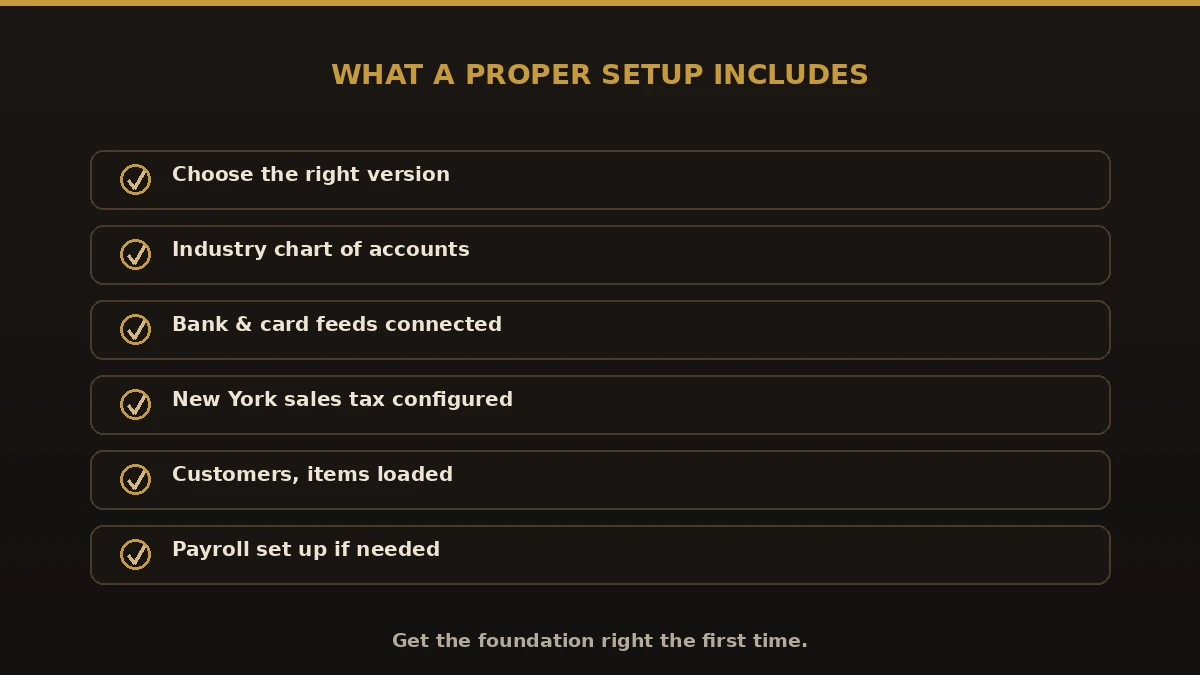
A complete setup covers the pieces that shape every report you will ever run:
- Choosing the version — QuickBooks Online, Desktop, or Enterprise
- Chart of accounts built for your industry
- Bank and credit card feeds connected and matched
- Sales tax set up for New York and Erie County
- Products, services, and customers loaded correctly
- Payroll configured if you have employees
Which QuickBooks version is right for you?
| Version | Best for |
|---|---|
| QuickBooks Online | Most Buffalo small businesses — cloud, bank feeds, mobile |
| QuickBooks Desktop | Local files or specific desktop workflows |
| QuickBooks Enterprise | Larger firms, inventory, more users |
For most local businesses we recommend QuickBooks Online, but we help you choose based on your size and needs.
Benefits of a professional QuickBooks setup

- Accurate reports from your very first month
- Bank feeds that save hours of data entry
- Sales tax handled correctly for New York
- A chart of accounts your CPA can work with
- No expensive cleanup down the road
Common QuickBooks setup mistakes
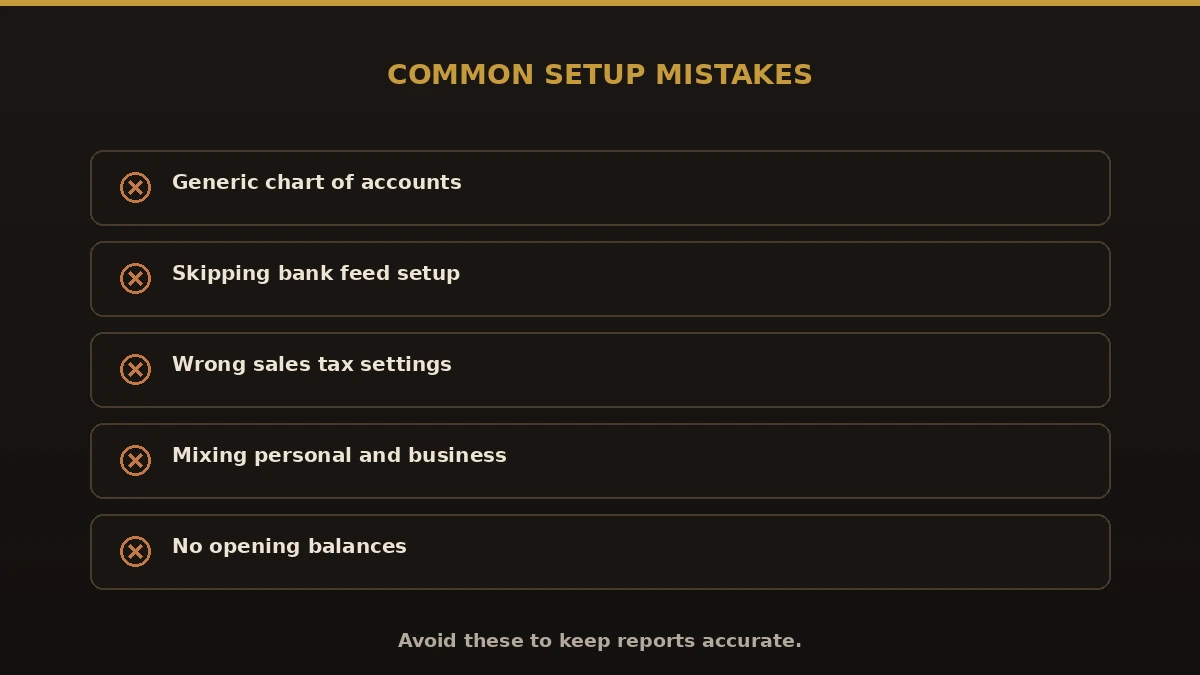
- A generic chart of accounts. The default list rarely fits your business.
- Skipping bank feed setup. You lose the biggest time-saver QuickBooks offers.
- Wrong sales tax settings. New York rules are easy to misconfigure.
- Mixing personal and business. Connect only business accounts.
- No opening balances. Starting without them throws off every report.
Best practices for setting up QuickBooks
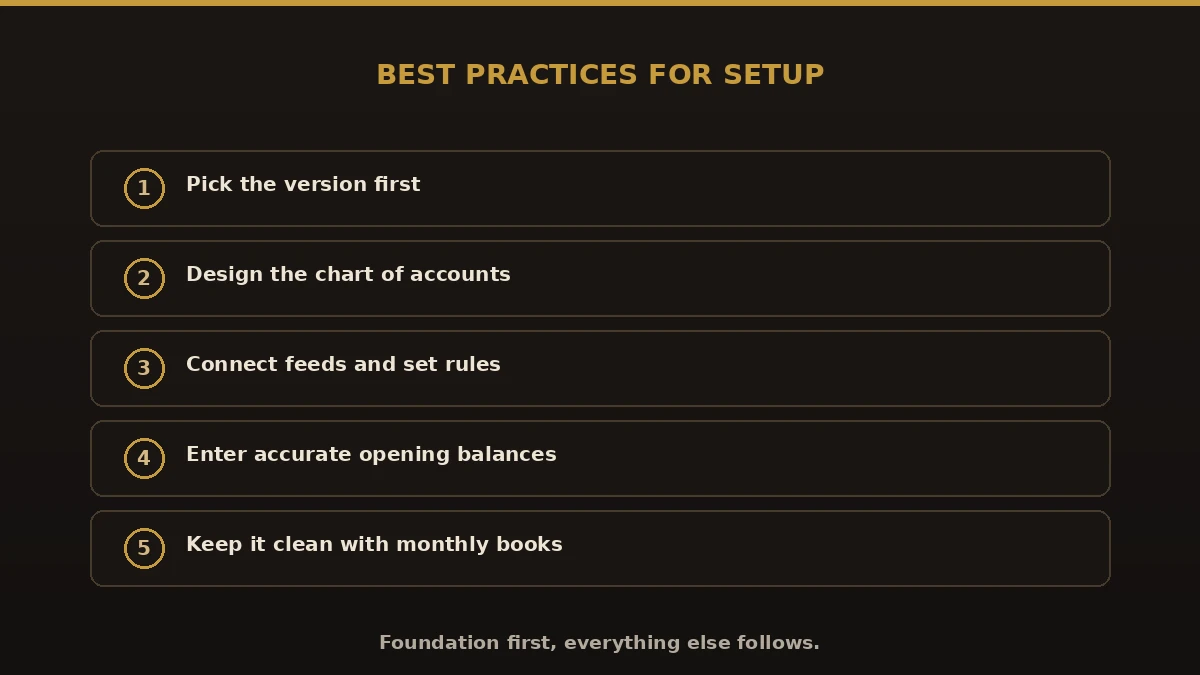
- Pick the version before you build anything else.
- Design a chart of accounts around how you actually run the business.
- Connect bank feeds and set up rules for recurring items.
- Enter accurate opening balances as of your start date.
- Once live, keep it clean with steady monthly bookkeeping.
Why choose Numerawise for QuickBooks setup in Buffalo, NY
We are an Intuit QuickBooks ProAdvisor firm serving Buffalo, Kenmore, Tonawanda, and the wider Erie County area. We set QuickBooks up properly the first time, train your team, and can keep your books current after. If your file is already a mess, we also handle QuickBooks cleanup and historical bookkeeping cleanup to reset it before we move forward.
Starting right with QuickBooks setup in Buffalo, NY
Good QuickBooks setup in Buffalo, NY is the foundation everything else stands on. Choose the right version, build a chart of accounts that fits, connect your feeds, and set opening balances correctly. Get that foundation right and your books stay accurate, your reports make sense, and tax time stops being stressful. Whether you are a brand-new business or finally moving off spreadsheets, a clean setup today saves you real money and headaches tomorrow.
