Data Recovery for QuickBooks Files
Our guarantee: free written diagnosis in 24 hours
Send us a backup copy of the file — we diagnose it and send a written verdict within one business day, free. You pay only if you hire us to fix it. We work on a copy, never your live file.
Company file corrupted, deleted, or won’t open? Our specialists provide professional data recovery for QuickBooks files — recovering, repairing, and validating your financial records, with honest expectations.
Few things are more alarming for a business than opening QuickBooks and finding your company file will not load. Your entire financial history — customers, invoices, payments, payroll, tax records — can feel like it has vanished. Data recovery for QuickBooks files exists for exactly this moment: to give you the best possible chance of getting that data back, safely and accurately. It is careful, technical work, and it is not something to attempt with a damaged file and no plan.
QuickBooks data is critical because your business runs on it — and because tax filings, audits, and decisions all depend on it being intact. Data loss can come from a hard drive failure, a corrupted file, ransomware, or a simple accidental deletion, and continuing to work in a damaged file often makes things worse. This page explains what professional recovery involves, the causes and warning signs, what can potentially be recovered, and how Numerawise Solutions approaches recovery with data integrity and secure handling at the center.
Need Help Recovering Your QuickBooks Data?
Our specialists help businesses recover, repair, validate, and restore QuickBooks company files with minimal disruption. Request a free recovery assessment.
Request a Free Recovery AssessmentWhat is QuickBooks data recovery?
QuickBooks data recovery is the specialized work of retrieving and restoring financial data from a QuickBooks file that has become corrupted, damaged, inaccessible, or deleted. It is not a single action but a set of techniques applied based on what went wrong. A professional recovery may involve:
- Company file recovery. Recovering the main QuickBooks company file (QBW) when it will not open or is damaged.
- Backup restoration. Restoring from a QuickBooks backup (QBB) or other available backup where one exists.
- Data extraction. Pulling recoverable records out of a damaged file when the file itself cannot be fully repaired.
- File repair. Repairing corruption within the file so it opens and functions again.
- Data validation. Verifying that recovered data is accurate and complete.
- Financial record preservation. Making sure the recovered financial history is usable and reconciled.
QuickBooks includes its own tools — Verify and Rebuild Data, Auto Data Recovery, and the QuickBooks File Doctor — and these resolve some problems. When they do not, or when the file or drive is more seriously damaged, professional recovery goes further. Importantly, no recovery can be guaranteed: the outcome depends on the specific situation, which is why we assess before we promise anything.
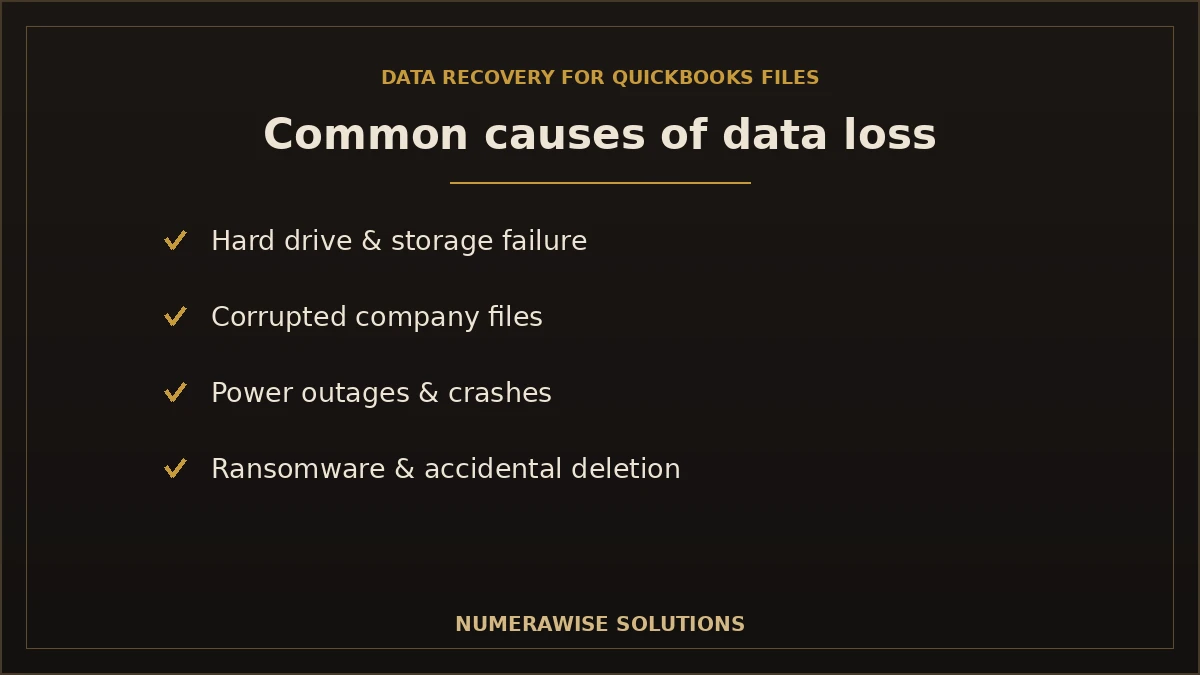
Common causes of QuickBooks data loss
Understanding how data loss happens helps you both respond and prevent it. The most common causes we see:
- Hard drive failure. A failing or dead drive can take your company file with it.
- Corrupted company files. Internal file corruption is one of the most frequent causes.
- Power outages. A sudden loss of power while QuickBooks is writing to the file can corrupt it.
- Windows crashes. System crashes during use can damage the open file.
- Network interruptions. Dropped connections to a file on a server can corrupt data.
- Virus or ransomware attacks. Malware can encrypt, damage, or delete your files.
- Accidental deletion. Files deleted by mistake, sometimes along with backups.
- Failed software updates. An interrupted or failed update can leave a file damaged.
- Improper shutdowns. Closing the computer without properly exiting QuickBooks.
- Damaged backup files. Discovering that the backup you relied on is itself corrupted.
- Storage device failure. Failing external drives, USB devices, or network storage.
Stop working in a damaged file
If QuickBooks is throwing errors or behaving strangely, stop using the file and do not keep entering data. Continuing to work in a corrupted file can overwrite recoverable data and make the damage worse. Make a copy of the file as it is, and get an assessment before taking further action.
QuickBooks files we can help recover
QuickBooks uses several file types, and understanding them helps explain what recovery involves. Whether each can be recovered depends on its condition and what backups exist.
| File type | Purpose | Recovery notes |
|---|---|---|
| .QBW | The main company (working) file | The primary target of most recoveries |
| .QBB | QuickBooks backup file | Restored where a valid backup exists |
| .QBM | Portable company file | A compressed copy for moving data |
| .TLG | Transaction log file | Records recent transactions; aids recovery |
| .ND | Network descriptor file | Helps QuickBooks access files over a network |
| .LOG | Log files | Can provide diagnostic clues |
| Templates & supporting files | Forms, letters, and settings | Recovered where available |
Recovery success depends on file condition and available backups. A lightly corrupted QBW with a recent TLG and a valid QBB backup has a very different outlook than a severely damaged file on a failing drive with no backup. We tell you honestly which situation you are in after diagnosing the file.
Signs your QuickBooks file needs recovery
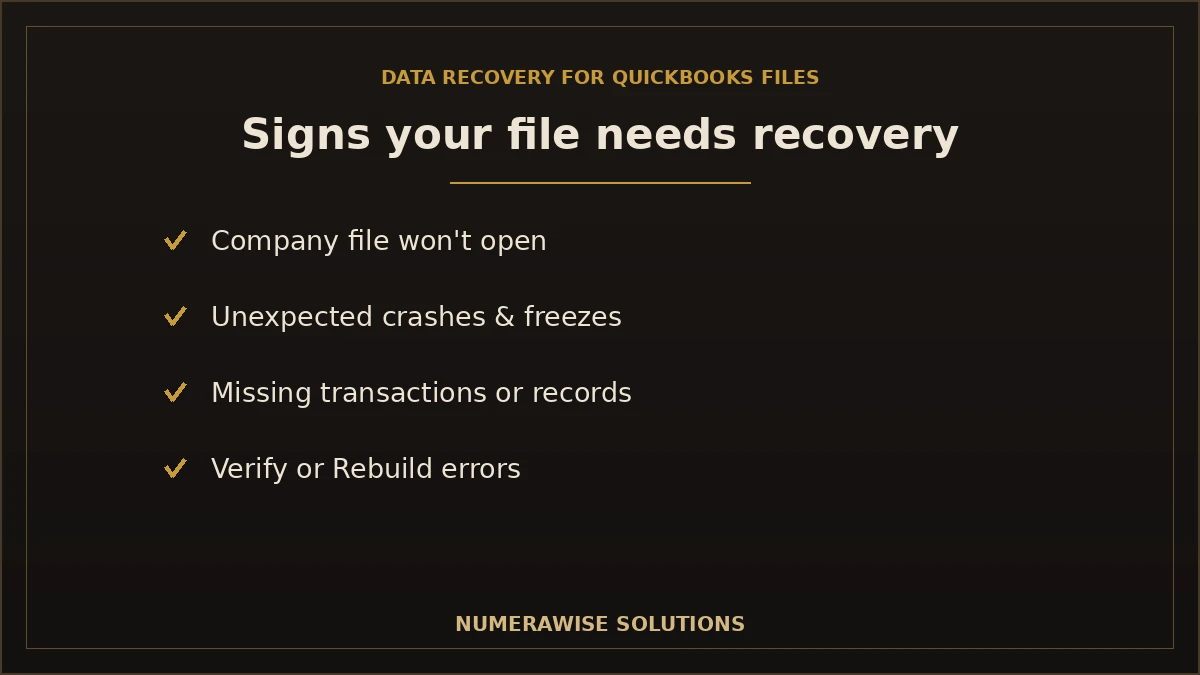
These are the warning signs that a QuickBooks file is damaged and may need professional recovery:
- Unable to open the company file. QuickBooks will not load the file at all.
- Unexpected crashes. QuickBooks closes or freezes when you open or use the file.
- Missing transactions. Entries you know existed have disappeared.
- Data corruption messages. Explicit errors about damaged or corrupt data.
- Damaged backup. Your backup file fails to restore or is reported as corrupt.
- Verification errors. Verify Data reports problems it cannot resolve.
- Rebuild errors. Rebuild Data fails or does not fix the issue.
- Performance issues. The file is unusually slow or unstable, often a sign of underlying damage.
- Missing customer or vendor records. Records vanish or become unreadable.
- Broken reports. Reports error out, show wrong numbers, or will not run.
If you are seeing several of these, act quickly and carefully. The sooner a damaged file is assessed — before more data is written over — the better the chances of a full recovery.
Our QuickBooks data recovery process
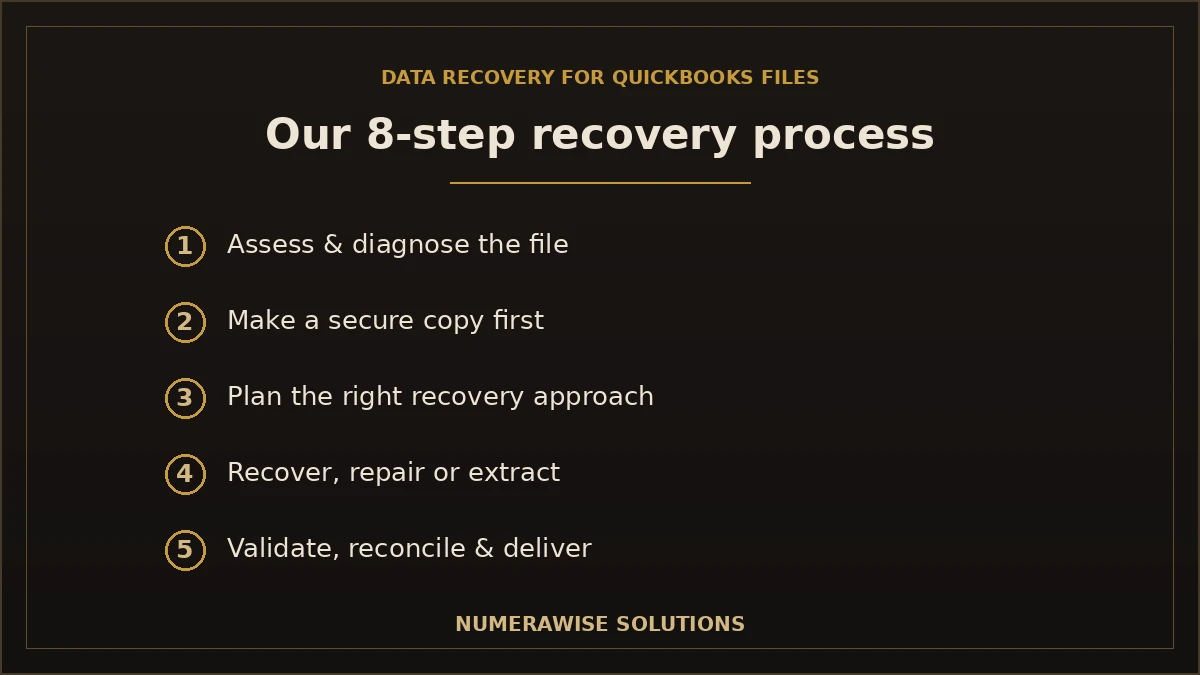
We run every recovery as a careful, eight-step process built around protecting whatever data can be saved. Each step is deliberate, because with a damaged file the wrong move can cost you recoverable data.
Step 1: Initial assessment
We learn what happened, review the situation, and determine whether recovery is feasible and what it will involve.
Step 2: File diagnosis
We diagnose the file and, where relevant, the storage, to understand the type and extent of the damage.
Step 3: Secure backup
Before any work, we make a secure copy of the file in its current state, so nothing is lost during recovery.
Step 4: Recovery planning
We plan the right recovery approach for your specific situation and tell you the realistic outlook.
Step 5: Data recovery
We recover, repair, or extract your data using the appropriate techniques for the damage.
Step 6: File validation
We verify that the recovered file opens, functions, and contains the data it should.
Step 7: Financial reconciliation
We reconcile the recovered financial data so you can trust the numbers, not just the file.
Step 8: Delivery & ongoing support
We deliver your recovered file and stay available to help you resume work safely.
Why the secure backup step matters
Never let recovery be attempted on your only copy of a damaged file. We always work from a secure copy, so if one recovery method does not work, the original state is preserved and we can try another. This is a basic principle of responsible data recovery, and it is where DIY attempts often go wrong.
What data can potentially be recovered?
A successful recovery can potentially restore a broad range of your QuickBooks data. However — and this is important — what can actually be recovered varies based on the severity of the damage, the backups available, and the integrity of the file. We do not guarantee that everything will be recovered; we assess your file and give you an honest picture of what is likely recoverable before any work begins. The typical scope:
| Data | Potentially recoverable? | Notes |
|---|---|---|
| Chart of accounts | Often | Depends on file integrity |
| Customers | Often | Depends on file integrity |
| Vendors | Often | Depends on file integrity |
| Invoices | Often | Depends on damage and backups |
| Bills | Often | Depends on damage and backups |
| Payments | Often | Depends on damage and backups |
| Bank transactions | Often | Depends on damage and backups |
| Journal entries | Often | Depends on file integrity |
| Payroll records | Where available | Subject to file condition and backups |
| Inventory | Often | Depends on file integrity |
| Products & services | Often | Depends on file integrity |
| Sales tax data | Often | Depends on file integrity |
| Attachments | Where supported | Depends on how they were stored |
| Historical financial data | Varies | Depends heavily on damage and backups |
Honest expectations
Recovery is about the best achievable outcome, not a guaranteed one. In the best cases, we recover a fully functional file with all your data intact. In harder cases, we recover most of the data, or extract the critical records even when the file itself cannot be fully repaired. In the worst cases — severe physical drive failure with no backup — some data may not be recoverable. We tell you which case you are in after diagnosis, so you can make an informed decision.
Talk to a QuickBooks Recovery Specialist
Send us your situation and we will assess your file and give you an honest recovery outlook. Request your free assessment today.
Request a Free Recovery AssessmentCommon recovery challenges
Some situations are harder than others. The factors that most affect a recovery:
| Challenge | Impact on recovery |
|---|---|
| Severely corrupted files | Deep corruption may limit what can be recovered |
| Encrypted drives | Encryption can complicate access and require credentials |
| Incomplete backups | Missing or partial backups reduce fallback options |
| Multiple years of data | Larger, older files can carry more accumulated issues |
| Network damage | Files damaged over a network may need extra diagnosis |
| Hard drive failures | Physical drive failure can be the hardest case, and outcomes vary |
| Third-party integration issues | Connected apps can complicate the file state |
| Unsupported QuickBooks versions | Very old versions can add compatibility hurdles |
None of these automatically mean data is lost — they mean the recovery needs more care and the outlook is less certain. Our diagnosis identifies which of these apply so we can plan the right approach and set honest expectations.
How we protect your data
Your financial data is sensitive, and recovery is exactly when to handle it carefully. Our safeguards:
- Confidential handling. Your data is treated as strictly confidential throughout.
- Secure transfer methods. Files move through secure, encrypted channels, not plain email.
- Data privacy. Access is restricted to the specialists working on your recovery.
- Backup strategy. We always work from a secure copy, preserving the original state.
- Recovery validation. We verify recovered data rather than assuming it is correct.
- Integrity checks. We check the recovered file and data for integrity before delivery.
Because we are QuickBooks and bookkeeping specialists, we do more than return a file — we make sure the financial data inside it is validated and reconciled, which pure IT recovery often skips. If the file needs further tidying after recovery, our QuickBooks cleanup and repair services pick up where recovery leaves off.
How to help prevent future data loss
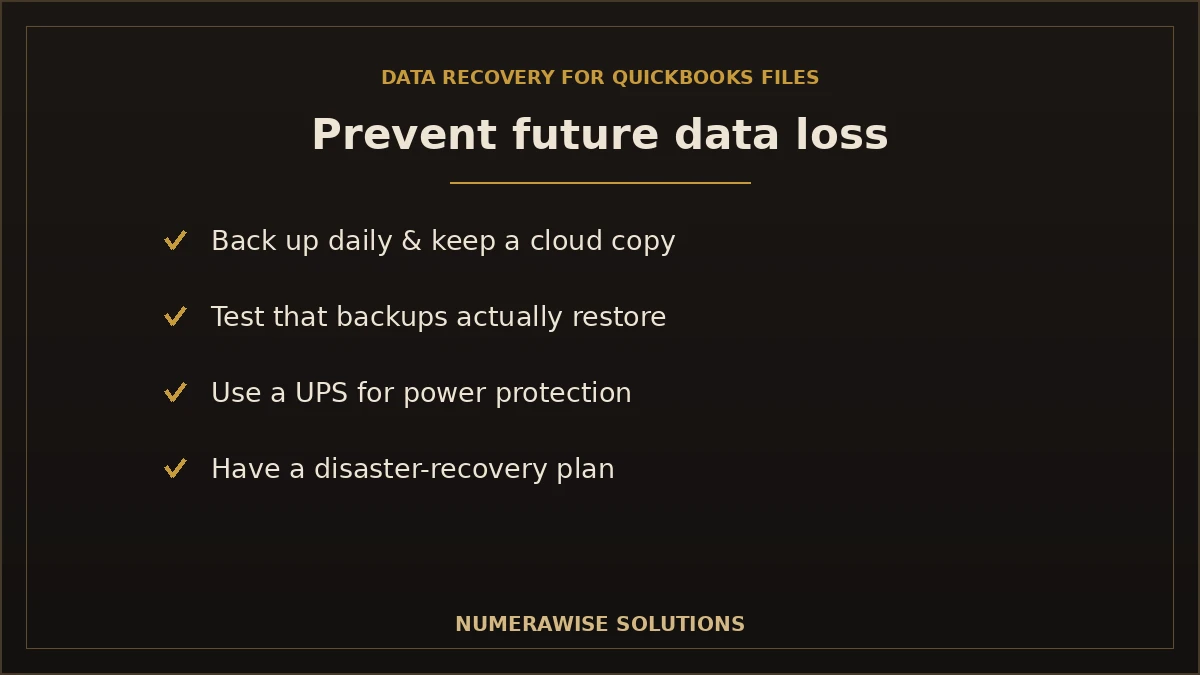
The best recovery is the one you never need. A few practical habits dramatically reduce your risk:
- Regular backups. Back up your company file frequently — daily for active files.
- Cloud backups. Keep an off-site or cloud copy so a local failure does not take everything.
- UPS for power protection. An uninterruptible power supply prevents outage-related corruption.
- Software updates. Keep QuickBooks and your system updated, and never interrupt an update.
- User permissions. Limit who can access and modify files to reduce accidental damage.
- Routine file verification. Run QuickBooks’ Verify Data periodically to catch issues early.
- Disaster recovery planning. Have a plan for what to do if a file fails, before it happens.
Prevention tip
Test your backups. A backup you have never restored is a backup you cannot trust — and discovering a corrupt backup during a crisis is the worst time to find out. Periodically confirm that your backups actually restore, and keep at least one copy off-site.
Moving to the cloud also reduces this risk, since QuickBooks Online stores your data with automatic backups and no single local file to lose. Our QuickBooks Desktop to QuickBooks Online migration can help you make that move safely.
What to do the moment your QuickBooks file will not open
The first few minutes matter. If your company file will not open or QuickBooks is throwing corruption errors, take these steps before anything else:
- Stop working in the file. Do not keep entering data — it can overwrite recoverable information.
- Do not repeatedly retry. Forcing the file open again and again can worsen damage.
- Make a copy of the file as it is now. Preserve the current state before anyone attempts a fix.
- Locate your most recent backup (QBB) and note its date — but do not overwrite the damaged file with it yet.
- Note what happened — a power loss, a crash, an update — since the cause guides the recovery.
- Get an assessment before running aggressive repair tools on your only copy.
Following these steps preserves your options. Many recoveries are made harder not by the original problem but by well-meaning attempts to fix it on the only copy of the file.
QuickBooks’ built-in recovery tools — and their limits
QuickBooks includes several tools that resolve common problems, and it is worth knowing them:
- Verify and Rebuild Data. Verify checks the file for problems; Rebuild attempts to fix them. These handle minor corruption but can fail on more serious damage.
- Auto Data Recovery (ADR). QuickBooks keeps recent copies and transaction logs that can recover most or all of your data after a crash, when available.
- QuickBooks File Doctor. A tool that diagnoses and repairs some company file and network issues.
These are the right first step for many issues, and sometimes they are all you need. But they have limits: they can fail on severely corrupted files, they do not help with physical drive failure, and running them aggressively on a damaged file can sometimes make things worse. When the built-in tools cannot fix the problem — or when the stakes are too high to risk — that is when professional recovery matters. We know when to use these tools and when not to.
How long does QuickBooks data recovery take?
Timelines depend entirely on the situation. A rough guide:
| Situation | Typical timeline | What drives it |
|---|---|---|
| Minor corruption, good backups | Often quick | File-level repair or backup restoration |
| Moderate damage, partial backups | Longer | Extraction, validation, and reconciliation |
| Severe damage / drive failure | Varies widely | Complex recovery; outcome not guaranteed |
Because a down file is an emergency, we prioritize assessment quickly so you know your outlook and timeline early. We give you a realistic estimate after diagnosis rather than a generic promise up front.
How much does QuickBooks data recovery cost?
Recovery is quoted per situation, because no two damaged files are alike. Cost depends on the type and severity of the damage, whether usable backups exist, the condition of the storage device, and how much validation and reconciliation the recovered data needs. A minor corruption with a good backup is a modest job; a severely damaged file on a failing drive is a larger, more uncertain one. We assess first and give you a clear quote and an honest outlook before any work begins — you are never committed to a recovery blind. Weighed against the cost of rebuilding your books from scratch or losing your financial history, professional recovery is almost always worthwhile when the data is recoverable.
Why choose Numerawise Solutions
- QuickBooks specialists who know the software and its file structure deeply.
- Data recovery expertise applied specifically to QuickBooks files.
- Bookkeeping knowledge — we validate the financial data, not just the file.
- Financial data validation so you can trust the recovered numbers.
- Secure handling with encrypted transfer and confidential treatment.
- Fast turnaround because a down file is an emergency for your business.
- Post-recovery support to help you resume work safely.
- Migration assistance if you decide to move to a more resilient setup afterward.
After a recovery, we can keep your books accurate and protected with ongoing bookkeeping services and accounting services — and help you put a backup and disaster-recovery plan in place so you are not caught out again. Our QuickBooks conversion services straighten out any file that needs it once your data is safe.
Recover your QuickBooks data with confidence
A corrupted or lost QuickBooks file is frightening, but it is often not the end of your data. Professional data recovery for QuickBooks files gives you the best achievable outcome — recovering, repairing, and validating your financial records so you can get back to business. The keys are acting quickly, not working in a damaged file, and letting a specialist assess the situation before anything is attempted on your only copy. Outcomes depend on the extent of the damage, your backups, and your storage — and we are honest about that from the start. Numerawise Solutions brings QuickBooks expertise, careful data handling, and financial validation to every recovery, so if your data can be saved, it is saved properly. And once it is safe, we help you make sure it never happens again.
Need Help Recovering Your QuickBooks Data?
Get a free assessment and an honest recovery outlook from QuickBooks specialists who validate the financials, not just the file. Request your assessment today.
Request a Free Recovery AssessmentKey takeaways
- Data recovery for QuickBooks files recovers, repairs, and validates corrupted, inaccessible, or deleted company files.
- Outcomes are not guaranteed — they depend on damage severity, available backups, and storage condition.
- Stop working in a damaged file and get an assessment before more data is overwritten.
- We work from a secure copy, validate the financial data, and handle everything confidentially.
- Prevention matters: regular tested backups, cloud copies, and a disaster-recovery plan.
Quick answers.
Can a corrupted QuickBooks file be recovered?
Often, yes — but it is not guaranteed. Whether a corrupted QuickBooks file can be recovered depends on the extent of the corruption, whether usable backups exist, and the condition of the storage device. Minor corruption is frequently repairable; severe damage may allow only partial recovery. We diagnose your file first and give you an honest outlook before any work begins, rather than promising a result we cannot be sure of.
Can deleted QuickBooks files be restored?
Sometimes. Recently deleted files can often be recovered if they have not been overwritten, especially if a backup exists or the deletion was recent. The chances drop the longer the drive is used after deletion, because new data can overwrite the deleted file. If you have deleted a QuickBooks file, stop using that drive and get an assessment quickly — acting fast improves the odds of recovery.
What is a QBW file?
A .QBW file is your QuickBooks company file — the main working file that holds all your financial data, including customers, vendors, transactions, and reports. It is the file you open every day in QuickBooks Desktop, and it is the primary target of most data recoveries. When people say their QuickBooks file is corrupted or will not open, they usually mean the QBW.
Can damaged backups be repaired?
Sometimes. A damaged QuickBooks backup (QBB) can occasionally be repaired or have data extracted from it, depending on the extent of the damage. This is a common and stressful discovery — finding that the backup you relied on is itself corrupt. We assess damaged backups as part of recovery, but as with any file, the outcome depends on the severity of the damage. This is why testing backups regularly matters.
How long does QuickBooks data recovery take?
It depends on the situation. Minor corruption with a good backup can often be resolved quickly; moderate damage requiring extraction and validation takes longer; and severe damage or drive failure varies widely, with outcomes that are not guaranteed. Because a down file is an emergency, we prioritize a quick assessment so you know your outlook and a realistic timeline early rather than a generic promise.
How much does QuickBooks data recovery cost?
Recovery is quoted per situation, because no two damaged files are alike. Cost depends on the type and severity of damage, whether usable backups exist, the condition of the storage device, and how much validation and reconciliation is needed. We assess first and give you a clear quote and honest outlook before any work begins. Against the cost of rebuilding your books from scratch, recovery is usually worthwhile when the data is recoverable.
Can you recover years of historical transactions?
Potentially, yes — but it depends on the file. Historical transactions are recovered along with the rest of the company file when it can be repaired or restored, so recovering years of history is possible when the file integrity and backups allow it. In cases of severe damage, some historical detail may not be recoverable. We tell you what is realistically recoverable after diagnosing your specific file.
Will my payroll data be recovered?
Payroll records are recovered where available, subject to the file's condition and your backups, just like the rest of your QuickBooks data. Payroll is part of the company file, so if the file is recoverable, payroll data generally comes with it. As with all recovery, we cannot guarantee it in every case — the outcome depends on how the file was damaged and what backups exist.
Can you recover files from a failed hard drive?
Sometimes, but hard drive failure is among the most challenging cases and outcomes vary. If the drive has a physical failure, specialized handling may be required and full recovery cannot be guaranteed. The most important thing is to stop using the failing drive immediately, since continued use can worsen the damage. We assess the situation and give you an honest picture of what may be recoverable.
Do you verify recovered financial data?
Yes. Because we are QuickBooks and bookkeeping specialists, we do more than return a file — we validate and reconcile the recovered financial data so you can trust the numbers, not just that the file opens. Pure IT recovery often skips this step. We check that balances, transactions, and reports are accurate, which is essential before you rely on a recovered file for taxes or decisions.
Should I keep trying to open a damaged QuickBooks file?
No. Repeatedly forcing a damaged file open, or continuing to enter data in it, can overwrite recoverable information and make the damage worse. If your file will not open or shows corruption errors, stop, make a copy of it in its current state, and get an assessment before running aggressive repair tools. Many recoveries are made harder by well-meaning fix attempts on the only copy.
Can QuickBooks' own tools fix my file?
Sometimes. QuickBooks includes Verify and Rebuild Data, Auto Data Recovery, and the File Doctor, which resolve many common problems and are the right first step for minor issues. But they have limits: they can fail on severely corrupted files, do not help with physical drive failure, and can sometimes worsen damage if run aggressively on a fragile file. When they cannot fix the problem, professional recovery goes further.
What causes QuickBooks files to become corrupted?
Common causes include hard drive failure, power outages while QuickBooks is writing to the file, Windows crashes, network interruptions on server-hosted files, virus or ransomware attacks, failed software updates, and improper shutdowns. Large, older files are also more prone to accumulated issues. Understanding the cause helps guide recovery, which is why we ask what happened as part of the assessment.
Is my data kept confidential during recovery?
Yes. Your financial data is treated as strictly confidential throughout. We use secure, encrypted transfer methods rather than plain email, restrict access to the specialists working on your recovery, and always work from a secure copy rather than your only file. Data privacy and secure handling are built into every step, because your financial records are sensitive and deserve careful treatment.
Can you recover a file after a ransomware attack?
Sometimes, depending on the attack and what backups exist. Ransomware typically encrypts files, and recovery may rely on clean backups rather than the encrypted files themselves. We assess the situation, prioritize any usable backups, and determine what can be recovered. Because ransomware cases vary widely and outcomes are not guaranteed, we give you an honest evaluation. Importantly, we do not recommend paying ransoms — we focus on legitimate recovery options.
What should I do to prevent future data loss?
Back up your company file frequently, keep an off-site or cloud copy, use an uninterruptible power supply, keep QuickBooks updated, limit file access with user permissions, run Verify Data periodically, and have a disaster-recovery plan. Most importantly, test your backups — a backup you have never restored is one you cannot trust. Moving to QuickBooks Online also reduces this risk with automatic cloud backups.
Can you recover data if I do not have a backup?
Possibly, but it is harder. Without a backup, recovery relies on repairing or extracting data from the damaged file itself, and the outlook depends on how badly the file is damaged. Backups are the safety net that makes recovery far more reliable, which is why we stress testing them. If you have no backup, do not give up — get an assessment, since data can often still be recovered from the file.
Do you help move to a more resilient setup after recovery?
Yes. After recovering your data, we can help you move to a more resilient setup — including migrating to QuickBooks Online, which stores your data in the cloud with automatic backups and no single local file to lose. We can also help you establish a proper backup and disaster-recovery plan. The goal is not just to recover your data now, but to make sure you are protected going forward.
Will recovery fix a slow or unstable QuickBooks file?
It can. Performance issues and instability are often symptoms of underlying data damage, and repairing that damage frequently restores stability. In some cases, a file also benefits from cleanup after recovery — removing accumulated issues that slow it down. We assess whether your slowness is a corruption symptom and address the root cause, so you get a file that is both recovered and stable.
Can Numerawise Solutions recover my QuickBooks data?
We help businesses recover, repair, validate, and restore QuickBooks company files, and we are honest about outcomes — which depend on damage severity, backups, and storage condition. We assess your file first, give you a realistic outlook and quote, work from a secure copy, and validate the recovered financial data. As QuickBooks and bookkeeping specialists, we make sure the data is not just recovered but trustworthy. Request a free assessment to start.
Get a free scoping call.
Tell us what you’re working on. We respond same business day.

Ram · Founder & Principal
Founder of Numerawise Solutions, based in Atlanta. Intuit ProAdvisor Gold tier. Former Intuit Technical Support engineer. Has personally led two hundred accounting software conversions for US small businesses since founding the practice. Reachable directly at [email protected].
Free: The Clean-Cutover Checklist
The step-by-step checklist we use to migrate businesses to QuickBooks without losing data — bank rec, opening balances, payroll YTD, and the validation tie-out. Get it in your inbox.
No spam — just the checklist and the occasional QuickBooks tip.