I have spent years moving contractors off construction-specific platforms and onto QuickBooks. The move can be smooth or messy, and the difference is almost always planning. This guide walks through what happens, where people slip up, and how to keep your books clean through the switch.
What's specific about migrating Sage 100 Contractor to QuickBooks
Sage 100 Contractor (formerly Master Builder) is construction-specific and distinct from Sage 100 ERP — it carries job costing, progress and AIA billing, retainage, certified payroll, and subcontractor compliance. Those don't map 1:1 to QuickBooks, so the migration decides what job-cost and billing history moves versus what's archived, and typically targets QuickBooks Enterprise (Contractor edition) for job costing and change orders.
- Maps cleanly: chart of accounts, AR/AP, vendors/subcontractors, job list, and GL.
- Needs care: job-cost history, committed costs, progress/AIA billing, retainage, and certified payroll — mapped to QuickBooks projects/items or archived.
- Typical timeline: 3–5 weeks.
What is Sage 100 Contractor?
Sage 100 Contractor is an accrual-based, construction-specific accounting and project management system. It was sold for years as Sage Master Builder (and before that, simply Master Builder). It handles job costing, estimating, scheduling, service management, and certified or union payroll in one package.
It is a genuinely capable tool. The trouble for many small and mid-sized contractors is cost, complexity, and staffing — it is getting harder to find bookkeepers who know it well.
Why contractors move from Sage 100 Contractor to QuickBooks
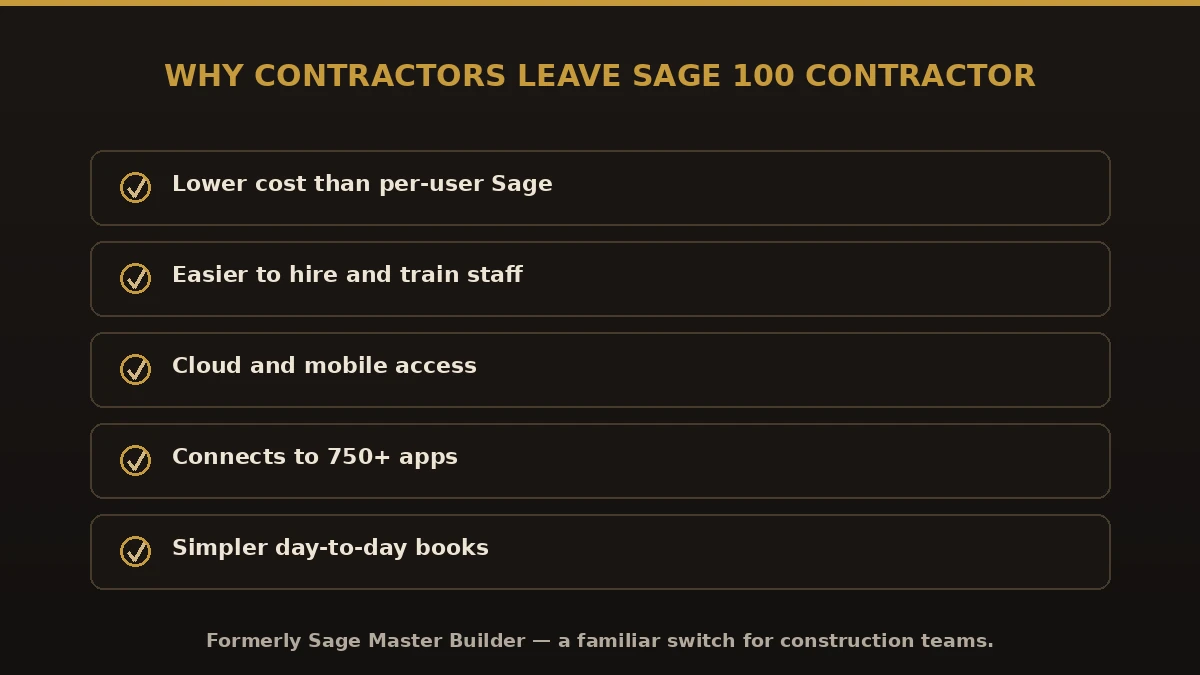
Every shop has its own reason, but the same few come up again and again:
- Cost. Per-user licensing adds up fast, especially for a lean back office. If a renewal notice started the conversation, run the Sage 100 Contractor renewal worksheet before you sign it.
- Complexity. Most crews use a fraction of the features but pay for all of them.
- Staffing. QuickBooks talent is everywhere; Sage 100 Contractor talent is not.
- Cloud and mobile. Owners want to check numbers from the truck, not the office PC.
- Integrations. QuickBooks connects to 750+ apps, including construction tools like time tracking and project management.
Be honest about what you might lose
I tell every client the same thing: if you run heavy certified or union payroll on public jobs, plain QuickBooks may not be enough on its own. In those cases we pair QuickBooks with a construction payroll add-on, or point you toward QuickBooks Enterprise Contractor edition, which handles deeper job costing. Good advice sometimes means telling you where a tool falls short.
What moves over in a Sage 100 Contractor to QuickBooks migration
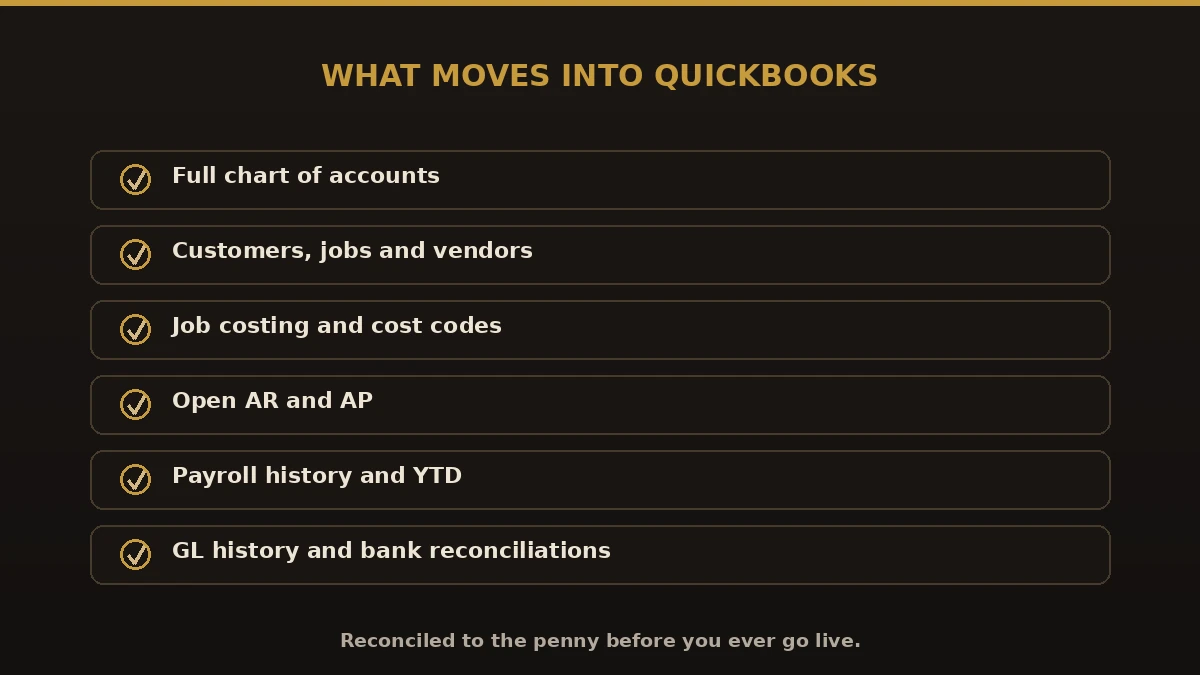
Within the agreed scope, a proper conversion transfers:
- Full chart of accounts, mapped to the QuickBooks structure
- Customers, jobs, and vendors, including subcontractors
- Job costing and cost codes, mapped to items or customer:jobs and classes
- Open accounts receivable and payable
- Payroll history, employee records, and year-to-date totals
- General ledger history and reconciled bank data
Sage 100 Contractor vs. QuickBooks at a glance
| Area | Sage 100 Contractor | QuickBooks |
|---|---|---|
| Cost | Higher, per-user | Lower, predictable |
| Learning curve | Steep, specialized | Familiar, easy to staff |
| Certified/union payroll | Built in | Needs add-on or Enterprise |
| Cloud & mobile | Limited | Strong (Online) |
| Integrations | Fewer | 750+ apps |
How the migration works, step by step
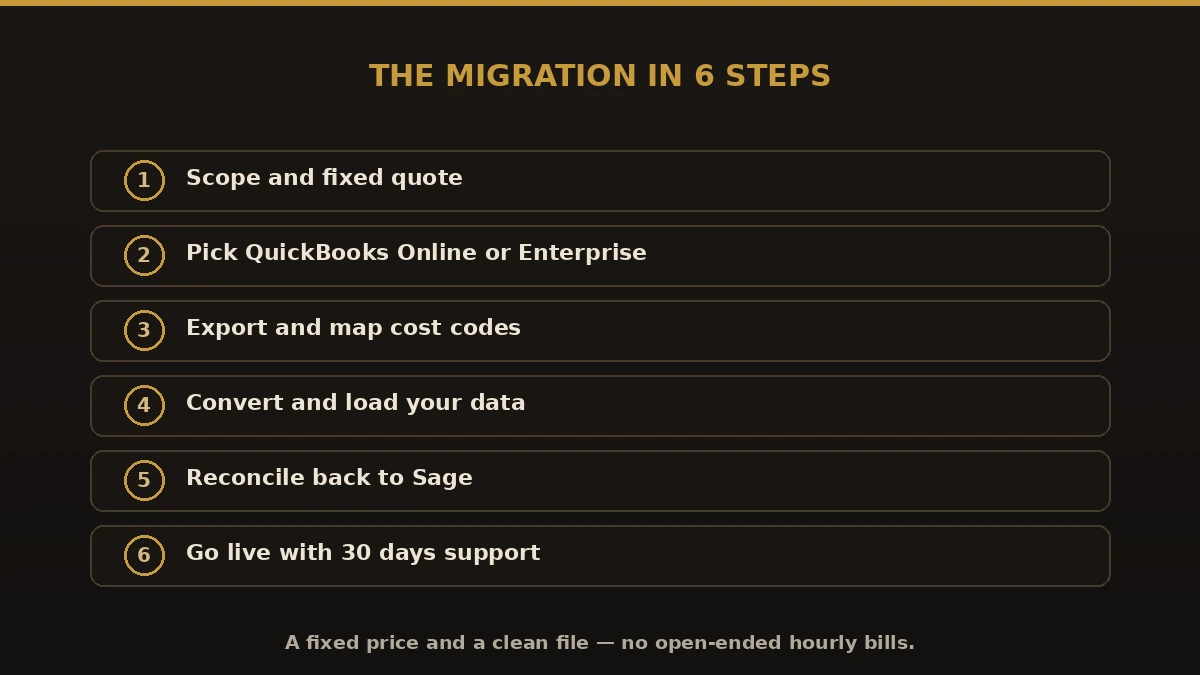
- Scope and quote. We review your Sage 100 Contractor version, modules, and payroll setup, then give a fixed price.
- Pick the target. QuickBooks Online for most, or QuickBooks Enterprise for larger job-cost needs.
- Export and map. We pull your data and map every cost code and account to its QuickBooks home.
- Convert and load. Balances, history, and lists go into a copy of your new file.
- Reconcile. We tie the QuickBooks file back to Sage 100 Contractor to the penny.
- Go live and support. You start in QuickBooks, and we stay on hand for 30 days.
Benefits of switching
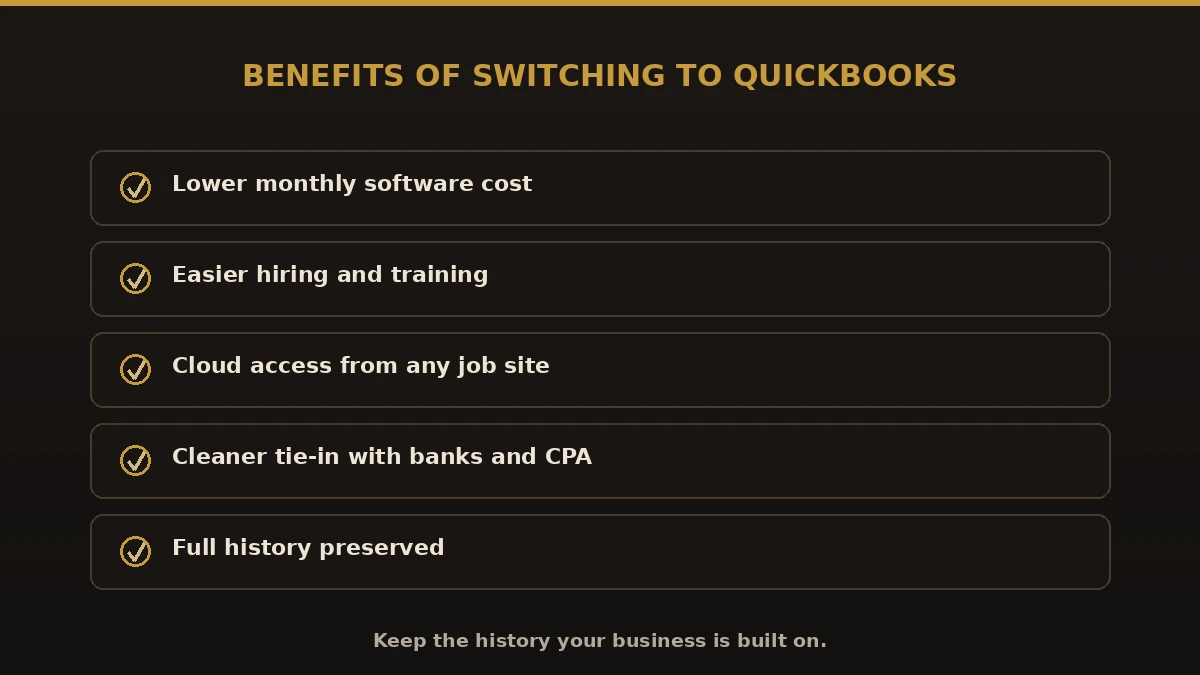
- Lower monthly software cost
- Easier hiring and training for your back office
- Cloud access to your numbers from any job site
- Cleaner tie-in with banks, apps, and your CPA
- Full history preserved, so nothing is lost in the move
Common mistakes to avoid
- Migrating only balances. You lose job history and cost detail you will want later.
- Skipping cost-code mapping. This is where sloppy conversions fall apart.
- Ignoring payroll YTD. A mid-year move without a YTD reconciliation breaks your W-2s.
- Deleting the old file too soon. Keep Sage 100 Contractor as a read-only archive.
- Going live before reconciling. Never cut over until the numbers tie out in writing.
Best practices for a clean cutover
- Pick a cutover date at a natural break, like month-end or year-end.
- Back up your Sage 100 Contractor file before anything starts.
- Agree on your cost-code and item structure up front.
- Reconcile every bank and payroll account before go-live.
- Keep good construction bookkeeping habits from day one in QuickBooks.
Why choose Numerawise for your Sage 100 Contractor conversion
We are an Intuit QuickBooks ProAdvisor firm that has handled 200+ accounting software migrations. If a different path fits you better, we will say so. For a full list of what we move, see our conversion services, our Sage 100 to QuickBooks page, or the construction-focused Sage 100 Contractor to Intuit Enterprise Suite route.
Final thoughts on moving Sage 100 Contractor to QuickBooks
A Sage 100 Contractor to QuickBooks migration is not just an export and import. It is about protecting your job costs and payroll history while making your books easier to run. Get the mapping right, reconcile before you go live, and keep the old file as your archive. Do that, and the switch pays for itself in lower cost and less headache — without losing the history your business is built on.
