Established MMXXIV1445 Woodmont Ln NW, #768, Atlanta, GA 30318Intuit ProAdvisor Gold
(877) 290-4522 · [email protected]
(877) 290-4522Begin an Enquiry
ERP Migration Guide · Sage 300 to Sage Intacct

Sage 300 to Sage Intacct Migration

Moving to the cloud? A Sage 300 to Sage Intacct migration takes you from on-premise Accpac to Sage’s cloud ERP — here is what transfers, how the project works, and how to plan a clean cutover.

By Ram Singh · Founder, Numerawise·Published 2026-07-25·10 min read
A Sage 300 to Sage Intacct migration is the move from on-premise Sage 300 — still known to many as Accpac — to Sage Intacct, Sage’s cloud-native financial management platform. Businesses make the switch to gain real-time reporting, easier multi-entity consolidation, and anywhere access, without losing the financial history they have built. Done properly, the migration maps your accounts and dimensions cleanly and reconciles every balance before you go live.

I have helped finance teams leave aging on-premise ERPs for the cloud, and the pattern is familiar: they love the depth of Sage 300 but are tired of servers, manual consolidations, and reports that take days. Sage Intacct answers most of that — if the migration is planned well.

Why migrate from Sage 300 to Sage Intacct?
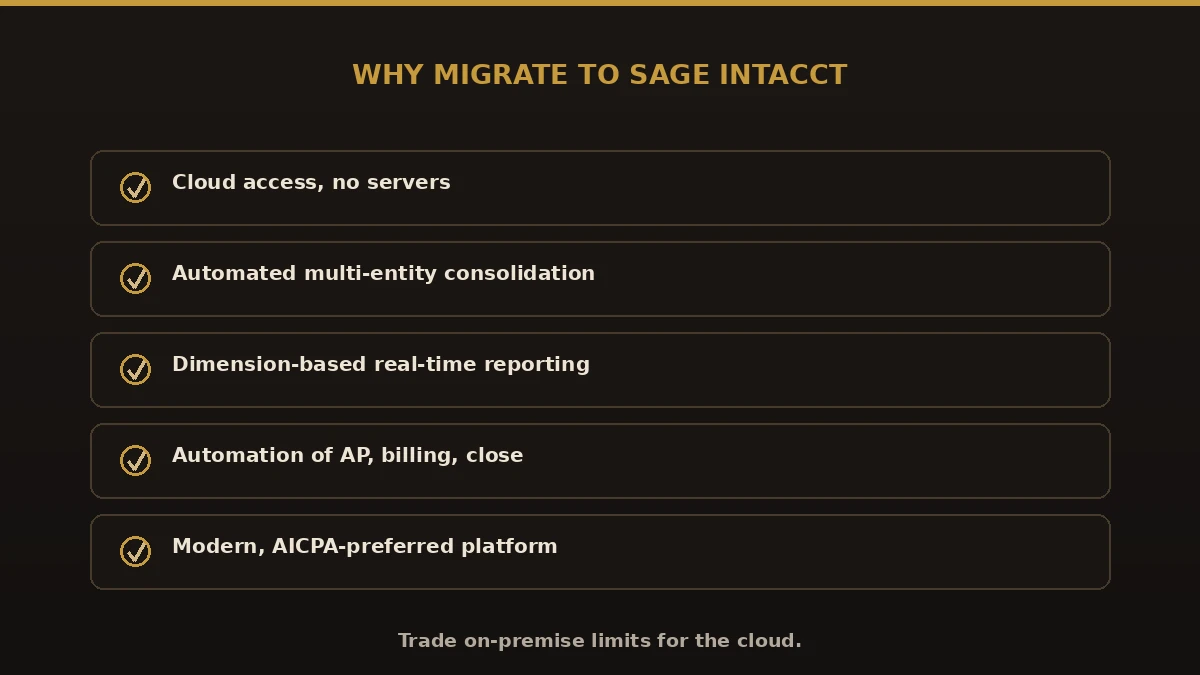
Why migrate from Sage 300 to Sage Intacct: cloud access, automated multi-entity consolidation, dimension-based reporting, automation, AICPA-preferred platform
Why finance teams move to Sage Intacct.

Most teams move for a few clear reasons:

Sage 300 vs. Sage Intacct

Area Sage 300 (Accpac) Sage Intacct
HostingOn-premise / hostedCloud-native
ReportingStandard, GL-basedReal-time, dimension-based
Multi-entityManual consolidationAutomated consolidation
AutomationLimitedStrong (AP, billing, close)
AccessOffice / VPNAnywhere, browser

What moves in a Sage 300 data migration
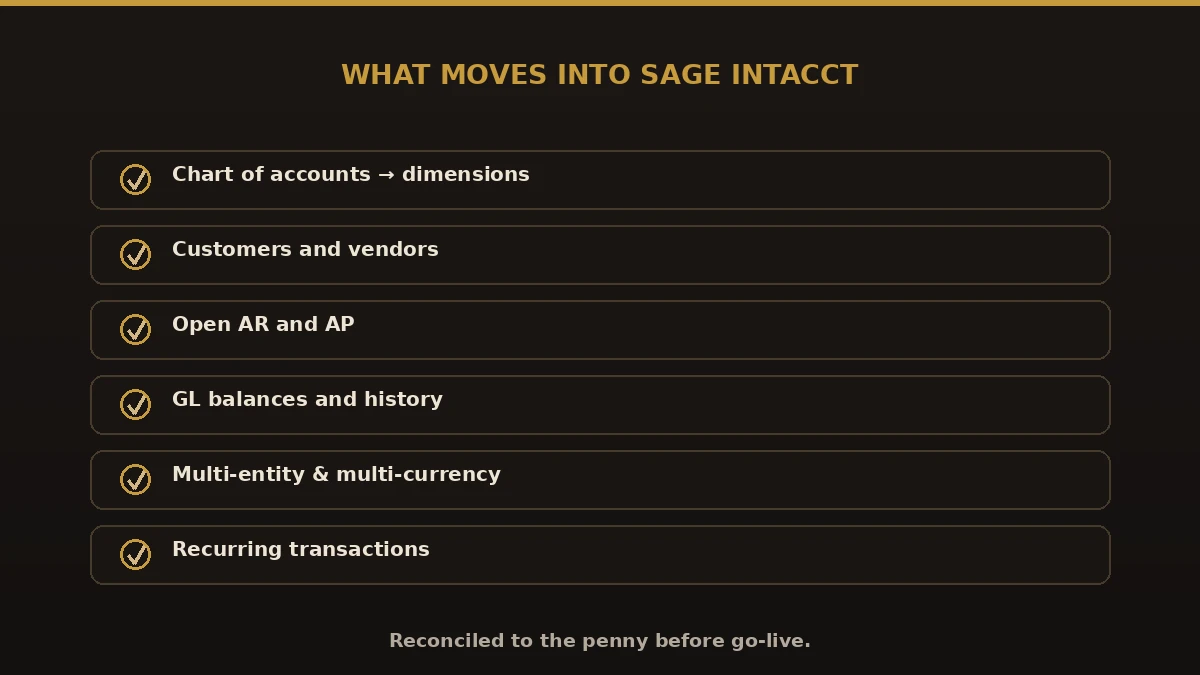
What moves into Sage Intacct: chart of accounts to dimensions, customers, vendors, open AR and AP, GL history, multi-entity and multi-currency, recurring transactions
Everything that transfers into Sage Intacct.

A complete Sage 300 data migration to Sage Intacct covers:

A key part of an Accpac to Sage Intacct move is rethinking your chart of accounts. Sage Intacct uses dimensions, so segments you once buried in account numbers become flexible tags, which is where the reporting power comes from.

The Sage 300 to Sage Intacct migration, step by step
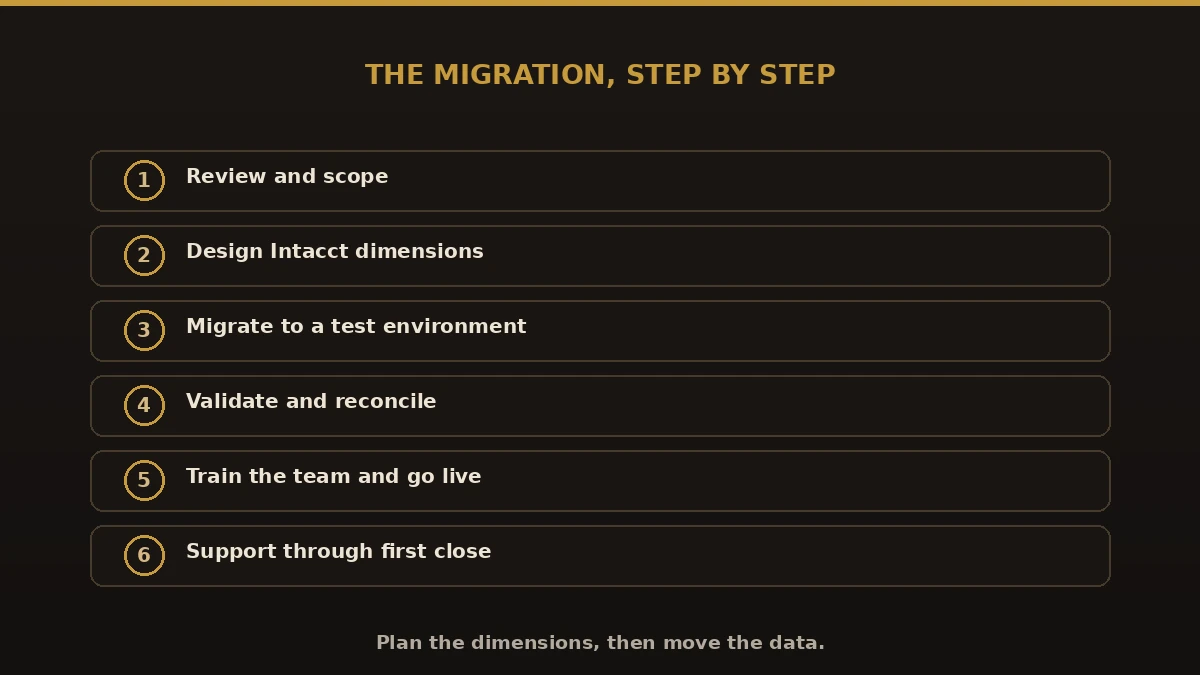
The Sage 300 to Sage Intacct migration in six steps: review and scope, design dimensions, migrate to test, validate, train and go live, support
The migration process, step by step.
  1. Review and scope. We assess your Sage 300 data, entities, and reporting needs.
  2. Design dimensions. We plan the Sage Intacct structure and mapping.
  3. Migrate. Data is converted into a Sage Intacct test environment.
  4. Validate. We reconcile balances and confirm reports tie out.
  5. Train and go live. Your team learns Sage Intacct, then you cut over.
  6. Support. We stay on hand through the first month-end close.

Benefits of moving to Sage Intacct

Common mistakes to avoid

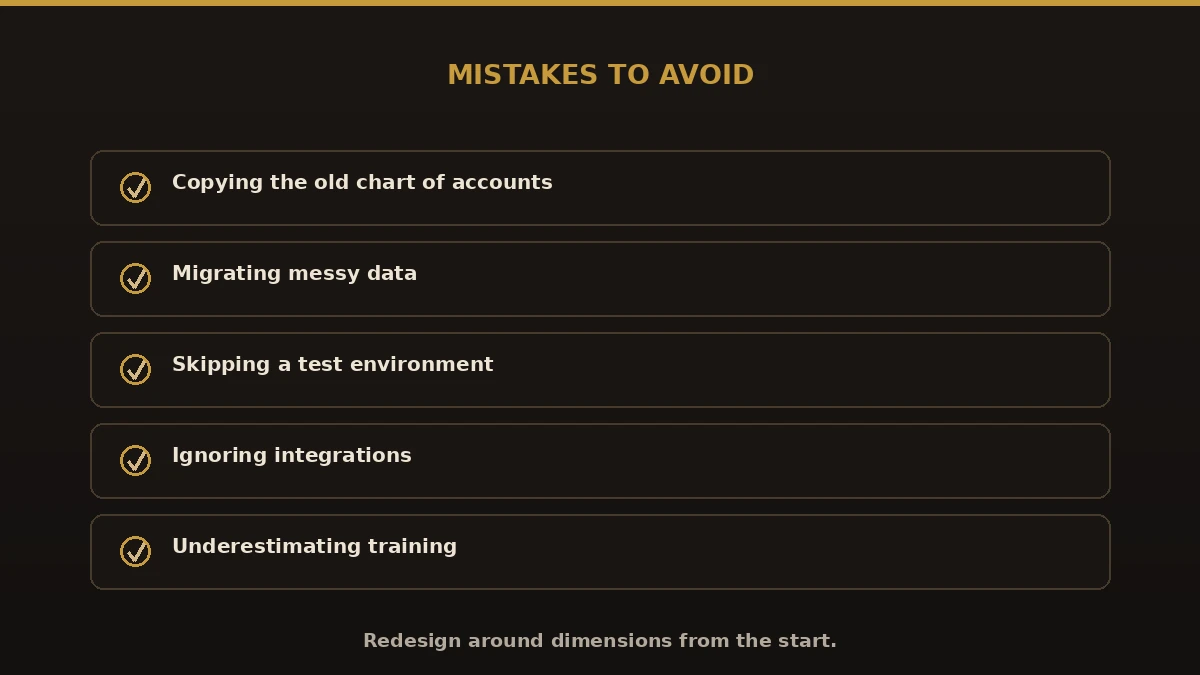
Common Sage 300 to Sage Intacct migration mistakes: copying the old chart of accounts, migrating messy data, skipping a test environment, ignoring integrations, underestimating training
Migration mistakes to avoid.

Best practices for a clean cutover

  1. Clean and reconcile Sage 300 before migrating.
  2. Design your Sage Intacct dimensions deliberately.
  3. Migrate into a test environment and reconcile every balance.
  4. Cut over at a clean break, like period or year-end.
  5. Keep Sage 300 as an archive until Intacct reports match.

Why choose Numerawise for your Sage 300 to Sage Intacct migration

We handle financial data migrations end to end, mapping every account and reconciling to the penny before go-live. Weighing other paths? Compare Sage 300 to QuickBooks Enterprise, Sage Intacct to QuickBooks, and QuickBooks to Sage Intacct, or see every option on our conversion hub.

Planning your Sage 300 to Sage Intacct migration

A Sage 300 to Sage Intacct migration is how a finance team trades on-premise limits for a modern cloud ERP without losing its history. Clean your data, redesign around dimensions, validate in a test environment, and train your team before go-live. Do that, and the move delivers what you came for: real-time reporting, faster consolidation, and less manual work — with your full Sage 300 history carried safely into Sage Intacct.

Questions, considered

Quick answers.

What is a Sage 300 to Sage Intacct migration?

A Sage 300 to Sage Intacct migration is the move from on-premise Sage 300, formerly Accpac, to Sage Intacct's cloud financial platform. It transfers your chart of accounts, customers, vendors, open AR and AP, and GL history, mapping them to Sage Intacct's dimension structure so your reporting works in the new system.

Why migrate from Sage 300 to Sage Intacct?

Most teams move for cloud access, real-time reporting, and automated multi-entity consolidation. Sage 300 is capable but on-premise, with manual consolidations and server upkeep. Sage Intacct removes the servers, speeds up the close, and uses dimensions for flexible reporting, which is why finance teams switch as they scale.

Is Accpac the same as Sage 300?

Yes. Sage 300 was sold for years as Accpac, and many long-time users still call it that. An Accpac to Sage Intacct migration and a Sage 300 to Sage Intacct migration are the same project. We convert both current Sage 300 and older Accpac versions into Sage Intacct.

What data moves in a Sage 300 data migration?

A full Sage 300 data migration moves your chart of accounts, customers, vendors, open AR and AP, GL balances and history within scope, and your multi-entity and multi-currency structure. We map accounts to Sage Intacct dimensions and reconcile balances against the original Sage 300 file before go-live.

Do I have to redesign my chart of accounts?

Usually, and it is a good thing. Sage Intacct uses dimensions instead of long, segmented account numbers. Details you once buried in the account code become flexible tags like department, location, or project. Redesigning around dimensions during the migration is what unlocks Sage Intacct's real-time reporting power.

How long does a Sage 300 to Sage Intacct migration take?

Most projects run from a few weeks to a few months, depending on data volume, number of entities, integrations, and how much dimension design is needed. After reviewing your Sage 300 system and requirements, we give a firm timeline and fixed scope before any work begins.

Will we lose our Sage 300 history?

No, not with a proper migration. We bring across GL history within the agreed scope and reconcile it so reports match. Many teams migrate summary history plus recent detail, and keep the Sage 300 system as a read-only archive for older records they rarely need but want to retain.

Do we have to stop using Sage 300 during the migration?

No. You keep working in Sage 300 while we build and test your Sage Intacct environment. On go-live day you begin entering transactions in Sage Intacct, and your Sage 300 system stays available as an archive you can reference whenever you need historical detail.

Can you also move us from Sage 300 to QuickBooks instead?

Yes. Sage Intacct suits teams that need cloud multi-entity ERP, but some businesses prefer a simpler, lower-cost system. If that fits you better, we also handle Sage 300 to QuickBooks Enterprise conversions and can help you compare the two before you commit to a direction.

Begin

Get a free scoping call.

Tell us what you’re working on. We respond same business day.

Ram Singh, Founder of Numerawise Solutions LLC
Of the Author

Ram · Founder & Principal

Founder of Numerawise Solutions, established MMXXIV in Atlanta. Intuit ProAdvisor Gold tier. Former Intuit Technical Support engineer. Has personally led two hundred accounting software conversions for US small businesses since founding the practice. Reachable directly at [email protected].

Free: The Clean-Cutover Checklist

The step-by-step checklist we use to migrate businesses to QuickBooks without losing data — bank rec, opening balances, payroll YTD, and the validation tie-out. Get it in your inbox.

No spam — just the checklist and the occasional QuickBooks tip.