AccountEdge vs QuickBooks
Desktop you own or cloud you access anywhere? This honest AccountEdge vs QuickBooks comparison weighs platform, pricing, features, and support — so you can pick the one that fits how you work.
If you are weighing AccountEdge vs QuickBooks, you are really choosing between two philosophies of small-business accounting. AccountEdge keeps your books on your own computer with software you buy outright. QuickBooks, led by QuickBooks Online, puts your books in the cloud on a subscription. Both are capable; they simply fit different businesses.
This guide compares them fairly — platform, pricing, features, ease of use, integrations, and support — then helps you decide which fits your business. We will be straight about where each one wins, and about why many owners eventually move from AccountEdge to the cloud.
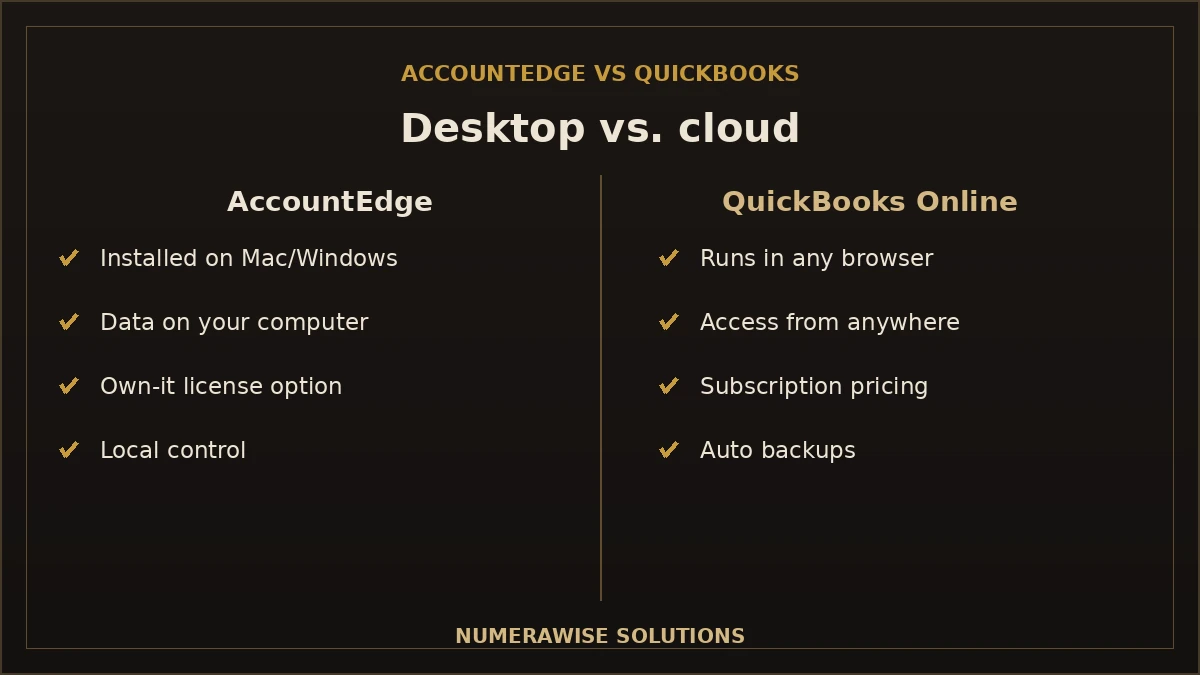
AccountEdge vs QuickBooks at a glance
Here is the quick comparison before we dig into the details:
| Factor | AccountEdge | QuickBooks Online |
|---|---|---|
| Platform | Desktop (Mac & Windows) | Cloud (any browser, mobile) |
| Pricing | One-time license or subscription | Monthly subscription |
| Access | On your computer | Anywhere, any device |
| Collaboration | Share the file | Live, multi-user |
| App ecosystem | Limited | Hundreds of integrations |
| Best for | Desktop & Mac loyalists | Cloud-first small businesses |
Neither is “better” in the abstract. If you value owning your software and keeping data on your own machine, AccountEdge is appealing. If you want access from anywhere and a big ecosystem, QuickBooks Online leads. The rest of this guide unpacks why.
Platform: desktop vs. cloud
This is the heart of the AccountEdge vs QuickBooks decision. AccountEdge is installed software that runs on your Mac or Windows computer, and it has long been one of the few serious desktop options for Mac users. Your data lives locally, which some owners prefer for control and privacy.
QuickBooks Online runs in the cloud. You log in from any browser or the mobile app, and your accountant logs into the same file. There is nothing to install and nothing to back up manually. QuickBooks also sells a desktop product, but Intuit has shifted its focus to the cloud, so the practical comparison for most buyers today is AccountEdge desktop versus QuickBooks Online cloud.
Pricing: local desktop vs. cloud subscription
The pricing models are genuinely different, and it matters for your budget.
- AccountEdge has offered a subscription license — AccountEdge Pro is $20/month and Network Edition $30/month (as of August 2026), both installed locally on Mac or Windows. Payroll and other add-ons cost extra, and cancelled subscriptions become read-only.
- QuickBooks Online is a monthly subscription across several tiers. You never own it, but you always have the latest version, automatic backups, and support included.
Over a long horizon, a subscription license can look cheaper on paper. But factor in upgrades, add-ons, your own backups, and the value of anywhere-access, and the gap narrows. The honest answer: AccountEdge can win on raw software cost; QuickBooks Online often wins on total convenience.
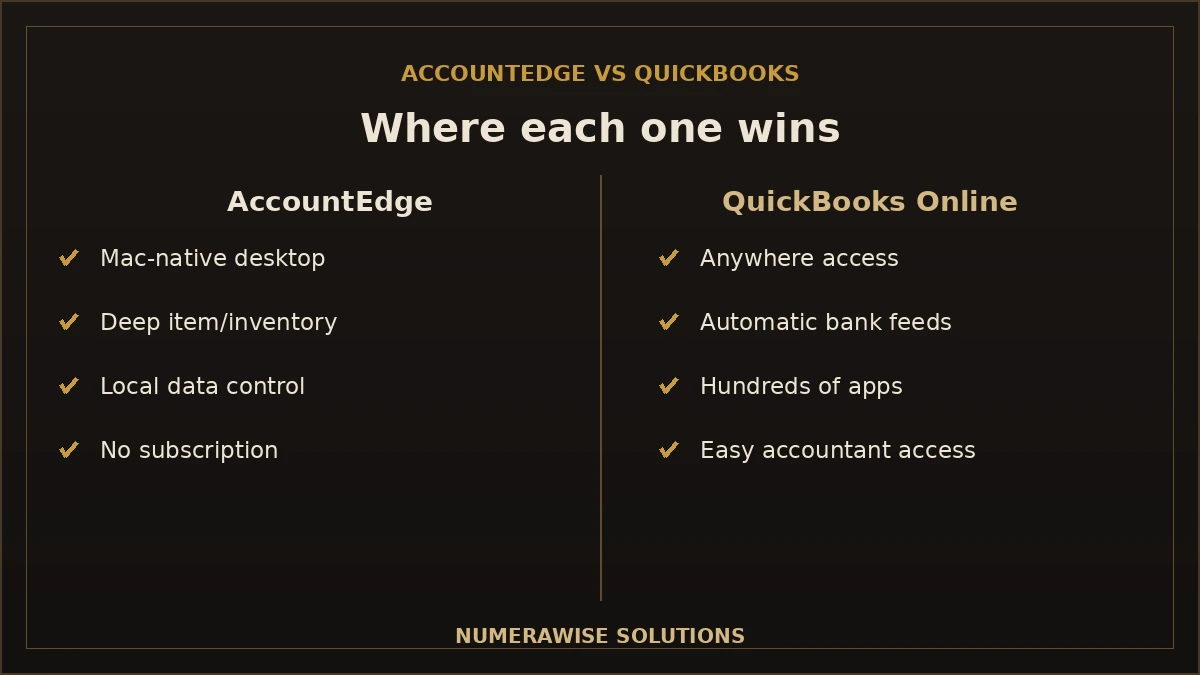
Features: where each one is strong
Both cover the core — invoicing, expenses, banking, reporting, and payroll — but they lean different ways.
Where AccountEdge shines
- Mac-native desktop accounting, a rare and valued thing.
- Built-in inventory and item management that some desktop users find deep.
- Local data control for owners who prefer their books on their own machine.
- Perpetual license option for those who dislike subscriptions.
Where QuickBooks Online shines
- Anywhere access from any device, plus a mobile app.
- Automatic bank feeds and rules that cut manual entry.
- Hundreds of app integrations for payments, payroll, and inventory.
- Easy accountant collaboration — invite yours in seconds.
If your work is deeply Mac-and-desktop, AccountEdge fits. If you want the books to follow you and connect to other tools, QuickBooks Online pulls ahead.
Ease of use and learning curve
QuickBooks Online is built to be usable by non-accountants, with guided setup and a familiar layout that most bookkeepers and CPAs already know. AccountEdge follows a more traditional desktop-accounting design that some experienced users love and newcomers find steeper. There is also a practical angle: because QuickBooks is so widely used in the United States, it is far easier to find a bookkeeper, accountant, or online tutorial for it. That ecosystem of help is part of the real-world ease-of-use difference.
Integrations and ecosystem
This is one of the clearest gaps. QuickBooks Online connects to hundreds of apps — payment processors, payroll, e-commerce, inventory, expense tools — so it can sit at the center of your operations. AccountEdge integrates with a smaller set of tools, in keeping with its desktop roots. If you rely on connected software to run your business, QuickBooks’s ecosystem is a significant advantage; if you run a simpler, self-contained setup, it may matter less to you.
Support and finding help
Both vendors offer support, but the wider ecosystem tilts toward QuickBooks. Its huge US user base means abundant tutorials, forums, and — importantly — a large pool of bookkeepers and accountants who work in it every day. With AccountEdge, official support is available, but independent help is thinner on the ground. If having a professional who already knows your software matters to you, that availability is worth weighing.
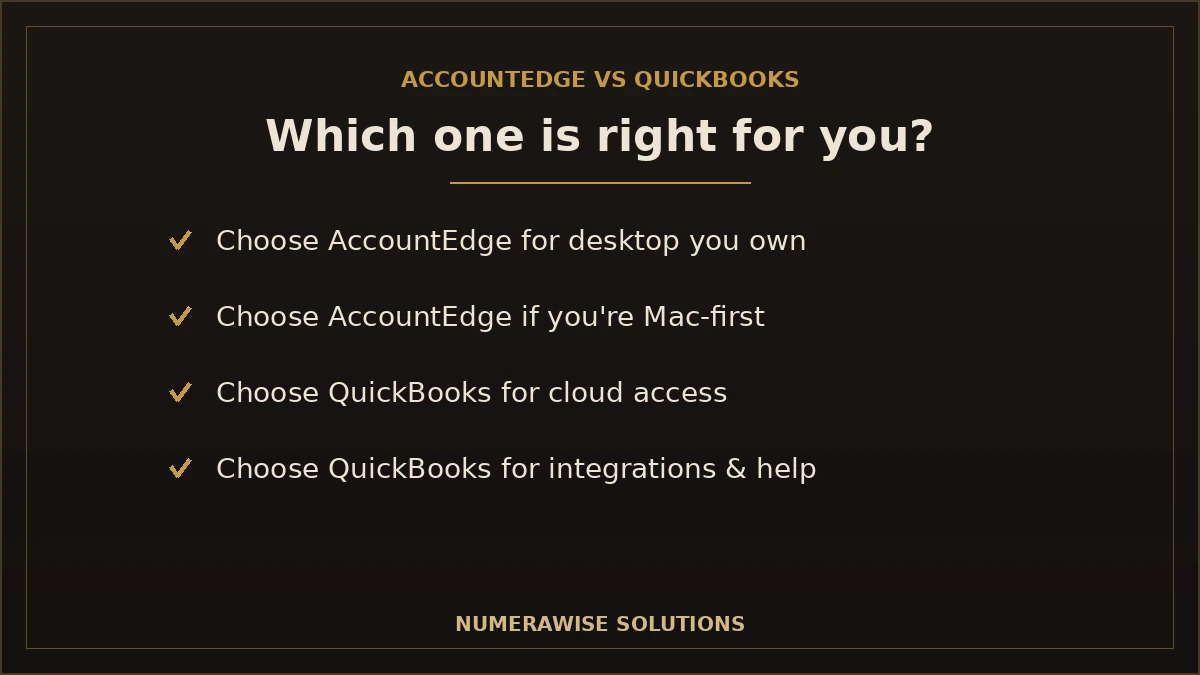
Which one is right for your business?
Strip away the noise and it comes down to fit:
| Choose... | If you... |
|---|---|
| AccountEdge | Prefer desktop software you own, work mainly on a Mac, want local data control, and dislike subscriptions |
| QuickBooks Online | Want cloud access from anywhere, live collaboration with your accountant, a big app ecosystem, and easy access to help |
There is no universally correct answer. A single-location business that lives on a Mac and values owning its software may be perfectly happy on AccountEdge. A growing business that wants to work from anywhere and connect other tools will usually be happier on QuickBooks Online.
Why many businesses switch from AccountEdge to QuickBooks
Even with AccountEdge’s strengths, a steady stream of businesses moves to QuickBooks Online, and the reasons are practical rather than a knock on AccountEdge:
- They want cloud access as their team grows and works in more places.
- They want live collaboration with an accountant instead of sending files.
- They need integrations AccountEdge does not offer.
- They want easier access to bookkeepers who know the software.
If that is you, the move is very doable. Our conversion services handle it end to end — data mapped and cleaned, opening balances reconciled to match AccountEdge exactly, and support through your first close. See our dedicated AccountEdge to QuickBooks conversion for how the switch works.
Benefits of choosing the right platform
- You work the way you want. Desktop control or cloud freedom — on purpose, not by accident.
- Your costs fit your budget. Own-it-outright or predictable subscription.
- Your books scale with you. The right platform grows as the business does.
- Help is easy to find. A widely used platform means more support options.
- Your data stays accurate. The right fit means fewer workarounds and cleaner books.
Common mistakes when choosing
- Picking on price alone. A cheaper license that does not fit your workflow costs more in lost time.
- Ignoring where you work. If your team is mobile, desktop-only software will frustrate them.
- Overlooking integrations. Check that your other tools connect before you commit.
- Forgetting who supports you. Confirm you can find a bookkeeper for your choice.
- Switching without a plan. If you do move, migrate data properly and verify balances.
Best practices for making the decision
- Start with how and where your team actually works.
- List the apps you need to connect and check each platform.
- Compare total cost over three years, not just the sticker price.
- Consider how easily you can find help for each option.
- If you switch, plan the migration and verify every balance.
AccountEdge vs QuickBooks Online vs QuickBooks Desktop
One point of confusion worth clearing up: “QuickBooks” is not a single product. Intuit sells QuickBooks Online (cloud) and QuickBooks Desktop (installed), and they compare to AccountEdge differently.
| Product | Type | Notes |
|---|---|---|
| AccountEdge | Desktop (Mac & Windows) | Own-it license option, local data |
| QuickBooks Online | Cloud | Subscription, anywhere access, big ecosystem |
| QuickBooks Desktop | Installed | Intuit has shifted focus to the cloud |
For most buyers comparing today, the real matchup is AccountEdge desktop versus QuickBooks Online cloud, because that is where Intuit is investing and where the cloud-versus-desktop trade-off is clearest.
AccountEdge vs QuickBooks Desktop Enterprise
Most AccountEdge owners who look past QuickBooks Online are really comparing it with QuickBooks Desktop Enterprise: both are installed, multi-user desktop systems, and Enterprise is the edition Intuit still sells new. The comparison turns on four published facts, all read from AccountEdge’s pricing and system-requirements pages and Intuit’s Enterprise pricing and technical-specs pages on October 3, 2026.
| Published term | AccountEdge | QuickBooks Desktop Enterprise |
|---|---|---|
| Operating system | Mac and Windows (Pro, Network Edition and Hosted plans) | Windows 10 or 11, 64-bit, only; no Mac client. A Mac user works through a hosted Windows session |
| Simultaneous users | Network Edition includes 2 users; extra workstation licences are sold per computer | Gold and Platinum: 1–10, or up to 30; Diamond: up to 40 |
| Published price | Pro $20/month (1 user), Network Edition $30/month (2 users), Hosted $50/user/month | No price you can copy: Intuit quotes by tier and seat count |
| Company files | 10 included; a Network Edition host opens at most 4 at once | Multi-company management on all tiers; intercompany transactions from Platinum |
| Inventory | Standard inventory, included | Advanced Inventory and Advanced Pricing from Platinum |
| Payroll | Add-on, $20/month for unlimited employees | Enhanced Payroll on Gold/Platinum; Assisted Payroll on Diamond, each with per-employee fees |
| Remote access | Hosted plan in a browser, or the Connect add-on | Cloud hosting by Rightworks, at an additional fee |
What you gain. Seats and headroom. AccountEdge’s Network Edition is built for a small office, and its own requirements cap a host at four open company files. Enterprise scales to 30 users on Gold and Platinum and 40 on Diamond, adds Advanced Inventory, Advanced Pricing, intercompany transactions and bill and purchase-order approvals from Platinum up, and is the edition most US CPAs and outside bookkeepers already know.
What you give up. The Mac, and a price you can read in advance. Enterprise has no Mac client, so a Mac-based owner or bookkeeper needs hosting or a Windows machine. AccountEdge prints its plan prices; Intuit does not print Enterprise’s, so get the written quote before you decide. Note too that every current AccountEdge plan is a monthly subscription. Its pricing FAQ says a lapsed subscription leaves the software read-only, and a file that does not check in online for 30 days gets a 7-day grace period before going read-only.
What converts. The chart of accounts, customers, vendors, items, open receivables and payables with their aging, and historical transactions all move; how payroll history is carried is agreed at scoping. The AccountEdge to QuickBooks Enterprise page sets out the scope and the steps.
Payroll: how they compare
Both handle payroll, but the approach differs. AccountEdge offers payroll as an add-on to its desktop software, with tax tables you keep updated. QuickBooks Online integrates payroll as a connected service that updates automatically and files in many states. If payroll is central to your business, weigh how hands-on you want to be: AccountEdge gives you local control, while QuickBooks Online leans on automation. Either way, clean payroll records feed the rest of your books, so whichever you choose, the setup needs to be right from the start.
Data security and backups
Security looks different on desktop and cloud. With AccountEdge, your data sits on your own computer, which gives you direct control — but backups are your responsibility, and a failed hard drive or lost laptop is a real risk if you have not planned for it. With QuickBooks Online, your data is encrypted in the cloud with automatic backups, so there is no single machine holding your only copy, though you are trusting a provider with your information. Neither is strictly safer; they simply put the responsibility in different hands. Choose based on whether you would rather own the risk or outsource it.
Switching from AccountEdge: what to expect
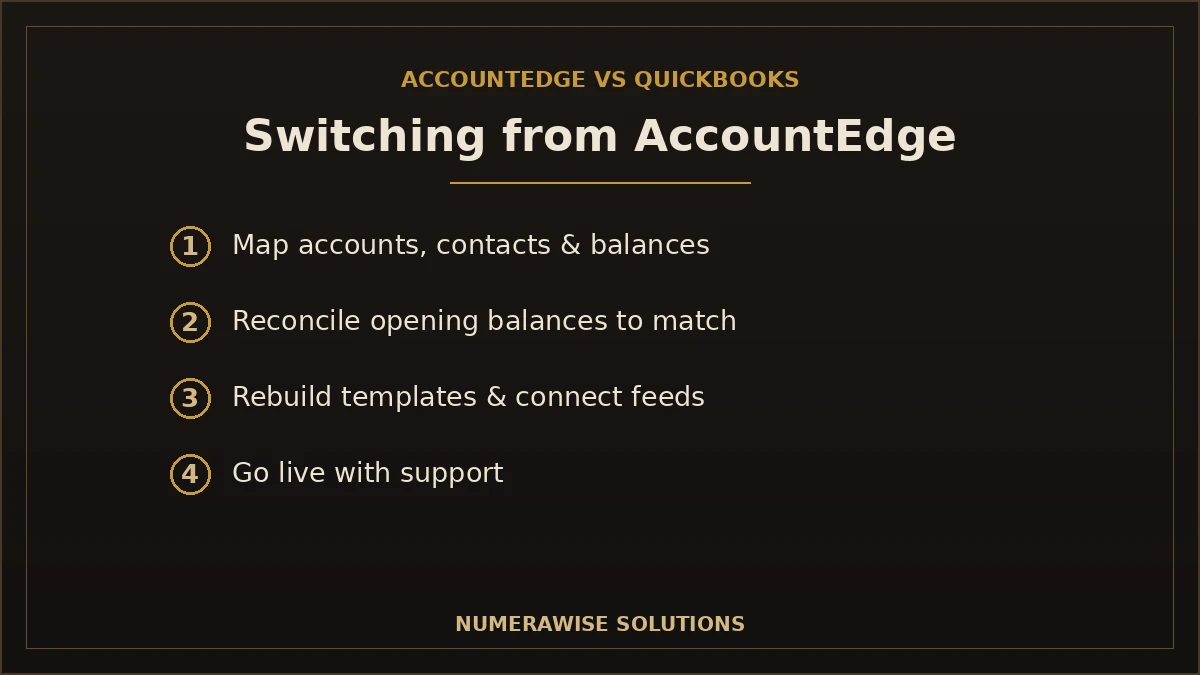
If you decide QuickBooks Online is the better fit, the move is a defined project, not a leap. Your chart of accounts, customers, vendors, open balances, and history are mapped to a clean QuickBooks structure, and opening balances are reconciled so they tie out to AccountEdge exactly. Custom templates and some reports are rebuilt in the new format, and bank feeds are connected. Done in the right order, you keep the history you need and start on a file you can trust — with no gap in your day-to-day bookkeeping.
Getting help with the decision
Still unsure? The fastest way to decide is to talk it through with someone who works in both worlds. We review how your business runs, what you need to connect, and your budget, then give you a straight recommendation — even if that means staying on AccountEdge. If the answer is QuickBooks Online, we handle the move and the ongoing books. The first step is simple: a short conversation about how you work and what you want your accounting to do for you.
Do accountants prefer AccountEdge or QuickBooks?
It is a fair question, because your accountant has to work in whatever you choose. In the United States, the practical reality is that far more bookkeepers and CPAs work in QuickBooks every day than in AccountEdge. That is not a judgment on the software — it is a matter of market share. It means that with QuickBooks Online, your accountant can usually log straight into your file, and finding a replacement bookkeeper is easy if yours moves on. With AccountEdge, plenty of professionals can help, but the pool is smaller and you may need to share files rather than collaborate live. If keeping your accountant close to your numbers matters — and for most growing businesses it does — that availability is a genuine point in QuickBooks’s favor, even though AccountEdge remains perfectly capable software in the right hands.
Why work with Numerawise
At Numerawise Solutions, we are QuickBooks specialists, and we will still give you a straight answer: if AccountEdge genuinely fits your business, staying put can be the right call. But if you want the cloud, we make the move painless. Our conversion services cover AccountEdge and dozens of other platforms, and we reconcile every opening balance so your new QuickBooks file ties out to AccountEdge exactly.
We work remotely through secure tools, so you get a specialist who has done this comparison and this migration many times — not a guess on your live books — and we can continue with ongoing bookkeeping services once you are set up. Whether you choose AccountEdge, QuickBooks, or a move between them, the goal is the same: books you can trust and a platform that fits how you work.
The bottom line on AccountEdge vs QuickBooks
The AccountEdge vs QuickBooks decision is not about which software is best — it is about which fits you. AccountEdge rewards businesses that want desktop software they own, especially on a Mac, with local data control. QuickBooks Online rewards businesses that want cloud access, a big app ecosystem, easy collaboration, and plenty of available help. Weigh how you work, what you need to connect, and the true cost over a few years, and the right choice usually becomes clear. And if you decide the cloud is where you are headed, moving from AccountEdge to QuickBooks is a well-worn path — done properly, your history and balances come across intact.
Key takeaways
- AccountEdge is desktop and Mac-friendly, sold by subscription ($20/month Pro, $30/month Network Edition as of August 2026) with local data control.
- QuickBooks Online is cloud-first, with anywhere access and hundreds of integrations.
- Both are subscriptions now: AccountEdge from $20/month vs. QuickBooks Online from $38/month — compare total cost with the add-ons you actually need.
- QuickBooks is easier to find help for, thanks to its large US user base.
- Switching is doable — migrate carefully and verify every balance.
Quick answers.
What is the main difference between AccountEdge and QuickBooks?
The core difference is platform. AccountEdge is desktop accounting software installed on your Mac or Windows computer, with a one-time license option and local data control. QuickBooks — especially QuickBooks Online — is cloud-based on a subscription, accessible from anywhere with a huge app ecosystem. AccountEdge suits desktop and Mac loyalists; QuickBooks Online suits cloud-first businesses that want anywhere access and integrations.
Is AccountEdge cheaper than QuickBooks?
It can be on raw software cost. AccountEdge is now sold by subscription — Pro at $20/month and Network Edition at $30/month (as of August 2026) — so the old buy-once price advantage no longer applies; cancelled subscriptions drop to read-only access. But factor in upgrades, payroll add-ons, and your own backups, plus the value of anywhere access and included support, and the gap narrows. Compare total cost over about three years rather than the sticker price alone.
Is AccountEdge still supported in 2026?
Yes. AccountEdge Pro remains an actively maintained product from Priority Software, available for Mac and Windows with ongoing updates. It is not discontinued. Only older components, like the AccountEdge mobile app, were retired. So the AccountEdge vs QuickBooks choice is a genuine comparison of two active products, not a case of one being phased out.
Which is better for Mac users, AccountEdge or QuickBooks?
AccountEdge has long been one of the few serious desktop accounting options built for Mac, which is a real strength if you want native Mac software. That said, QuickBooks Online runs in any browser, so it works perfectly on a Mac too — just in the cloud rather than installed. If you specifically want desktop Mac software you own, AccountEdge wins; if cloud access is fine, QuickBooks Online is fully Mac-compatible.
Can I switch from AccountEdge to QuickBooks?
Yes, and it is a well-worn path. Your chart of accounts, customers, vendors, open balances, and history can be mapped to QuickBooks and reconciled so opening balances tie out to AccountEdge exactly. Custom templates and some reports are rebuilt, and bank feeds connected. Done properly, you keep the history you need and start on a clean QuickBooks file with no gap in your bookkeeping.
Does QuickBooks have more integrations than AccountEdge?
Yes, by a wide margin. QuickBooks Online connects to hundreds of apps — payments, payroll, e-commerce, inventory, and expense tools — so it can sit at the center of your operations. AccountEdge integrates with a smaller set, in keeping with its desktop design. If connected software is important to how you run your business, QuickBooks's ecosystem is a clear advantage in the AccountEdge vs QuickBooks comparison.
Is it easier to find a bookkeeper for QuickBooks or AccountEdge?
QuickBooks, by a large margin. Its wide US adoption means far more bookkeepers and CPAs work in it daily, so finding help — or a replacement if your bookkeeper moves on — is easy, and your accountant can often log straight into your file. AccountEdge has capable professionals available, but the pool is smaller. If ready access to help matters, that favors QuickBooks.
Which is easier to use, AccountEdge or QuickBooks?
QuickBooks Online is generally considered easier for non-accountants, with guided setup and a familiar layout most professionals already know. AccountEdge uses a more traditional desktop-accounting design that experienced users may prefer but newcomers can find steeper. The abundance of QuickBooks tutorials and help also makes real-world learning easier. Ease of use, though, is partly personal — some desktop users genuinely prefer AccountEdge's approach.
Do AccountEdge and QuickBooks both handle payroll?
Yes, but differently. AccountEdge offers payroll as a desktop add-on with tax tables you keep updated, giving you local control. QuickBooks Online integrates payroll as a connected service that updates automatically and files in many states. If you want hands-on control, AccountEdge fits; if you prefer automation, QuickBooks Online leans that way. Either way, clean payroll setup feeds the rest of your books.
Should I choose AccountEdge or QuickBooks for a growing business?
For a growing business, QuickBooks Online usually fits better because it scales easily — anywhere access as your team spreads out, live accountant collaboration, and integrations you can add as you grow. AccountEdge can serve a stable, single-location business well, especially on Mac. But if you expect to add locations, staff, or connected tools, the cloud flexibility of QuickBooks Online tends to win.
Get a free scoping call.
Tell us what you’re working on. We respond same business day.

Ram · Founder & Principal
Founder of Numerawise Solutions, established MMXXIV in Atlanta. Intuit ProAdvisor Gold tier. Former Intuit Technical Support engineer. Has personally led two hundred accounting software conversions for US small businesses since founding the practice. Reachable directly at [email protected].
Free: The Clean-Cutover Checklist
The step-by-step checklist we use to migrate businesses to QuickBooks without losing data — bank rec, opening balances, payroll YTD, and the validation tie-out. Get it in your inbox.
No spam — just the checklist and the occasional QuickBooks tip.
Still deciding? 60-second fit check
Five questions, instant verdict — based on the same criteria we use on scoping calls. No email required to see your result.