I will be straight with you up front: for many businesses, the better answer today is not Pro at all. Let me explain why, and then walk through how the Enterprise-to-Pro move actually works if it is still the right call for you.
Can you convert QuickBooks Enterprise to Pro directly?
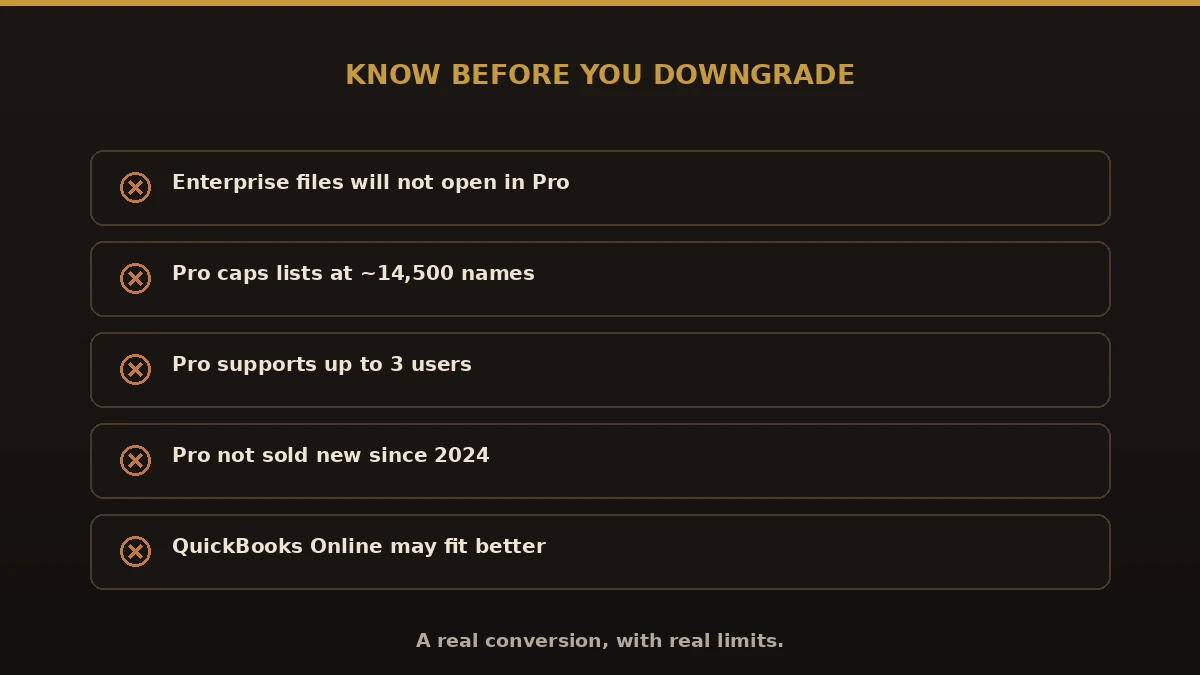
No. QuickBooks Enterprise files are not backward compatible. Pro cannot open an Enterprise file, because Enterprise supports larger lists, more users, and features Pro does not have. Intuit does not offer a one-click downgrade.
To move down, the data has to be exported from Enterprise and rebuilt in a new QuickBooks Pro file. Lists come across cleanly; full transaction history usually comes as a combination of open items and summarized balances, because Pro’s capacity is far smaller.
Two things to know first
- Pro is no longer sold to new US customers. Intuit stopped selling new QuickBooks Pro and Premier subscriptions in the US in 2024. If you are not already a Pro subscriber, buying Pro new may not be an option.
- Pro has hard limits. It caps total list entries (names and items) around 14,500 and supports far fewer simultaneous users than Enterprise.
Because of this, we usually recommend businesses looking to downsize consider QuickBooks Online instead. It is cloud-based, lower cost, actively sold, and avoids Pro’s file limits. See our QuickBooks Desktop to Online guide for that path.
Why businesses want to move off Enterprise
- Cost. Enterprise’s annual subscription is far higher than Pro or QuickBooks Online.
- Fewer users. A smaller team no longer needs Enterprise’s user count.
- Unused features. Advanced inventory, advanced reporting, and 40-user support go unused.
- Simplicity. A leaner business wants leaner software.
What transfers in an Enterprise to Pro conversion
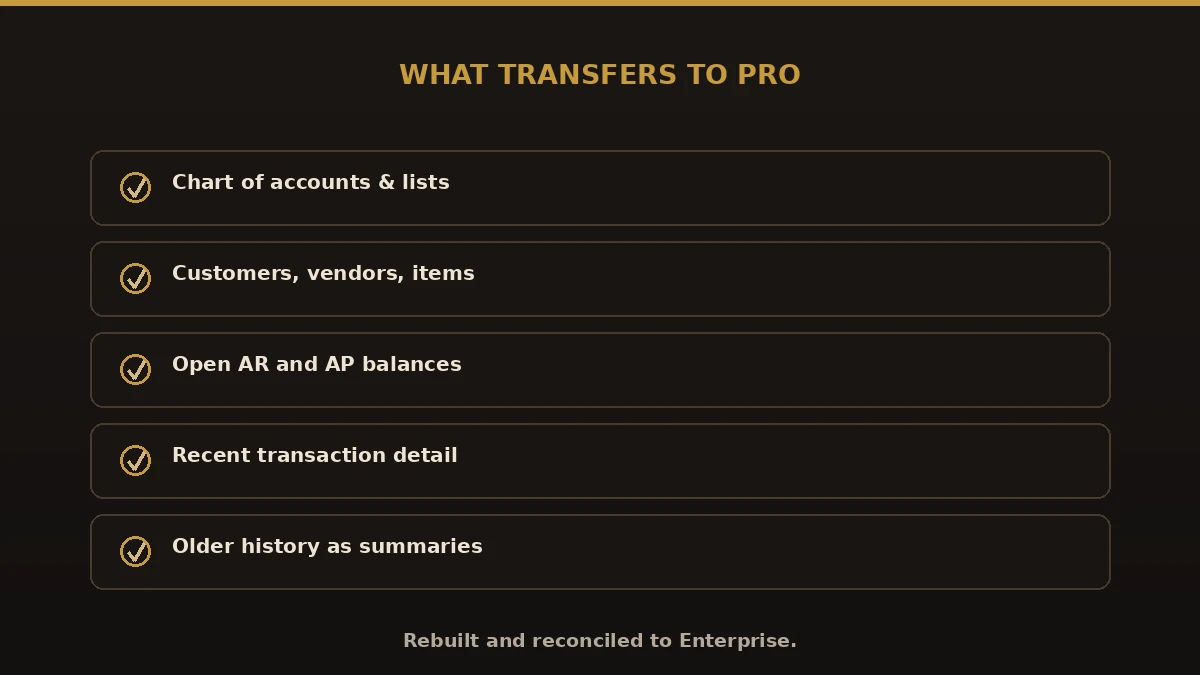
- Lists — chart of accounts, customers, vendors, items (within Pro’s limits)
- Open balances — AR, AP, and account balances as of the cutover
- Recent transaction detail — typically the current and prior year
- Older history — brought across as summary journal entries
What does not fit — advanced inventory data, extra users, features Pro lacks — is documented and handled during the move so nothing is lost by surprise.
Enterprise vs. Pro vs. Online
| Area | Enterprise | Pro | Online |
|---|---|---|---|
| Cost | Highest | Lower | Low, monthly |
| Users | Up to 40 | Up to 3 | 1–25 by plan |
| List limits | Very high | ~14,500 names | High |
| Sold to new US customers | Yes | No (since 2024) | Yes |
| Hosting | Desktop/hosted | Desktop | Cloud |
How the conversion works, step by step
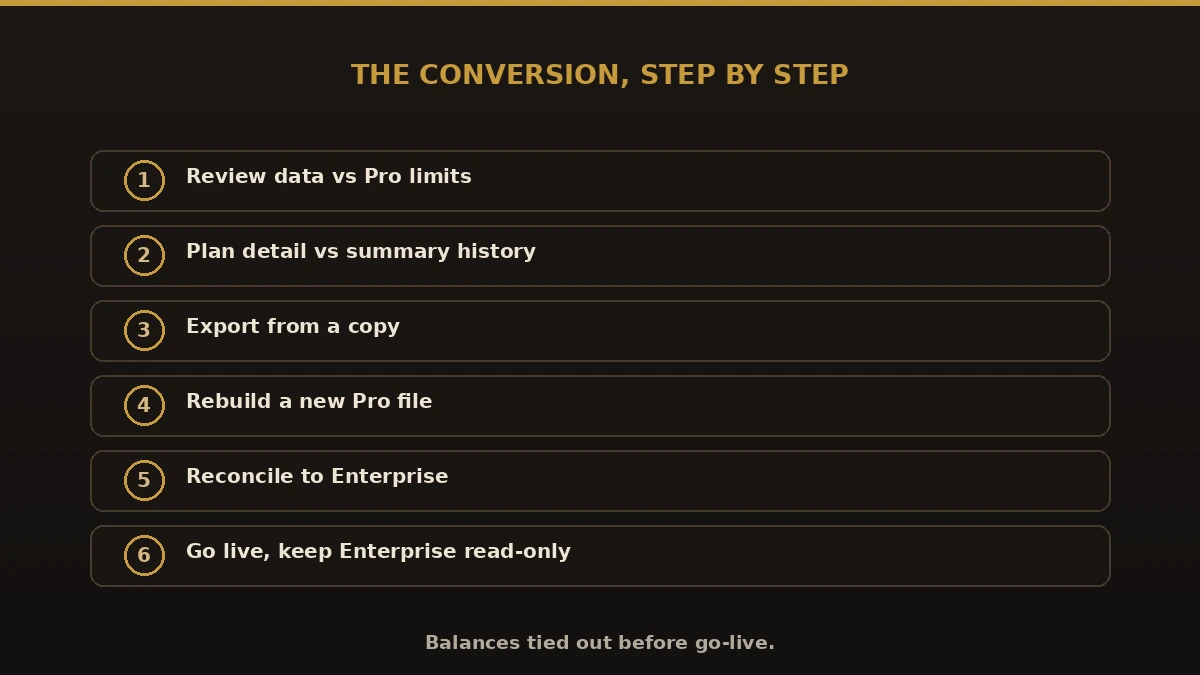
- Review. We check your list and transaction counts against Pro’s limits and confirm Pro is the right target.
- Plan. We agree how much history moves in detail versus summary, and set a cutover date.
- Export. Lists and data are pulled from a copy of your Enterprise file.
- Rebuild. A new Pro file is built with your lists, balances, and recent detail.
- Reconcile. Balances are tied back to Enterprise so the new file is accurate.
- Go live. You start in Pro; Enterprise stays available read-only for history.
Common mistakes to avoid
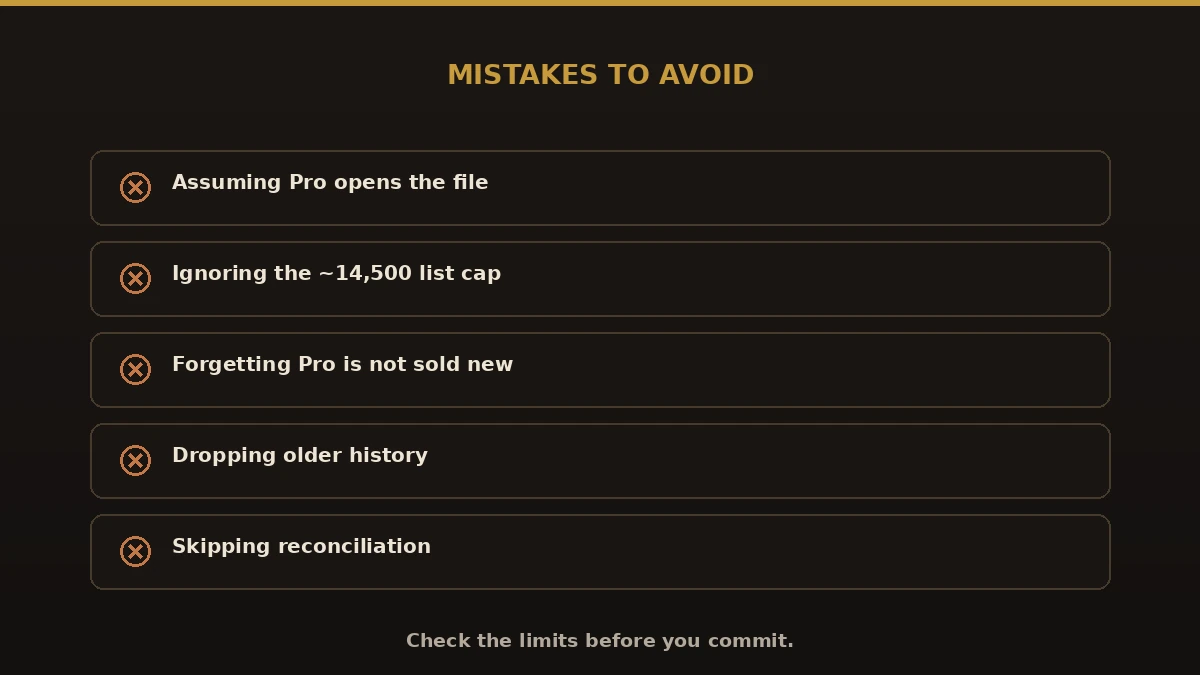
- Assuming Pro can open the file. It cannot — this needs a real conversion.
- Ignoring list limits. If you exceed ~14,500 names, Pro will not fit.
- Forgetting Pro is not sold new. Confirm your licensing before you commit.
- Dropping history. Plan how older detail is summarized and kept.
- Skipping reconciliation. Never go live until the new file ties to Enterprise.
Best practices
- Confirm your data fits within Pro’s limits first.
- Verify you can license Pro, or plan for QuickBooks Online instead.
- Decide detail-vs-summary history before the move.
- Convert a copy and reconcile every balance.
- Keep Enterprise read-only as your archive.
Why choose Numerawise
We are an Intuit QuickBooks ProAdvisor firm that handles QuickBooks conversions of every direction. We will tell you honestly whether converting QuickBooks Enterprise to Pro is the right move or whether QuickBooks Online fits better, then handle the data conversion end to end with balances reconciled to the penny. We also keep your books current afterward with monthly bookkeeping.
Making the right call on Enterprise to Pro
If you want to convert QuickBooks Enterprise to Pro, the key is knowing it is a real data conversion, not a simple downgrade — and that Pro’s limits and licensing may push you toward QuickBooks Online instead. Check that your data fits, confirm you can license Pro, plan your history, and reconcile before go-live. Handled right, you cut cost without losing the records your business runs on. Not sure which target is right? We will review your file and give you a straight answer.
