MYOB to QuickBooks
Thinking of leaving MYOB? A clean MYOB to QuickBooks migration moves your accounts, contacts, and balances across — and ties every opening balance out to the penny, so you start on a file you can trust.
More businesses are leaving MYOB for QuickBooks every year, and the reason is usually simple: they want cleaner cloud access, a bigger app ecosystem, and a platform their accountant and team can all work in from anywhere. Moving from MYOB to QuickBooks is very doable, but it is not a one-click export. Get the mapping and the opening balances right and you start on a file you can trust; rush it, and you spend months fixing numbers that never tied out.
This guide explains why businesses switch, which QuickBooks product to choose, exactly what data transfers, the step-by-step process, and the mistakes that trip people up — so your move is clean the first time.
Why businesses move from MYOB to QuickBooks
MYOB is a capable, long-established platform, especially in Australia and New Zealand. Businesses still switch for practical reasons:
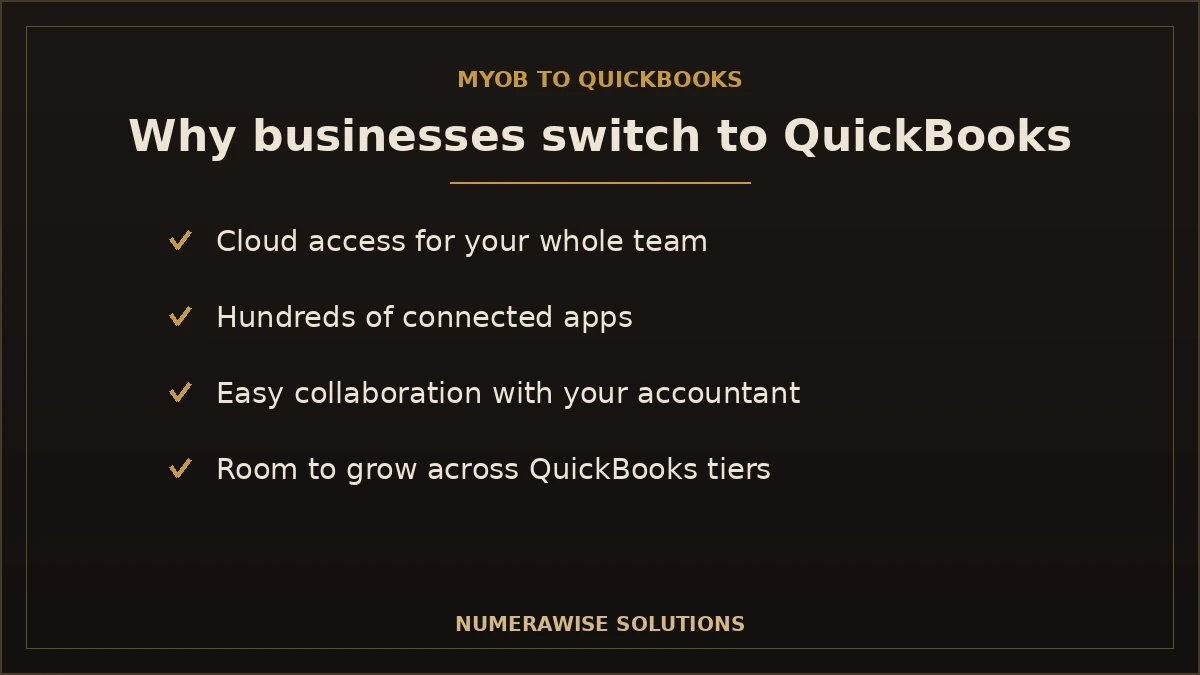
- Cloud-first access. QuickBooks Online lets your whole team and your accountant work in the same file from anywhere.
- A larger app ecosystem. QuickBooks connects to hundreds of apps for payments, payroll, inventory, and reporting.
- Easier collaboration. Adding your accountant is a couple of clicks, not a file hand-off.
- Familiarity for US operations. Businesses expanding into or based in the US often standardize on QuickBooks.
- Simpler day-to-day use. Many owners find QuickBooks quicker to learn for routine bookkeeping.
None of this means MYOB is bad software — it means QuickBooks fits where these businesses are going. The switch is a fit decision, not a verdict.
Which QuickBooks product should you move to?
“QuickBooks” is not one product. Picking the right target before you migrate saves a painful second move later.
| If you need... | Best fit | Notes |
|---|---|---|
| Cloud access, most small businesses | QuickBooks Online | The most common landing spot from MYOB |
| Heavy inventory, high volume, US desktop | QuickBooks Enterprise | More power for larger operations |
| Simple books, few users | QuickBooks Online (lower tier) | Lowest cost, easy to run |
For most businesses leaving MYOB, QuickBooks Online is the natural home — see our dedicated MYOB to QuickBooks Online conversion. Larger or inventory-heavy operations may prefer QuickBooks Enterprise. Choosing the tier up front means your data maps to the right structure the first time.
What data transfers from MYOB to QuickBooks
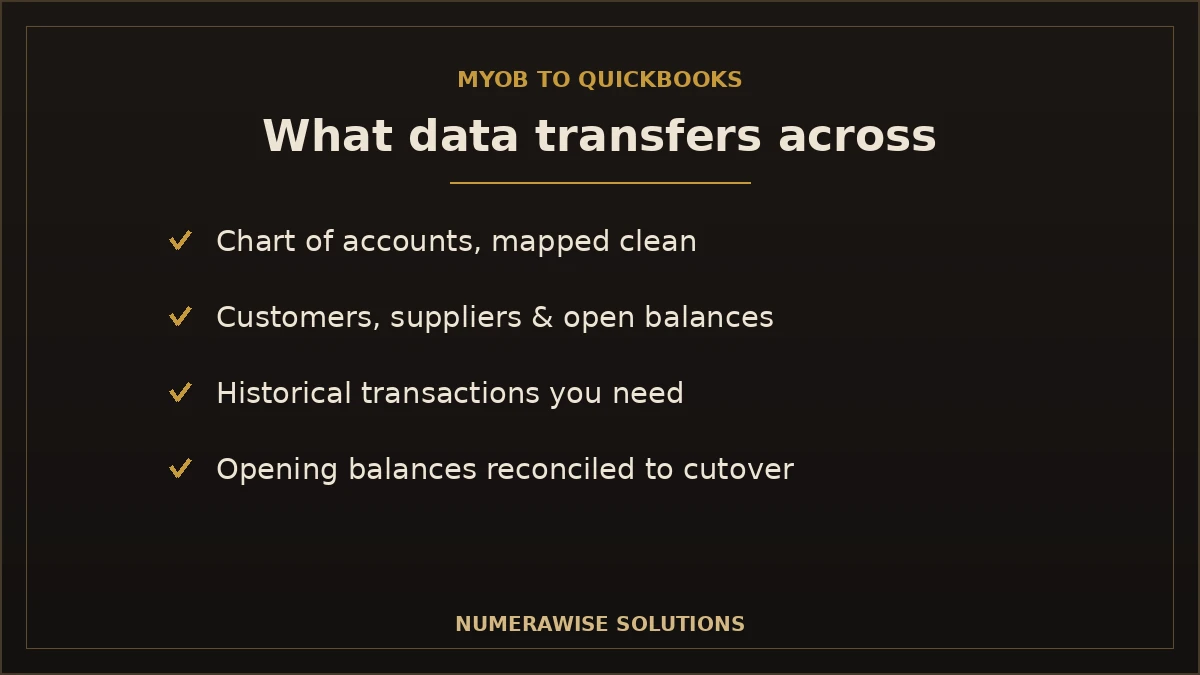
A well-run migration brings across the records you actually need to keep running and to report accurately:
| Data | Transfers? | Notes |
|---|---|---|
| Chart of accounts | Yes | Mapped to a clean QuickBooks structure |
| Customers & suppliers | Yes | Contact details and balances |
| Open invoices & bills | Yes | So receivables and payables stay accurate |
| Historical transactions | Usually | Depth depends on your needs and file |
| Inventory items | Often | Quantities and values where applicable |
| Opening balances | Yes | Reconciled to your switch date |
| Payroll history | Partial | Often re-set up rather than fully imported |
Not everything has to come across, and dragging over years of clutter is rarely worth it. A good migration decides deliberately how much history you need — enough for reporting and tax, without importing old mistakes.
How the MYOB to QuickBooks migration works, step by step
A clean conversion follows a clear sequence. Skipping steps is where files break.
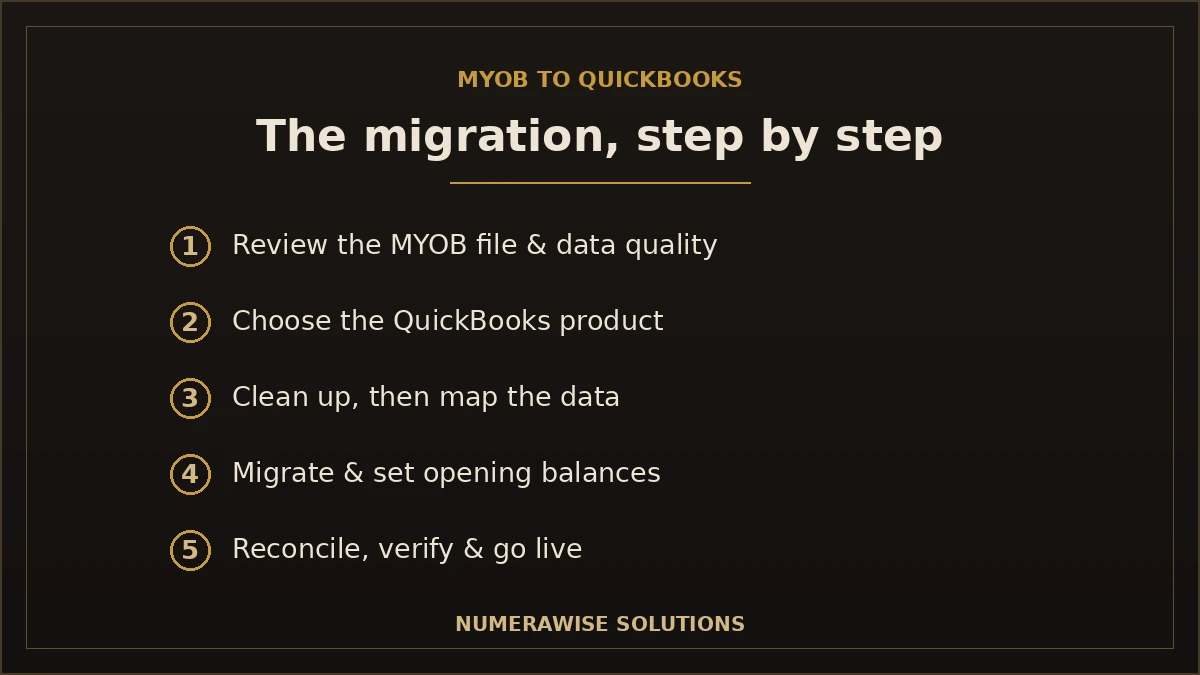
- Review the MYOB file. Understand its structure, data quality, and what history matters to you.
- Choose the QuickBooks product and plan. Decide Online vs Enterprise and the target chart of accounts.
- Clean up first. Fix obvious errors in MYOB before moving — it is easier than after.
- Map the data. Match accounts, tax codes, customers, and items to QuickBooks equivalents.
- Migrate and set opening balances. Move the data and set balances as of the cutover date.
- Reconcile and verify. Confirm opening balances, A/R, A/P, and bank balances match MYOB exactly.
- Go live and support. Start working in QuickBooks with help through the first close.
The verification step is the one you cannot skip. If the QuickBooks opening balances do not tie to MYOB to the penny, the migration is not finished.
Choosing a cutover date
Timing makes the move cleaner. The easiest cutover is the start of a new financial year or a new quarter, because you carry over closing balances and start fresh — less historical detail to reconcile and a natural line in your reporting. Many businesses run the last period in MYOB, close it, then open the new period in QuickBooks. If you must switch mid-year, it is still doable; it just means more careful handling of year-to-date figures.
How long does a MYOB to QuickBooks migration take?
It depends on file size, how much history you keep, and data quality. A rough guide:
| Business | Typical timeline | What drives it |
|---|---|---|
| Small, clean file | A few days to a week | Low volume, little history |
| Growing business | One to two weeks | Payroll, inventory, more history |
| Complex / messy file | Several weeks | Cleanup, large history, multiple entities |
The biggest variable is data quality. A tidy MYOB file moves fast; a messy one needs a cleanup first, which is time well spent because it stops you importing problems into a brand-new system.
MYOB vs. QuickBooks: what changes day to day
The platforms do the same core job but feel different. Knowing the differences shortens the learning curve:
- Terminology shifts. Some MYOB terms map to different names in QuickBooks — the concepts carry over.
- Bank feeds and rules. QuickBooks leans heavily on automatic feeds and categorization rules.
- Apps do more. Functions you handled inside MYOB may move to connected QuickBooks apps.
- Reporting looks different. Standard reports are similar; the layout and customization differ.
A short orientation after go-live saves a lot of first-week frustration. Most teams are comfortable within a couple of weeks.
Benefits of moving from MYOB to QuickBooks
- Work from anywhere. Cloud access for you, your team, and your accountant.
- A bigger toolkit. Hundreds of apps for payments, payroll, and inventory.
- Easier collaboration. Invite your accountant in seconds, no file swapping.
- Cleaner books from the start. A migration is a chance to fix a messy chart of accounts.
- Room to grow. Move up QuickBooks tiers without changing systems again.
- Familiar to US partners. Lenders, CPAs, and bookkeepers know QuickBooks well.
Common MYOB to QuickBooks migration mistakes
- Not verifying opening balances. If QuickBooks does not tie to MYOB, the move is not done.
- Migrating a messy file. Old errors follow you into the new system.
- Skipping the cleanup. Fixing data in MYOB first is faster than fixing it in QuickBooks after.
- Poor account mapping. Sloppy mapping produces reports you cannot trust.
- Choosing the wrong product. Landing on the wrong QuickBooks tier means a second move.
- Deleting MYOB too soon. Keep read-only access to the old file for reference and audit.
Best practices for a clean conversion
- Clean up the MYOB file before you move anything.
- Decide up front how much history you actually need.
- Choose the right QuickBooks product and tier before mapping.
- Map accounts and tax codes carefully to a clean structure.
- Migrate at a natural cutover — a new year or quarter if you can.
- Reconcile opening balances, A/R, A/P, and bank to the penny.
- Keep the MYOB file accessible read-only after go-live.
What happens to your payroll?
Payroll is the part of a MYOB to QuickBooks move that needs the most care. Historical pay data does not always import cleanly, so it is common to bring over summary figures and then set payroll up fresh in QuickBooks for going forward. Year-to-date totals matter for tax, so those are reconciled carefully. If you run payroll, plan the switch around a pay cycle — ideally at the start of a payroll year or quarter — so employee totals stay clean and filings are not disrupted. Getting payroll right is worth slowing down for; it is the area where errors are most visible to your staff and to tax authorities.
Keeping your data safe during the move
Your accounting data is sensitive, and a migration is exactly when to be careful with it. A good process uses secure transfer, keeps a full backup of your MYOB file before anything changes, and never works directly on your only copy. QuickBooks Online stores your data encrypted in the cloud with automatic backups once you are live. Throughout the move you keep ownership of both files, and the original MYOB data stays untouched as a fallback. Nothing is deleted until you have confirmed the new file is complete and correct.
Should you run MYOB and QuickBooks in parallel?
Some businesses like to keep MYOB running alongside QuickBooks for a short overlap. It can build confidence, but running two systems for long doubles the work and invites mismatched records. The better approach is a clean cutover on a chosen date, with the MYOB file kept read-only for reference. If you do overlap, keep it short — one period at most — and pick one system as the source of truth so you are not entering everything twice.
What a MYOB to QuickBooks migration costs
There is no flat price because files differ. Cost tracks the size of your MYOB file, how much history you keep, whether payroll and inventory are involved, and how much cleanup the data needs. A small, tidy file is a modest fixed project; a large or messy file with years of history and payroll takes more work. The cleanup portion is usually the biggest variable — and the best investment, because it is the difference between starting clean and importing years of problems. Ask for a quote based on your actual file, not a generic rate.
Getting started with your MYOB to QuickBooks move
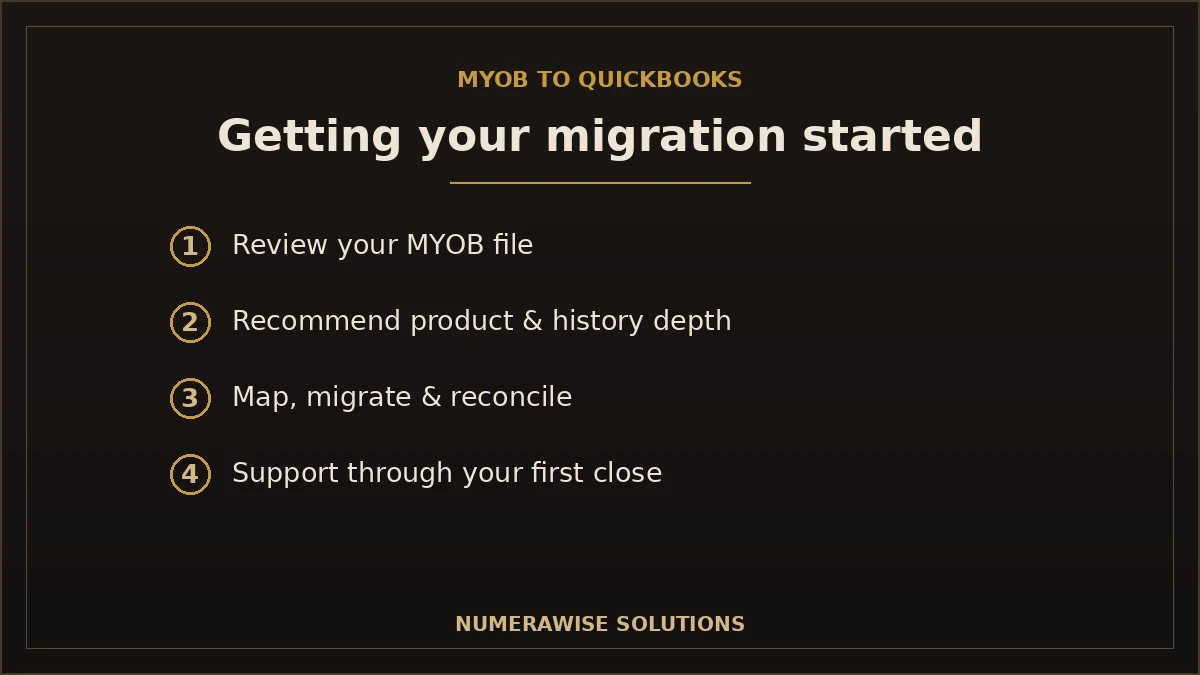
Getting started is simple. We review your MYOB file, recommend the right QuickBooks product, and tell you honestly how much history is worth keeping and whether a cleanup is needed first. From there we map, migrate, and reconcile, then support you through your first close in QuickBooks. Whether you are a small business on a single MYOB file or a larger operation with payroll and inventory, the first step is the same: a short look at your current file and a clear plan for the switch.
Will your reports still match after the move?
This is the question owners worry about most, and the answer is yes — when the migration is verified properly. Your QuickBooks profit and loss and balance sheet should reflect the same financial position MYOB showed on the cutover date, because the opening balances are reconciled to match exactly. Where reports look different, it is almost always layout, not the underlying numbers: QuickBooks groups and formats some reports differently than MYOB. The figures that matter — income, expenses, receivables, payables, and equity — carry over intact. If a total does not match after migration, that is a signal the reconciliation is not finished, not a quirk to accept. A specialist checks these before declaring the move complete, so you are never left wondering whether your new books tell the truth.
Why choose Numerawise for your MYOB to QuickBooks migration
At Numerawise Solutions, migrations are core work, not a side service. We handle the whole move — reviewing your MYOB file, choosing the right QuickBooks product, mapping and cleaning the data, and reconciling opening balances so they tie out exactly. Our conversion services cover MYOB and dozens of other platforms, and we can continue with ongoing bookkeeping services once you are live so nothing falls through the cracks during the switch.
We work with businesses remotely through secure cloud tools, so distance is not a barrier — you get a specialist who has done this move many times, not a first attempt on your live books. Whether you are heading to QuickBooks Online or QuickBooks Enterprise, the outcome is the same: a clean QuickBooks file, verified balances, and support through your first close. For the Online-specific path, see our MYOB to QuickBooks Online conversion.
The bottom line on moving from MYOB to QuickBooks
Switching from MYOB to QuickBooks is a straightforward project when it is done in the right order: pick the right QuickBooks product, decide how much history to keep, clean the data, map it carefully, and verify every opening balance against MYOB before you go live. Skip the verification and you inherit problems; do it properly and you start on a file you can trust from day one. For most businesses, the smart move is to let a migration specialist handle the switch while you keep running the business. Done right, a MYOB to QuickBooks migration is a one-time project that leaves you with cleaner books, better access, and room to grow.
Key takeaways
- Choose the QuickBooks product first — Online for most, Enterprise for larger operations.
- Clean the MYOB file before migrating so you do not import old errors.
- Verify opening balances to the penny — that is what proves the move worked.
- Cut over at a new year or quarter when you can for the cleanest start.
- Keep read-only access to MYOB for reference and audit after go-live.
Quick answers.
What does a MYOB to QuickBooks migration involve?
A MYOB to QuickBooks migration moves your chart of accounts, customers, suppliers, open invoices and bills, historical transactions, and opening balances from MYOB into QuickBooks. The data is mapped to a clean QuickBooks structure, then opening balances are reconciled to your cutover date so they tie out exactly. Done right, you keep the history you need and start on a file you can trust.
Can I move all my history from MYOB to QuickBooks?
You can move a lot of history, but you rarely should move everything. Dragging over years of old, messy data imports old problems too. Most migrations bring across enough history for reporting and tax — often the current and prior year — plus all open balances. A specialist helps you decide the right depth for your business rather than importing clutter.
Which QuickBooks product should I move to from MYOB?
For most businesses leaving MYOB, QuickBooks Online is the natural fit — cloud access, a big app ecosystem, and easy collaboration. Larger or inventory-heavy operations may prefer QuickBooks Enterprise. Choosing the right product and tier before you migrate matters, because mapping your data to the wrong structure means a painful second move later.
Will my opening balances match after the migration?
They should — exactly. Verifying that QuickBooks opening balances tie to MYOB to the penny is the step that proves the migration worked. Accounts receivable, accounts payable, bank balances, and equity all get reconciled against your MYOB file as of the cutover date. If a balance does not match, the migration is not finished, not something to accept.
How long does it take to move from MYOB to QuickBooks?
A small, clean file can move in a few days to a week. A growing business with payroll and inventory usually takes one to two weeks, and a large or messy file can take several weeks. The biggest variable is data quality — a tidy MYOB file moves fast, while a messy one needs a cleanup first, which is time well spent.
Do I need to clean up my MYOB file before migrating?
Almost always, yes. Fixing errors in MYOB before the move is far easier than fixing them in QuickBooks afterward, and it stops you importing old mistakes into a brand-new system. A cleanup typically corrects duplicate records, wrong balances, and a messy chart of accounts. It is usually the biggest variable in cost and the best investment in the project.
What happens to my payroll when I switch?
Payroll needs the most care. Historical pay data does not always import cleanly, so it is common to bring over year-to-date summary figures and set payroll up fresh in QuickBooks going forward. Year-to-date totals are reconciled carefully for tax. Planning the switch around the start of a payroll year or quarter keeps employee totals clean and filings undisrupted.
Can I keep using MYOB after I move to QuickBooks?
Keep your MYOB file accessible read-only after go-live for reference and audit — do not delete it right away. Some businesses run both briefly to build confidence, but running two systems for long doubles the work and invites mismatched records. The cleaner path is a clean cutover to QuickBooks with MYOB retained as a historical reference.
Will my financial reports look the same in QuickBooks?
The numbers match; the layout may differ. Your income, expenses, receivables, payables, and equity carry over intact, so your financial position is the same. QuickBooks simply groups and formats some reports differently than MYOB. If a total does not match after migration, that signals the reconciliation is incomplete rather than a formatting quirk to accept.
Should I hire a specialist for the MYOB to QuickBooks move?
It is strongly recommended, especially with payroll, inventory, or years of history. A specialist maps and cleans the data, sets opening balances, and verifies everything ties out — on their experience, not a first attempt on your live books. The cost is usually far less than the time and risk of fixing a botched DIY migration afterward.
Get a free scoping call.
Tell us what you’re working on. We respond same business day.

Ram · Founder & Principal
Founder of Numerawise Solutions, established MMXXIV in Atlanta. Intuit ProAdvisor Gold tier. Former Intuit Technical Support engineer. Has personally led two hundred accounting software conversions for US small businesses since founding the practice. Reachable directly at [email protected].
Free: The Clean-Cutover Checklist
The step-by-step checklist we use to migrate businesses to QuickBooks without losing data — bank rec, opening balances, payroll YTD, and the validation tie-out. Get it in your inbox.
No spam — just the checklist and the occasional QuickBooks tip.