QuickBooks Bookkeeping in Buffalo, NY
Your books are only as good as your QuickBooks file. Our QuickBooks bookkeeping Buffalo NY service handles setup, monthly reconciliation, sales tax, and clear reports — so you can trust your numbers and hand your CPA a file that’s ready to go.
Most Buffalo owners do not want to become accountants. They want clean books, an accurate picture of their cash, and a file their CPA can file from without a fight. That is exactly what QuickBooks bookkeeping Buffalo NY businesses rely on gets you — when the software is set up correctly and the monthly work is done consistently. This guide walks through what QuickBooks bookkeeping covers, what it costs, the mistakes that quietly wreck a file, and how to get real value out of the platform.
QuickBooks is the most widely used small-business accounting software in the United States, and for good reason: bank feeds, automatic categorization rules, and hundreds of app integrations do a lot of the heavy lifting. But software only helps if it is configured for how your business actually works. A restaurant on Elmwood, a contractor in Cheektowaga, and a law office downtown all need the same platform pointed at very different problems.
What QuickBooks bookkeeping in Buffalo, NY actually covers
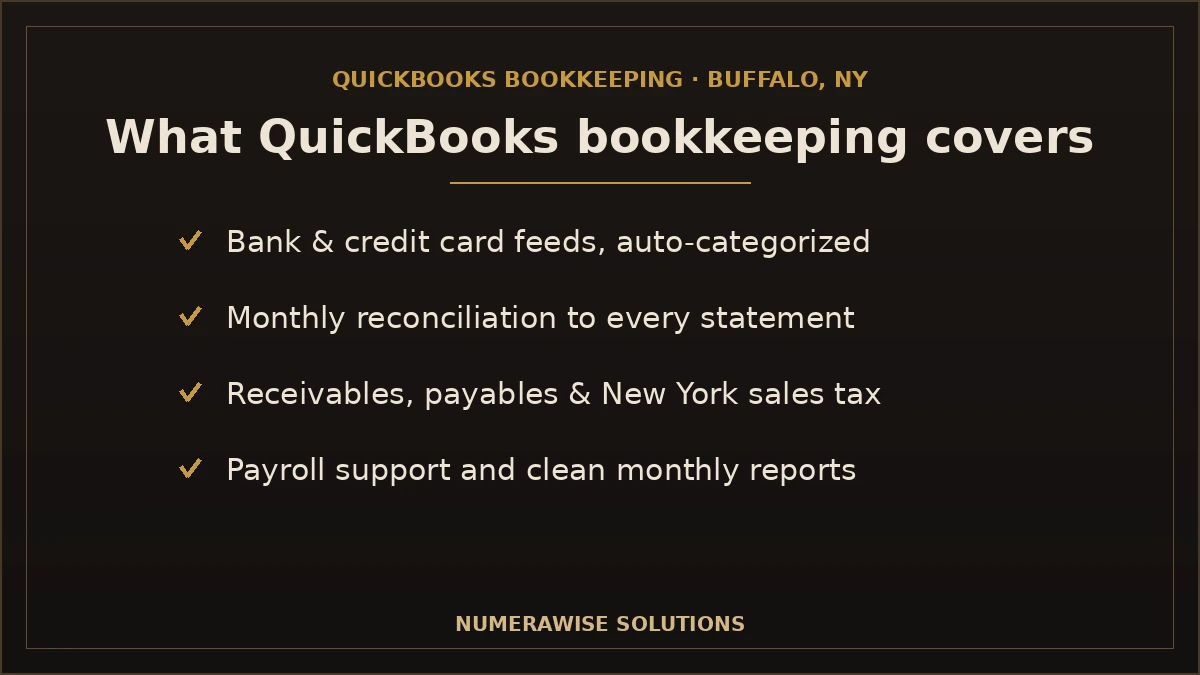
A full monthly QuickBooks engagement is more than data entry. It is a repeatable system that keeps your file accurate from the first of the month to the last. Here is what a complete engagement typically includes:
- Bank and credit card feeds: transactions flow in automatically and are categorized against rules built for your business.
- Monthly reconciliation: every bank, card, and loan account is tied back to its statement so the books match reality.
- Accounts receivable and payable: who owes you and what you owe, tracked so nothing slips.
- New York sales tax: collected, tracked as a liability, and organized for on-time filing.
- Payroll support: wages and payroll taxes recorded so filings hit their deadlines.
- Monthly reports: a profit and loss, balance sheet, and cash-flow view you can read at a glance.
If your file is behind or was never set up cleanly, the starting point is usually QuickBooks setup and cleanup, followed by historical bookkeeping cleanup to catch the months you slipped. Once the file is current, the monthly rhythm keeps it that way.
QuickBooks Online vs. QuickBooks Desktop for Buffalo businesses
Almost every new Buffalo business we set up lands on QuickBooks Online, and Intuit is steering the whole market that way — it stopped selling new Pro and Premier Desktop licenses to most customers in late 2024. For a remote-friendly bookkeeping relationship, Online is the practical choice: your bookkeeper and your accountant can work in the same file from anywhere, which matters when a lake-effect week keeps everyone home.
| Factor | QuickBooks Online | QuickBooks Desktop |
|---|---|---|
| Access | Anywhere, any device | One computer / hosted |
| Bank feeds | Automatic, real-time | Manual or delayed |
| Collaboration | Multiple users, live | File must be shared |
| Availability | Actively sold | Being phased out |
Desktop still fits a handful of niche cases — heavy inventory or specific industry editions — but for the vast majority of Buffalo small businesses, Online is where bookkeeping belongs in 2026.
How QuickBooks Online bookkeeping works day to day
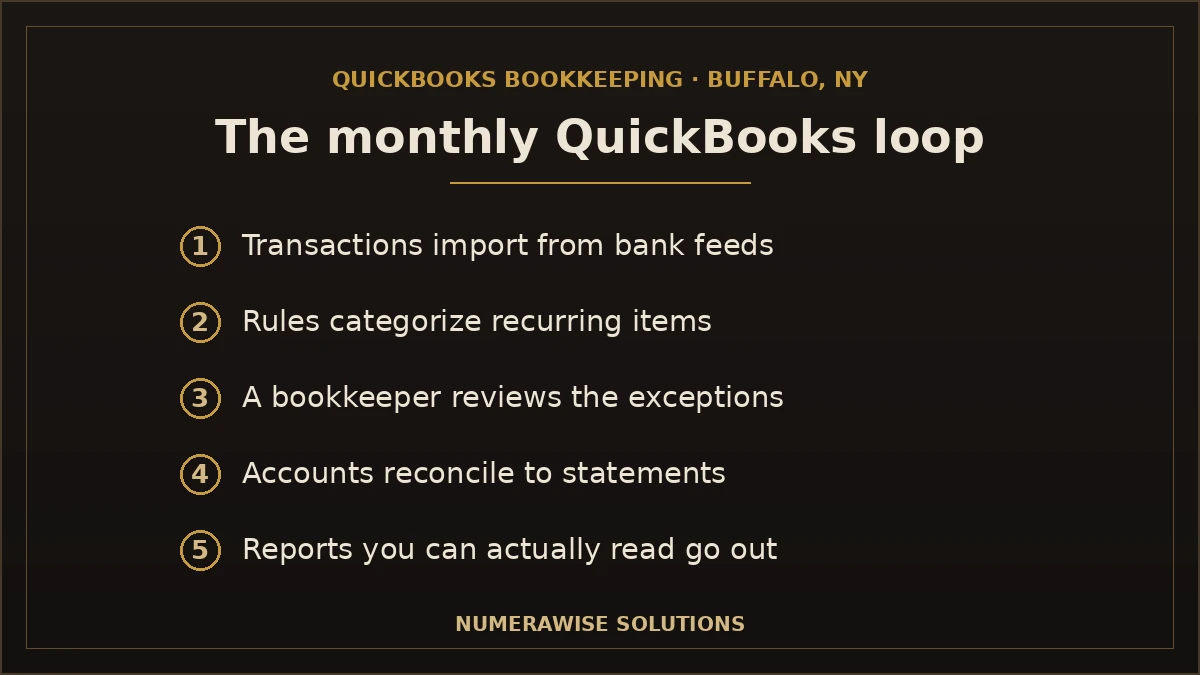
The magic of QuickBooks Online bookkeeping is that most of the recording happens automatically once the setup is right. Here is the loop a well-run file follows:
- Transactions import. Connected bank and card feeds pull in every charge and deposit.
- Rules categorize. Bank rules code recurring items — your Tops supplier, your rent, your merchant fees — the moment they land.
- You review. A bookkeeper checks anything unusual and fixes miscoded items before they harden.
- Accounts reconcile. At month-end, every account is matched to its statement.
- Reports go out. You get financials you can read, not a raw ledger.
The difference between a file that runs itself and one that becomes a mess is the setup and the discipline. Rules that are wrong quietly miscategorize hundreds of transactions; account reconciliation each month is what catches the drift before it compounds.
QuickBooks apps that matter for Buffalo businesses
One of QuickBooks Online’s biggest advantages is its app marketplace — hundreds of tools that connect directly to your books. The right few can eliminate hours of manual entry. Common ones we set up for Buffalo clients:
- Payment processors (QuickBooks Payments, Square, Stripe) so sales and fees sync automatically.
- Receipt capture so a photo becomes a categorized, documented expense.
- Payroll integrated straight into the books for clean wage and tax entries.
- Time tracking and job costing for contractors and service businesses.
- Inventory and POS tools for retail and restaurants.
You do not need all of them. A good QuickBooks bookkeeper picks the two or three that remove the most manual work for your specific business and leaves the rest alone. More apps is not better — the right apps are.
QuickBooks bookkeeping by Buffalo industry
The platform is the same; the setup is not. What clean books look like depends on what you do.
Restaurants and bars
High transaction volume, daily card batches, and tips make restaurants a reconciliation-heavy business. QuickBooks connected to your POS keeps sales, comps, and merchant fees straight, so the deposit that hits your account actually ties to what you rang up.
Construction and trades
Contractors live and die by job costing. QuickBooks classes and projects let you see profit by job, not just overall — so you know which work in Buffalo and the suburbs actually makes money and which quietly loses it.
Professional services
Law offices, agencies, and consultants need clean receivables and simple project tracking. QuickBooks handles recurring invoices, retainers, and time-based billing without the overhead a bigger platform would add.
Retail and e-commerce
Inventory and sales-channel reconciliation are the pain points. The right app connections keep unit counts and channel deposits accurate so margins are real, not guessed.
Handling New York sales tax in QuickBooks
Buffalo’s combined sales tax rate is 8.75% — 4% New York State plus 4.75% Erie County — and QuickBooks can track it automatically once configured. The key rules never change:
- Set up the correct 8.75% rate so QuickBooks calculates tax on the right sales.
- Treat collected tax as a liability, not income — it belongs to New York.
- Use the sales tax liability report to file accurately and on time.
Booked wrong, sales tax inflates your profit and sets up a painful surprise at filing. You can confirm current rates and filing dates with the New York State Department of Taxation and Finance. A QuickBooks bookkeeper who knows Western New York keeps this on rails so a rate change or missed deadline never becomes a penalty.
The QuickBooks reports every Buffalo owner should read
Bookkeeping is only useful if it produces decisions. These are the three reports worth two minutes each month:
- Profit & Loss: what you earned and spent — and which categories are creeping up.
- Balance Sheet: what you own and owe, and whether it looks reasonable.
- A/R Aging: who owes you and how overdue they are, so you chase before it becomes a write-off.
A good bookkeeper does not just send these — they flag the one number that changed and why. That short note is where QuickBooks bookkeeping stops being a compliance chore and starts being a management tool.
Cleaning up a messy QuickBooks file
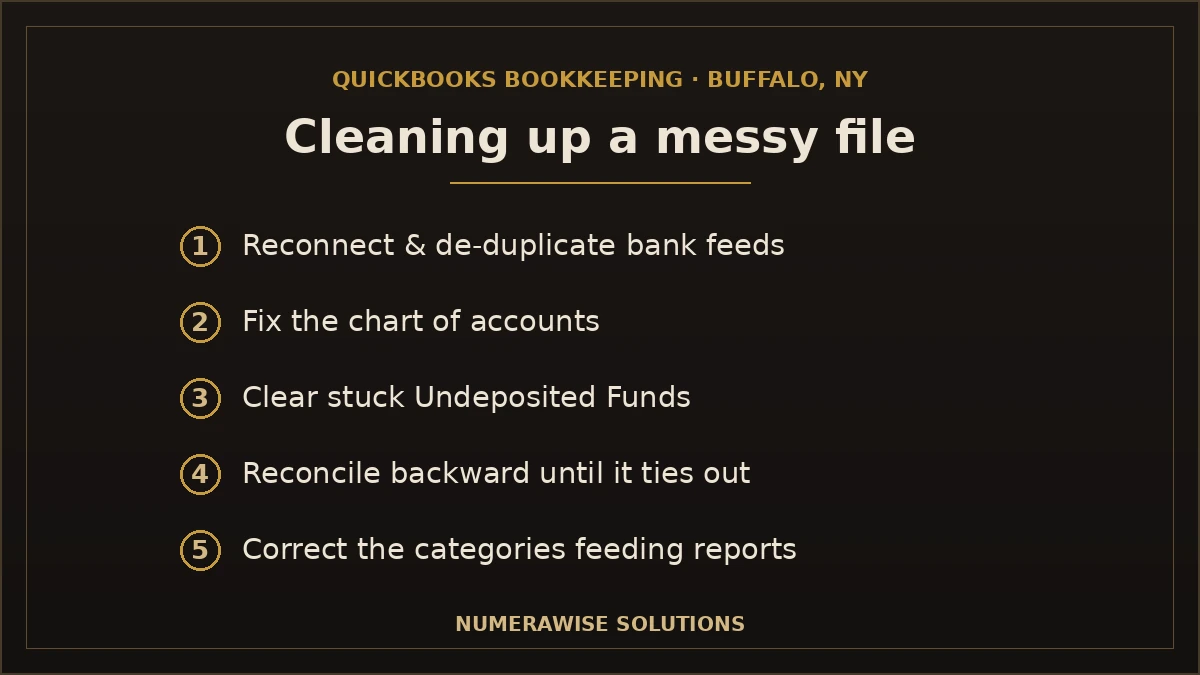
Plenty of Buffalo owners come to us with a QuickBooks file that started fine and drifted. Common symptoms: a balance sheet that does not make sense, an Undeposited Funds account full of stuck money, months that were never reconciled, or duplicate transactions from a bad feed connection.
A QuickBooks cleanup rebuilds accuracy in order: reconnect and de-duplicate feeds, fix the chart of accounts, clear Undeposited Funds, reconcile every account backward until balances tie out, then correct the categories that were feeding wrong reports. Once the file is clean, staying current is easy. The mistake is filing taxes off a file you know is wrong — that is how a small problem becomes an expensive one.
What QuickBooks bookkeeping costs in Buffalo
There is no single price, and anyone quoting one before seeing your file is guessing. Cost tracks three things: transaction volume, number of accounts, and whether payroll and sales tax are in the mix. Here is the range most Buffalo businesses land in — software subscription is separate and modest.
| Business profile | Typical monthly fee | What drives it |
|---|---|---|
| Solo / very small | $200–$500 | Low volume, one or two accounts |
| Growing small business | $500–$1,200 | Payroll, A/R and A/P, multiple accounts |
| Established operation | $1,000–$2,500+ | High volume, job costing, multiple entities |
| Cleanup / catch-up | Quoted per project | Months behind or messy data |
Weigh that against hiring in-house: a full-time bookkeeper on the Buffalo market means salary plus payroll taxes, benefits, and software before a single account is reconciled. For most small businesses, outsourced bookkeeping services deliver a whole team for a fraction of that.
Benefits of professional QuickBooks bookkeeping
- You get your time back. Owners routinely reclaim 5–15 hours a month.
- Your numbers turn into decisions. Accurate QuickBooks reports show which jobs and products actually earn.
- Tax season stops being scary. Clean books mean a handoff to your CPA, not a fire drill.
- Cash flow gets predictable. You see a slow Buffalo winter coming instead of feeling it.
- You look ready for lenders. A bank or the SBA wants reconciled QuickBooks financials, not a shoebox.
- Setup is done right. A correct chart of accounts and rules from day one prevents years of cleanup.
Common QuickBooks bookkeeping mistakes to avoid
- Mixing personal and business money. One shared card muddies every report and weakens your LLC protection. Use a dedicated business account.
- Never reconciling. If QuickBooks does not match the bank, the reports are fiction. Reconcile every account monthly.
- Letting Undeposited Funds pile up. Money sits in limbo and inflates the account until it is cleared properly.
- Bad or missing bank rules. Auto-categorization is powerful and dangerous — wrong rules miscode hundreds of transactions silently.
- Treating sales tax as income. That 8.75% belongs to New York; booked as revenue it fakes your profit.
- DIY-ing a file you do not understand. A year of self-taught mistakes costs more to fix than doing it right would have.
Best practices that keep a QuickBooks file clean
- Separate business and personal finances from day one.
- Connect bank feeds and build accurate rules — then review, do not blindly trust them.
- Reconcile every account monthly: bank, credit card, and loans.
- Clear Undeposited Funds and merchant clearing accounts each month.
- Review your P&L and balance sheet monthly, not just at tax time.
- Attach receipts to transactions — the IRS accepts digital copies.
- Set aside sales and income tax monthly, and close each period on a simple checklist.
DIY QuickBooks vs. a professional bookkeeper
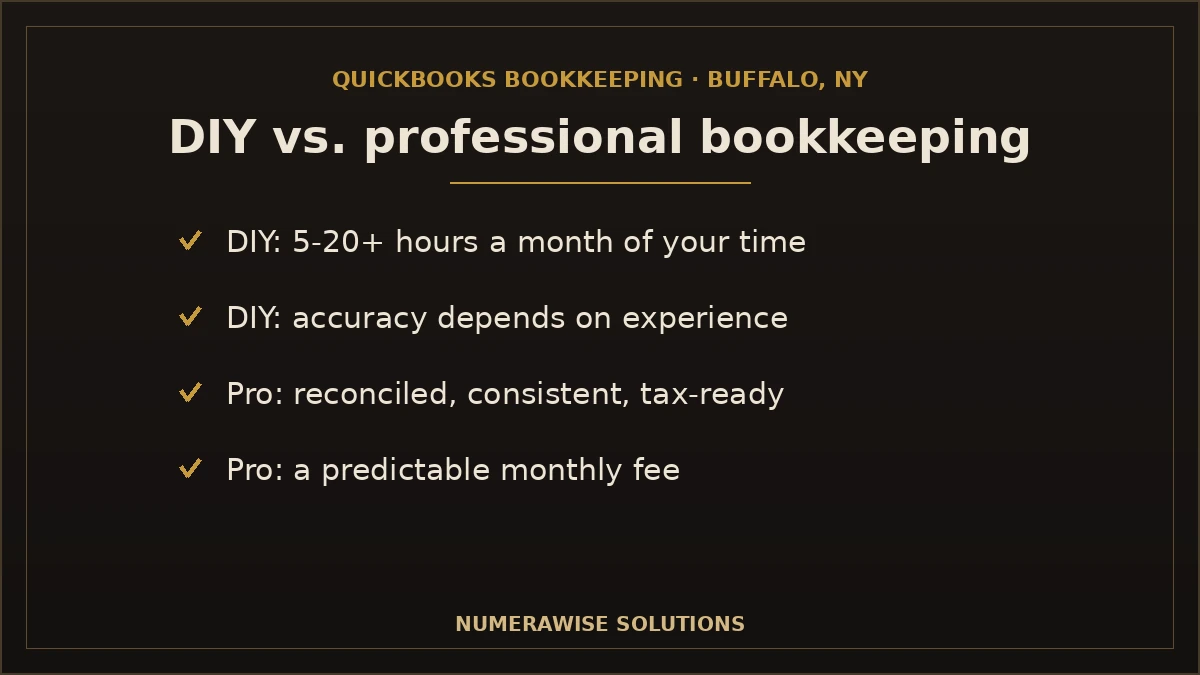
QuickBooks is designed to be usable by non-accountants, and for a brand-new, simple business, doing your own books is reasonable. The real question is when the trade-off stops being worth it.
| Factor | DIY in QuickBooks | Professional |
|---|---|---|
| Your time | 5–20+ hours a month | A short monthly review |
| Accuracy | Depends on your experience | Reconciled and consistent |
| Tax readiness | A year-end scramble | Ready to file anytime |
| Real cost | “Free,” minus your time | A predictable monthly fee |
Moving to QuickBooks from another system
If you are switching to QuickBooks from spreadsheets, Wave, Xero, or an older desktop system, the migration itself is where files get broken. Balances have to be brought over cleanly, historical data mapped to the right accounts, and opening balances reconciled to the day you switch. We handle that conversion so you start on QuickBooks with a file that ties out — not one you spend the next year fixing.
What you receive from us each month
QuickBooks bookkeeping is only worth it if it lands as something you can act on. Each month you get:
- Every account reconciled to its statement, to the penny
- Transactions categorized against rules built for your business
- A clean profit and loss, balance sheet, and cash-flow view
- A short note on anything unusual we found and fixed
- Books that are ready for your CPA at any time
- A real person to answer questions about your numbers
Keeping your QuickBooks data secure
Your books hold sensitive financial data, and QuickBooks Online keeps it encrypted in the cloud with bank-level security and automatic backups — no file to lose if a laptop dies in a Buffalo winter. We add our own safeguards: role-based access so people only see what they need, secure document sharing instead of email attachments, and multi-factor login. You keep ownership of your file and can revoke access at any time. Good bookkeeping is not just accurate — it is handled carefully.
Getting started with QuickBooks bookkeeping in Buffalo, NY
Getting started is simple. We review your QuickBooks file and current state, tell you honestly whether you need a setup or a cleanup first, and quote a clear monthly price with no surprises. From there we take over the monthly work — feeds, categorization, reconciliation, and reporting — and hand you financials you can trust. Whether you are a Buffalo restaurant buried in card batches, a contractor tracking job costs, or an office that just wants reliable books, the first step is the same: a short conversation about where your file stands today.
Why Buffalo businesses choose Numerawise for QuickBooks bookkeeping
At Numerawise Solutions, QuickBooks is the core of what we do, not a bolt-on. We handle QuickBooks setup and cleanup, ongoing monthly books, account reconciliation, and historical bookkeeping cleanup, and we pair the books with payroll services so one team covers your whole back office. You get accurate monthly reports, a real person who answers when you email, and records that stay filing-ready all year.
We support Buffalo and Western New York businesses remotely through secure cloud tools, so “local” means someone who understands the 8.75% sales tax and New York’s filing rules — not someone you have to meet across town in a snowstorm. Whether you need a clean setup, a rescue on a messy file, or steady monthly bookkeeping, the outcome is the same: QuickBooks books you can finally trust. For a broader look at local bookkeeping beyond QuickBooks, see our guide to small business bookkeeping.
The bottom line on QuickBooks bookkeeping in Buffalo, NY
QuickBooks is a powerful platform, but it rewards good setup and steady habits and punishes neglect. Connect your accounts, build rules that fit your business, reconcile every month, and read your reports — and the software becomes the quiet engine behind decisions you can trust. Ignore it, and it becomes a mess that costs real money to untangle at tax time. For most Buffalo owners, the smart move is to let a specialist own the setup and the monthly work while you run the business. Done right, QuickBooks bookkeeping Buffalo NY owners can depend on stops being a chore and becomes the thing that shows you what is working, what is not, and what you can afford next.
Key takeaways
- QuickBooks Online is the right home for almost every Buffalo small business in 2026.
- Setup and monthly reconciliation are what separate a file that runs itself from a mess.
- Buffalo’s 8.75% sales tax is a liability, not income — track it that way in QuickBooks.
- The right two or three apps remove the most manual work; you do not need all of them.
- A professional bookkeeper costs a predictable fee and buys back time, accuracy, and tax-readiness.
Quick answers.
What is QuickBooks bookkeeping in Buffalo, NY?
QuickBooks bookkeeping in Buffalo, NY is the day-to-day work of running your books inside QuickBooks — recording income and expenses, reconciling accounts, tracking receivables and payables, handling New York sales tax, and producing monthly reports. Done by someone who knows both the software and Western New York’s tax rules, it gives you accurate, filing-ready books all year.
Should I use QuickBooks Online or Desktop?
For almost every Buffalo small business, QuickBooks Online is the better choice. It offers automatic bank feeds, real-time collaboration, and access from anywhere — and Intuit stopped selling new Desktop Pro and Premier licenses to most customers in late 2024. Desktop still fits a few inventory-heavy or industry-specific cases, but Online is where bookkeeping belongs in 2026.
How much does QuickBooks bookkeeping cost in Buffalo?
Most Buffalo businesses pay $200–$500 a month for solo or very small operations, $500–$1,200 as they grow, and $1,000–$2,500+ for established companies with payroll and job costing. Cleanup is quoted per project. The QuickBooks subscription is separate and modest. Price depends on transaction volume, number of accounts, and whether payroll and sales tax are involved.
Can you fix a messy QuickBooks file?
Yes. A QuickBooks cleanup reconnects and de-duplicates bank feeds, fixes the chart of accounts, clears Undeposited Funds, and reconciles every account backward until balances tie out. Once the file is accurate, staying current is easy. Filing taxes off a file you know is wrong is the costly mistake — a cleanup fixes it before it grows.
How does QuickBooks handle Buffalo sales tax?
QuickBooks can calculate Buffalo’s combined 8.75% rate — 4% New York State plus 4.75% Erie County — automatically once configured. Collected tax is tracked as a liability, not income, and the sales tax report tells you exactly what to file. You can confirm current rates and deadlines with the New York State Department of Taxation and Finance.
Do I need QuickBooks apps and integrations?
Not all of them. QuickBooks connects to hundreds of apps, but the value is in picking the right two or three — a payment processor, receipt capture, payroll, or job costing — that remove the most manual work for your business. A good bookkeeper sets up what saves you time and skips the rest. More apps is not better; the right apps are.
Can you move me to QuickBooks from another system?
Yes. Whether you are on spreadsheets, Wave, Xero, or an older desktop program, we handle the migration so balances transfer cleanly, history maps to the right accounts, and opening balances reconcile to your switch date. You start on QuickBooks with a file that ties out — not one you spend the next year correcting.
What’s the difference between QuickBooks bookkeeping and tax prep?
Bookkeeping is the steady record you keep all year inside QuickBooks; tax prep is filing a return from that record. They are different jobs. Clean QuickBooks bookkeeping makes tax prep faster and cheaper because your accountant starts from reconciled, accurate books instead of untangling a year of transactions first.
How often should QuickBooks accounts be reconciled?
Every account should be reconciled monthly, as soon as the statement posts — bank, credit card, and loans. High-volume businesses like restaurants may reconcile merchant accounts more often. Monthly reconciliation is what keeps QuickBooks matching reality; skip it and the reports become fiction that only surfaces at tax time.
Do you work with Buffalo businesses remotely?
Yes. We support Buffalo and Western New York businesses through secure cloud tools, so you get a QuickBooks specialist who understands New York’s 8.75% sales tax and filing rules without meeting across town in a snowstorm. Your data stays encrypted, access is role-based, and you keep ownership of your file.
Get a free scoping call.
Tell us what you’re working on. We respond same business day.

Ram · Founder & Principal
Founder of Numerawise Solutions, established MMXXIV in Atlanta. Intuit ProAdvisor Gold tier. Former Intuit Technical Support engineer. Has personally led two hundred accounting software conversions for US small businesses since founding the practice. Reachable directly at [email protected].
Free: The Clean-Cutover Checklist
The step-by-step checklist we use to migrate businesses to QuickBooks without losing data — bank rec, opening balances, payroll YTD, and the validation tie-out. Get it in your inbox.
No spam — just the checklist and the occasional QuickBooks tip.