QuickBooks Payroll Pricing & Subscription Guide (2026)
A clear breakdown of QuickBooks Payroll pricing in 2026 — how the Core, Premium, and Elite plans are priced, what each includes, the hidden costs, and how to choose the right subscription.
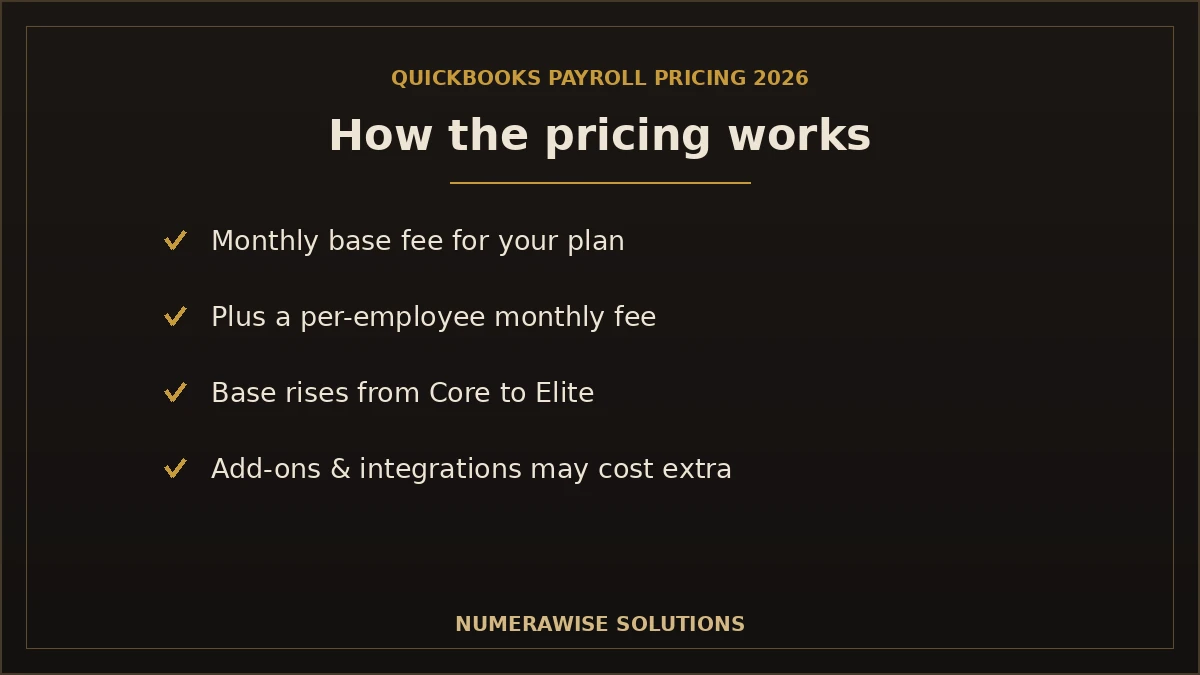
Payroll is one of the few software costs where the sticker price is only half the story. When you research QuickBooks Payroll pricing in 2026, you need to understand not just the monthly fee but the per-employee charges, the features locked to higher plans, and the hidden costs that catch businesses off guard. This guide breaks all of it down — the plans, what each includes, how to choose, how QuickBooks compares to Gusto, ADP, and others, and the real total cost of ownership.
It is written for small businesses, startups, CPA firms, bookkeepers, and anyone comparing payroll software. One important note up front: Intuit updates pricing and promotional offers regularly. We deliberately avoid quoting exact dollar figures that expire, and instead explain the structure so you can make a smart decision and confirm current numbers on Intuit’s official pricing page before you buy. If you would rather skip the research, our payroll team will price it and set it up for you.
Need Help Choosing the Right Payroll Plan?
Numerawise Solutions helps US businesses pick, price, and set up QuickBooks Payroll. Talk to a payroll expert today.
Get StartedQuickBooks Payroll pricing overview
QuickBooks Online Payroll uses a two-part pricing model that is easy to understand once you see it:
- A monthly base fee — a flat charge for the plan itself, which increases as you move from Core to Premium to Elite.
- A per-employee monthly fee — a smaller charge for each person you pay, added on top of the base.
So your total is roughly base fee + (per-employee fee × number of employees), billed monthly. A business with more employees pays more, and a business that wants more features pays a higher base. That is the whole model.
Important: prices change
Intuit frequently runs promotions — discounted base fees for the first few months are common — and it adjusts its standard rates over time. Treat any specific price you see (including on competitor blogs) as a snapshot, not a permanent number. Always confirm the current base fee, per-employee fee, and any active discount on Intuit’s official QuickBooks Payroll pricing page before subscribing.
QuickBooks Payroll also comes in Desktop form, but Intuit is phasing Desktop out and focusing on the cloud, so this guide centers on QuickBooks Online Payroll, which is where new subscribers land. To understand the product itself before the pricing, see our guide on what QuickBooks Payroll is.
QuickBooks Payroll plans
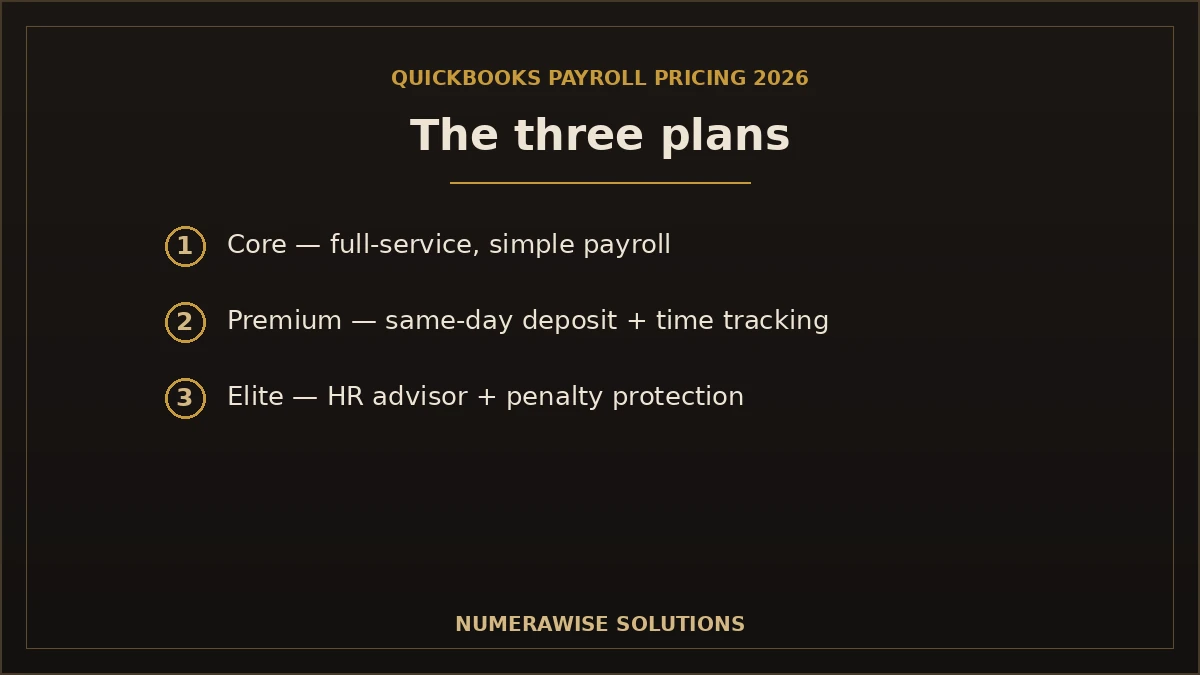
There are three QuickBooks Online Payroll plans. Each builds on the one below, so the question is simply how many features you need.
QuickBooks Payroll Core
Overview: Core is the entry-level, full-service payroll plan. Despite being the cheapest tier, it still handles the essentials most small businesses need.
Best for: small businesses with straightforward payroll and no need for advanced HR or time tracking.
Key features:
- Payroll automation: auto-run payroll for salaried staff.
- Tax filing: automatic federal and state payroll tax calculation and filing.
- Direct deposit: next-day direct deposit.
- Time tracking: not included (add separately).
- HR tools: minimal.
- Reporting: standard payroll reports.
- Support: standard product support.
Advantages: lowest base fee, full tax filing included, easy for small teams. Limitations: no built-in time tracking, next-day (not same-day) deposit, limited HR.
QuickBooks Payroll Premium
Overview: Premium is the middle tier and the sweet spot for many growing businesses, adding faster deposits, time tracking, and HR help.
Best for: growing businesses with hourly staff who want time tracking and light HR support.
Key features:
- Payroll automation: everything in Core, plus more control.
- Tax filing: automatic, same as Core.
- Direct deposit: same-day direct deposit.
- Time tracking: built in, so hours flow straight into payroll.
- HR tools: access to an HR support center.
- Reporting: fuller reporting.
- Support: enhanced support, plus workers’ comp administration.
Advantages: same-day deposit, time tracking included, HR support — strong value for hourly teams. Limitations: higher base fee than Core; HR is helpful but not a full HR platform.
QuickBooks Payroll Elite
Overview: Elite is the top tier, built for businesses that want maximum support and protection, including help if something goes wrong with payroll taxes.
Best for: busier or multi-state employers who want hands-on setup, a dedicated HR advisor, and tax-penalty protection.
Key features:
- Payroll automation: full automation, same core engine.
- Tax filing: automatic, with tax penalty protection (Intuit covers certain penalties up to a set amount).
- Direct deposit: same-day direct deposit.
- Time tracking: included, with more advanced options.
- HR tools: a personal HR advisor.
- Reporting: the fullest reporting.
- Support: premium support and expert setup done for you.
Advantages: tax penalty protection, expert setup, dedicated HR help — the most hands-off option. Limitations: the highest base fee; more than many small businesses need.
Talk to a QuickBooks Payroll Expert
Not sure whether Core, Premium, or Elite fits? We will match the plan to your team and budget — and set it up.
Get StartedQuickBooks Payroll feature comparison
Here is how the three plans stack up on the features that matter most:
| Feature | Core | Premium | Elite |
|---|---|---|---|
| Payroll automation | Yes | Yes | Yes |
| Direct deposit | Next-day | Same-day | Same-day |
| Same-day direct deposit | No | Yes | Yes |
| Automatic tax filing | Yes | Yes | Yes |
| Payroll reports | Standard | Fuller | Fullest |
| Time tracking | Add-on | Included | Included |
| Contractor payments | Yes | Yes | Yes |
| Employee portal | Yes | Yes | Yes |
| HR support | Minimal | HR support center | Personal HR advisor |
| Workers’ comp administration | Basic | Yes | Yes |
| Health benefits | Available | Available | Available |
| Expert assistance | Standard | Enhanced | Expert setup + premium support |
| Mobile access | Yes | Yes | Yes |
| Multi-state payroll | Yes | Yes | Yes |
| Tax penalty protection | No | No | Yes |
| Best business size | Small teams | Growing teams | Busy / multi-state teams |
Note: health benefits and workers’ compensation are offered across plans through Intuit’s partners, but availability and administration depth vary. Features move between plans over time, so confirm the current lineup when you subscribe.
How much does QuickBooks Payroll cost?
The honest answer: it depends on your plan and headcount, and the exact figures shift with Intuit’s promotions. But the cost is built from a predictable set of parts:
- Monthly subscription (base fee). A flat monthly charge for your plan — lowest on Core, highest on Elite.
- Per-employee charges. A per-person monthly fee added for each employee you pay.
- Add-on services. Extras like standalone time tracking (on Core), health benefits administration, or workers’ comp.
- Optional integrations. Third-party apps you connect may carry their own fees.
- Payroll tax services. Included in the plan, but multi-state or complex filings can influence which plan you need.
To estimate your cost, take the base fee for the plan you want, add the per-employee fee times your headcount, and layer in any add-ons. A five-person business on Core pays far less than a fifty-person business on Elite — and the per-employee fee is what makes payroll scale with your team.
Verify before you buy
Because Intuit runs limited-time discounts (for example, a reduced base fee for the first several months), the price you pay in month one may differ from month four. Read the terms, note when any promo ends, and budget for the standard rate. Confirm everything on Intuit’s official pricing page.
Which QuickBooks Payroll plan should you choose?
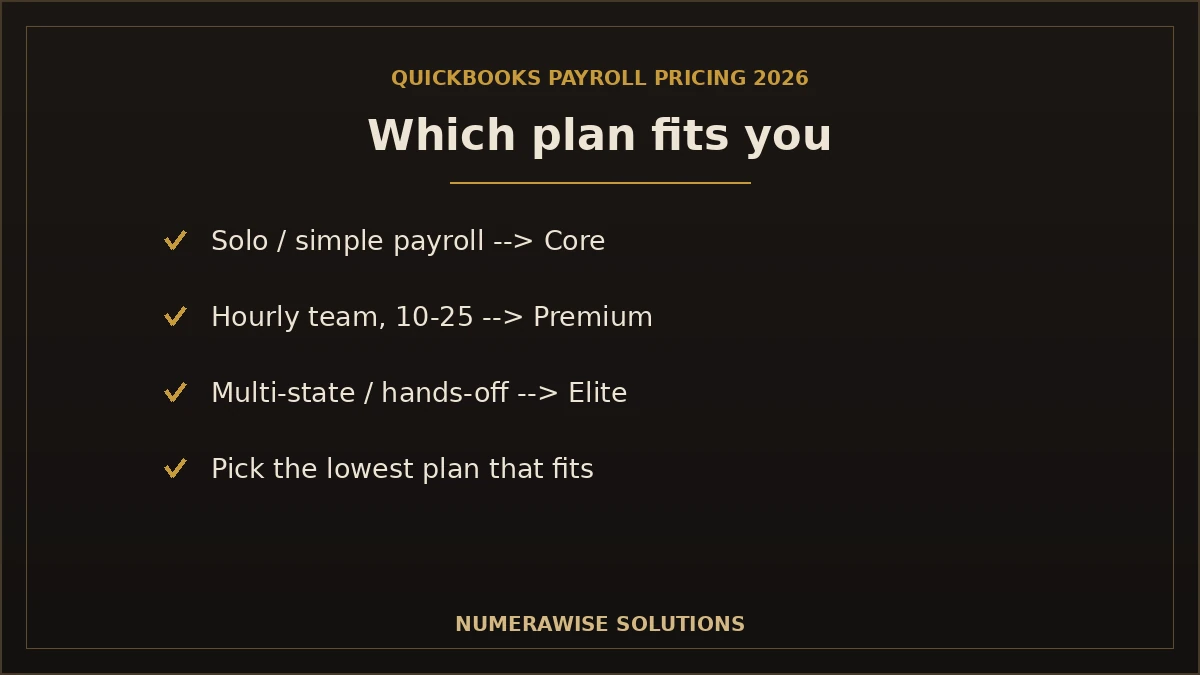
Match the plan to your team size and needs:
| Your business | Recommended plan | Why |
|---|---|---|
| Solo business / owner-only | Core | Simple payroll, lowest cost; upgrade when you hire |
| 1–10 employees | Core or Premium | Core if salaried and simple; Premium if you have hourly staff needing time tracking |
| 10–25 employees | Premium | Time tracking, same-day deposit, and HR support earn their keep at this size |
| 25–100 employees | Premium or Elite | Elite if you want penalty protection, an HR advisor, and hands-off management |
| CPA firms | Premium or Elite | Running client payroll benefits from faster deposits and stronger support |
| Bookkeepers | Core or Premium | Match the client; Premium if they need time tracking or HR help |
| Fast-growing companies | Premium, then Elite | Start on Premium and move to Elite as headcount and complexity rise |
A simple rule: choose the lowest plan that includes the one or two features you truly need. Most businesses do not need Elite; they need same-day deposit or time tracking, which Premium covers. If payroll taxes or multi-state complexity worry you, Elite’s penalty protection can be worth the premium.
Benefits of QuickBooks Payroll
- Automatic payroll tax calculation and filing
- Next-day and same-day direct deposit options
- Seamless integration with QuickBooks accounting
- Automatic payroll for salaried employees
- Pays both W-2 employees and 1099 contractors
- Built-in time tracking on higher plans
- Employee self-service portal for pay stubs and W-2s
- Year-end W-2 and 1099 preparation and filing
- Multi-state payroll support
- Mobile payroll from any device
- Detailed, integrated payroll reports
- HR support on Premium and Elite
- Tax penalty protection on Elite
- Workers’ compensation administration
- Health benefits options through partners
- Scales from one employee to a large team
- Easy accountant and bookkeeper access
- Automatic tax table and compliance updates
- Cloud access from anywhere
- Reduces manual errors that cause penalties
- Saves hours every pay run
- Trusted, widely used Intuit product
Limitations to weigh honestly
- Subscription cost. It is an ongoing monthly fee plus per-employee charges that grow with your team.
- Learning curve. Setup — taxes, states, deductions — takes care to get right.
- Advanced HR needs. Dedicated HR platforms go deeper than QuickBooks on HR.
- Feature availability by plan. Same-day deposit, time tracking, and penalty protection require higher tiers.
- Internet dependency. As a cloud product, it needs a reliable connection to run.
Expert insight
The biggest avoidable cost is not the subscription — it is a bad setup. Wrong tax settings or a misclassified worker can cost more in penalties than a year of the plan. Getting the initial configuration right is where a professional pays for itself.
QuickBooks Payroll vs. competitors
QuickBooks Payroll is strong, but it is not the only option. Here is an honest comparison with the major alternatives.
Comparing against ADP specifically? ADP vs QuickBooks Payroll explains how to line up a quote-only price against Intuit’s published plans.
| Software | Pricing model | Ease of use | Best for |
|---|---|---|---|
| QuickBooks Payroll | Base + per employee | Very easy with QuickBooks | QuickBooks users wanting payroll + books together |
| Gusto | Base + per employee | Very easy, modern | Small businesses wanting strong HR and UX |
| ADP | Custom quotes | Powerful, more complex | Larger, scaling companies |
| Paychex | Custom quotes | Full-service, rep-driven | Businesses wanting a dedicated specialist |
| Square Payroll | Low base + per employee | Simple | Square users and tip-heavy businesses |
| Rippling | Modular pricing | Feature-rich, steeper | Tech companies unifying HR, IT, payroll |
| Patriot Payroll | Low base + per employee | Simple, budget-friendly | Very small businesses watching cost |
| Software | Tax automation | HR tools | Integrations | Customer support |
|---|---|---|---|---|
| QuickBooks Payroll | Automatic | Moderate (higher plans) | Best with QuickBooks | Standard to premium by plan |
| Gusto | Automatic | Strong | Broad | Well regarded |
| ADP | Automatic | Extensive | Broad | Dedicated reps |
| Paychex | Automatic | Extensive | Broad | Dedicated reps |
| Square Payroll | Automatic | Basic | Best with Square | Adequate |
| Rippling | Automatic | Extensive | Very broad | Varies |
| Patriot Payroll | Automatic (full-service tier) | Basic | Limited | Praised for value |
The takeaways: QuickBooks Payroll wins on integration if your books are in QuickBooks. Gusto leads on HR and user experience for small businesses. ADP and Paychex suit larger or complex employers wanting a dedicated rep. Square fits retail and tip-based businesses on Square. Rippling appeals to tech firms unifying systems. Patriot is the budget pick for very small businesses. Price alone should not decide it — the cheapest tool that does not fit your workflow costs more in wasted time.
The honest take
If your accounting already lives in QuickBooks, QuickBooks Payroll is usually the most cost-effective choice once you factor in the time saved by not reconciling two systems. If HR depth or rock-bottom price is your priority, look hard at Gusto or Patriot respectively.
Hidden payroll costs to consider
The subscription is only part of your true payroll spend. Watch for these often-overlooked costs — with any provider, not just QuickBooks:
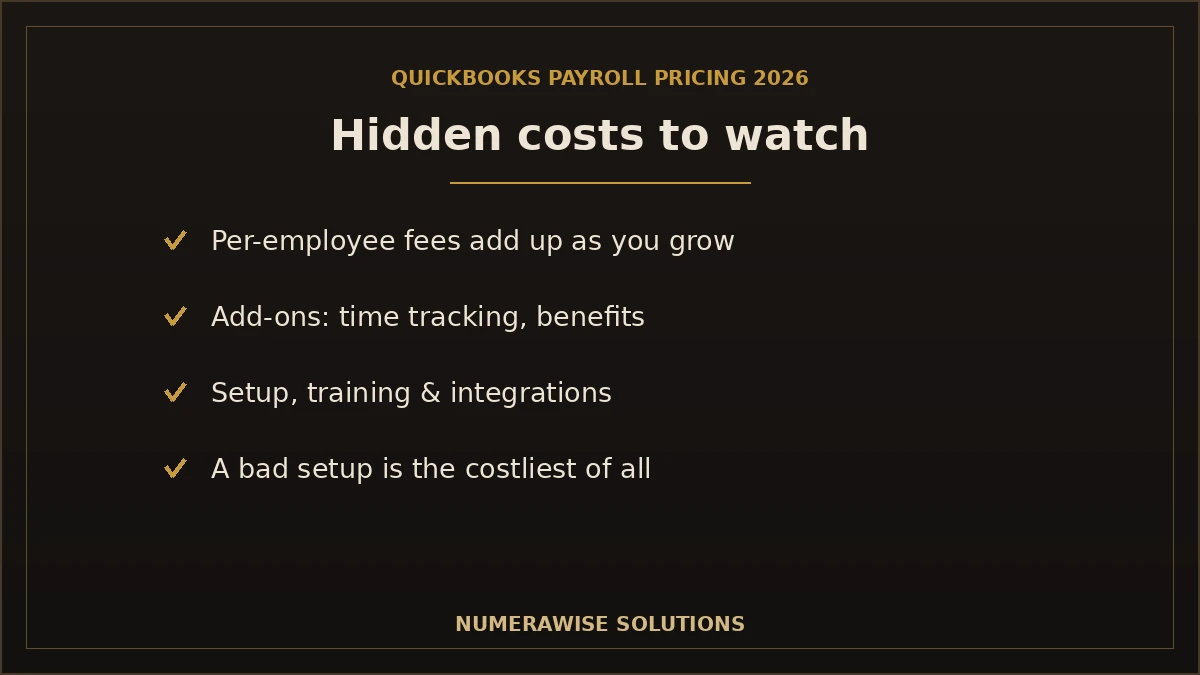
- Per-employee fees. These add up fast as you grow; a headcount jump changes your monthly bill.
- Add-ons. Time tracking on Core, health benefits, or workers’ comp may cost extra.
- Implementation. Getting set up correctly takes time — yours or a professional’s.
- Training. Bringing staff up to speed on the software has a cost, even if it is just hours.
- Time tracking. If it is not in your plan, adding it is a separate line item.
- Benefits administration. Offering benefits through the platform can carry fees.
- Compliance. Multi-state registrations and filings can add complexity and cost.
- Third-party integrations. Connected apps often have their own subscriptions.
The single most expensive hidden cost, though, is a mistake: a missed filing, a misclassified worker, or a wrong tax rate. That is why many businesses treat professional payroll services not as an added cost but as insurance against a much larger one.
How to subscribe to QuickBooks Payroll
Signing up is straightforward. Here is the process:
- Choose your plan. Decide between Core, Premium, and Elite based on the features you need.
- Go to Intuit’s official QuickBooks Payroll page and confirm current pricing and any active promotion.
- Sign up or add payroll to your existing QuickBooks Online account.
- Enter your business details — legal name, address, and federal and state tax IDs.
- Add your employees with pay rates, withholding, and direct deposit details.
- Enter year-to-date totals if you are switching mid-year, so taxes and W-2s stay accurate.
- Connect your bank account for direct deposit and tax payments.
- Run a test payroll and review it before your first live run.
Each step is a place errors can creep in — especially tax IDs, state registrations, and year-to-date figures. If you would rather not risk it, we handle the entire setup for you, correctly the first time.
A worked example: estimating your monthly cost
The pricing model is easiest to grasp with a simple example. Say you run a ten-person business and want Premium for its time tracking and same-day deposit. Your monthly cost would be the Premium base fee plus the per-employee fee times ten. If you later grow to twenty employees, only the per-employee portion changes — the base stays the same — so your bill rises predictably with headcount, not in surprising jumps. Now compare that to Core: a lower base fee but no built-in time tracking, so if you added time tracking separately, the gap narrows. This is why the right comparison is not base fee alone but the all-in monthly cost for the features you need. Run the numbers for your headcount at each tier before deciding — the “cheaper” plan is not always cheaper once you add what you need.
What about QuickBooks Desktop Payroll pricing?
If you still run QuickBooks Desktop, its payroll add-on is priced separately from QuickBooks Online Payroll — and it matters less every year, because Intuit is discontinuing Desktop. QuickBooks Desktop 2023 and its payroll services are being retired after May 31, 2026, which means Desktop Payroll is not a long-term home for your payroll. For most businesses, the practical move is to plan a transition to QuickBooks Online Payroll rather than renew a Desktop payroll subscription that is winding down; what moves from Desktop Payroll to Online Payroll, and when to time it, is covered separately. Our QuickBooks Desktop to QuickBooks Online migration makes that transition clean, carrying your payroll year-to-date figures across accurately so nothing is disrupted.
Is QuickBooks Payroll worth the price?
For a business that keeps its books in QuickBooks, the answer is usually yes. The subscription buys automatic tax filing, reliable direct deposit, and — the real differentiator — payroll that posts straight into your accounting with no double entry. Weigh the monthly cost against the alternatives: the hours you would spend running payroll by hand, the penalties a single tax mistake can trigger, and the cost of reconciling a separate payroll app against your books every month. Seen that way, the price is modest insurance for one of the riskiest parts of running a business. Where it is not worth it is if you need deep HR features a dedicated platform provides, or if your headcount is so small that a budget tool covers you. For everyone in between — the majority of QuickBooks users — it earns its price.
How Numerawise Solutions helps
Choosing a plan is the easy part; running payroll correctly is where businesses want help. Numerawise Solutions offers end-to-end payroll support built around QuickBooks:
- Payroll setup: we configure QuickBooks Payroll correctly — taxes, states, employees, deductions — so your first run is right.
- Payroll migration: moving from another provider or Desktop? We transfer your data and year-to-date figures cleanly.
- Historical payroll cleanup: we fix misconfigured payroll and correct prior-period errors.
- Payroll processing: we run payroll for you, on time, every cycle.
- Payroll tax assistance: we keep filings and deposits accurate and on schedule.
- Bookkeeping: our bookkeeping services keep payroll recorded and reconciled in your books.
- QuickBooks support: real specialists for account, setup, and software issues.
- Training: so your team can run payroll confidently.
- Monthly payroll management: a fully managed option where we own the whole process.
If your books or payroll are already tangled, our QuickBooks cleanup and payroll services straighten them out first — and if you are leaving Desktop, our QuickBooks Desktop to QuickBooks Online migration handles the move.
Get Professional Payroll Setup & Migration Assistance
From plan selection to setup, migration, and monthly runs, Numerawise Solutions handles payroll so you do not have to. Request a free consultation.
Get StartedWhy choose Numerawise Solutions
- QuickBooks specialists who handle payroll and accounting as one system.
- Affordable support with clear quotes and no surprises.
- Fast onboarding so payroll is running quickly and correctly.
- Secure handling of payroll data — encrypted access and careful treatment of sensitive information.
- Support for US businesses across states, with multi-state payroll handled.
- Dedicated payroll experts — a real person who knows your account.
Beyond payroll, we offer full outsourced accounting services, so one team can cover your entire back office.
The bottom line on QuickBooks Payroll pricing in 2026
Understanding QuickBooks Payroll pricing in 2026 comes down to three things: the plan you choose (Core, Premium, or Elite), your headcount (which drives the per-employee fees), and the add-ons or hidden costs you may not have budgeted for. The model is a monthly base fee plus a per-employee fee, rising as you unlock features like same-day deposit, time tracking, and tax penalty protection. Because Intuit changes prices and runs promotions, always verify current figures before you subscribe — and remember that the biggest cost is a bad setup, not the subscription. Choose the lowest plan that covers the features you truly need, get the setup right, and QuickBooks Payroll delivers strong value for any business that keeps its books in QuickBooks. And if you want it handled end to end, that is exactly what we are here for.
Key takeaways
- Pricing is base fee + per-employee fee, across Core, Premium, and Elite plans.
- Prices and promotions change — always verify current figures on Intuit’s official page.
- Choose the lowest plan that includes the one or two features you actually need.
- Watch hidden costs: per-employee fees, add-ons, implementation, and compliance.
- The costliest mistake is a bad setup — professional help prevents penalty-causing errors.
Quick answers.
How much does QuickBooks Payroll cost?
QuickBooks Payroll costs a monthly base fee plus a per-employee monthly fee, across three plans — Core, Premium, and Elite. The base fee rises with each tier as you unlock features like same-day direct deposit and time tracking. Exact prices change and Intuit runs promotions, so verify current figures on Intuit's official pricing page. Your total is roughly the base fee plus the per-employee fee times your headcount.
What are the QuickBooks Payroll plans in 2026?
QuickBooks Online Payroll offers three plans: Core, Premium, and Elite. Core is entry-level full-service payroll; Premium adds same-day direct deposit, time tracking, and HR support; Elite adds tax penalty protection, a personal HR advisor, and expert setup. Each builds on the one below, so you pick based on the features you need. Plan lineups can change over time, so confirm current details when subscribing.
Which QuickBooks Payroll plan is best?
It depends on your team. Core suits small businesses with simple, salaried payroll. Premium is the sweet spot for growing businesses with hourly staff who need time tracking and same-day deposit. Elite fits busy or multi-state employers who want tax penalty protection and hands-on support. A good rule: choose the lowest plan that includes the one or two features you genuinely need.
Does QuickBooks Payroll include tax filing?
Yes. All three QuickBooks Payroll plans automatically calculate, file, and pay your federal and state payroll taxes on schedule. The Elite plan adds tax penalty protection, where Intuit covers certain penalties up to a set amount if an error occurs. Automatic tax filing is one of the main reasons businesses choose QuickBooks Payroll — it removes the deadline risk that causes IRS penalties.
Can I switch QuickBooks Payroll plans?
Yes. You can upgrade or downgrade between Core, Premium, and Elite as your needs change — for example, moving from Core to Premium when you add hourly staff who need time tracking. Changes take effect on your billing cycle. Many businesses start on a lower plan and move up as they grow, which is a sensible way to avoid paying for features before you use them.
Can I cancel QuickBooks Payroll anytime?
QuickBooks Payroll is a month-to-month subscription with no long-term contract, so you can cancel when you need to. Before canceling, make sure your final payroll and any outstanding tax filings are handled, and export your payroll records. If you are switching providers mid-year, plan the move around a quarter so year-to-date totals transfer cleanly and no filings are disrupted.
Does QuickBooks Payroll support contractors?
Yes. QuickBooks Payroll pays 1099 contractors alongside W-2 employees, tracks their payments, and prepares and files year-end 1099 forms. This makes it a good fit for businesses with a mix of staff and freelancers, since you manage everyone in one place and stay compliant with contractor reporting without a separate tool or extra service.
Can accountants access QuickBooks Payroll?
Yes. QuickBooks is built for accountant collaboration, so your CPA or bookkeeper can access payroll and your books in the same file. This lets a professional run payroll, review it, or fix issues without emailing files back and forth. It is one reason CPA firms and bookkeepers favor QuickBooks Payroll for client work, and it makes outsourcing payroll simple.
Can QuickBooks Payroll handle multiple states?
Yes. QuickBooks Payroll supports multi-state payroll, calculating the correct taxes for employees who live or work in different states. You will need the right state tax registrations in place, but once configured, it handles the differing withholding and unemployment rules automatically. This matters for remote teams and businesses operating across state lines, where getting state taxes wrong is a common and costly error.
Is QuickBooks Payroll worth it?
For businesses that keep their books in QuickBooks, usually yes. The subscription buys automatic tax filing, reliable direct deposit, and payroll that posts straight into your accounting with no double entry. Weighed against the hours of manual payroll and the penalties a single mistake can cause, the price is modest insurance. If you need deep HR features or have a very small team, a dedicated HR platform or budget tool may fit better.
What is the difference between QuickBooks Payroll Core, Premium, and Elite?
Core is full-service payroll with automatic tax filing and next-day direct deposit. Premium adds same-day direct deposit, built-in time tracking, workers' comp administration, and an HR support center. Elite adds tax penalty protection, a personal HR advisor, and expert setup done for you. Each tier costs more but removes more work — you choose based on the features and support level your business needs.
Are there hidden costs with QuickBooks Payroll?
The main costs are the base fee and per-employee fee, but watch for add-ons: standalone time tracking on Core, health benefits administration, workers' comp, and third-party integrations that carry their own fees. Implementation and training also take time. The costliest hidden expense, though, is a setup mistake — a wrong tax setting or misclassified worker can trigger penalties far larger than any subscription. For S-corp owners specifically, see how to record officer compensation correctly.
Does QuickBooks Payroll offer same-day direct deposit?
Yes, on the Premium and Elite plans. The entry-level Core plan includes next-day direct deposit instead. Same-day deposit gives you more flexibility with cash flow and payroll timing, since you can run payroll later and still pay employees on payday. If fast deposit timing matters to your business, that alone can justify choosing Premium over Core.
Can QuickBooks Payroll integrate with bookkeeping?
Integration with bookkeeping is its biggest strength. Because QuickBooks Payroll is built by Intuit, every payroll run posts wages, taxes, and liabilities into your QuickBooks accounting automatically — no double entry, no reconciling two systems. Your labor cost stays accurate in your financial statements, and tax season is smoother because payroll is already in your books.
How does QuickBooks Payroll pricing compare to Gusto?
Both use a base fee plus per-employee model at similar price points, so the decision usually comes down to fit rather than cost. QuickBooks Payroll wins on integration if your books are in QuickBooks; Gusto is often preferred for its HR features and user experience. Compare the all-in cost for your headcount and the features you need, not just the base fee, and verify current pricing for both.
Do I need QuickBooks Online to use QuickBooks Payroll?
QuickBooks Online Payroll is designed to work within QuickBooks Online, and that is where new subscribers land. There is also a Desktop payroll add-on, but Intuit is discontinuing Desktop, so Online is the practical path forward. You can run QuickBooks Online Payroll and gain the full benefit of payroll posting directly into your QuickBooks Online books automatically.
What happens to QuickBooks Desktop Payroll?
QuickBooks Desktop, including its payroll services, is being discontinued — Desktop 2023 and its payroll are retired after May 31, 2026. Desktop Payroll is not a long-term option, so most businesses should plan a transition to QuickBooks Online Payroll rather than renew a winding-down Desktop subscription. A specialist can move your payroll and year-to-date figures over cleanly so nothing is disrupted.
How do I set up QuickBooks Payroll correctly?
Register for federal and state payroll tax accounts first, then enter accurate employee details, set the right pay schedule, configure deductions and benefits, and enter year-to-date totals if switching mid-year. Run a test payroll and reconcile before going live. Setup is where most costly errors happen, so many businesses have a professional configure it once to avoid the wrong settings that cause penalties.
Can I try QuickBooks Payroll before paying?
Intuit often offers free trials or discounted introductory periods for QuickBooks Payroll, though the exact offer changes over time. Check Intuit's official page for the current trial or promotion terms, and note when any discounted rate ends so you can budget for the standard price. A trial is a good way to test the workflow before committing.
Is QuickBooks Payroll good for small businesses?
Yes. QuickBooks Payroll is one of the most popular payroll options for small businesses because it automates taxes, runs direct deposit, and integrates with QuickBooks accounting. The Core and Premium plans cover most small-business needs at a predictable monthly cost. For very small or budget-focused teams, a lower-cost tool may suffice, but for QuickBooks users, it is hard to beat on convenience.
Can Numerawise Solutions help with QuickBooks Payroll setup?
Yes. Numerawise Solutions handles QuickBooks Payroll end to end — plan selection, correct setup, migration from another provider or Desktop, historical cleanup, monthly processing, and tax filing — inside your own QuickBooks account. We keep payroll integrated with your books and compliant across states. If you would rather not manage payroll yourself, we run the whole process for you, accurately and on time.
Get a free scoping call.
Tell us what you’re working on. We respond same business day.

Ram · Founder & Principal
Founder of Numerawise Solutions, based in Atlanta. Intuit ProAdvisor Gold tier. Former Intuit Technical Support engineer. Has personally led two hundred accounting software conversions for US small businesses since founding the practice. Reachable directly at [email protected].
Free: The Clean-Cutover Checklist
The step-by-step checklist we use to migrate businesses to QuickBooks without losing data — bank rec, opening balances, payroll YTD, and the validation tie-out. Get it in your inbox.
No spam — just the checklist and the occasional QuickBooks tip.