Sage 200 On-Premise Implementation Services
Deploying Sage 200 on your own infrastructure? Our consultants deliver Sage 200 On-Premise implementation end to end — planning, configuration, data migration, testing, and training — for an ERP that fits how you work.
Implementing an ERP is one of the most demanding projects a growing business undertakes, and Sage 200 On-Premise implementation is no exception. Sage 200 is a powerful mid-market ERP, but its value depends entirely on how well it is deployed. A rushed or unplanned implementation leads to poor adoption, broken reporting, and a system that fights the business instead of serving it. A well-run implementation does the opposite: it fits Sage 200 to how you actually work.
That is where an experienced implementation partner matters. The difference between a Sage 200 deployment that transforms operations and one that stalls is rarely the software — it is the planning, configuration, data migration, and change management around it. Numerawise Solutions brings a structured, consultative approach to Sage 200 On-Premise implementation, so your business gets the full return on its ERP investment. This page explains what the project involves, how we run it, and why the right partner is the key to success.
Ready to Implement Sage 200 On-Premise?
Numerawise Solutions provides professional Sage 200 implementation, configuration, migration, training, and support. Request a free consultation today.
Request a Free ConsultationWhat is Sage 200 On-Premise?
Sage 200 is a mid-market enterprise resource planning (ERP) solution designed for growing businesses that have outgrown entry-level accounting software. It brings finance and operations together in one system, giving you a single, connected view of the business. The On-Premise deployment means the software runs on servers your business controls, rather than in a vendor-hosted cloud.
At its core, Sage 200 provides a full set of ERP capabilities:
- Accounting. Complete financial management — general ledger, receivables, payables, and reporting.
- Inventory. Stock control across locations, with valuation and reordering.
- Purchasing. Purchase orders tied directly to stock and finance.
- Sales. Order processing from quote to invoice, connected to inventory.
- Reporting. Business intelligence and financial reporting across the whole system.
- Manufacturing. Where applicable, bills of materials and production management through add-on modules.
- Scalability. Room to add users, modules, and locations as the business grows.
Because these modules share one database, information entered once flows through the whole system — a sales order updates stock and finance automatically. That integration is the reason businesses move to Sage 200, and it is also why implementation has to be done carefully: everything connects, so the setup must be right across the board.
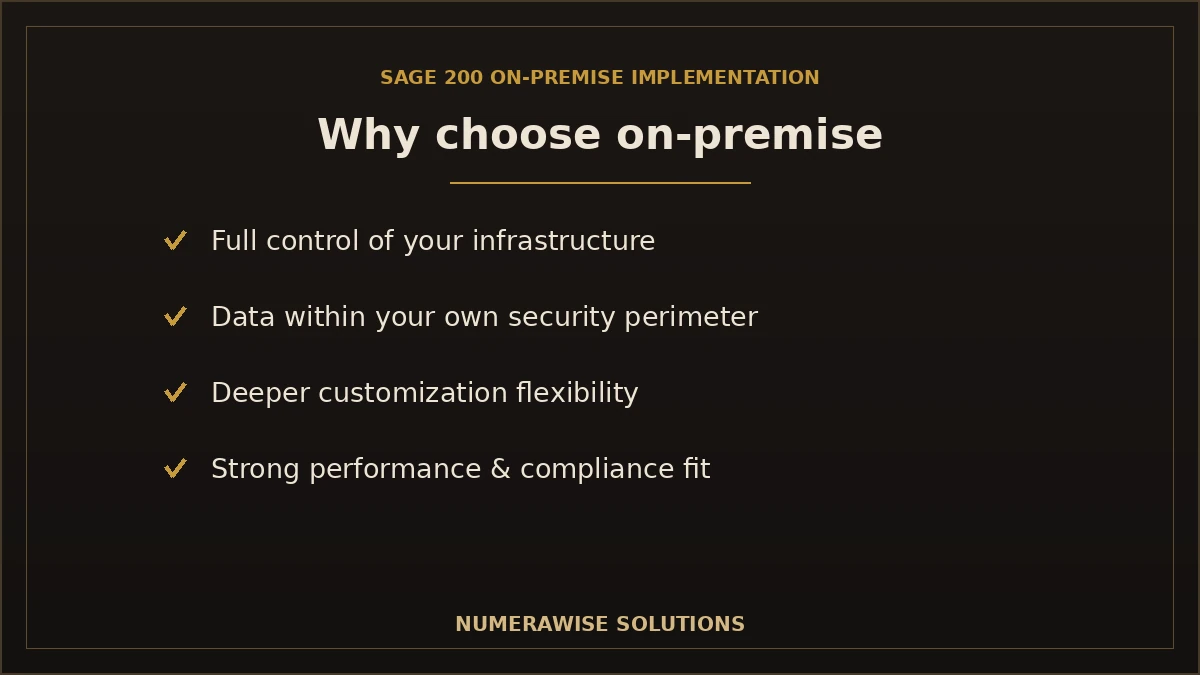
Why choose Sage 200 On-Premise?
On-premise deployment is a deliberate choice, and for many businesses it is the right one. The main reasons companies choose it:
- Greater infrastructure control. Your IT team owns the servers, environment, and update schedule.
- Data security. Your financial data stays within your own infrastructure and security perimeter.
- Customization flexibility. On-premise deployments allow deeper configuration and customization to fit unique processes.
- Performance. Running on your own hardware can deliver strong, predictable performance for large data volumes.
- Compliance requirements. Some industries and contracts require data to be held on infrastructure you control.
- Integration possibilities. Direct access to the environment makes certain integrations with other on-premise systems easier.
- Long-term scalability. You can scale infrastructure on your own terms as the business grows.
On-premise is not automatically better than cloud — it is a fit decision based on your control, security, and compliance needs. If you are weighing the options, our team gives you a straight assessment, and if a cloud or hybrid path suits you better, our cloud migration services cover that too.
Our Sage 200 implementation services
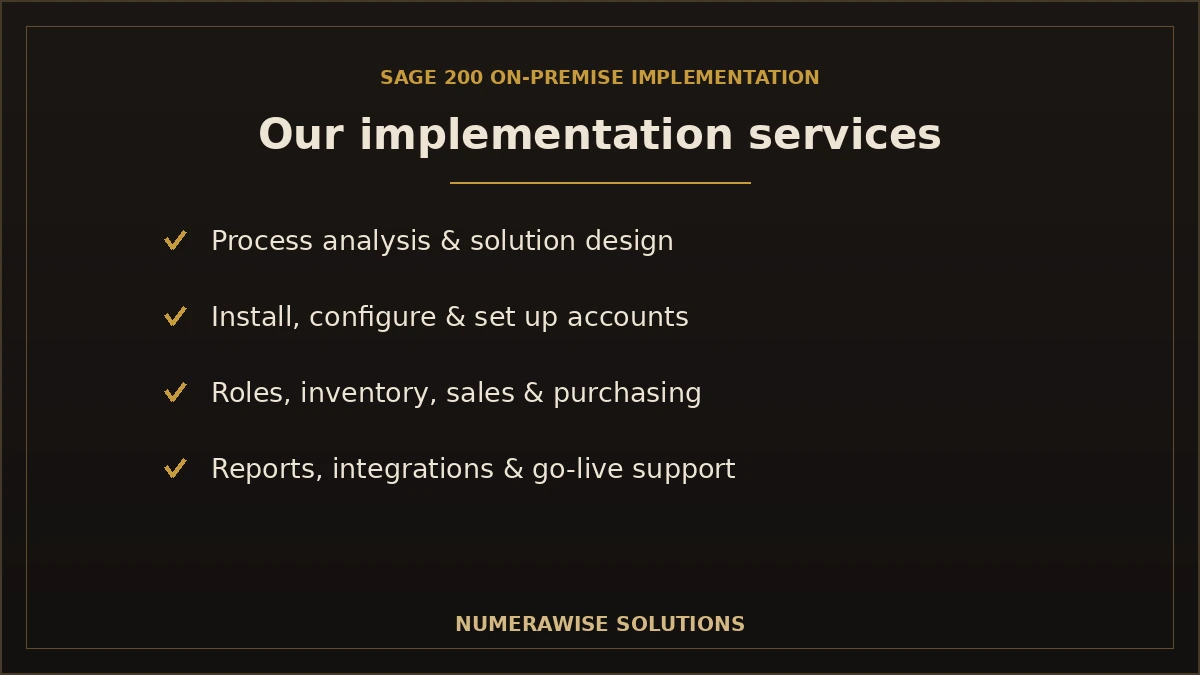
We deliver a complete, end-to-end Sage 200 implementation, so one partner handles every part of the project. Our services include:
Business process analysis
We map how your business actually works today — finance, sales, purchasing, stock — so Sage 200 is configured to fit, not force change.
Solution design
We design the Sage 200 solution: modules, structure, and workflows tailored to your requirements and industry.
System installation
We install Sage 200 on your infrastructure, configured for performance, security, and reliability.
Configuration
We configure the system to your processes — settings, defaults, and rules that match how your team works.
Chart of accounts setup
We build a clean, well-structured chart of accounts that supports accurate reporting from day one.
User roles & permissions
We set up user roles and permissions so people access exactly what they need — a key control and security measure.
Inventory setup
We configure stock items, locations, valuation methods, and reorder rules for accurate inventory management.
Supplier & customer setup
We load and structure your supplier and customer records with correct terms, balances, and details.
Financial module configuration
We configure the financial modules — ledgers, tax, and controls — so your accounting is accurate and compliant.
Sales & purchasing setup
We set up order processing so sales and purchasing flow smoothly into inventory and finance.
Custom reports
We build the reports your team relies on, so you get the information you need in the format you want.
Dashboard configuration
We configure dashboards that give managers a real-time view of the metrics that matter.
Third-party integrations
We connect Sage 200 to the other systems you use — ecommerce, CRM, payments — so data flows without manual re-entry.
Testing
We test the configured system thoroughly, including user acceptance testing, before it goes anywhere near live use.
Go-live support
We support your team through go-live and the critical first weeks, so the transition is smooth.
Talk to a Sage 200 Consultant
From process analysis to go-live, we manage the whole implementation. Schedule your free consultation today.
Request a Free ConsultationOur Sage 200 implementation process
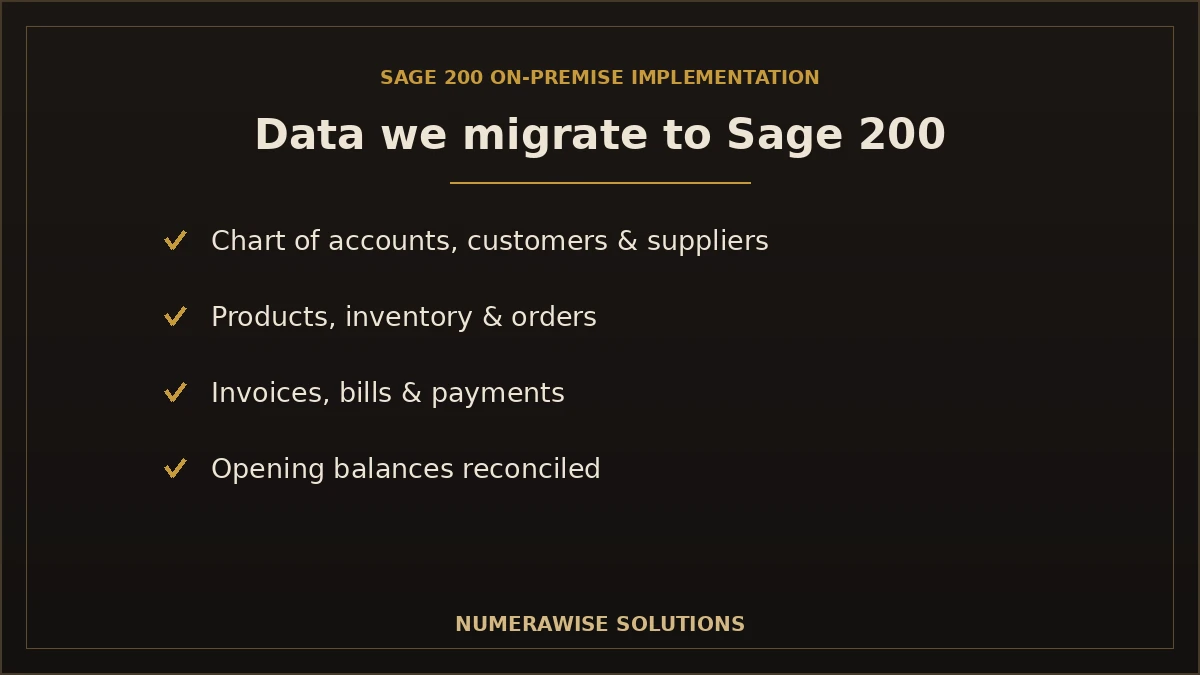
We run every implementation as a structured, eight-step framework. Each stage has clear deliverables, and nothing moves forward until the previous stage is signed off — the discipline that keeps ERP projects on track.
Step 1: Discovery workshop
We meet your team, learn your operations and goals, and establish the scope of the project.
Step 2: Requirements analysis
We document detailed requirements across finance, sales, purchasing, and inventory, so nothing is missed.
Step 3: Implementation planning
We build a project plan: timeline, milestones, responsibilities, and resources you can schedule around.
Step 4: Infrastructure preparation
We confirm and prepare your servers and environment so Sage 200 is installed on a solid foundation.
Step 5: System configuration
We install and configure Sage 200 to your design — modules, chart of accounts, roles, and workflows.
Step 6: Data migration
We migrate your data from the current system, mapped and reconciled so your opening balances tie out.
Step 7: User acceptance testing
Your team tests the system against real scenarios, and we resolve issues before go-live.
Step 8: Go-live & ongoing support
We launch the system, support the first weeks intensively, and provide ongoing help as you settle in.
Project planning tip
The most successful ERP implementations spend more time on discovery and requirements than teams expect. Getting the requirements right up front prevents the expensive rework that derails projects later. We never rush the front end — it is where the project is won or lost.
Data migration to Sage 200
Moving your data into Sage 200 accurately is one of the most critical parts of the project. We migrate from a wide range of source systems:
- QuickBooks — Online and Desktop
- Sage 50 and Sage 100
- Xero
- NetSuite
- Microsoft Dynamics
- Legacy ERP systems
- Excel and CSV data files
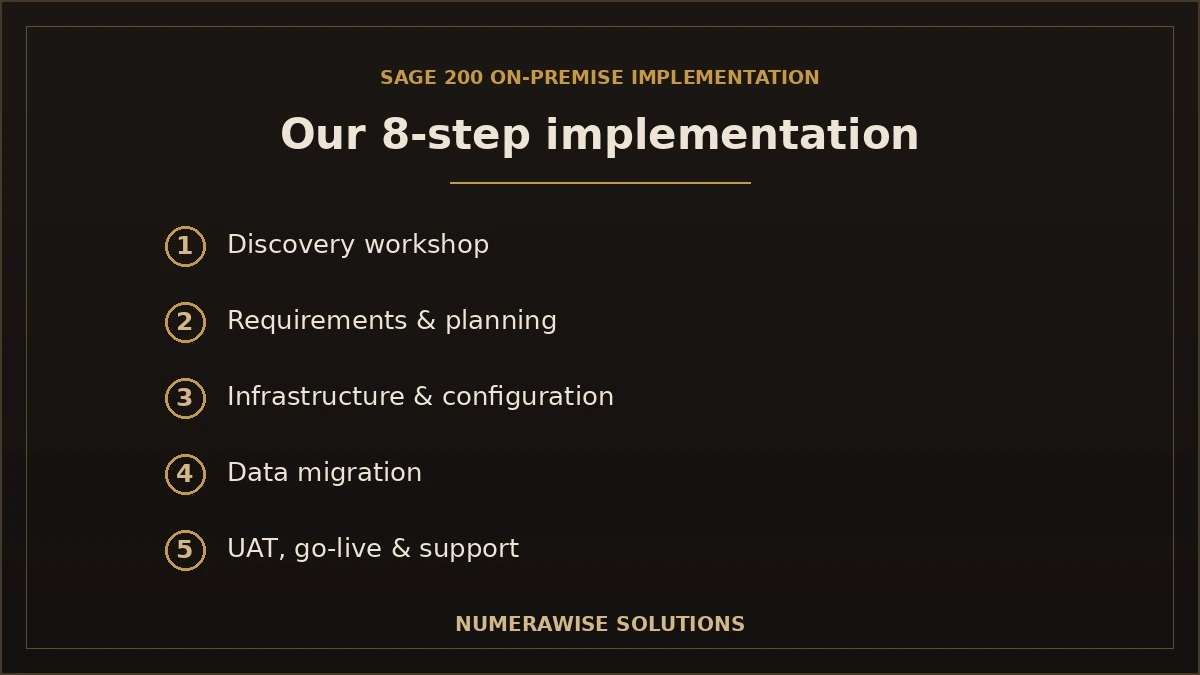
What we migrate, and how it maps into Sage 200:
| Data | Migrates to Sage 200? | Notes |
|---|---|---|
| Chart of accounts | Yes | Mapped to a clean Sage 200 structure |
| Customers | Yes | With terms and balances |
| Suppliers | Yes | With terms and balances |
| Products | Yes | Catalog and stock items |
| Inventory | Yes | Quantities and valuations, reconciled |
| Invoices | Yes | Open and historical as needed |
| Bills | Yes | Open and historical as needed |
| Payments | Yes | Applied to the correct documents |
| Opening balances | Yes | Reconciled to your source system |
| Historical transactions | Yes | Depth chosen to fit your needs |
Migration methods vary with the complexity of your source system, which is why every project includes a proper assessment. Our specialists handle the full range — from a straightforward Sage 50 to Sage 200 migration to a complex QuickBooks to Sage migration — and reconcile every balance so your Sage 200 books tie out from day one. For the broader picture, see our Sage 200 migration services.
Common implementation challenges — and how we mitigate them
ERP implementations fail for predictable reasons. Knowing them is half the battle, and mitigating them is what an experienced partner does:
| Challenge | Our mitigation |
|---|---|
| Poor planning | A structured framework with clear stages and sign-offs |
| Incomplete requirements | Thorough discovery and documented requirements before configuration |
| Dirty data | Data cleansing before migration, so errors are not carried over |
| Integration issues | Integrations scoped, tested, and validated before go-live |
| User resistance | Early involvement, training, and clear communication to drive adoption |
| Customizations | Careful design so customizations solve real needs without adding fragility |
| Security configuration | Roles and permissions set up correctly from the start |
| Performance tuning | Infrastructure prepared and the system tuned for your data volume |
| Reporting issues | Reports and dashboards built and validated during the project, not after |
The common thread is that these problems are far cheaper to prevent than to fix after go-live. Our process is designed to surface and address each one before it can derail the project — which is exactly what risk mitigation in an ERP implementation looks like.
Industries we serve
Sage 200 fits a wide range of mid-market businesses, and we implement it across many industries:
- Manufacturing — production, bills of materials, and stock.
- Wholesale — pricing, purchasing, and high-volume order processing.
- Distribution — multi-location inventory and logistics.
- Construction — project costing and job tracking.
- Retail — inventory and multi-channel sales.
- Healthcare — accurate, controlled financial operations.
- Professional services — project accounting and billing.
- Nonprofits — fund and grant management.
- Engineering — project and resource management.
- Automotive — parts inventory, sales, and service.
Sage 200 On-Premise vs. cloud deployment
Sage 200 can be deployed on-premise or in the cloud, and the right choice depends on your priorities. On-premise gives you direct control over infrastructure, keeps data within your own security perimeter, and allows deeper customization — which suits businesses with strict compliance needs, existing IT capability, or complex requirements. Cloud deployment reduces the infrastructure you manage and can lower upfront hardware costs, which appeals to teams that want less IT overhead. Neither is universally better. We assess your control, security, compliance, and budget priorities and recommend the deployment that genuinely fits — and we implement whichever path you choose. If you are leaning toward the cloud, our cloud migration services cover that route.
Integrating Sage 200 with your other systems
Few businesses run on a single system, so integration is often central to a successful implementation. Sage 200 can connect to the tools you already rely on — ecommerce platforms, CRM, payment processors, warehouse and shipping systems, and reporting tools — so data flows automatically instead of being re-keyed. Poorly planned integrations are a common source of go-live problems, which is why we scope every connection during requirements, build and test it as part of the project, and validate that data moves correctly before you go live. Done right, integration is what turns Sage 200 from an accounting system into the operational hub of your business.
Data security during your Sage 200 implementation
Your financial and operational data is sensitive, and an implementation is exactly when to handle it carefully. We take full backups of your source data before migration, use secure and encrypted transfer, and restrict access to the specialists on your project. Your original systems stay intact as a fallback until Sage 200 is verified and complete. Within Sage 200 itself, we configure user roles and permissions so people can access only what their job requires — a foundational security control that also supports compliance. Security is built into every stage of our process, from data migration to the permissions your team lives with every day.
DIY vs. professional Sage 200 implementation
Some businesses consider handling a Sage 200 implementation with in-house IT and finance staff. For an ERP that runs your entire operation, that is a significant risk. The honest comparison:
| Factor | DIY implementation | Numerawise Solutions |
|---|---|---|
| Planning | Ad hoc, often incomplete | Structured framework with sign-offs |
| Configuration | Trial and error | Designed to your processes |
| Customization | Hard to get right | Scoped and built to fit |
| Data migration | Error-prone, unreconciled | Mapped and reconciled to the source |
| Testing | Limited | Full user acceptance testing |
| Training | Minimal | Structured training & documentation |
| Support | In-house only | Dedicated project manager & post-go-live support |
| Risk | High | Managed and mitigated |
| Timeline | Often overruns | Planned and tracked |
| Cost | Hidden costs & rework | Clear, assessment-based |
The real risk of DIY is not that the software will not install — it is a deployment that appears to work while the configuration, data, or reporting is subtly wrong, surfacing as problems weeks after go-live. Professional implementation removes that risk, and for a system this central to the business, that certainty is worth far more than the cost.
How long does a Sage 200 implementation take?
Timelines depend on scope — the modules involved, data complexity, customizations, and integrations. A rough guide:
| Project | Typical timeline | What drives it |
|---|---|---|
| Core finance, straightforward | Six to ten weeks | Fewer modules, clean data |
| Multi-module (finance + operations) | Three to five months | Inventory, sales, purchasing, integrations |
| Complex / multi-location | Five months or more | Manufacturing, customizations, multiple sites |
Most of the timeline goes to discovery, configuration, data migration, and testing — the work that makes go-live safe. We build a realistic timeline in the planning stage so you can schedule the project around your business calendar, including quieter periods for go-live.
How much does a Sage 200 implementation cost?
There is no flat rate for ERP implementation, because scope varies widely. Cost tracks the number of modules, users, and locations; the complexity of your data and required customizations; the integrations involved; and how much historical data you migrate. A core finance deployment is a defined project; a multi-module, multi-location implementation with custom integrations is a larger one. We assess your requirements first and quote based on what the project actually needs — never a guess. Weighed against the cost of a failed or stalled implementation, professional delivery is the lower-risk and often lower-total-cost path.
Sage 200 implementation checklist
A successful implementation follows a clear checklist. Here is the shortlist we work through on every project:
- ☐ Document current processes across finance and operations
- ☐ Define detailed requirements and success criteria
- ☐ Confirm infrastructure meets Sage 200 requirements
- ☐ Design the chart of accounts and system structure
- ☐ Cleanse source data before migration
- ☐ Configure modules, roles, and workflows
- ☐ Migrate and reconcile data to the source
- ☐ Run user acceptance testing against real scenarios
- ☐ Train users and provide documentation
- ☐ Plan go-live and post-go-live support
Change management and user adoption
The best-configured ERP fails if people do not use it, so change management is a core part of our implementations, not an afterthought. We involve your team early, so the system reflects how they work and they feel ownership of it. We provide structured training tailored to each role, plus documentation your staff can refer to after go-live. And we communicate clearly throughout the project, so the transition is understood rather than sprung on people. User resistance is one of the top reasons ERP projects underdeliver — addressing it deliberately is what turns a technically successful deployment into one the business actually adopts and benefits from.
Post-go-live best practices
Go-live is a milestone, not the finish line. The weeks after launch determine whether the implementation truly succeeds. Our recommended best practices: keep intensive support available for the first critical weeks, so issues are resolved fast; monitor the system and reporting closely to catch anything that needs tuning; hold a short review to confirm the business is getting the expected value; keep training available as users encounter new scenarios; and establish a clear channel for ongoing support and enhancements. We stay engaged through this period and beyond, so your team is never left to figure out a live ERP alone — and Sage 200 delivers on its promise from the start.
Why choose Numerawise Solutions
- A proven implementation methodology — a structured, repeatable framework, not an ad hoc approach.
- Experienced ERP consultants who understand both the software and the business behind it.
- Structured project management with clear milestones and accountability.
- Secure data migration with backups, encrypted transfer, and full reconciliation.
- Minimal business disruption through careful planning and phased go-live.
- Training & documentation so your team is confident and self-sufficient.
- Post-implementation support through go-live and beyond.
- A dedicated project manager who owns your implementation end to end.
Beyond the implementation, our bookkeeping services and ERP and accounting software migration can keep your finance operation running smoothly once Sage 200 is live — so one team supports your whole back office.
Implement Sage 200 with a partner you can trust
A Sage 200 ERP is a significant investment, and the return on it depends almost entirely on the quality of the implementation. Deploy it well — with thorough planning, careful configuration, clean data migration, real testing, and proper training — and Sage 200 becomes the connected system that runs your finances and operations from a single source of truth. Deploy it poorly, and it becomes an expensive source of frustration. That is why choosing an experienced Sage 200 On-Premise implementation partner is the most important decision in the project. Numerawise Solutions brings a structured, consultative approach, from discovery workshop to go-live support, so your business gets the full value of its ERP investment — on time, on budget, and built to fit how you actually work.
Ready to Implement Sage 200 On-Premise?
Get professional implementation, configuration, migration, training, and ongoing support from an experienced partner. Request your free Sage 200 consultation today.
Request a Free ConsultationKey takeaways
- Sage 200 On-Premise implementation deploys the ERP on your own servers, with planning, configuration, migration, testing, and training.
- On-premise offers control, security, and customization; it is a fit decision, not automatically better than cloud.
- Our eight-step framework runs discovery through go-live with clear stages and sign-offs.
- Data migration and requirements are where implementations succeed or fail — we get them right up front.
- The right partner is the biggest factor in a successful, on-time deployment.
Quick answers.
What is Sage 200 On-Premise?
Sage 200 On-Premise is the deployment of Sage 200 ERP on servers your business controls, rather than in a vendor-hosted cloud. Sage 200 is a mid-market ERP that brings finance, inventory, purchasing, sales, and reporting into one connected system. The on-premise model gives you direct control over infrastructure, data security within your own perimeter, and deeper customization flexibility.
How long does a Sage 200 implementation take?
It depends on scope. A straightforward core-finance deployment typically takes six to ten weeks; a multi-module implementation covering finance and operations takes three to five months; and complex or multi-location projects can take five months or more. Most of the timeline goes to discovery, configuration, data migration, and testing. We build a realistic timeline during planning so you can schedule around your business calendar.
How much does Sage 200 implementation cost?
There is no flat rate, because scope varies widely. Cost depends on the number of modules, users, and locations, the complexity of your data and customizations, the integrations involved, and how much history you migrate. We assess your requirements first and quote based on what the project actually needs, never a guess. Against the cost of a failed or stalled implementation, professional delivery is the lower-risk path.
Can you migrate from QuickBooks to Sage 200?
Yes. QuickBooks, both Online and Desktop, is a common source we migrate to Sage 200. We move your chart of accounts, customers, suppliers, transactions, and balances into Sage 200, map them to a clean structure, and reconcile opening balances to QuickBooks so your new books tie out. As specialists in both systems, we handle QuickBooks-to-Sage migrations as part of the implementation.
Can historical data be migrated to Sage 200?
Yes. We migrate historical transactions along with your master data and balances, to the depth you need for reporting, tax, and audit. That said, you rarely need everything — we help you decide how much history to bring rather than importing years of clutter. Whatever depth you choose, we reconcile the data to your source system so it is accurate in Sage 200.
Do you provide user training for Sage 200?
Yes. Training and documentation are core parts of our implementations. We provide structured training tailored to each user role, plus documentation your team can refer to after go-live. Change management and user adoption are among the biggest factors in ERP success, so we involve your team early and make sure they are confident and self-sufficient on the new system.
Can Sage 200 integrate with third-party software?
Yes. Sage 200 can connect to ecommerce platforms, CRM, payment processors, warehouse and shipping systems, and reporting tools, so data flows automatically instead of being re-keyed. We scope every integration during requirements, build and test it as part of the project, and validate that data moves correctly before go-live. Poorly planned integrations are a common source of problems, so we handle them deliberately.
What industries benefit from Sage 200?
Sage 200 suits mid-market businesses across many industries — manufacturing, wholesale, distribution, construction, retail, healthcare, professional services, nonprofits, engineering, and automotive. It fits businesses that have outgrown entry-level accounting software and need finance and operations connected in one system. We tailor the implementation to each industry's specific processes and reporting needs.
Do you provide post-go-live support?
Yes. Go-live is a milestone, not the finish line. We keep intensive support available for the first critical weeks, monitor the system and reporting, keep training available as users hit new scenarios, and provide an ongoing channel for support and enhancements. We stay engaged after launch so your team is never left to run a live ERP alone.
Why choose Sage 200 On-Premise over cloud?
On-premise gives you direct control over infrastructure, keeps data within your own security perimeter, allows deeper customization, and can deliver strong performance for large data volumes — which suits businesses with strict compliance needs or existing IT capability. Cloud reduces the infrastructure you manage. Neither is universally better; it is a fit decision based on your control, security, compliance, and budget priorities, and we help you choose.
What is included in a Sage 200 implementation?
A complete implementation covers business process analysis, solution design, system installation, configuration, chart of accounts setup, user roles and permissions, inventory and supplier/customer setup, financial and sales/purchasing configuration, custom reports and dashboards, third-party integrations, testing, data migration, training, and go-live support. We deliver it end to end so one partner handles every part of the project.
How do you make sure the implementation succeeds?
We run a structured, eight-step framework with clear stages and sign-offs: discovery, requirements, planning, infrastructure preparation, configuration, data migration, user acceptance testing, and go-live with ongoing support. We invest heavily in discovery and requirements up front, cleanse data before migration, test thoroughly, and manage change and adoption. This discipline is what keeps ERP projects on time and prevents the rework that derails them.
Can you migrate from Sage 50 to Sage 200?
Yes. Sage 50 to Sage 200 is a natural upgrade path for growing businesses, and we handle it as part of implementation. We migrate your accounts, contacts, transactions, and balances into Sage 200's more capable structure, reconcile opening balances to Sage 50, and configure the additional modules Sage 200 offers. The result is a smooth move up to a full ERP without losing your history.
What are the biggest risks in a Sage 200 implementation?
The most common risks are poor planning, incomplete requirements, dirty data, integration issues, and user resistance. Each is preventable with the right approach: a structured framework, thorough discovery, data cleansing before migration, scoped and tested integrations, and deliberate change management. We design our process specifically to surface and mitigate these risks before they can derail the project.
Do you handle the data migration as part of implementation?
Yes. Data migration is a built-in stage of our implementation process, not a separate add-on. We extract your data from the source system, cleanse it, map it to Sage 200's structure, migrate it, and reconcile every balance to the source so your opening figures tie out. Clean, reconciled data migration is one of the most critical factors in a successful go-live.
Can Sage 200 handle multiple locations or companies?
Yes. Sage 200 supports multi-location operations and, depending on your setup, multiple companies, with consolidated reporting. Multi-location and multi-company deployments need careful planning so inventory, finance, and reporting work correctly across sites, which our discovery and design stages address. We configure the structure to match how your business is organized.
What infrastructure do I need for Sage 200 On-Premise?
On-premise Sage 200 runs on servers your business controls, so you need infrastructure that meets Sage 200's system requirements for the database, application, and users. During the infrastructure preparation stage, we confirm your environment is ready and properly configured before installation. If your current setup needs adjustment, we identify that early so it is not a surprise at go-live.
Will implementation disrupt my business operations?
We plan to minimize disruption. Through careful scheduling, thorough testing before go-live, and a planned or phased launch, your business keeps operating throughout the project. We often schedule go-live for a quieter period and provide intensive support in the first weeks. The goal is a smooth transition to Sage 200 rather than a disruptive shutdown of your operations.
Do you provide a dedicated project manager?
Yes. Every Sage 200 implementation is led by a dedicated project manager who owns the project end to end — coordinating stages, managing the timeline, and serving as your single point of contact. Structured project management with clear milestones and accountability is one of the biggest factors in keeping an ERP implementation on track, so it is central to how we work.
Can Numerawise Solutions help after the implementation?
Yes. Beyond go-live, we provide ongoing support and can help with enhancements as your use of Sage 200 grows. Our bookkeeping and accounting services can also keep your finance operation running smoothly once the system is live, so one team supports your whole back office. The implementation is the start of a long-term relationship, not a one-off project.
Get a free scoping call.
Tell us what you’re working on. We respond same business day.

Ram · Founder & Principal
Founder of Numerawise Solutions, based in Atlanta. Intuit ProAdvisor Gold tier. Former Intuit Technical Support engineer. Has personally led two hundred accounting software conversions for US small businesses since founding the practice. Reachable directly at [email protected].
Free: The Clean-Cutover Checklist
The step-by-step checklist we use to migrate businesses to QuickBooks without losing data — bank rec, opening balances, payroll YTD, and the validation tie-out. Get it in your inbox.
No spam — just the checklist and the occasional QuickBooks tip.